
- Age rating4+
- CategoryGraphics & Design
- Developer存龙 霍
- LanguagesEnglish+ 1 more
- Size121.1 MB
Links to the official App Store page
Download.org hosts no file of Seals Assistant. The button opens its official App Store page, published by 存龙 霍. Listing last checked on Nov 17, 2026.
Screenshots
About
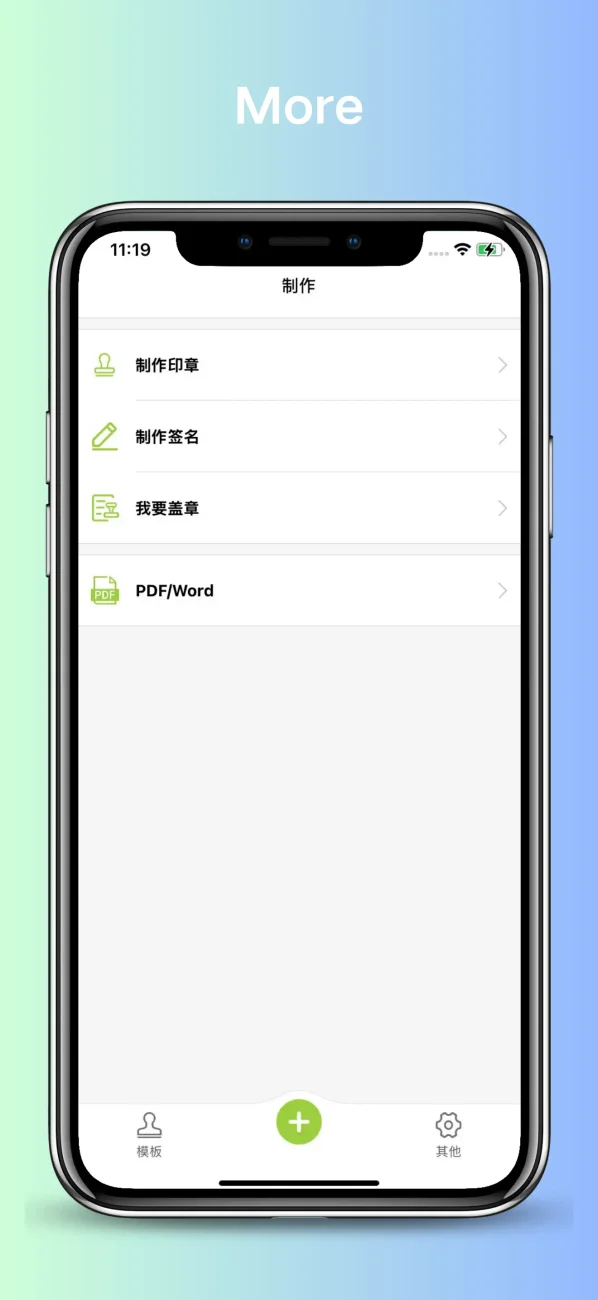
Seal Assistant is a simple and easy-to-use tool for creating custom seals and signatures. Whether you want to create a personalized seal, make a handwritten signature, or add seals and signatures to PDF or Word documents, you can do it quickly and easily.
With a variety of templates, flexible editing tools, and document stamping features, Seal Assistant provides everything you need in one app.
【Various Seal Templates】
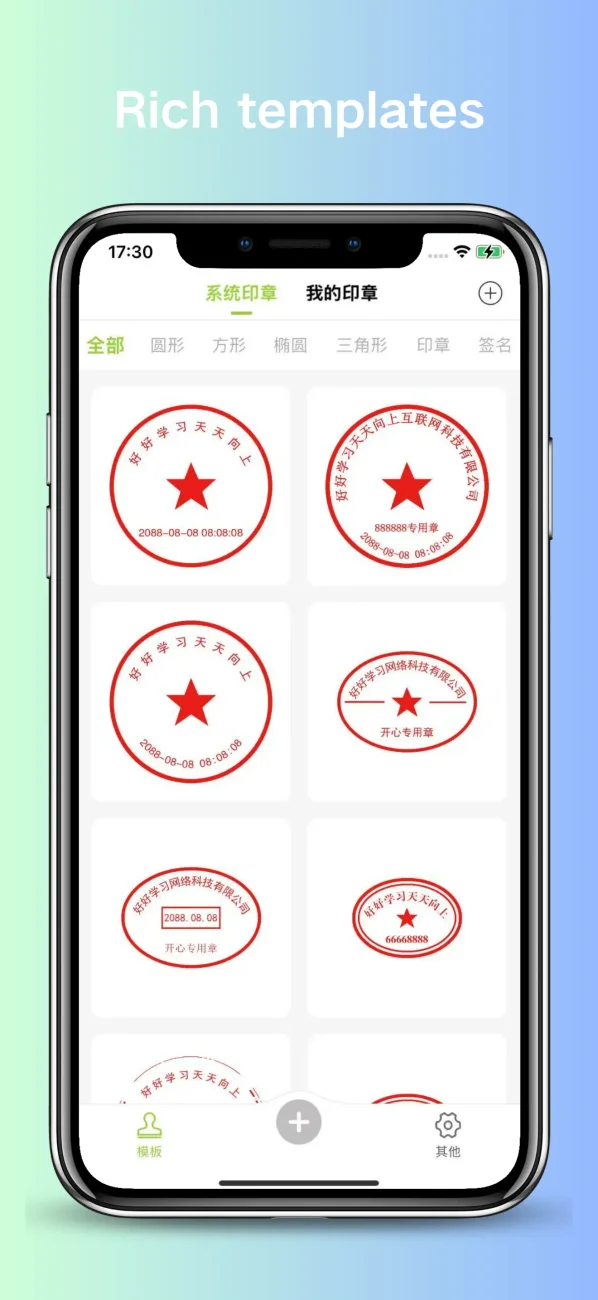
Choose from a variety of templates, including round, square, oval, triangular, signature seals, and more. Simply select your preferred style and customize the content to quickly create your own seal.
【Flexible Editing】
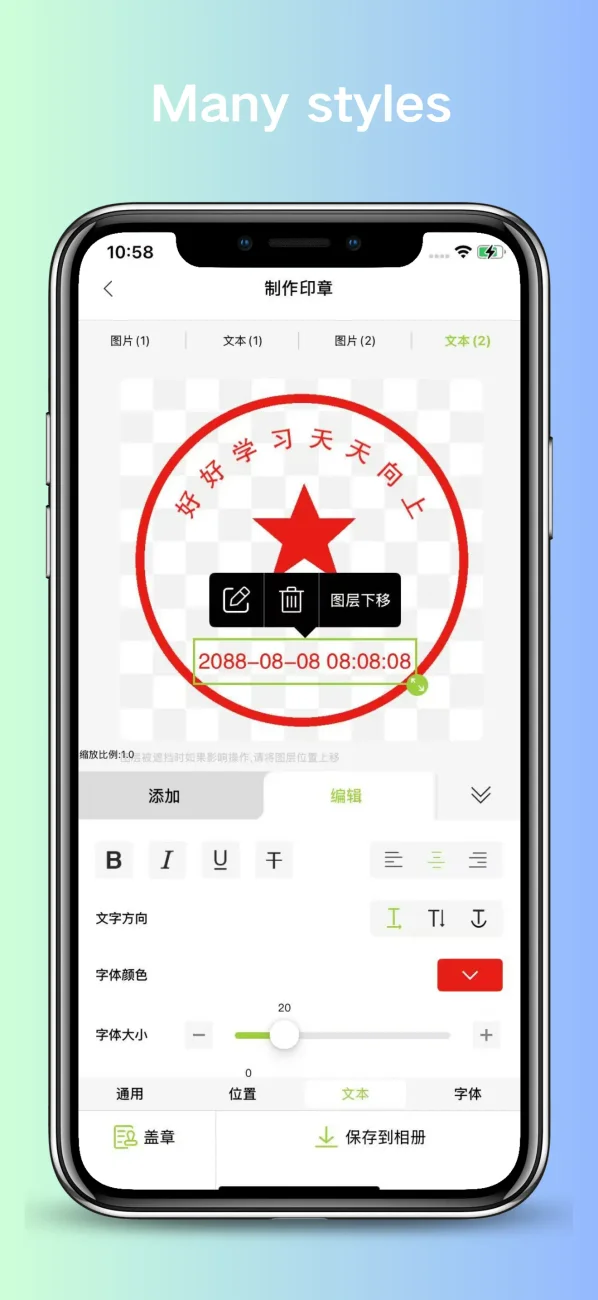
Customize text, images, colors, fonts, sizes, positions, and layout directions. You can also adjust the layer order. The intuitive editing experience lets you preview your changes in real time.
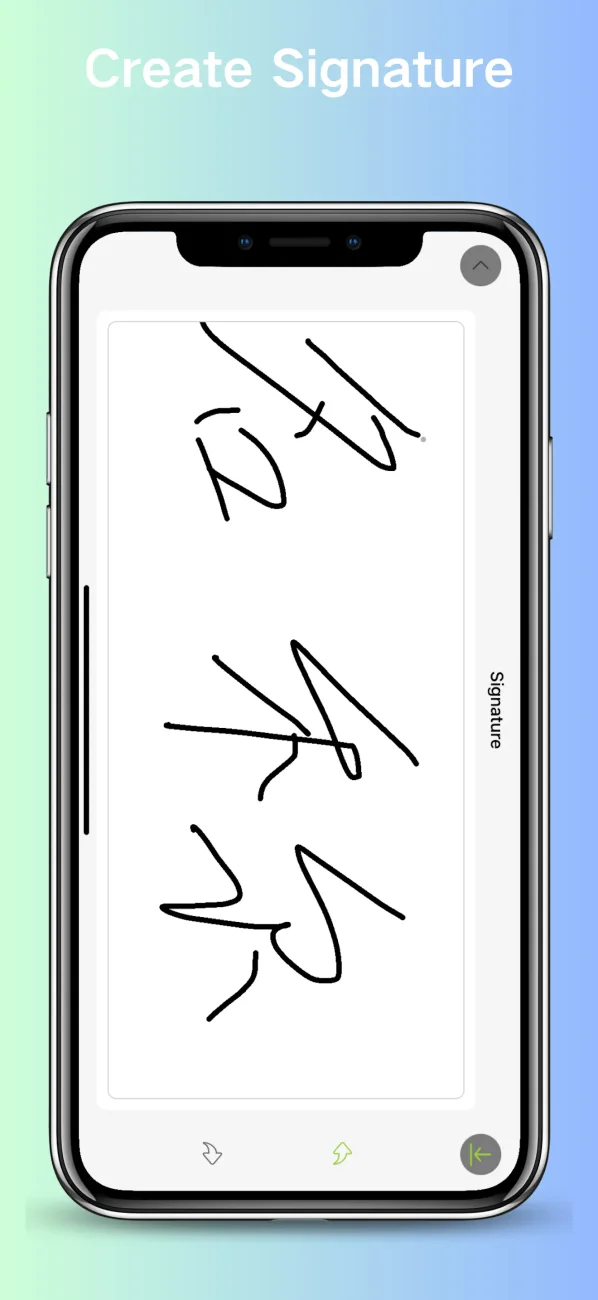
【Create Personalized Signatures】
Easily create and save your own signatures for document annotation, image editing, and other everyday needs.
【Add Seals to PDF / Word Documents】
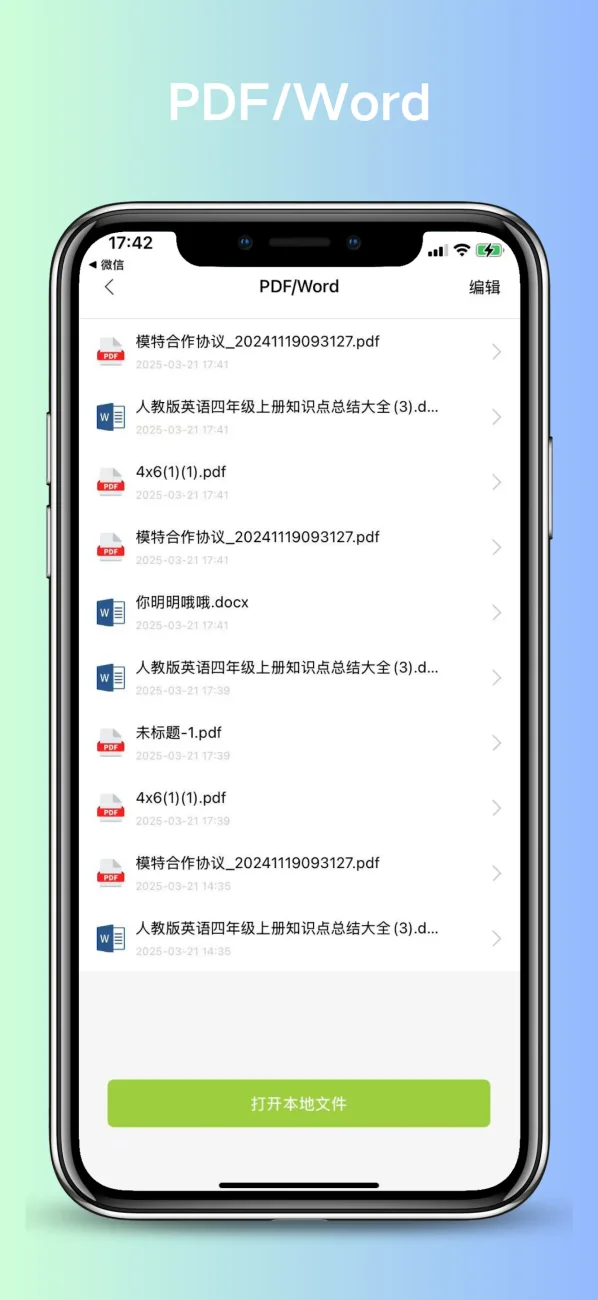
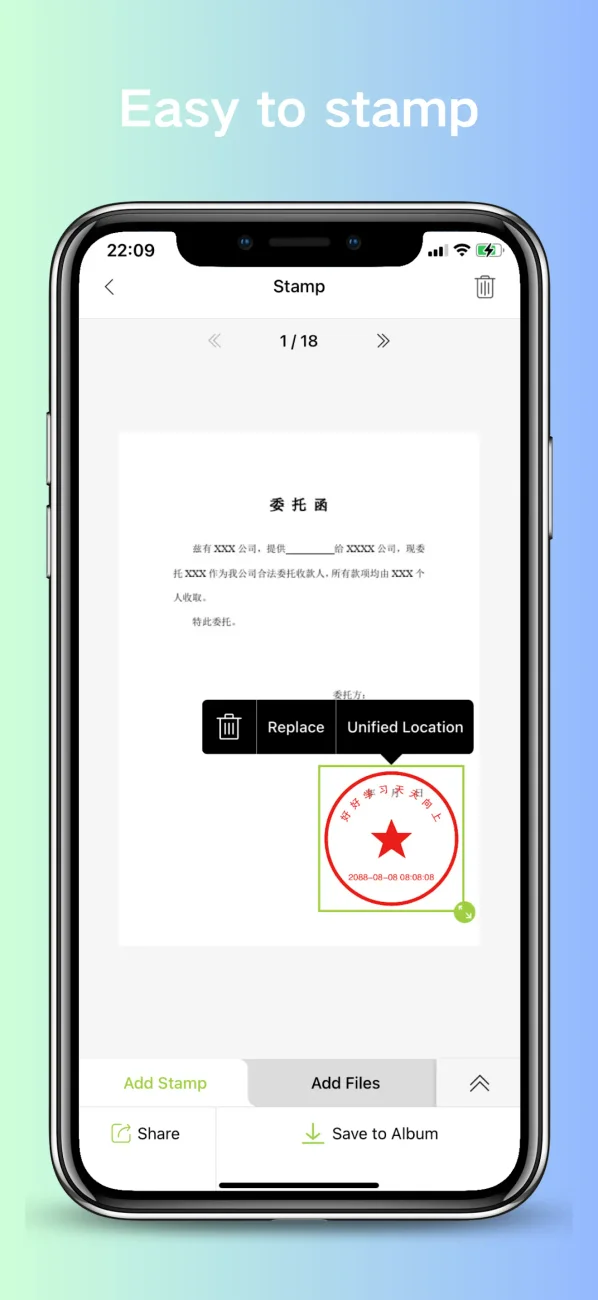
Import a document and add seals or signatures directly to it. Freely adjust their size and position, then save the finished document or share it with others.
【Lifetime Membership – ¥9.9】
One-time purchase with no automatic renewal. Unlock lifetime access to:
* Unlimited editing
* Unlimited saves
* Unlimited document stamping
From choosing a template and customizing your design to adding seals to documents and sharing your finished work, Seal Assistant makes the entire process simple and efficient.
Download Seal Assistant now and start creating your own seals and signatures.
User Agreement & Privacy Policy:
https://www.kdocs.cn/l/cfuL5ScGlS5D?from=docs
Terms of Use:
https://www.kdocs.cn/l/cntPDlaXwCEX
Friendly Reminder: The seals and signature images generated by this app are intended solely as convenient tools for image creation and document annotation. They do not represent certification, authorization, or legal endorsement by any organization or institution.
What’s new
Version 1.3.2 · Sep 3, 2026
What’s New:
Fixed known issues and improved the overall user experience.
App privacy
What 存龙 霍 declares on the App Store about how this app handles data.
-
Data not collected
The developer does not collect any data from this app.
Privacy practices may vary, for example with the features you use or your age.
Information
- Seller
- 存龙 霍
- Category
- Graphics & Design
- Version
- 1.3.2
- Updated
- Sep 3, 2026
- Released
- Oct 14, 2024
- Size
- 121.1 MB
- Requires
- iOS 13.0 or later
- Age rating
- 4+
- Price
- Free
- In-app purchases
- Yes
- Languages
- English, Simplified Chinese
- Copyright
- Copyright © 2024 cunlong.huo All Rights Reserved
You might also like
-
 萝卜章 - 很刑很逼真印章Graphics & Design
-
 一键抠图王Graphics & Design
-
 掌上印章 - 制作与文件盖章Graphics & Design
-
 Seal Maker - PDF Stamp ToolCreate Seals & Sign Documents
-
 Seal DesignerChinese Seal Carving
-
 印章制作-公章合同章萝卜章生成Graphics & Design
-
 Chinese Seal ArtSeal Designer
-
 AI BG Remover - PictureXFast & safe background eraser
-
 Giggle - Game, Widget, ThemesHomescreen,Wallpapers,Shortcut
-
 Photo Editor-Add, Replace TextPhotoshop the text