- Age rating4+
- CategoryUtilities
- DeveloperSecSign Technologies Inc.
- LanguagesEnglish+ 1 more
- Size33.9 MB
Links to the official App Store page
Download.org hosts no file of SecSign ID. The button opens its official App Store page, published by SecSign Technologies Inc. Listing last checked on Nov 24, 2026.
Screenshots
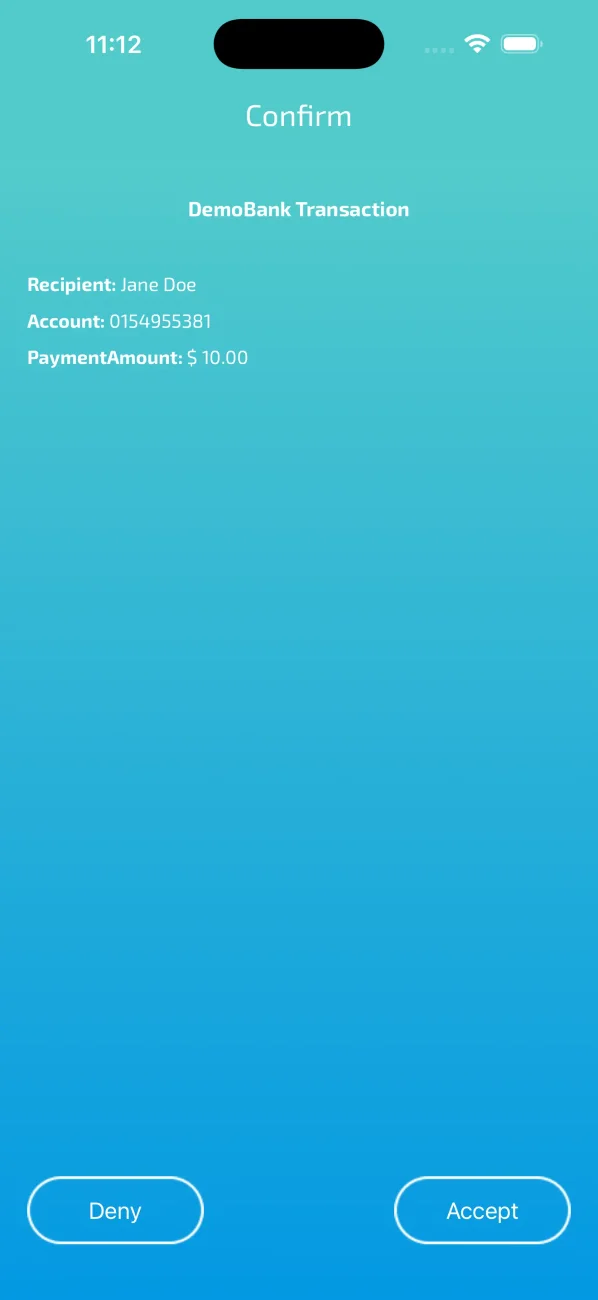
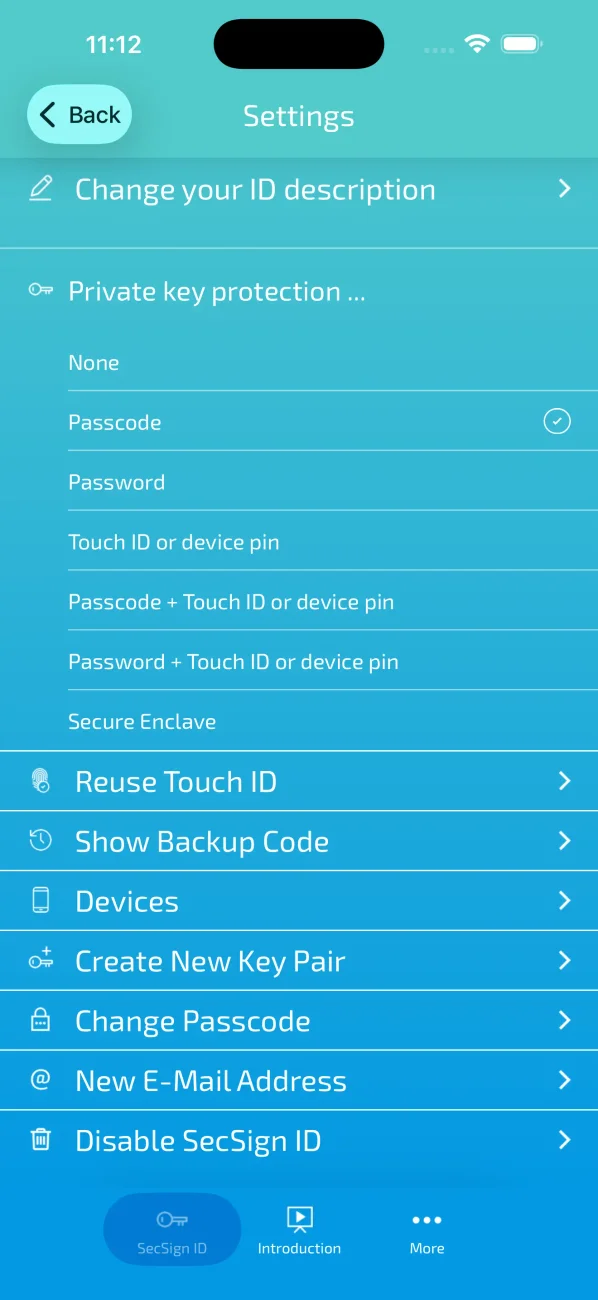

About
SecSign ID – two factor authentication (2fa - 2 factor authentication) with the simplicity of mobile technology
• Log into websites, applications, and systems without passwords and with the total security of out-of-band mobile authentication.
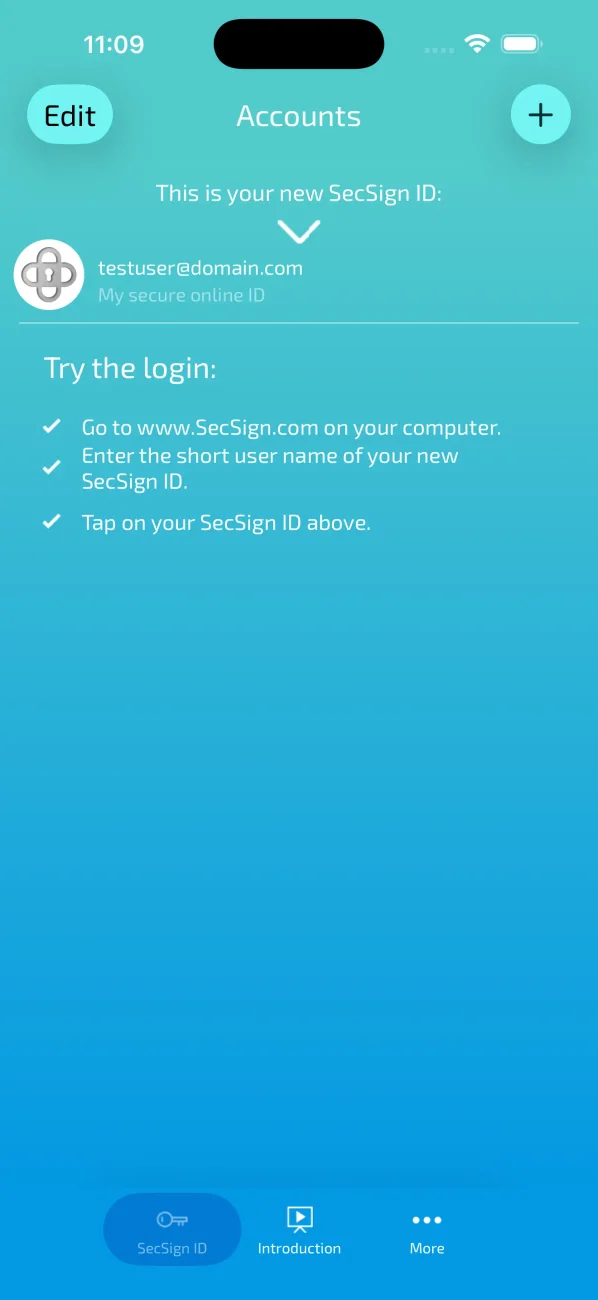
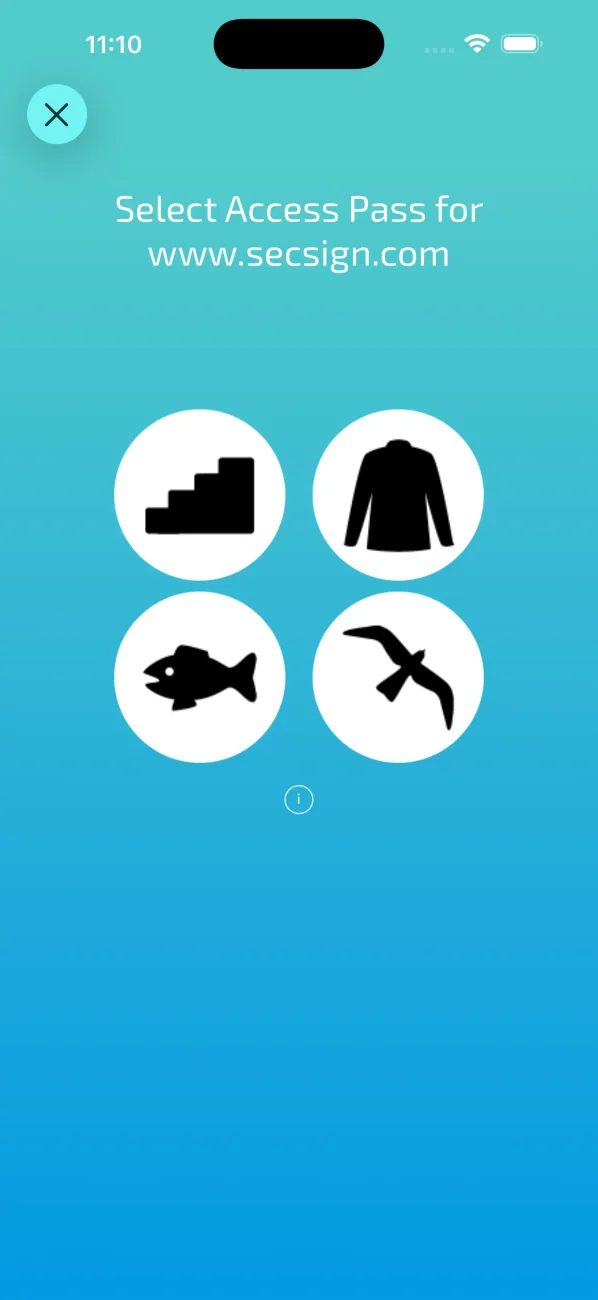
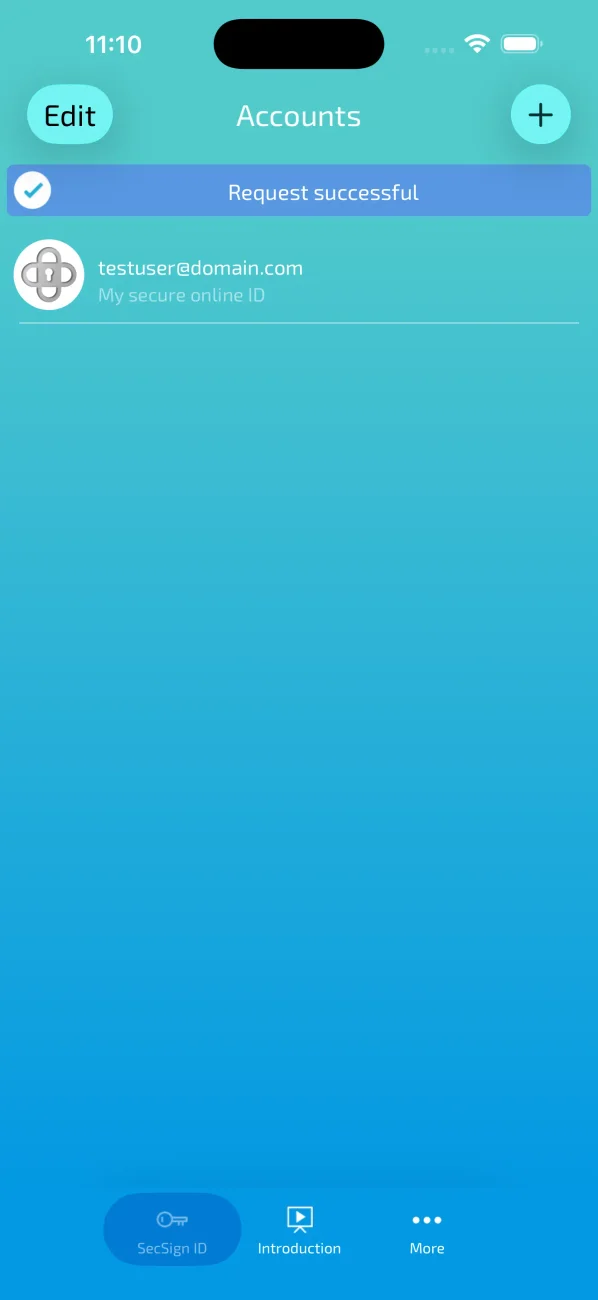
• For the login you only enter your user name (SecSign ID) and confirm one access symbol (no entry of confidential credentials)
• 2048-bit encrypted key pairs and public key infrastructure (PKI) provide identity access management (IAM) that is completely immune from login hacking, phishing, and malware.
• No passwords or sensitive user information are ever stored on a login server.
• Integrate SecSign ID 2FA into your own website, application, or systems with our free and unlimited cloud service.
• Operate your own 2 factor on-premise server behind your firewall in your data center
• Use SecSign ID 2FA for free access to the SecSign Portal, the truly secure solution for online collaboration with encrypted file sharing, file storage, and messaging.
Features
• Eliminates passwords and password theft
• Quick and easy mobile authentication via 4-digit PIN, Touch ID fingerprint, Face ID, or even the Apple Watch!
• No hardware or infrastructure required
• Free, unlimited cloud service through our Secure Trust Center Servers
• No need to use or remember passwords, retype SMS codes, or scan QR codes
• High security and advanced cryptography on all levels
• Also available as an on-premise installation for enterprise IAM
Technical Details
• 2048-bit asymmetric RSA key pairs or ECC key pairs
• Public key stored and used on the ID server
• Private key stored securely on iOS device
• Brute force resistant private key storage
• No private key information stored on the ID server
• Sensitive credentials are never entered through user logins
• Confidential credentials are never transmitted or stored on a server
• High availability through redundant remote failover servers
• Multi-tier secured server architecture
• On-premise solutions available for installation on your own servers
Apple Watch Support
• Use your Apple Watch to log into websites with unbeatable identity security
• No sensitive user credentials are ever transmitted or stored on a server
• Verify your identity with a single tap on your Apple Watch
How to Create Your SecSign ID for iPhone and iPad
1. Install the app
2. Choose a unique user name
3. Use biometrics or choose a short PIN to secure your SecSign ID on your mobile phone
How to Start Using SecSign ID on your iPhone
• Try the sample login on our website or log into our free and completely secure portal for encrypted file sharing and messaging, the SecSign Portal, at https://portal.secsign.com.
• Developers can download our free plugins and integrate free, unlimited use of SecSign ID for your websites and applications. Visit https://www.secsign.com/plugins/
• Use it to protect your networks, websites, platforms, or devices
• Use it with SecSign Portal for secure file storage, file sharing, and messaging
• Deploy your own in-house SecSign ID server for enterprise security
How to Log into Websites with Your Apple Watch
• Use your existing SecSign ID or create a user name using the SecSign ID app on your iPhone
• Make sure your Apple Watch is paired with your iPhone
• Log into a website using your SecSign ID user name (e.g. Try the login on our completely secure portal for encrypted file sharing and messaging: https://portal.secsign.com)
• A notification shows up on your Apple Watch.
• On your Watch, tap the access symbol that matches the symbol on the website login screen
• You’re now authenticated and access is granted
SecSign ID is free for everyone and free of advertising.
SecSign ID is a product of SecSign Technologies, a sister company of SecCommerce GmbH of Hamburg, Germany. We have over 24 years of experience in developing strong cryptography and highly sophisticated security software products for governments, public institutions, and private companies.
What’s new
Version 2.3.1 · Jun 4, 2026
- Bug fixes
Issues? Comments or suggestions for future updates? Please contact us at support@secsign.com
App privacy
What SecSign Technologies Inc. declares on the App Store about how this app handles data.
-
Data not linked to you
May be collected but is not linked to your identity.
- Identifiers
Privacy practices may vary, for example with the features you use or your age.
Information
- Seller
- SecSign Technologies Inc.
- Category
- Utilities
- Version
- 2.3.1
- Updated
- Jun 4, 2026
- Released
- Dec 20, 2012
- Size
- 33.9 MB
- Requires
- iOS 15.0 or later
- Age rating
- 4+
- Price
- Free
- Languages
- English, German
- Copyright
- © 2012-2026 SecSign Technologies Inc.