
Secure Watermark
Watermark Photos & Documents
Designed for iPhone, iPad
Free · In-app purchases
- Age rating4+
- CategoryUtilities
- Developer泽海 黄
- LanguagesEnglish+ 22 more
- Size6.2 MB
Links to the official App Store page
Download.org hosts no file of Secure Watermark. The button opens its official App Store page, published by 泽海 黄. Listing last checked on Nov 21, 2026.
Screenshots


About
Secure Watermark adds a lasting, visible watermark to ID documents and photos — entirely on your device. No network required, no account, nothing uploaded. Protection of privacy is the whole point: your images never leave your iPhone or iPad.
THREE MODES
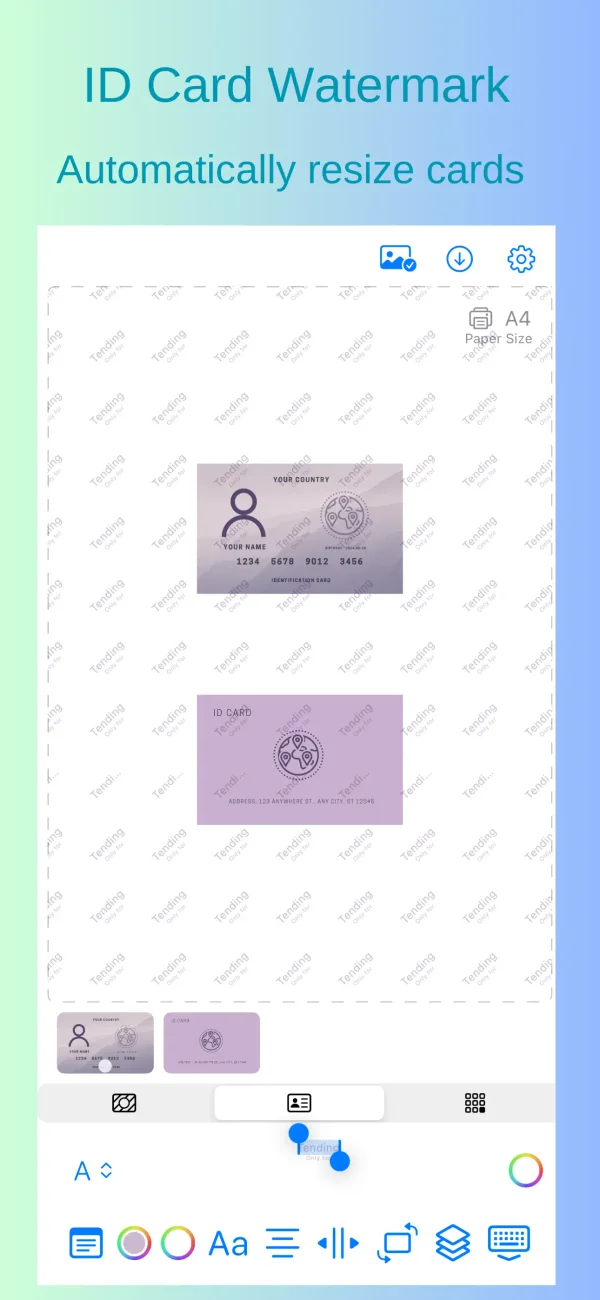
ID Document Watermark
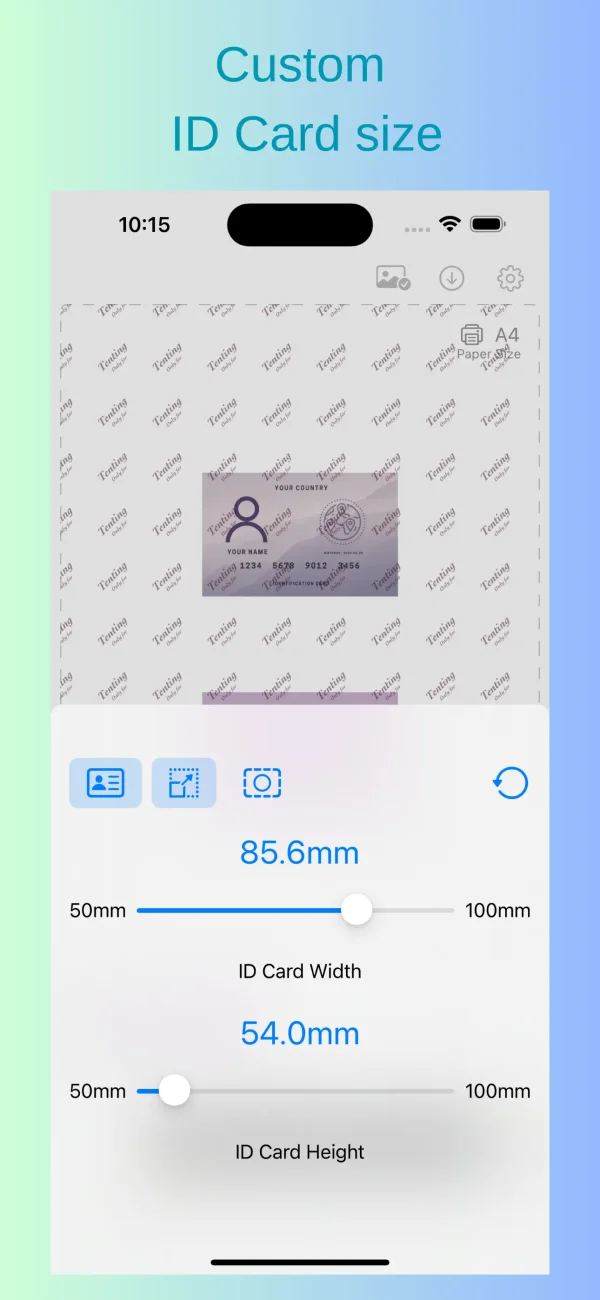
Photograph both sides of a document and let the app handle the framing. Secure Watermark finds the card edge on device, corrects the perspective and crops it automatically, then lays the front and back out on a single A4 sheet ready for a full-page watermark. If the edges cannot be found, the shot is cropped to the on-screen guide instead. You can import existing pictures instead of shooting. Works with ID Card, Driver License, Social Security Card and Bank Card, and the finished sheet exports as an image or a PDF.
Full-Screen Watermark
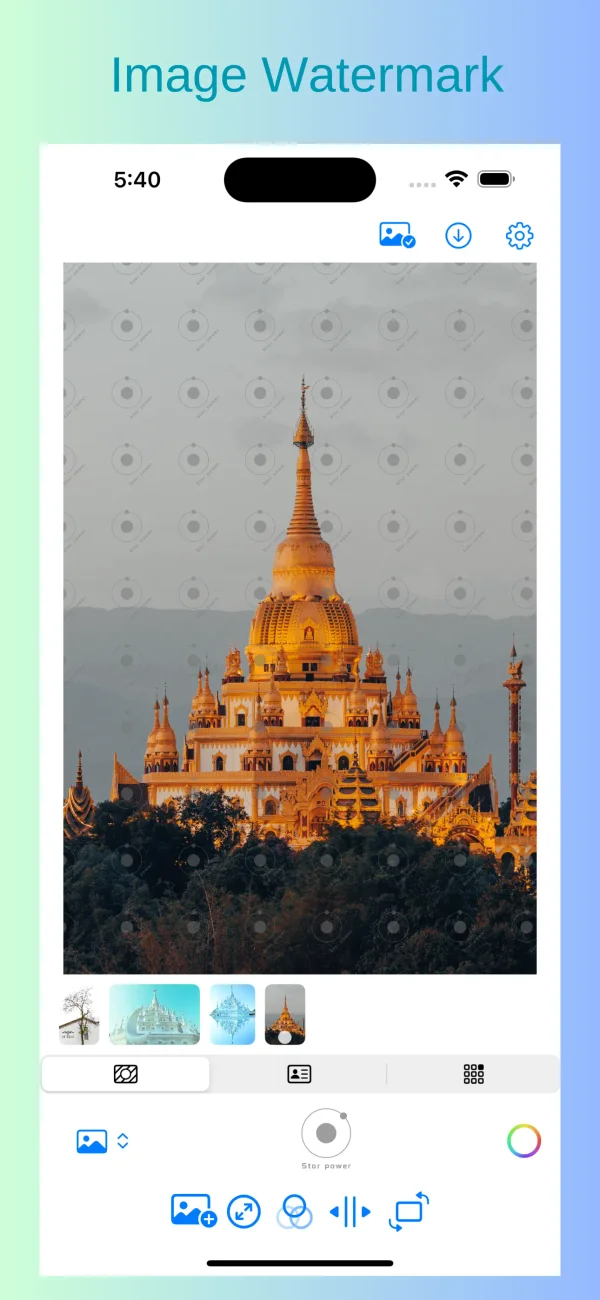
Import several photos at once and cover each one with a watermark that spans the whole frame. Built for the moment a picture has to leave your hands: reduce exposure risk before it travels.
Custom Watermark
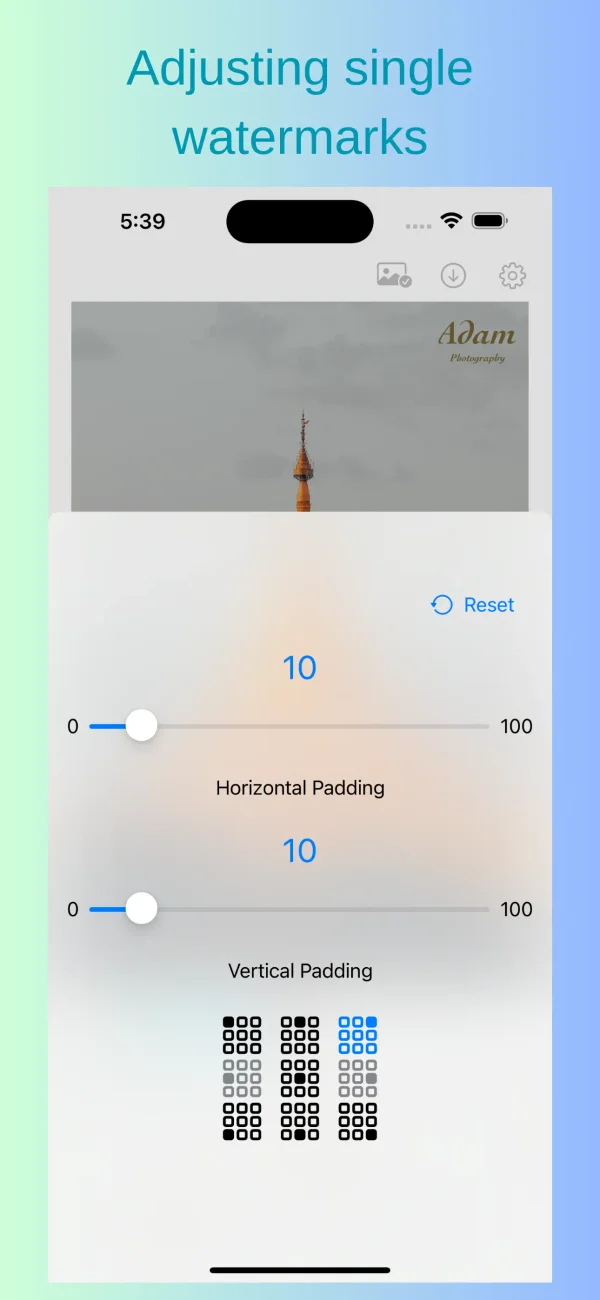
Pick one watermark from the library and place it where you want it, on a single photo or a whole batch.
THREE WATERMARK TYPES
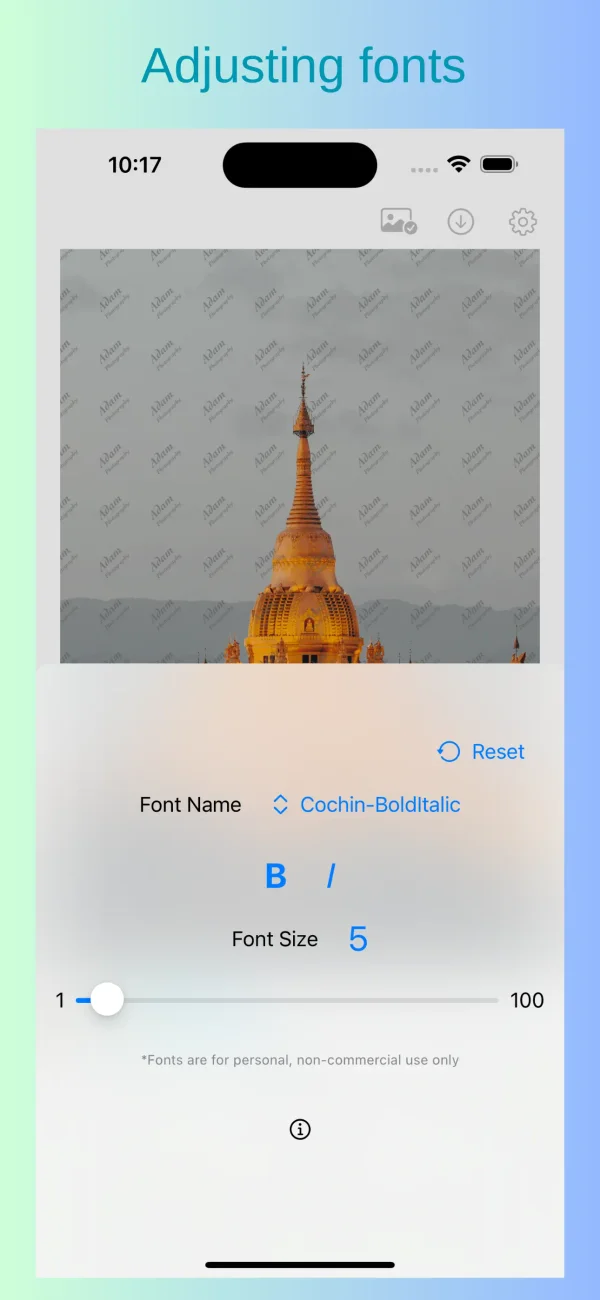
• Text watermark — build a clean, professional mark with rich text.
• Image watermark — use any image of your own as the watermark.
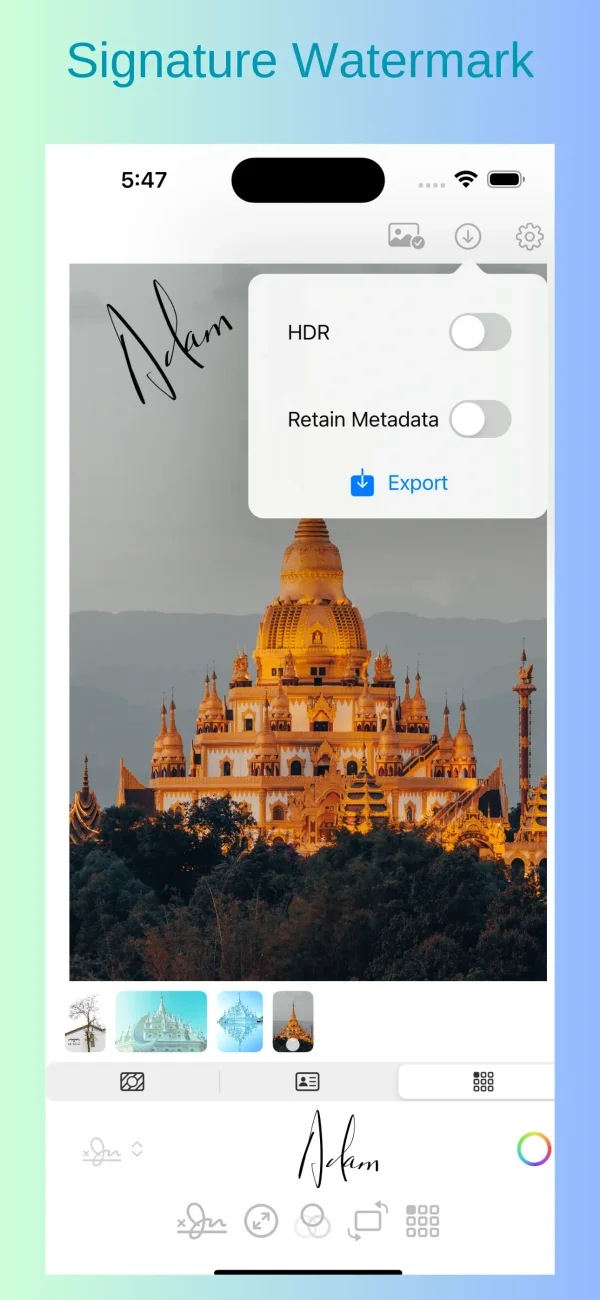
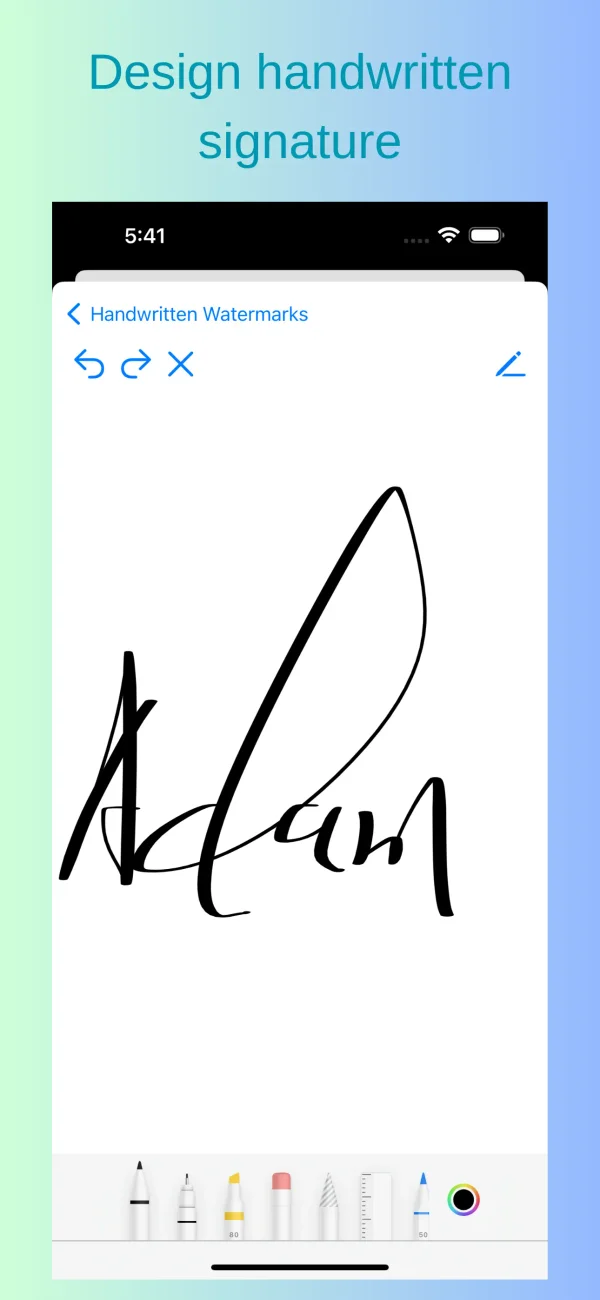
• Signature watermark — write a handwritten signature and use it as the watermark.
WATERMARK LIBRARY
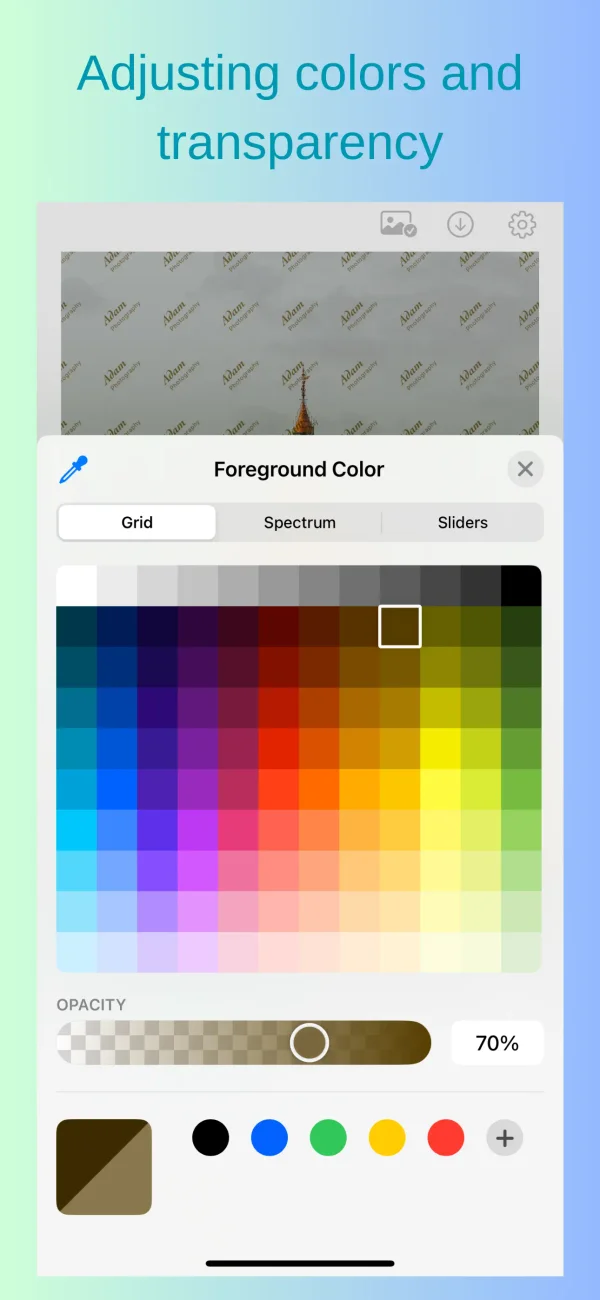
Every watermark keeps its own look, so choosing one applies it to every photo you export, and ready-made templates give you a starting point. Font, color, opacity, rotation, spacing, margins and alignment are adjustable, and you can save, rename or delete your own watermarks at any time.
PRIVACY
Everything runs on device. Secure Watermark makes no network requests and needs no sign-in, and your pictures are never uploaded anywhere. The photos you capture for ID document mode stay inside the app's own sandbox while you work; only the watermarked result you export is saved to your photo library.
PRO
Pro removes the export limits:
• Export full screen watermark images
• Export certificate images and PDFs
• Export several images at once
• View the preview full screen
Custom Watermark mode exports without Pro, one image at a time. The other two modes need Pro to export.
Built for iPhone and iPad, with an interface in 22 languages.
Your documents, your device.
What’s new
Version 2.1.0 · Nov 13, 2026
Free Version Improvements
• Full-Screen Watermark: 3 free exports per day
• ID Watermark: 2 free exports in total
• Custom Watermark: 1 free export per use
Enjoy more flexibility with updated free export limits across different watermark features.
App privacy
What 泽海 黄 declares on the App Store about how this app handles data.
-
Data not collected
The developer does not collect any data from this app.
Privacy practices may vary, for example with the features you use or your age.
Information
- Seller
- 泽海 黄
- Category
- Utilities
- Version
- 2.1.0
- Updated
- Nov 13, 2026
- Released
- Jul 21, 2024
- Size
- 6.2 MB
- Requires
- iOS 17.0 or later
- Age rating
- 4+
- Price
- Free
- In-app purchases
- Yes
- Languages
- English, Arabic, French, German, Greek, Hebrew, Hindi, Hungarian, Indonesian, Italian, Japanese, Korean + 11 more
- Copyright
- © 2024 Huang Zehai
You might also like
-
 FastID - 證件自動拍、浮水印隨手上Utilities
-
 ID Watermark: Photo ProtectionPassports, Licenses & Visas
-
 Add Watermark+add text to photo
-
 WatermarkYourIDProtect Your Documents
-
 Watermark ID Card ProtectSecure Your Documents
-
 Tutu WatermarkWatermarking and compressing
-
 Watermark PDF & Photo: MarklioAdd logo, text & stamp in bulk
-
 Watermark It - Add Logo & TextBrand & Protect images fast
-
 证件水印 - 扫描身份证水印照片保障隐私安全Utilities
-
 DocmarkDocument watermark.