
- Age rating4+
- CategoryUtilities
- DeveloperWanyeki Technologies
- LanguagesEnglish
- Size66.2 MB
Links to the official App Store page
Download.org hosts no file of SecureEdge. The button opens its official App Store page, published by Wanyeki Technologies. Listing last checked on Nov 17, 2026.
Screenshots

About
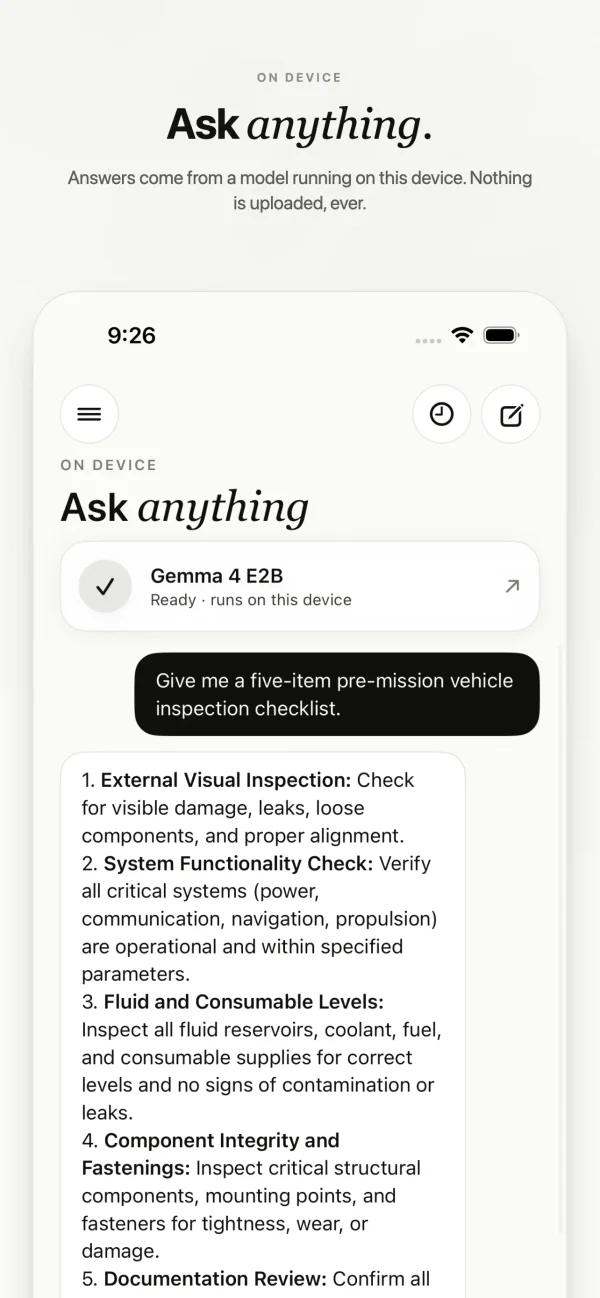
SecureEdge is a voice-first AI assistant that runs entirely on your iPhone or iPad. Dictate, load documents, and ask questions about sensitive material. The language model runs on the device, so your prompts, documents, transcripts, and answers never leave it.
It is built for people who cannot use cloud AI: defense and government users handling controlled unclassified information, defense contractors, allied forces, and any regulated organization on managed Apple devices.
WHAT IT DOES
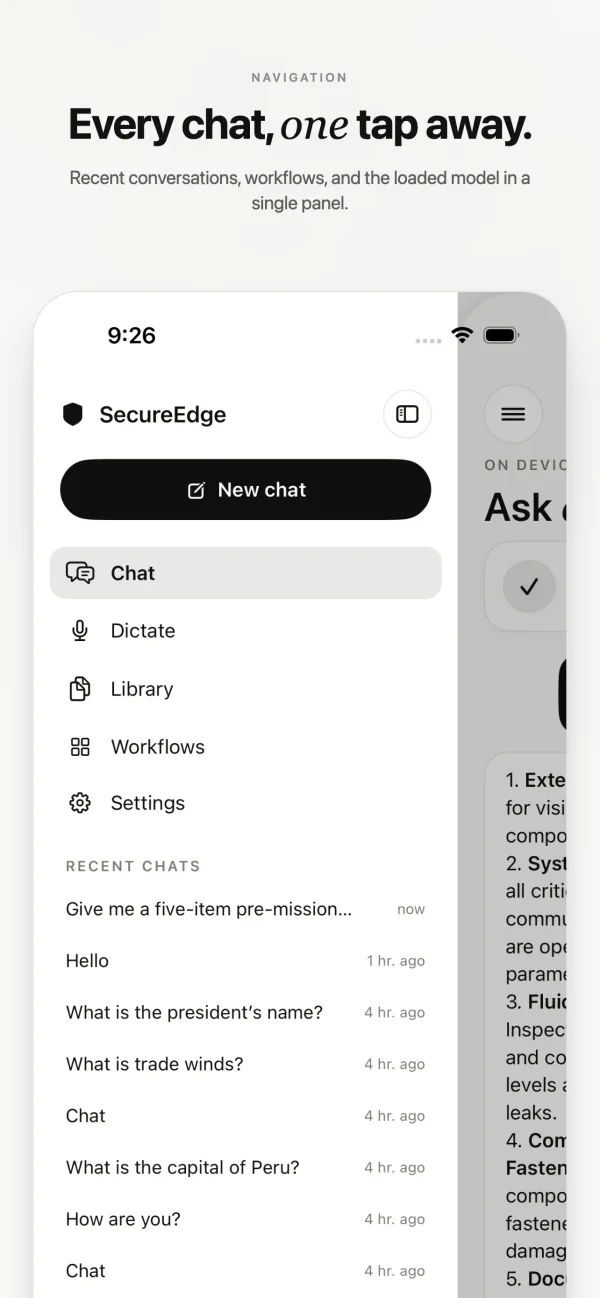
• Chat with an open-weight language model with streaming responses, image and document attachments, and true conversation history.
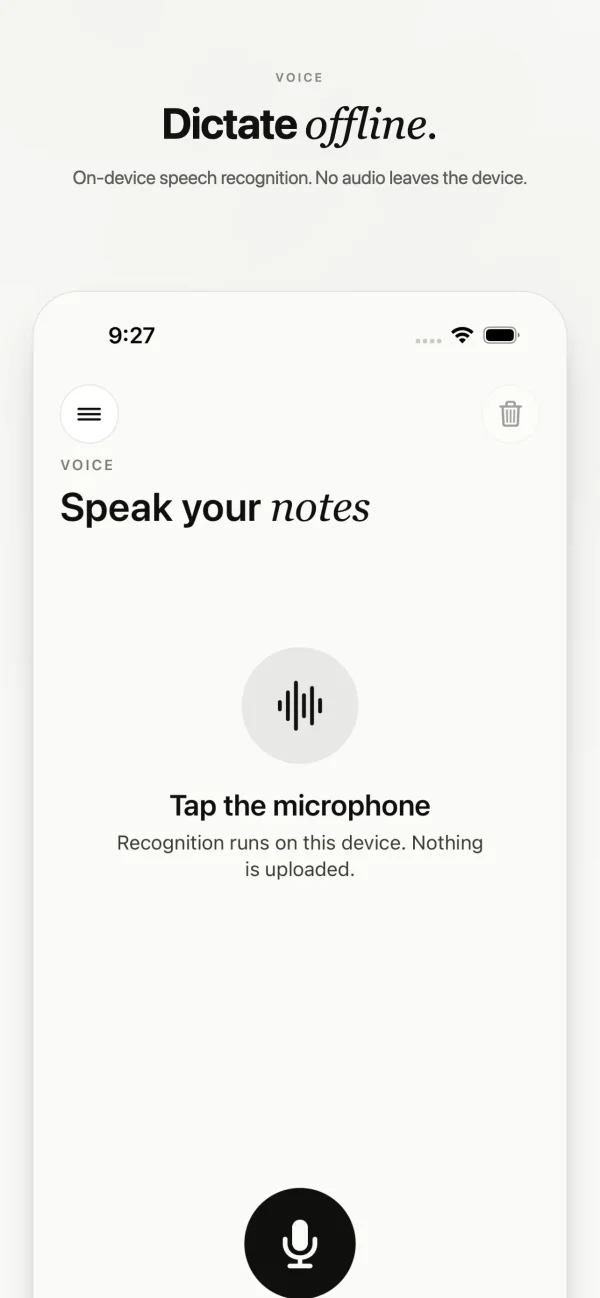
• Dictate on device. Speech is transcribed locally, then cleaned up by the model with support for military and technical vocabulary.
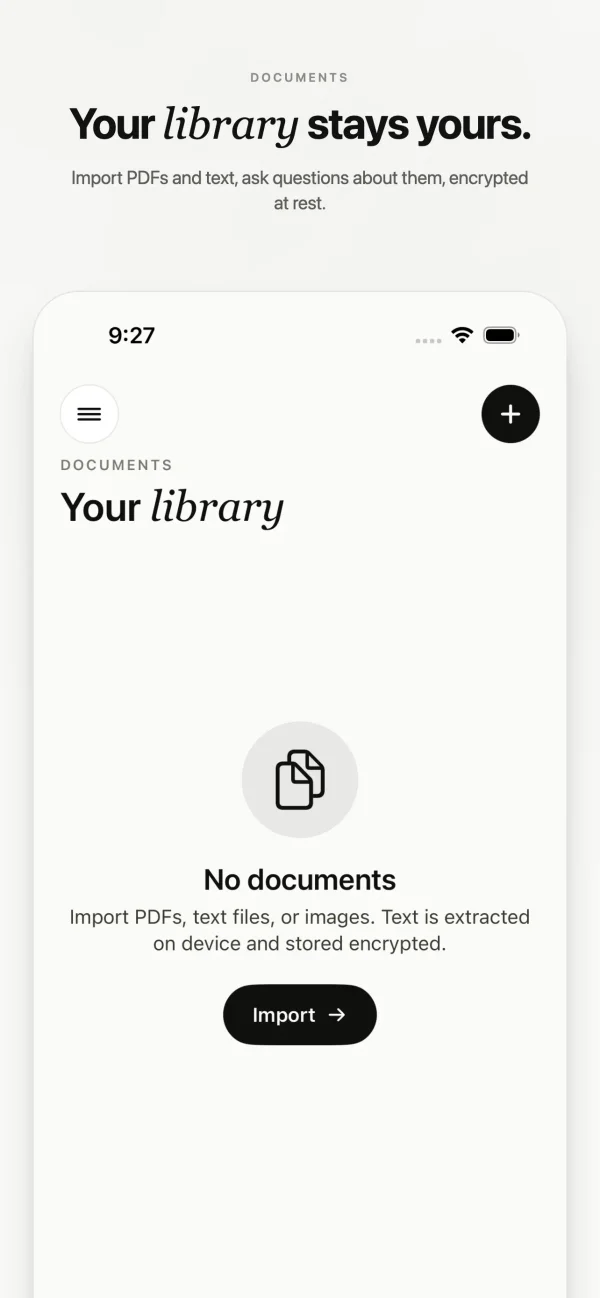
• Build a document library from PDF, text, RTF, and images with on-device OCR. Everything is encrypted at rest.
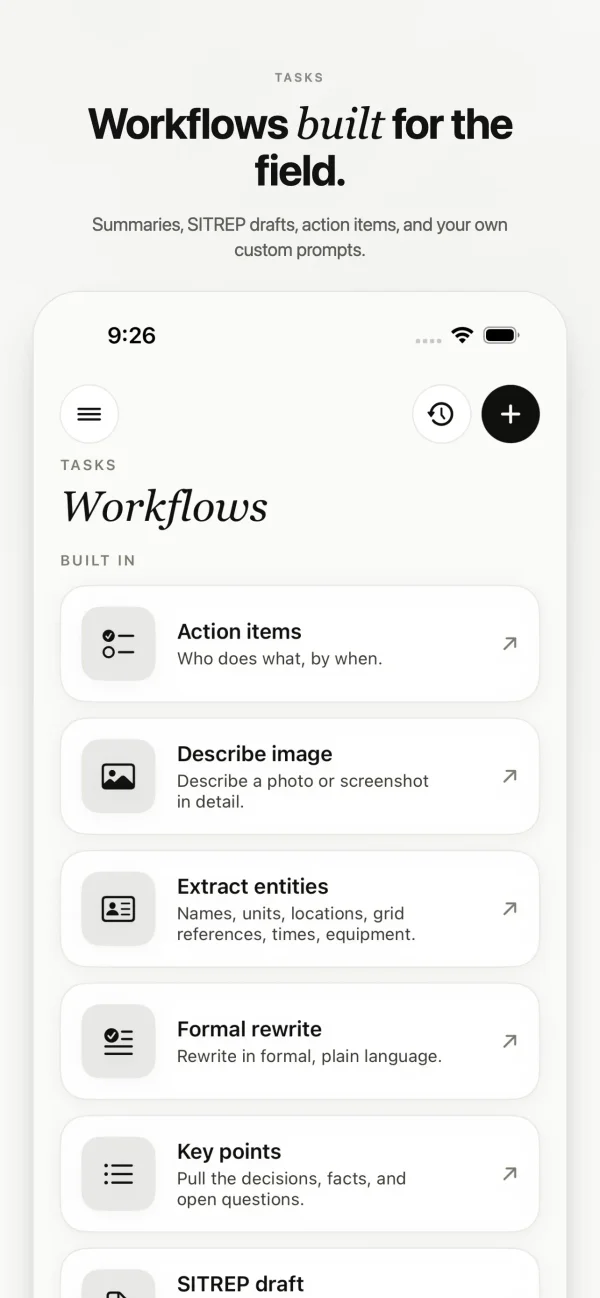
• Run workflows on any input: Summarize, Key points, Action items, SITREP draft, Extract entities, Formal rewrite, Describe image, and Translate to English. Create your own in the custom workflow editor.
• Let long jobs finish on their own. Large inputs run in checkpointed steps that resume after a pause, background expiry, or termination, and a local notification tells you when they are done.
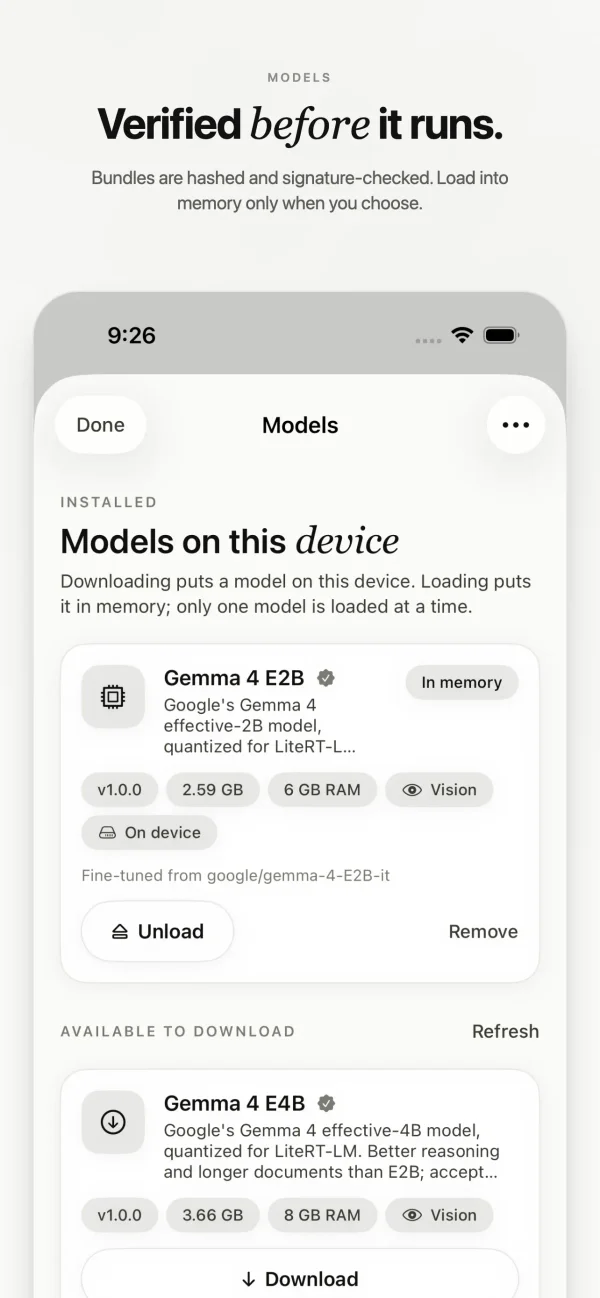
• Choose the model that fits your device. Models the hardware cannot run are shown with the reason and cannot be loaded.
BUILT FOR MANAGED FLEETS
• MDM policy client with fail-closed parsing, so an unreadable policy locks down rather than opens up.
• Signed model bundles with Ed25519 manifests and SHA-256 verification.
• Hash-chained, tamper-evident audit log with in-app verification and JSON Lines export.
• Retention enforcement: per session, 24 hours, 30 days, or indefinite, set by policy.
• Admin tooling for signing bundles and generating MDM configuration.
HOW MODELS ARRIVE
This App Store build can download models from a signed catalog. That download is the only network activity; inference, dictation, documents, and chat never touch a server. Downloaded models can be removed locally at any time. Managed deployments can instead push models through MDM and run with no networking at all.
DEVICE REQUIREMENTS
The model sets the hardware floor. SecureEdge needs iOS 26 or later and an iPhone 15 or newer with at least 6 GB of memory. iPhone 15 Pro or later, or an iPad with 8 GB, is recommended for the larger and vision-capable models.
No account. No analytics. No cloud. Your data stays where you put it.
Private policy: https://www.secureedgemobile.com/privacy/
Terms and conditions: https://www.secureedgemobile.com/terms/
Pilot programs and enterprise deployment: visit secureedgemobile.com.
What’s new
Version 1.3 · Sep 28, 2026
Improved document and pdf context management
App privacy
What Wanyeki Technologies declares on the App Store about how this app handles data.
-
Data not collected
The developer does not collect any data from this app.
Privacy practices may vary, for example with the features you use or your age.
Information
- Seller
- Wanyeki Technologies LLC
- Category
- Utilities
- Version
- 1.3
- Updated
- Sep 28, 2026
- Released
- Sep 22, 2026
- Size
- 66.2 MB
- Requires
- iOS 26.0 or later
- Age rating
- 4+
- Price
- Free
- Languages
- English
- Copyright
- © 2026 Wanyeki Technologies LLC
You might also like
-
 Bill TrackrUtilities
-
 Little MindersUtilities
-
 PowerVision 4Dynojet Research Inc.
-
 Tab - The simple bill splitterThe simple bill splitter
-
 Army MobileConnectArmy Passwordless MFA
-
 Pushcut: Shortcuts AutomationNotifications and Widgets
-
 Pushover NotificationsSimple Push Notifications
-
 HuntFishNYUtilities
-
 NFC TapRead and Write ST25 NFC Tags
-
 Chirp AccessSmart Access for Apartments