
- Age rating17+
- CategoryBusiness
- DeveloperSATERAITO OFFICE, INC.
- LanguagesEnglish+ 1 more
- Size5.9 MB
Links to the official App Store page
Download.org hosts no file of Security Browser for GWS. The button opens its official App Store page, published by SATERAITO OFFICE, INC. Listing last checked on Nov 13, 2026.
Screenshots
About
Move in conjunction with in the "Sateraito Office Security Browser for Google Workspace," "Sateraito Office Single Sign-On for Google Workspace", it is a secure browser. I realize the security access control to the more advanced and detailed Google Workspace.
• Single Sign-On with Google Workspace
• Security policy enforcement by, personalized / organization another of the control
• And use control of the global IP address / terminal ID Unit
• Issue and install client certificate to users devices.
• URL to use site control by the filter
• Data download ban / cache & Cookei Clear
• Character of the prohibition of copy and paste
• Automatic deletion of clipboard
• Automatic login availability
• And printing ban
• Address URL bar availability of
• The entire shared bookmark / personal bookmark availability of
• Automatic logout function
• The acquisition and by the administrator of the user access log
• Mail & Calendar New data notification function
Etc
The user can to keep doing the registration and terminal application of account that you want to access in advance
Network that is authorized from the next time, if the terminal, ID, without placing a password
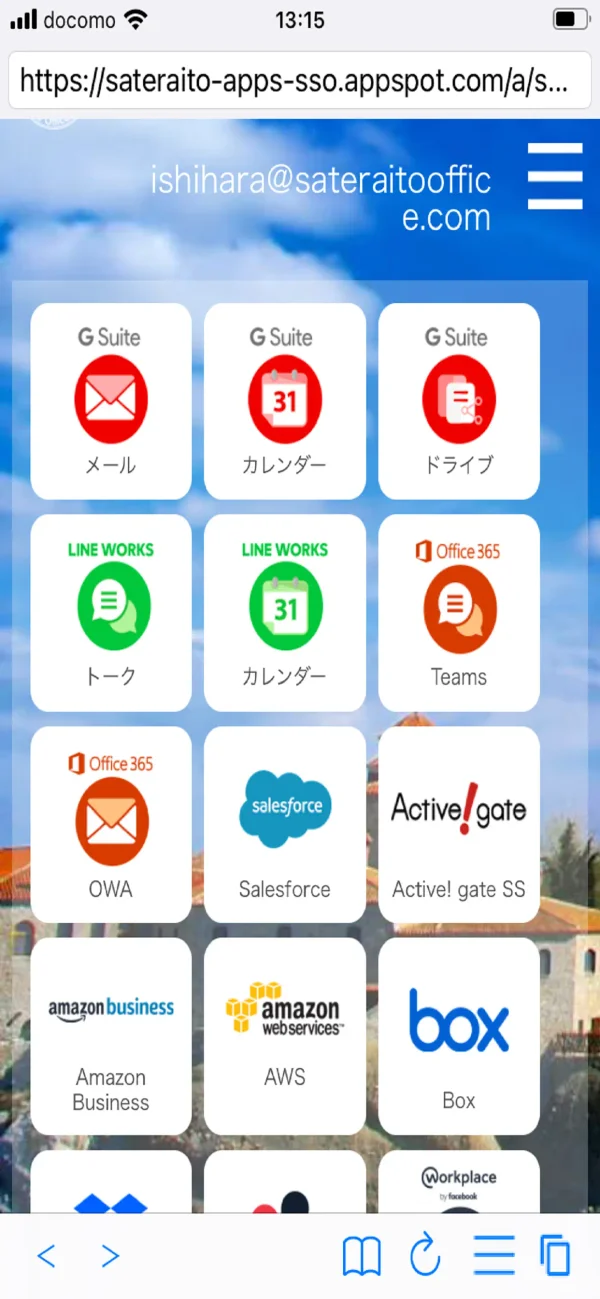
Available each service of Google Workspace, such as Gmail and calendar by simply pressing the login button!
・How to use this app
1. launch the app
Tap the "Account Management" in the top screen
2. account management to the display
Tap the "not registered"
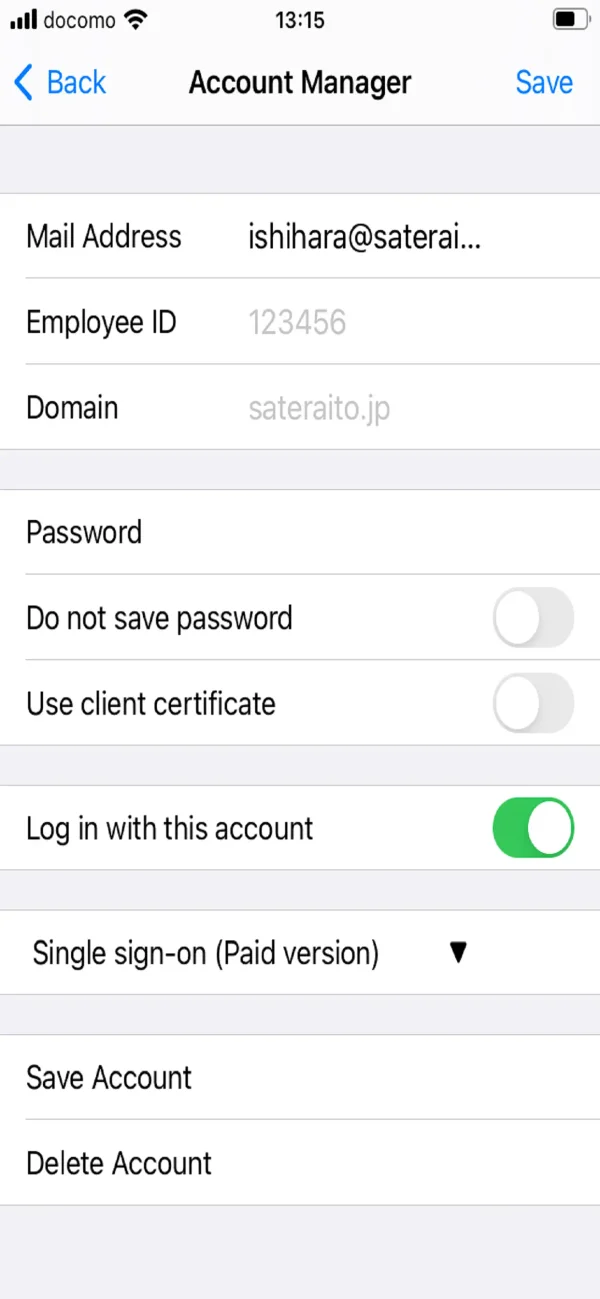
3.Account registration display
Enter input to the "e-mail address" to the e-mail address or "Employee ID", "domain"
Enter a password in the "Password"
Check out "log in with this account."
Select a single sign-on to connect to
Tap the "registration"
4. Tap the e-mail address that you entered earlier in account management
5. account registration display
Tap the "registration of the terminal information"
6. note of registration of the terminal terminal display
Tap the "registration"
7. Enter your purpose
Tap to "register"
8.Registration of the terminal terminal display
Tap "OK"
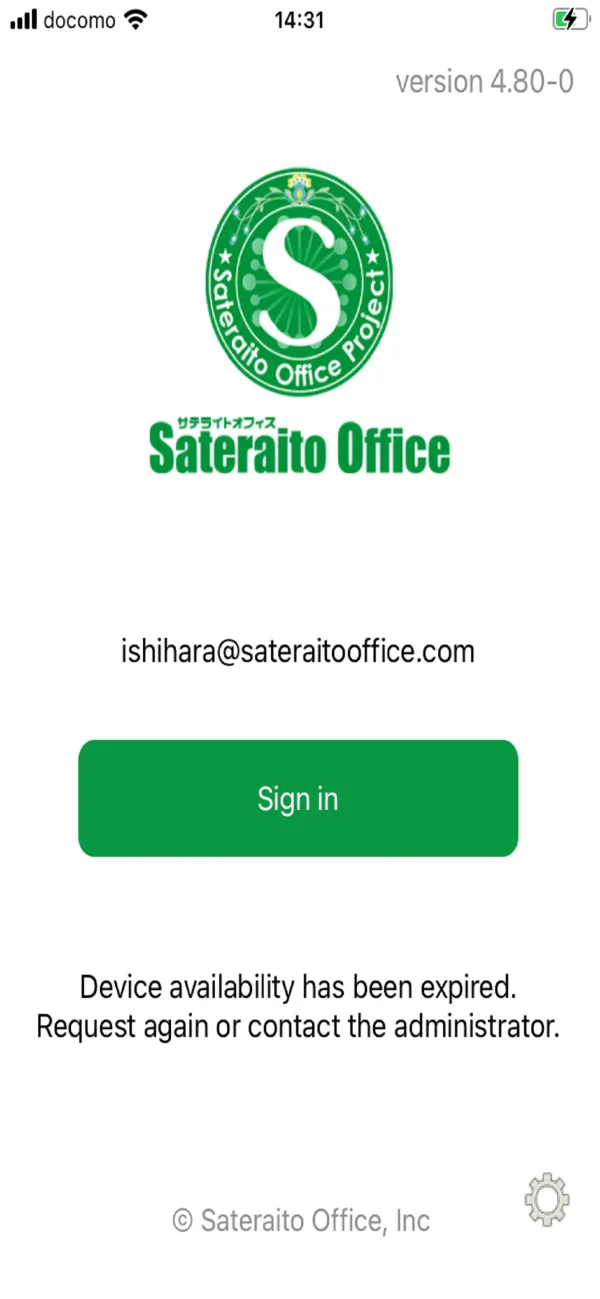
9. to Top screen
Tap to "sign in"
▽ of satellite office security browser for Google Workspace support
https://sites.google.com/a/sateraito.jp/sateraito-dounyuu/Home/sapoto-chuang-kounitsuite
▽ introduction of satellite office security browser for Google Workspace page
https://www.sateraito.jp/Google_Apps_Security_Browser.html
▽ introduction of satellite offices Single Sign-On for Google Workspace page
https://www.sateraito.jp/Google_Apps_SSO.html
What’s new
Version 5.02 · Aug 19, 2026
Some maintenances
App privacy
What SATERAITO OFFICE, INC. declares on the App Store about how this app handles data.
-
Data not collected
The developer does not collect any data from this app.
Privacy practices may vary, for example with the features you use or your age.
Information
- Seller
- SATERAITO OFFICE, INC.
- Category
- Business
- Version
- 5.02
- Updated
- Aug 19, 2026
- Released
- Jun 9, 2014
- Size
- 5.9 MB
- Requires
- iOS 15.0 or later
- Age rating
- 17+
- Price
- Free
- Languages
- English, Japanese
- Copyright
- © Sateraito Office, Inc.