
Security Camera: Home Smart
Setup & Control Security Cams
Designed for iPhone, iPod touch
Free · In-app purchases
- Age rating4+
- CategoryLifestyle
- DeveloperFascia Limited
- LanguagesEnglish+ 32 more
- Size31.7 MB
Links to the official App Store page
Download.org hosts no file of Security Camera: Home Smart. The button opens its official App Store page, published by Fascia Limited. Listing last checked on Nov 23, 2026.
Screenshots
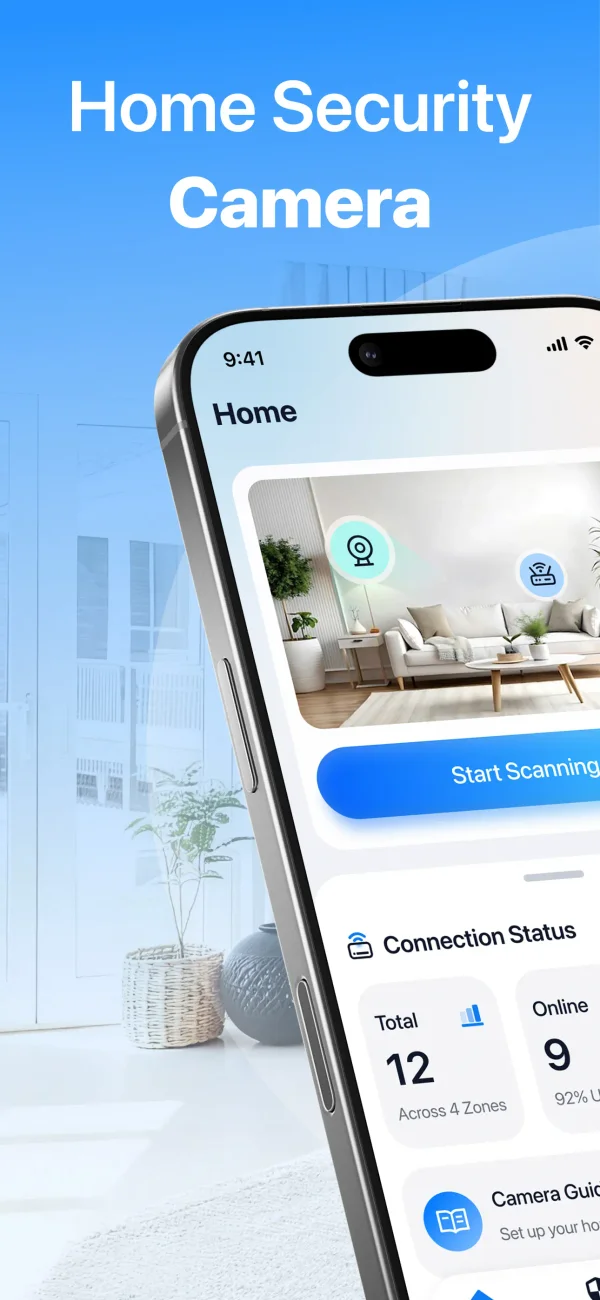
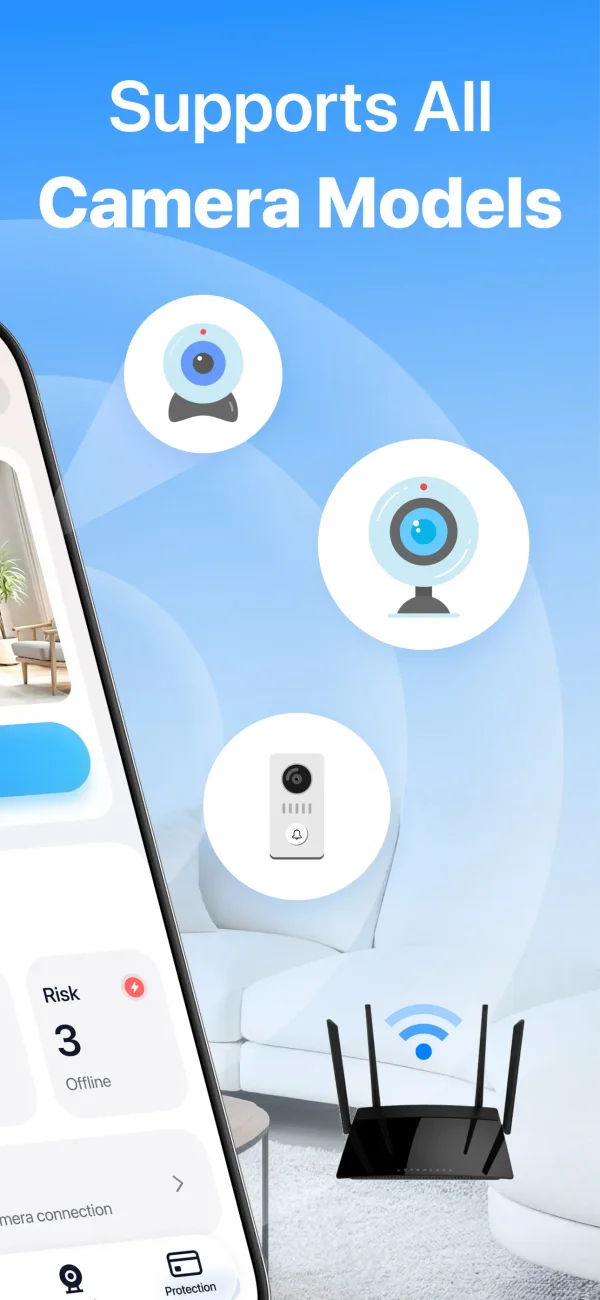

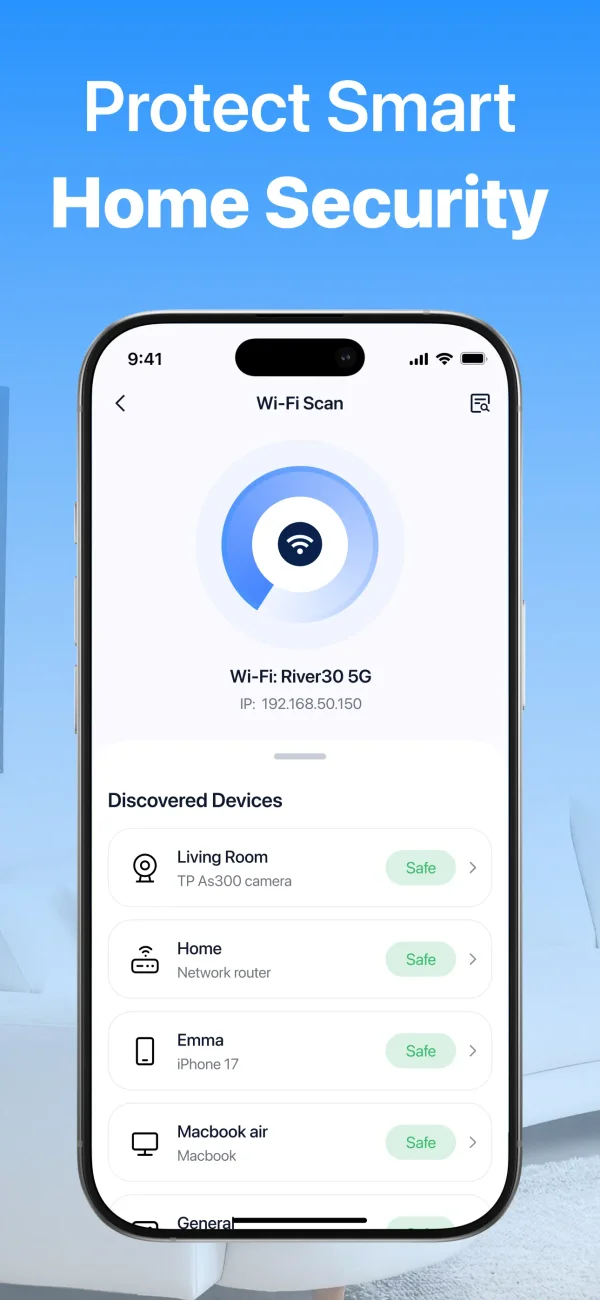
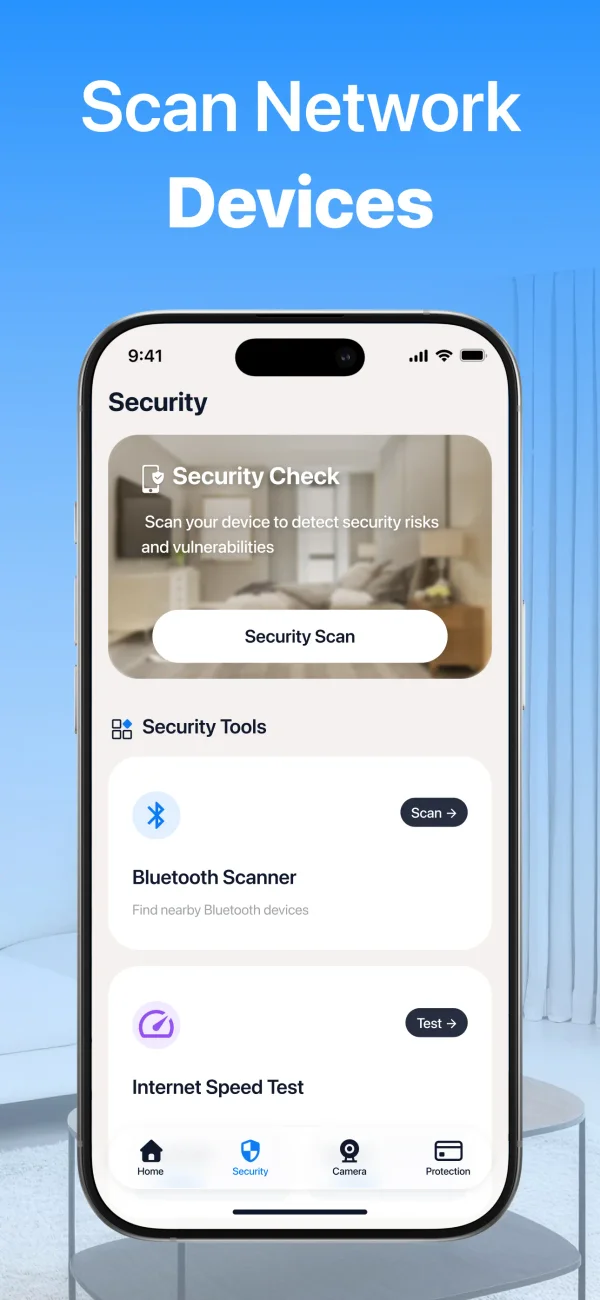
About
Protect and Manage Your Home Security Camera Network
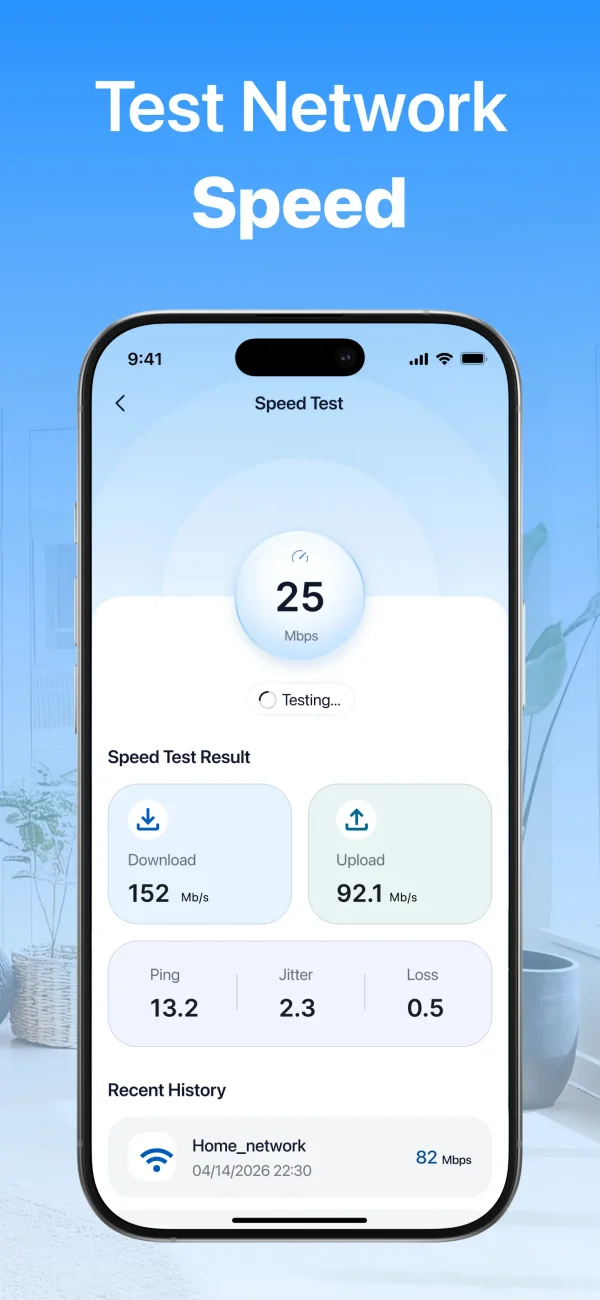
Manage your Wi-Fi network and connected home security cameras with powerful network tools. Scan connected devices, monitor network status, test connection speed, and explore setup guides for popular security camera and router brands—all in one app.
Key Features
Wi-Fi Network Scanner
• Scan devices connected to your Wi-Fi network
• View network and device information
• Easily identify connected devices, including compatible home security cameras
Security Camera Guides
• Browse setup and troubleshooting guides for thousands of security camera and router models
• Learn how to connect and manage popular home security camera brands
• Find helpful information for your smart home devices
Network Tools
• Wi-Fi network scanner
• Bluetooth device scanner
• Internet speed test
• Signal strength detection
Video Analysis
• Import videos from your device
• Analyze recorded security camera footage with AI
• Review and organize analysis results
• Export processed videos when needed
Why Choose Our App?
• Supports thousands of security camera and router models
• Fast Wi-Fi and Bluetooth scanning
• Helpful home security camera setup guides
• AI-powered video analysis
• Simple and easy-to-use interface
Information About Subscription:
• Subscription Payment: Payment will be charged to your iTunes/Apple ID Account at confirmation of purchase.
• Auto-Renewal: Subscription automatically renews unless auto-renew is turned off at least 24 hours before the end of the current period.
• Account Renewal Charge: Your account will be charged for renewal within 24 hours prior to the end of the current period at the cost of the chosen package.
• Manage Subscriptions: Subscriptions may be managed by the user and auto-renewal may be turned off by going to your App Store Account Settings after purchase.
Privacy Policy & Terms of Service:
Terms of Use : https://cam.fasciar.com/terms
Privacy Policy: https://cam.fasciar.com/privacy
Whether you're setting up a new home security camera, checking connected devices, managing your Wi-Fi network, or reviewing recorded camera videos, this app provides practical tools to help you organize and better manage your smart home.
What’s new
Version 1.1 · Oct 22, 2026
• UI Enhancements: Refined key screens for a smoother experience.
• More Free Features: Selected core tools are now free to use.
• Expanded Languages: Added support for major global languages.
App privacy
What Fascia Limited declares on the App Store about how this app handles data.
-
Data used to track you
May be used to track you across apps and websites owned by other companies.
- Usage data
-
Data not linked to you
May be collected but is not linked to your identity.
- Identifiers
- Usage data
Privacy practices may vary, for example with the features you use or your age.
Information
- Seller
- FASCIA LIMITED
- Category
- Lifestyle
- Version
- 1.1
- Updated
- Oct 22, 2026
- Released
- Sep 1, 2026
- Size
- 31.7 MB
- Requires
- iOS 15 or later
- Age rating
- 4+
- Price
- Free
- In-app purchases
- Yes
- Languages
- English, Arabic, Catalan, Croatian, Czech, Danish, Dutch, Finnish, French, German, Greek, Hebrew + 21 more
- Copyright
- © FASCIA LIMITED 2026
You might also like
-
 Security Camera - Smart CameraCamera Detect, Scan & Connect
-
 Home Security: Camera NetworkSmart Home Security Protection
-
 Camera Secure: Home SecurityCamera Detector, Scanner
-
 Lorex ConnectLifestyle
-
 Security Camera: Home SecurityCamera Connect, Smart Monitor
-
 eufy Peteufy Pet
-
 Home security camera - appScan & Connect Security Camera
-
 Anker eufySecurity, Clean, Baby & More
-
 eufy Clean (EufyHome)Live Well. Live Smart.
-
 SimpliSafe Home Security AppLifestyle