
SeeLock: Phone Lock Timer
Put down the phone, earn emoji
Designed for iPhone
Free · In-app purchases
- Age rating4+
- CategoryProductivity
- DeveloperTomoki Uda
- LanguagesEnglish+ 10 more
- Size97.2 MB
Links to the official App Store page
Download.org hosts no file of SeeLock: Phone Lock Timer. The button opens its official App Store page, published by Tomoki Uda. Listing last checked on Nov 28, 2026.
Screenshots
About
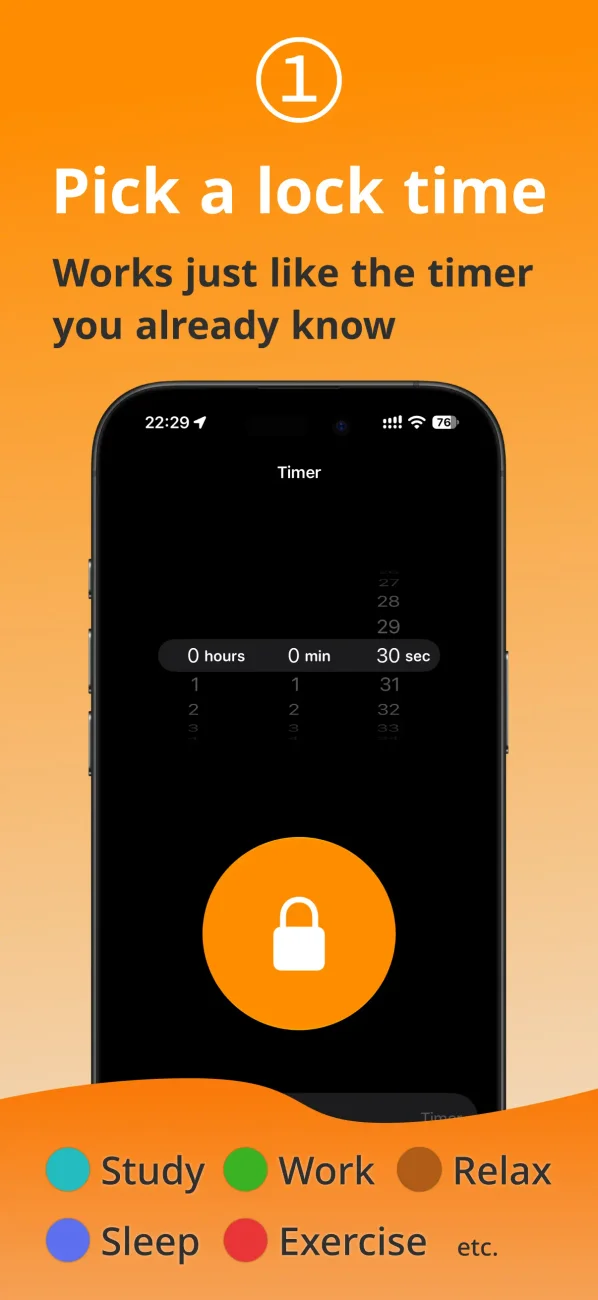
## Lock your phone with a timer you already know
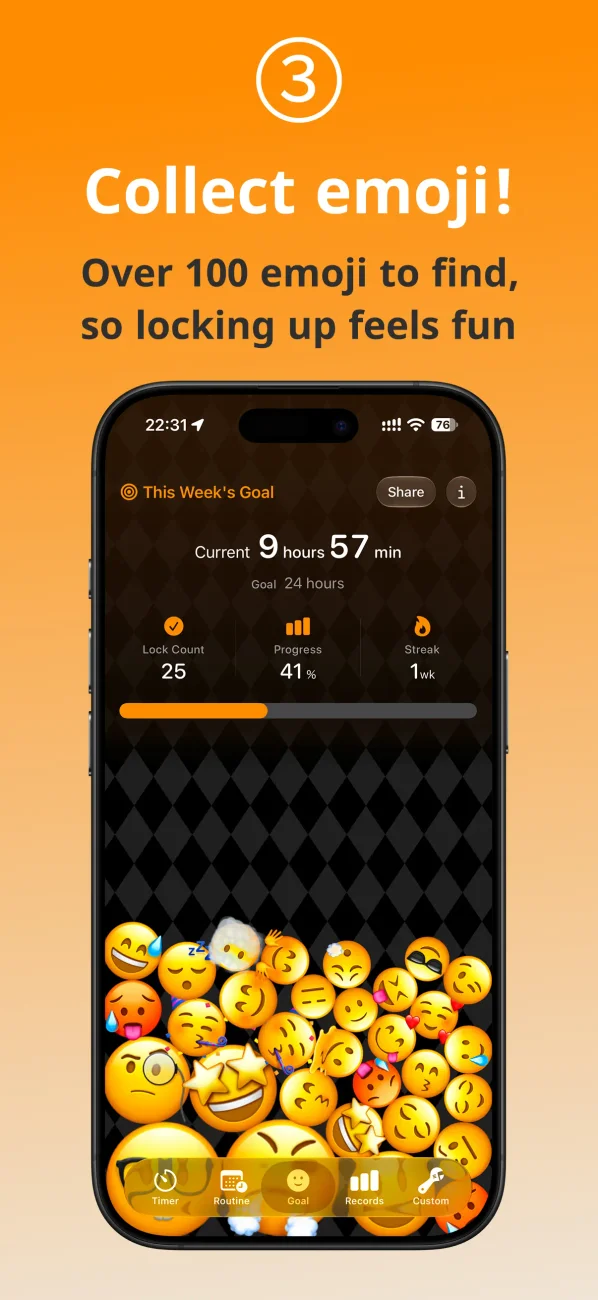
## Focus, and collect over 100 emoji
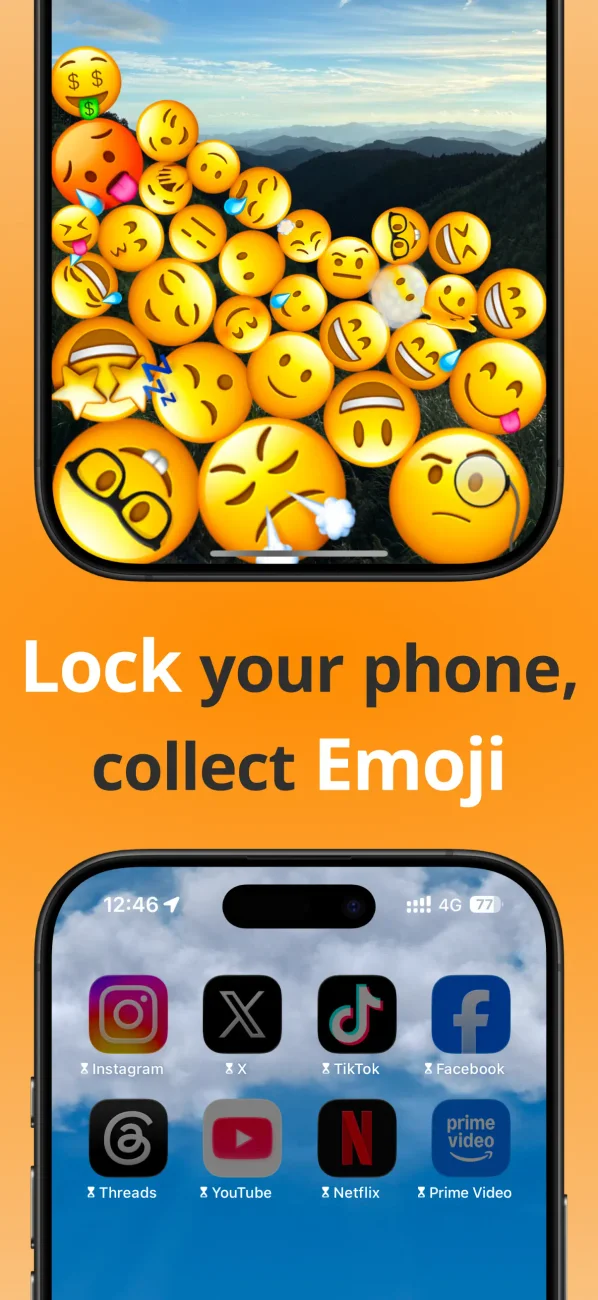
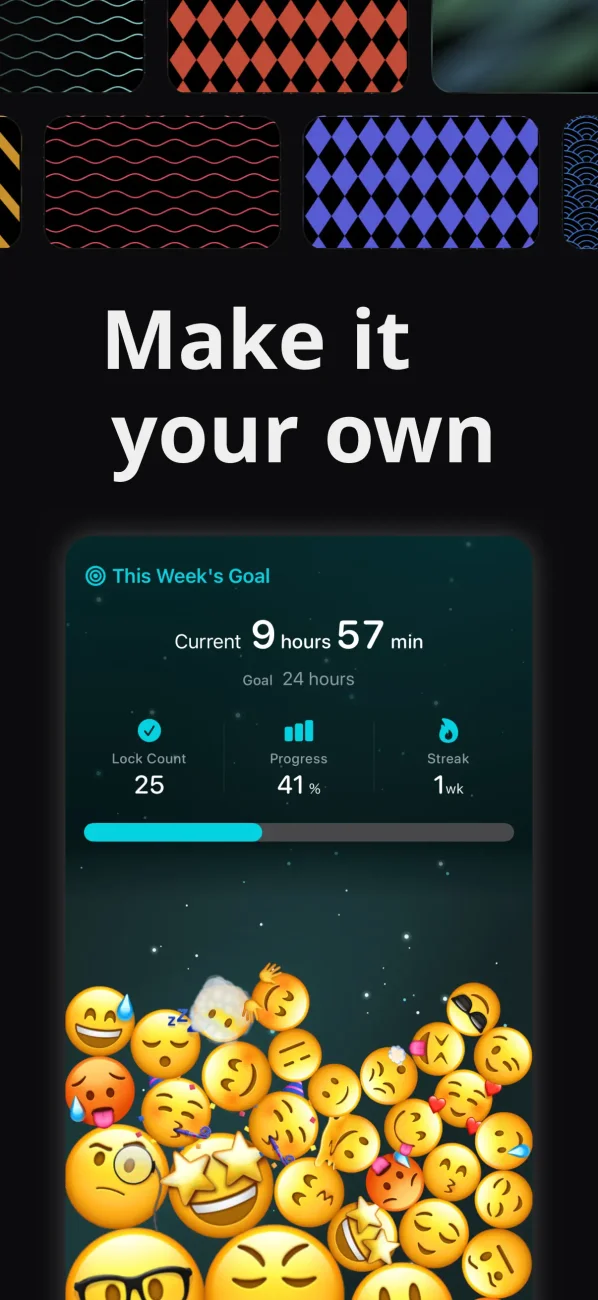
SeeLock is a focus app that helps you reach your goals by locking your phone behind a clean, familiar-feeling timer. There are more than 100 emoji to discover — the more you focus, the more you collect, so staying focused actually stays fun.
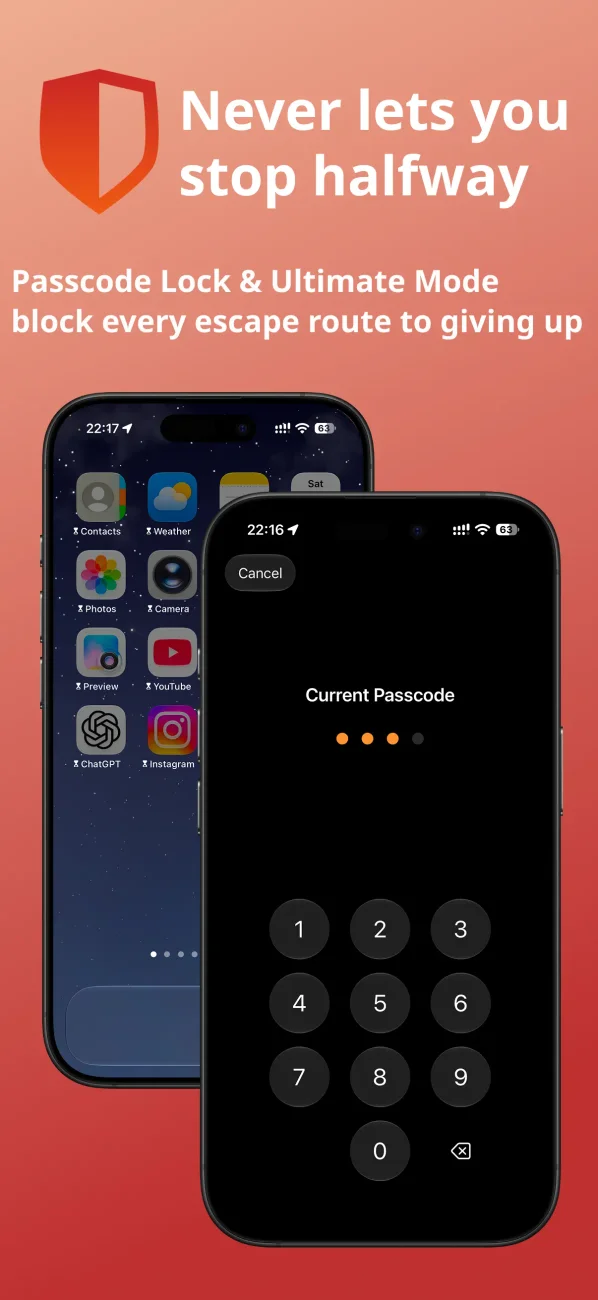
Restriction modes make sure you can't unlock early. Turn on Strongest Mode to block stopping the lock timer and prevent the app from being deleted. Add a passcode lock, and even switching restriction modes is protected.
Make SeeLock your own. Set a background wallpaper and theme color to create a SeeLock only you have. Light and Dark Mode are both supported.
【More features】
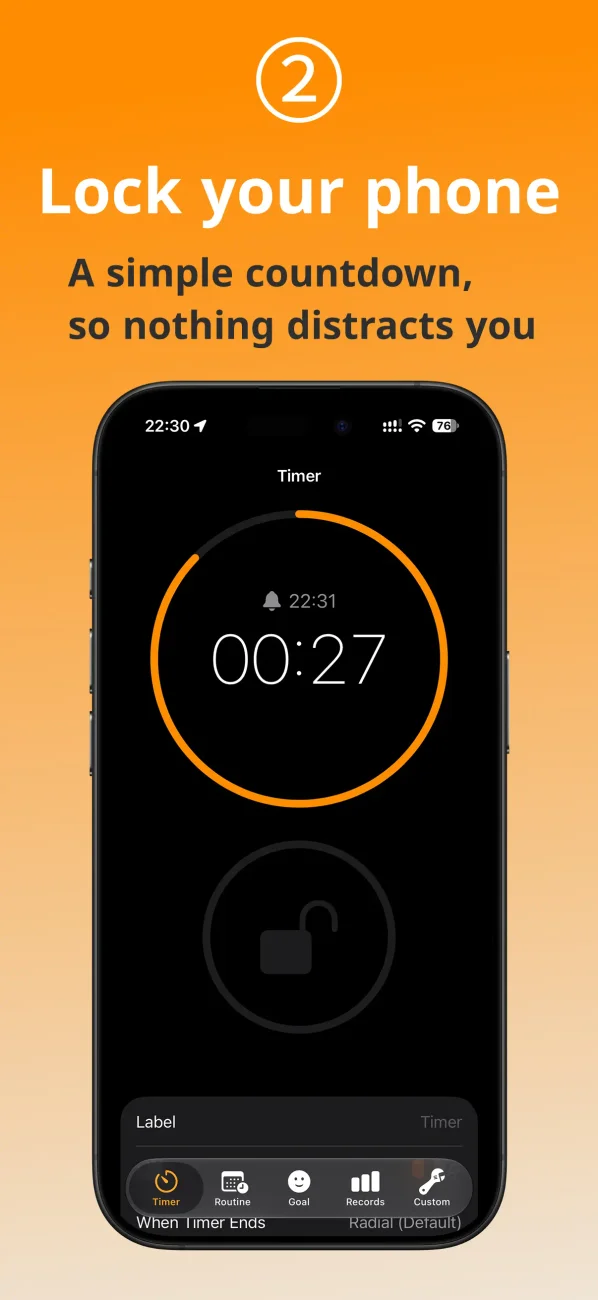
- A familiar, simple timer — lock your phone in a tap
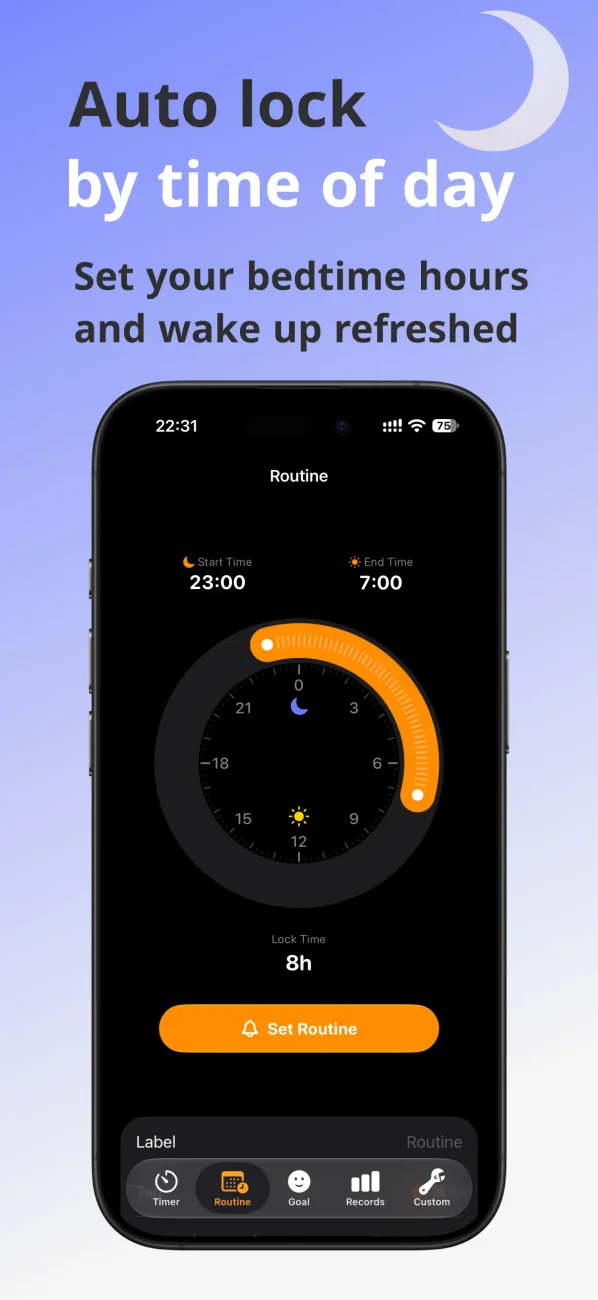
- Automatic locking during the time slots you set
- Full-screen alerts when the timer ends, even while Focus is on
- Easily choose which apps get locked
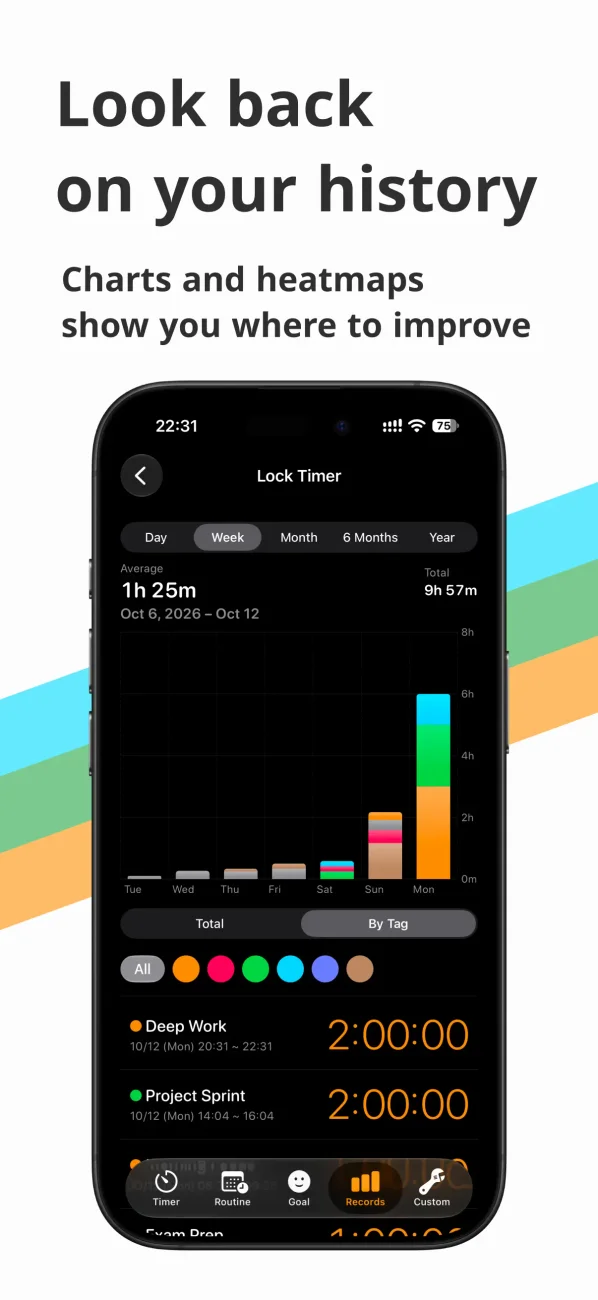
- Organize your past lock sessions with tags
- Set a weekly goal for total lock time
- Collect the emoji you earn in the Emoji Book
- Share your phone-lock progress
- Track your daily screen time
- Visualize how often you lock with heatmaps and the lock timer
- Check the timer outside the app with Live Activities and widgets
- Back up your records with iCloud
Terms of Use: https://clock-app.com/en/terms
Privacy Policy: https://clock-app.com/en/privacy
What’s new
Version 5.1 · Nov 5, 2026
Bug fixes
App privacy
What Tomoki Uda declares on the App Store about how this app handles data.
-
Data used to track you
May be used to track you across apps and websites owned by other companies.
- Identifiers
- Usage data
-
Data not linked to you
May be collected but is not linked to your identity.
- Identifiers
- Usage data
Privacy practices may vary, for example with the features you use or your age.
Information
- Seller
- Tomoki Uda
- Category
- Productivity
- Version
- 5.1
- Updated
- Nov 5, 2026
- Released
- Jun 14, 2026
- Size
- 97.2 MB
- Requires
- iOS 18.0 or later
- Age rating
- 4+
- Price
- Free
- In-app purchases
- Yes
- Languages
- English, French, German, Japanese, Korean, Portuguese, Russian, Simplified Chinese, Spanish, Thai, Traditional Chinese
- Copyright
- © 2026 Tomoki Uda
You might also like
-
 Fueru - Block Apps & FocusBlock apps, reclaim your life
-
 App Blocker: LockKunScreen Time Control & Focus
-
 FocusLock: QR App BlockerFree Focus Timer & Screen Lock
-
 My Animal Room: Focus TimerCozy cat timer & app blocker
-
 TapLock cardLock your screen time with NFC
-
 Dueday: Deadline CountdownDays left for every deadline
-
 PersevoDaily Planner & Habit Tracker
-
 fumufumuProductivity
-
 Tori: Cozy Pomodoro TimerPuppy Study & Focus Buddy
-
 DeskTabbyFocus with a cat who remembers