
- Age rating4+
- CategoryUtilities
- DeveloperMicroframe Corp
- LanguagesEnglish
- Size17.6 MB
Links to the official App Store page
Download.org hosts no file of Segment Timer. The button opens its official App Store page, published by Microframe Corp. Listing last checked on Nov 21, 2026.
Screenshots
About
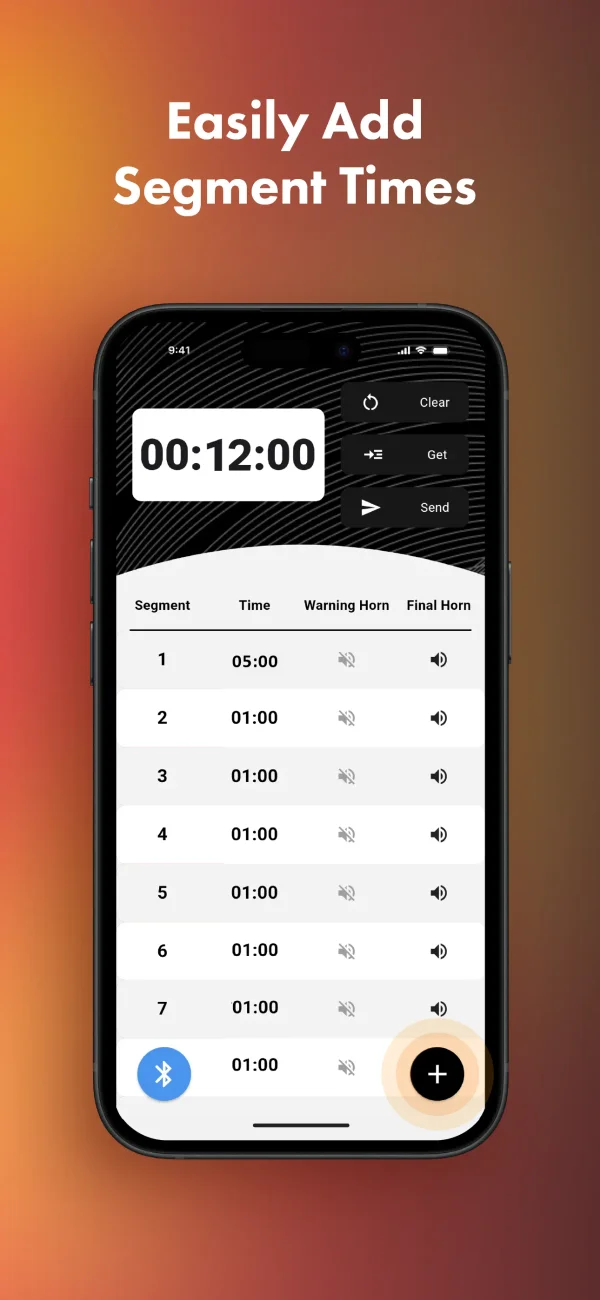
Take your practices and games to the next level with the Microframe Sports Segment Timer app—the perfect companion to your Microframe Segment Timer LED Digital Timer. Designed to make time tracking effortless and precise, this versatile app allows you to set up and manage multiple segments, monitor total session duration, and keep everyone on your team fully informed of the current status. Our Segment Timer app ensures you have complete control and clarity over all timing details, whether intense training sessions, scrimmages, or official match play.
Key Features
1. Full Control of Your Microframe Segment Timer
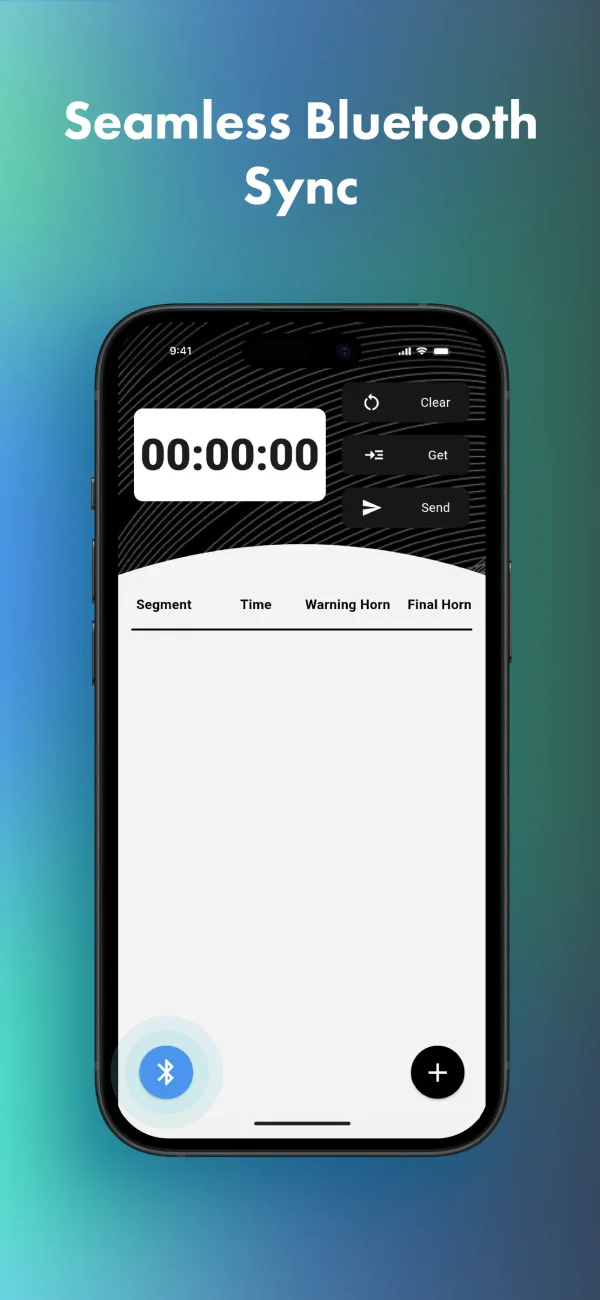
o Seamlessly connect to your physical Microframe Segment Timer.
o Adjust segments, reset the clock, and switch between timers with a tap.
o Enjoy an intuitive interface designed for quick changes on the fly.
2. Flexible Segments & Easy Setup
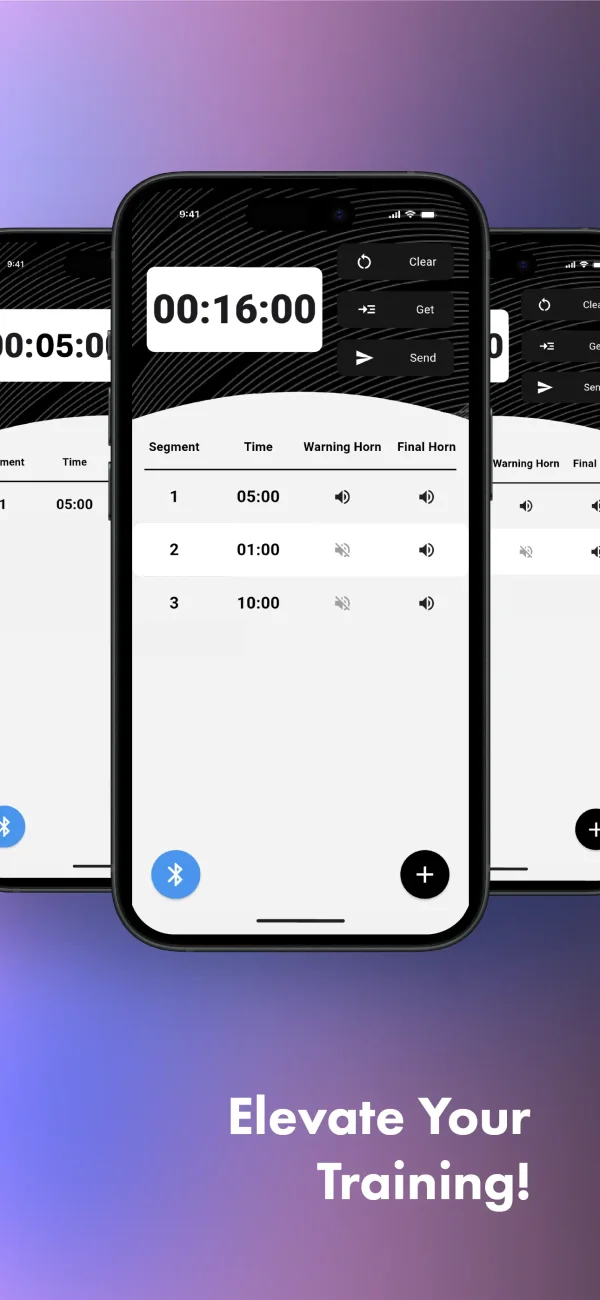
o Configure multiple segments (e.g., warm-up, drills, cool-down) within a single session.
o Save and reuse segment configurations to simplify regular practice schedules.
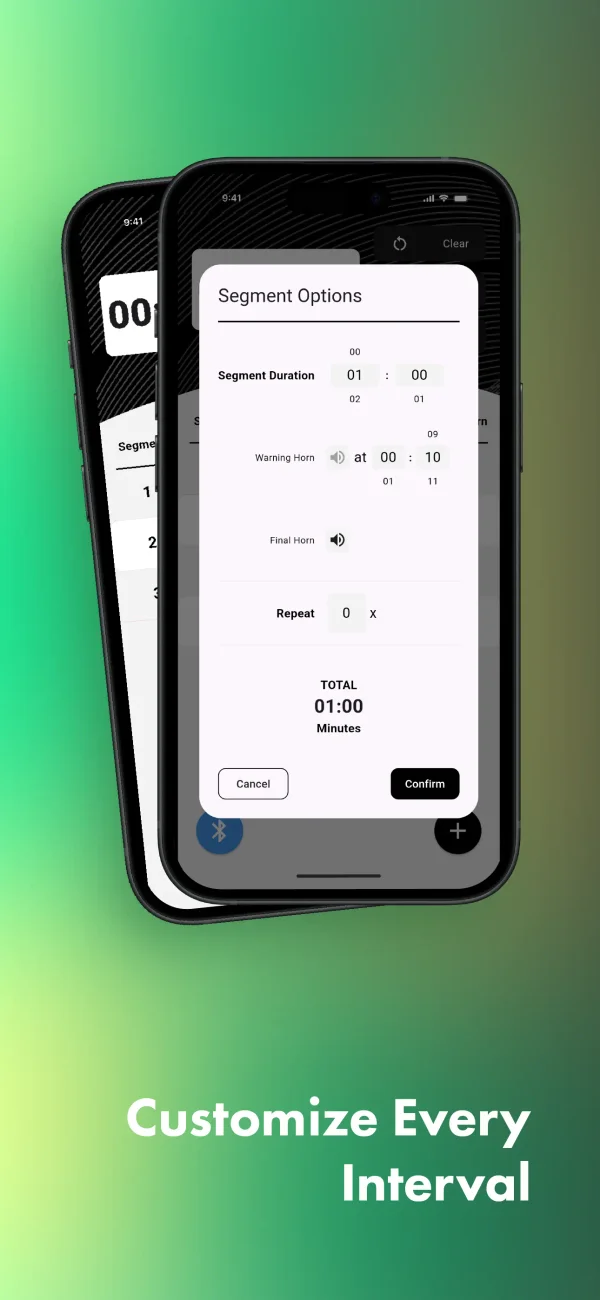
o Instantly change segment lengths, ensuring adaptable timing for any sport or activity.
3. High Visibility LED Timer Synchronization
o Sync the app with your LED Segment Timer, featuring large, bright 6" digits for full-time and segment display, alongside a bold 12" timer.
o Keep athletes, coaches, and spectators informed at a glance, thanks to the 30"x36" frame and eye-catching display.
4. Versatile Timer Modes
o Switch between countdown segments or pause/resume modes to match your training or game requirements.
o Manage elapsed time, segment transitions, and breaks—all from one comprehensive interface.
5. Ideal for Coaches and Teams
o Boost your practice efficiency by organizing and clearly displaying each drill or segment.
o Keep every player or staff member in sync, reducing confusion and boosting productivity.
o Trust the timer for official matches or local tournaments, ensuring fairness and accuracy.
6. User-Friendly Interface
o Designed with simplicity in mind, you can focus on the action instead of fumbling with settings.
o Large, easy-to-read fonts and clear icons help you make quick changes, even mid-session.
o Customizable alerts and sound prompts keep everyone aware of upcoming segment transitions.
7. Reliable Performance & Support
o Engineered by Microframe Sports, a leader in LED digital displays and sports timing solutions.
o Count on responsive customer service and regular app updates to enhance your experience.
o Enjoy a stable connection via Bluetooth and RF communication (Bluetooth for programming and RF for remote control).
From youth leagues to professional training camps, the Microframe Sports Segment Timer app elevates your timing precision and streamlines your sessions. Say goodbye to disorganized practices and miscommunications, and say hello to perfectly timed drills, accurate game clocks, and well-coordinated events.
Get Started Today
Download the Microframe Sports Segment Timer app to begin customizing your sessions and revolutionize how you track practice segments and game time. Our synchronized displays keep everyone on the same page, so you can focus on what matters most—improving practice efficiency and enjoying the sport you love.
________________________________________
Note: This app requires a compatible Microframe Segment Timer LED Digital Timer to unlock its full functionality.
What’s new
Version 1.0.3 · Nov 17, 2026
Templates and Bluetooth Updates
App privacy
What Microframe Corp declares on the App Store about how this app handles data.
-
Data not collected
The developer does not collect any data from this app.
Privacy practices may vary, for example with the features you use or your age.
Information
- Seller
- Microframe Corp
- Category
- Utilities
- Version
- 1.0.3
- Updated
- Nov 17, 2026
- Released
- Jan 30, 2025
- Size
- 17.6 MB
- Requires
- iOS 15.0 or later
- Age rating
- 4+
- Price
- Free
- Languages
- English
- Copyright
- © Copyright 2025 Microframe. All Rights Reserved.
You might also like
-
 Segmented TimerRepeating Segments App
-
 Agenda TimerMultiple Linked Timers
-
 Repeatable TimerAuto-repeating interval timer
-
 Acuity-vctUtilities
-
 Padme - Custom keypad for MacTHE macro keypad for your Mac
-
 Tax & Mortgage: EstimatorCalculate Your Tax & Mortgage
-
 OneTap - Calculator & AlarmSimple Calculator & Alarm
-
 NavySyncUtilities
-
 Student HustleTrust, Invest, and Hire
-
 KOMET Camera TriggerUtilities