SendFlow: WiFi File Transfer
Photos to Computer & Browser
Designed for iPhone, iPad, iPod touch
Free · In-app purchases
- Age rating9+
- CategoryUtilities
- Developerbiaopeng zhou
- LanguagesEnglish+ 1 more
- Size8.9 MB
Links to the official App Store page
Download.org hosts no file of SendFlow: WiFi File Transfer. The button opens its official App Store page, published by biaopeng zhou. Listing last checked on Nov 18, 2026.
Screenshots


About
Move files without cables, cloud uploads, or complicated setup.
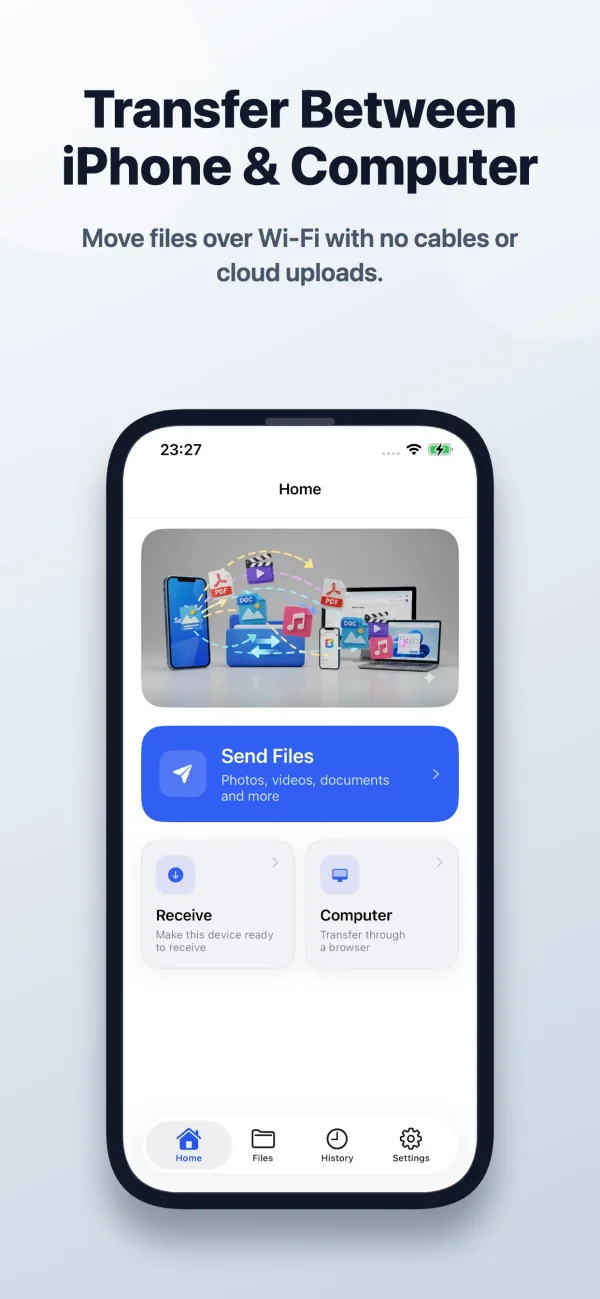
SendFlow makes local file transfer simple. Send photos, videos, documents, and other files directly to nearby SendFlow devices, or connect your iPhone to a computer through any web browser on the same Wi-Fi network.
FAST LOCAL FILE TRANSFER
Select your photos, videos, or documents, discover nearby SendFlow devices, and send files directly over your local network.
TRANSFER TO YOUR COMPUTER
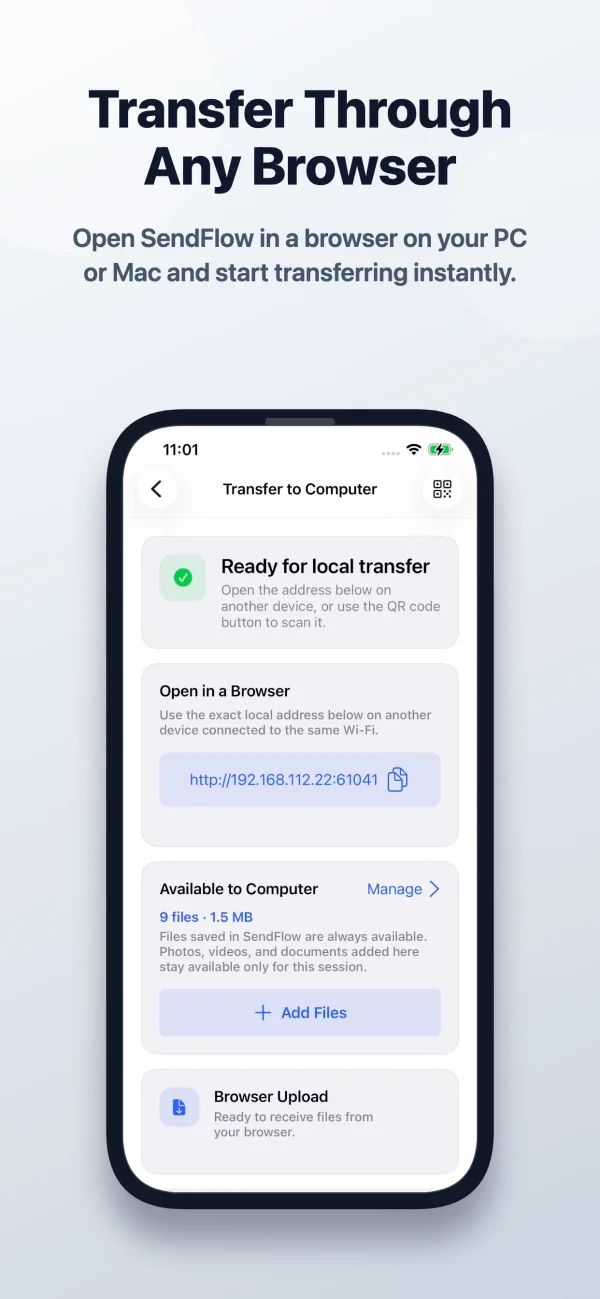
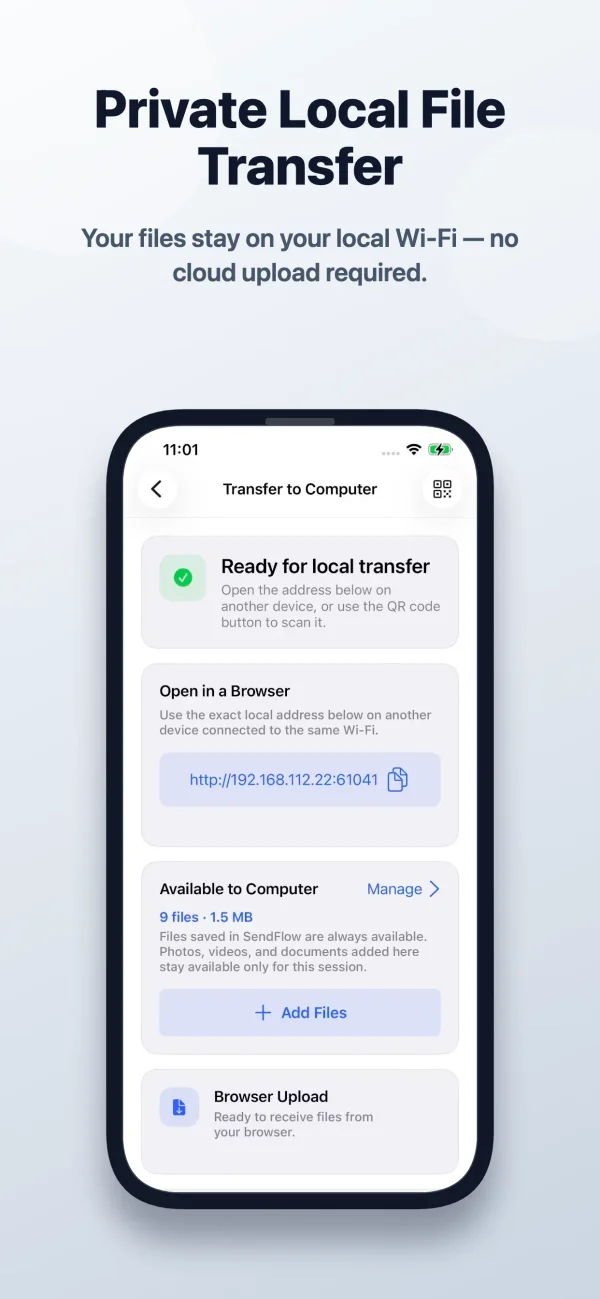
No desktop app required. Start Computer Transfer, open the address shown by SendFlow in your Mac or Windows browser, and upload or download files directly.
SEND & RECEIVE
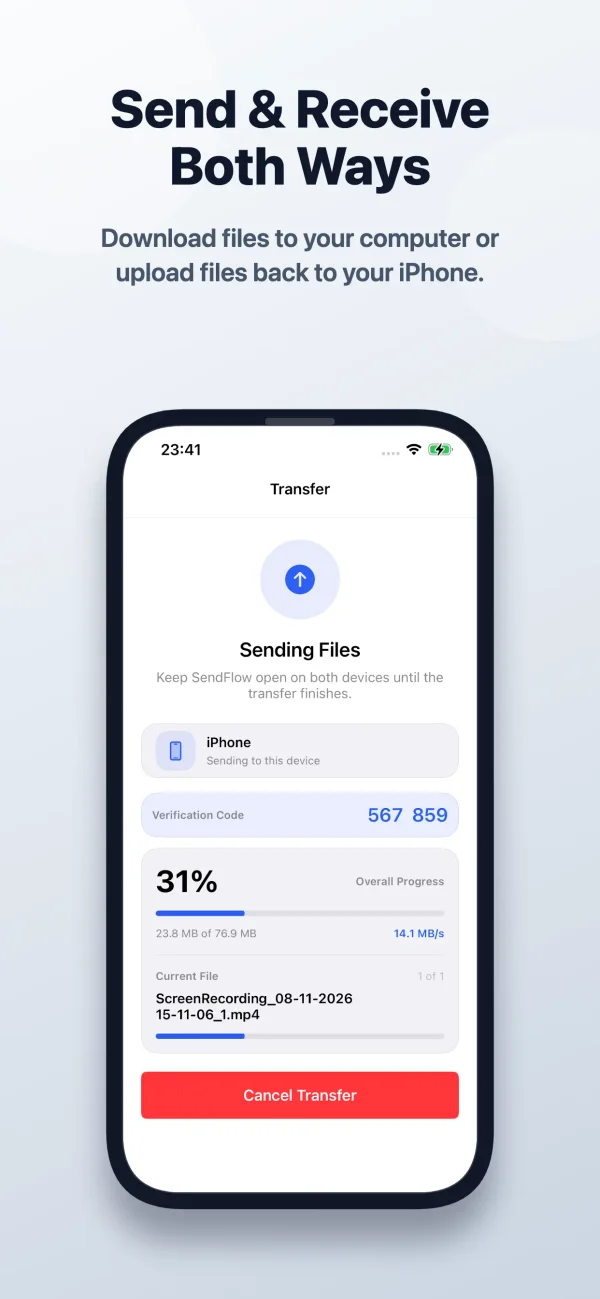
SendFlow supports both sending and receiving, with clear connection status, confirmation, transfer progress, file size, and speed.
FILES IN ONE PLACE
Received files are saved inside SendFlow so you can quickly find, preview, share, search, or delete them.
TRANSFER HISTORY
Review previous sent and received transfers, including transfer status, file size, device, and time.
PRIVATE BY DESIGN
File transfers happen over your local network. SendFlow is designed for direct device-to-device and browser-based local transfers without relying on cloud storage.
GREAT FOR
• Moving photos and videos from your iPhone to a computer
• Sending large files without messaging apps
• Sharing documents with another nearby device
• Transferring files between iPhone and Mac or Windows
• Quickly moving files without a USB cable
• Keeping file transfers on your local network
Send files. Keep them moving.
SendFlow.
Terms of Use:https://www.nicolaigame.top/common/terms-en.html
Privacy Policy:https://www.nicolaigame.top/common/privacy-en.html
What’s new
Version 1.1 · Sep 8, 2026
What's New
• Added SendFlow Pro with a one-time lifetime unlock for unlimited computer and browser transfers
• Photos and videos in Files can now be saved directly to your Photos library
• Improved the Computer Transfer experience between iPhone, PC and Mac
• Redesigned the Pro purchase screen with clearer feature descriptions
• Improved file transfer flow, scrolling and overall interface responsiveness
• Fixed localization and StoreKit purchase display issues
• General stability and usability improvements
App privacy
What biaopeng zhou declares on the App Store about how this app handles data.
-
Data not collected
The developer does not collect any data from this app.
Privacy practices may vary, for example with the features you use or your age.
Information
- Seller
- biaopeng zhou
- Category
- Utilities
- Version
- 1.1
- Updated
- Sep 8, 2026
- Released
- Aug 30, 2026
- Size
- 8.9 MB
- Requires
- iOS 15.6 or later
- Age rating
- 9+
- Price
- Free
- In-app purchases
- Yes
- Languages
- English, Simplified Chinese
- Copyright
- © 2026 SingleLeafApps
You might also like
-
 SiteScanner: Hack ProtectionURL Checker. Phishing Detector
-
 Grafo for ZabbixZabbix Monitoring Client
-
 Super PiBenchPi Benchmark & Leaderboard
-
 LoAi - Offline Image GeneratorLocal AI Photos + LLM Chatbot
-
 FastDDNS: DDNS & Network ToolsIP Camera, Port & LAN Scanner
-
 IPv4 Calculator ~sjNetmask, CIDR & IP Range
-
 Netsight - WiFi ToolsWiFi Scanner & IP Analyzer
-
 File Sharing - InShare FilesFast & Secure File Sharing
-
 Simply IP ScannerNetwork Scanner with Utilities