Senrigan Remote Desktop
Multi-Display, Trackpad, PiP
Designed for iPhone, iPad, iPod touch
Free
- Age rating4+
- CategoryDeveloper Tools
- DeveloperKazuya Saito
- LanguagesEnglish+ 1 more
- Size6.8 MB
Links to the official App Store page
Download.org hosts no file of Senrigan Remote Desktop. The button opens its official App Store page, published by Kazuya Saito. Listing last checked on Nov 14, 2026.
Screenshots

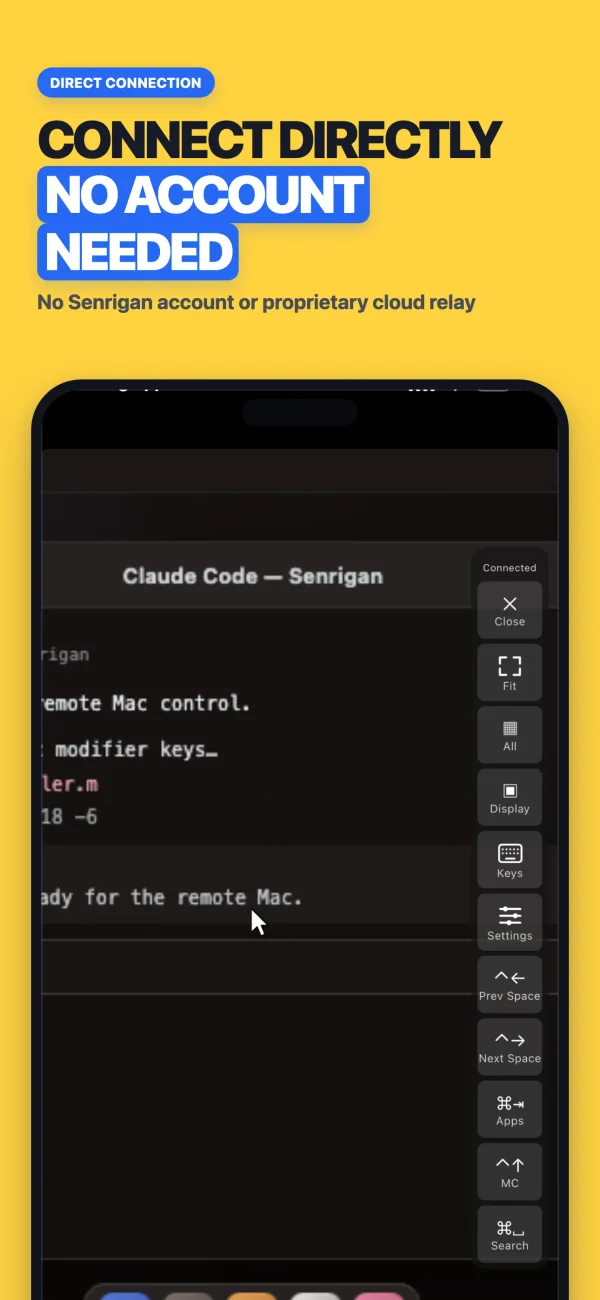
About
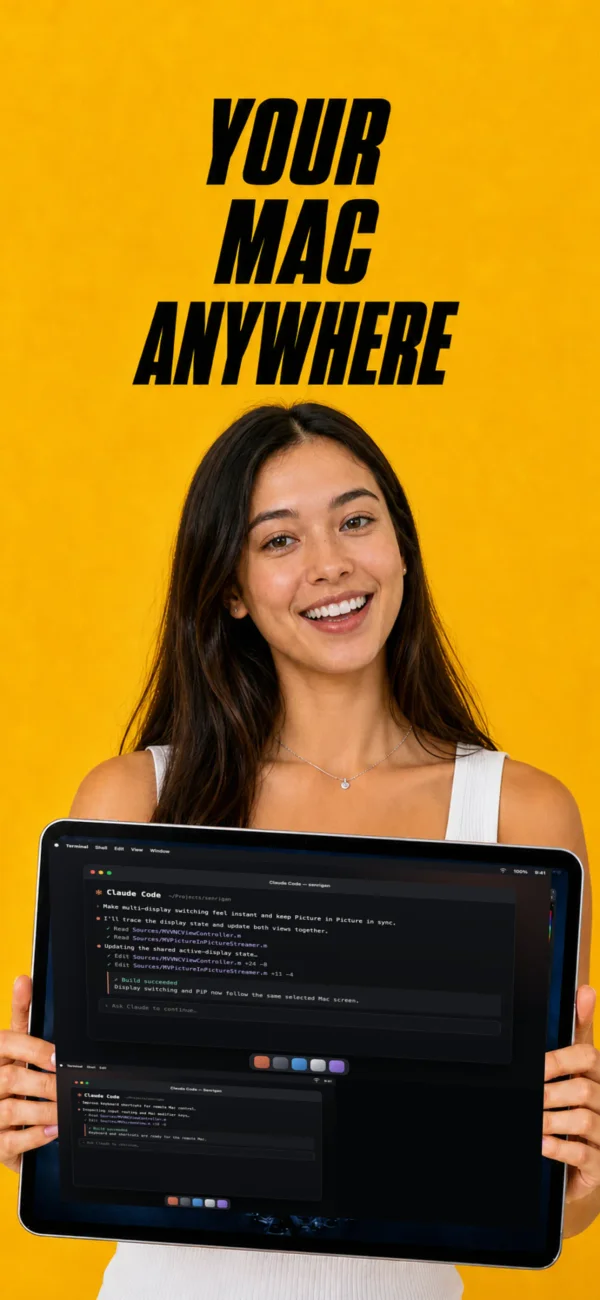
Senrigan is a remote desktop client for controlling your Mac from iPhone and iPad.
No account or proprietary cloud is required. Connect directly to macOS Screen Sharing or another VNC-compatible server.
Features
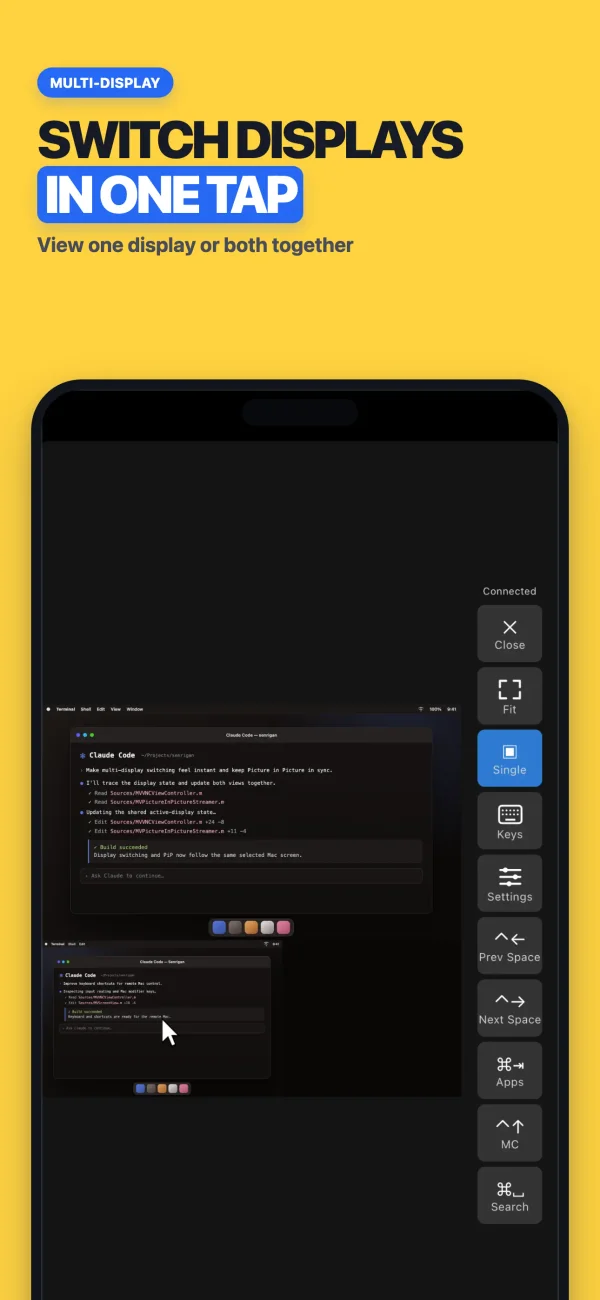
• Combined and per-display multi-monitor views
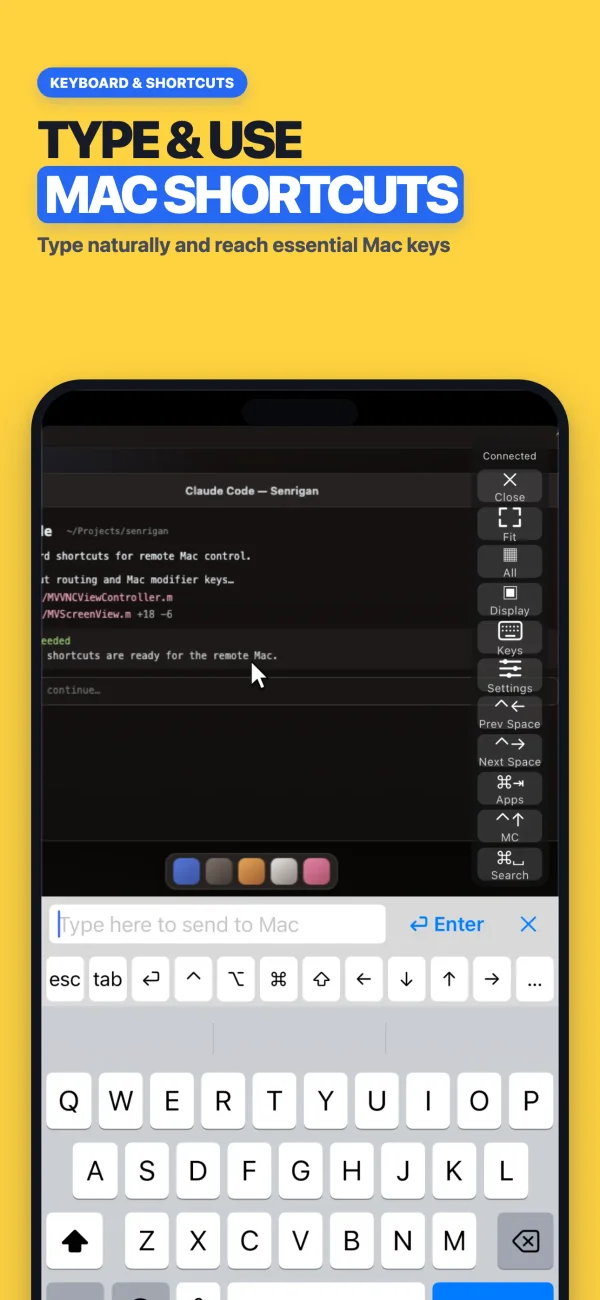
• Command, Option, Control, and shortcut keys
• Japanese IME-friendly text input
• Picture in Picture
• Trackpad-style cursor control
• Two-finger scrolling and pinch to zoom
• On-device connection storage with passwords kept in the iOS Keychain
Privacy
No ads, IDFA, or tracking. Optional, anonymous Firebase Analytics and Crashlytics help improve usage and stability; disable them in Common Settings. Your connection destination, password, screen, input, and clipboard are never sent.
For access outside your local network, use a secure network path such as a VPN that you manage.
What’s new
Version 1.0.6 · Sep 22, 2026
- Fixed sent text being rewritten by an input method active on the Mac. Letters, numbers and symbols now arrive exactly as you typed them.
- Fixed the view snapping back to its previous position when you moved the pointer with the keyboard open.
App privacy
What Kazuya Saito declares on the App Store about how this app handles data.
-
Data not linked to you
May be collected but is not linked to your identity.
- Location
- Identifiers
- Usage data
- Diagnostics
Privacy practices may vary, for example with the features you use or your age.
Information
- Seller
- Kazuya Saito
- Category
- Developer Tools
- Version
- 1.0.6
- Updated
- Sep 22, 2026
- Released
- Aug 17, 2026
- Size
- 6.8 MB
- Requires
- iOS 15.0 or later
- Age rating
- 4+
- Price
- Free
- Languages
- English, Japanese
- Copyright
- © 2026 Kazuya Saito
You might also like
-
 MuxLink: SSH Terminal & tmuxRun coding agents anywhere
-
 RootDeckSecure SSH & SFTP Client
-
 CmdForgeManage your command snippets
-
 SSH Terminal & SFTPPay once. Face ID key vault.
-
 NodeOps: Terminal, Docker, K8sSSH, Vault, Agent, Kubernetes
-
 Vays - Markdown readerMarkdown reader & editor
-
 SuperDuper TerminalSSH client with tmux
-
 BDUI GoServer-driven UI runner
-
 BentoTermWatch & talk to your agents
-
 URL Redirectorforward websites via sharing