
Sentinel: IP Camera Tool
ONVIF & SADP device scanner
Designed for iPhone, iPad, Mac
Free · In-app purchases
- Age rating4+
- CategoryUtilities
- Developer6tSevn BV
- LanguagesEnglish
- Size2.6 MB
Links to the official App Store page
Download.org hosts no file of Sentinel: IP Camera Tool. The button opens its official App Store page, published by 6tSevn BV. Listing last checked on Nov 15, 2026.
Screenshots
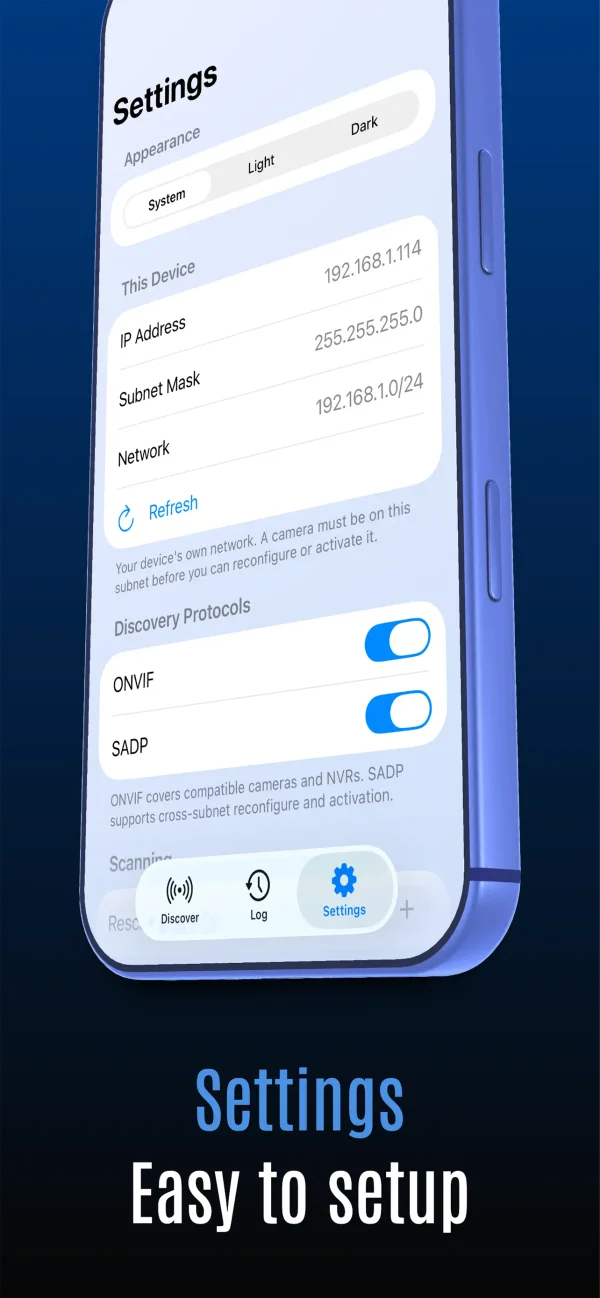
About
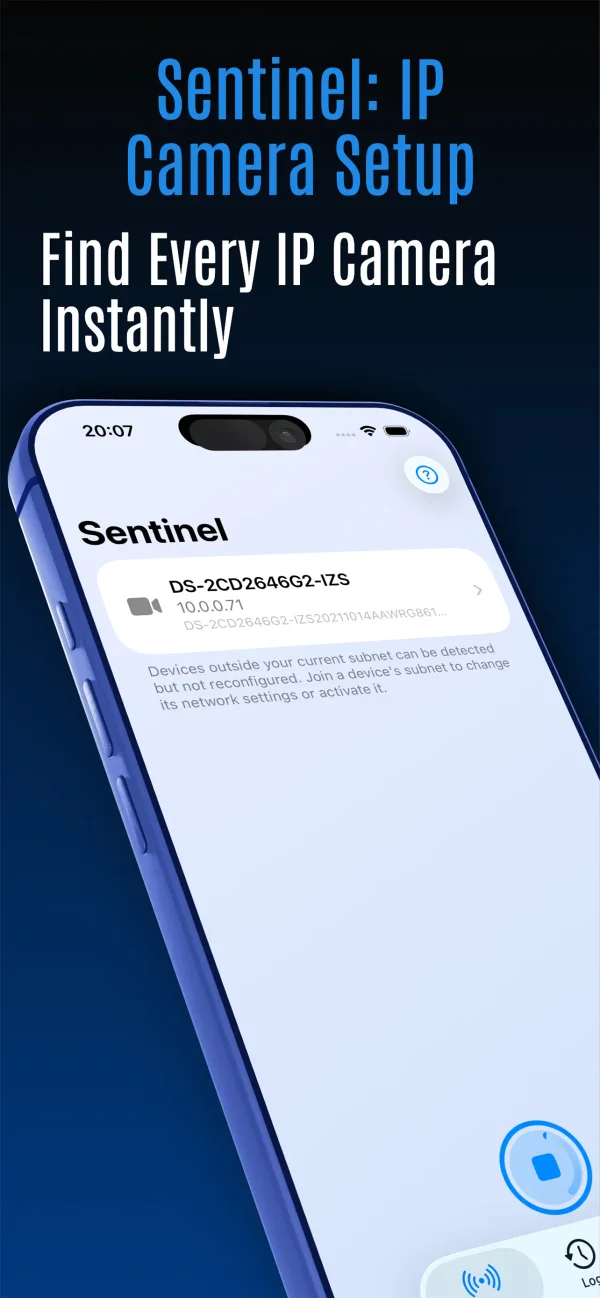
Sentinel is the fastest way to find, activate, and configure IP security cameras and recorders — right from your iPhone, iPad, or Mac.
Built for installers, integrators, and IT teams, Sentinel replaces the clunky desktop-only vendor tools with a modern app that just works on the equipment already in your pocket.
DISCOVER EVERYTHING ON THE NETWORK
• Finds ONVIF and SADP (Hikvision-compatible) devices in seconds
• Uses standard multicast, so it sees devices even when their IP is outside your current subnet
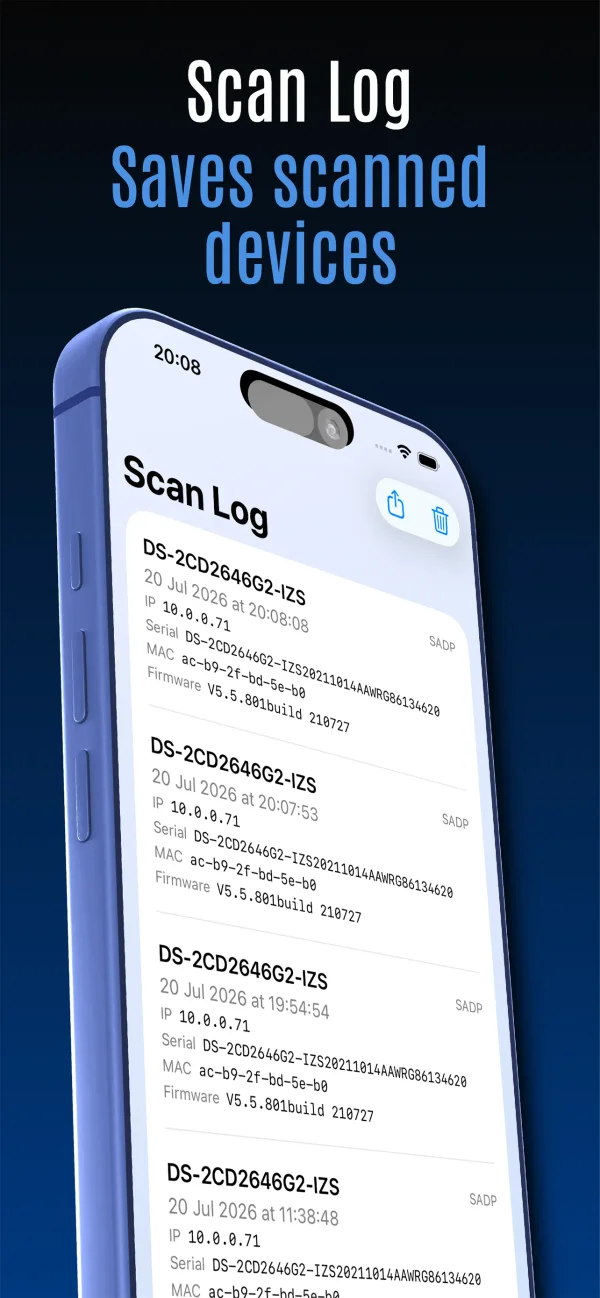
• Live results as devices respond — no manual refresh
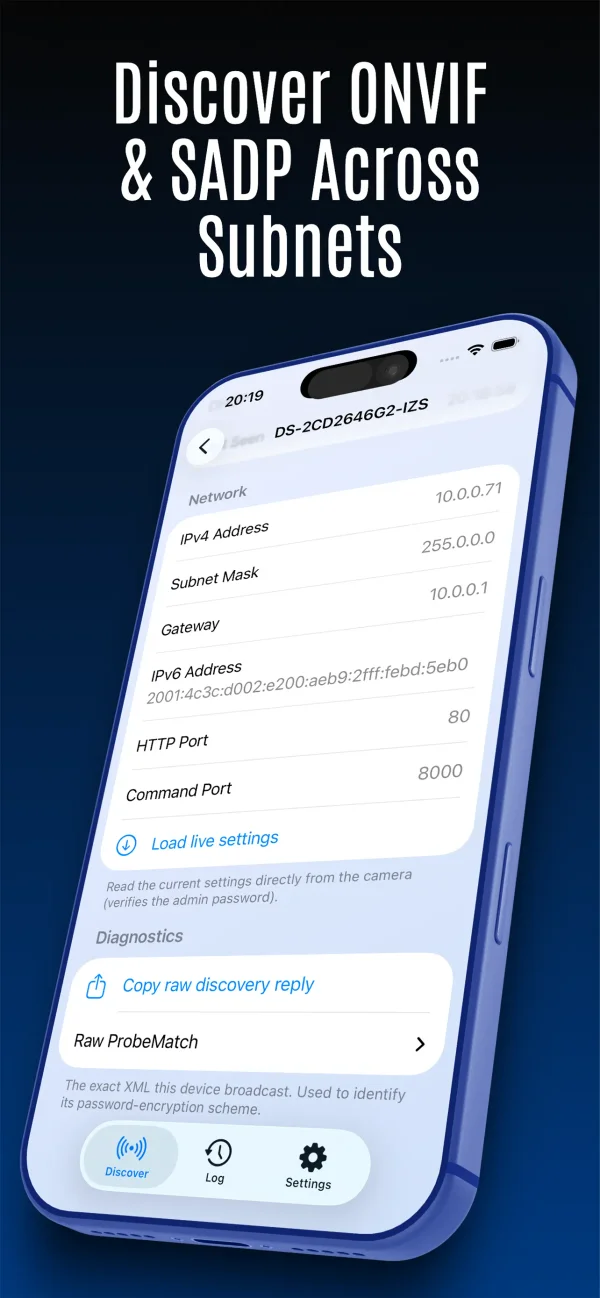
• Shows model, firmware, MAC, serial, and current network settings at a glance
ACTIVATE NEW DEVICES IN SECONDS
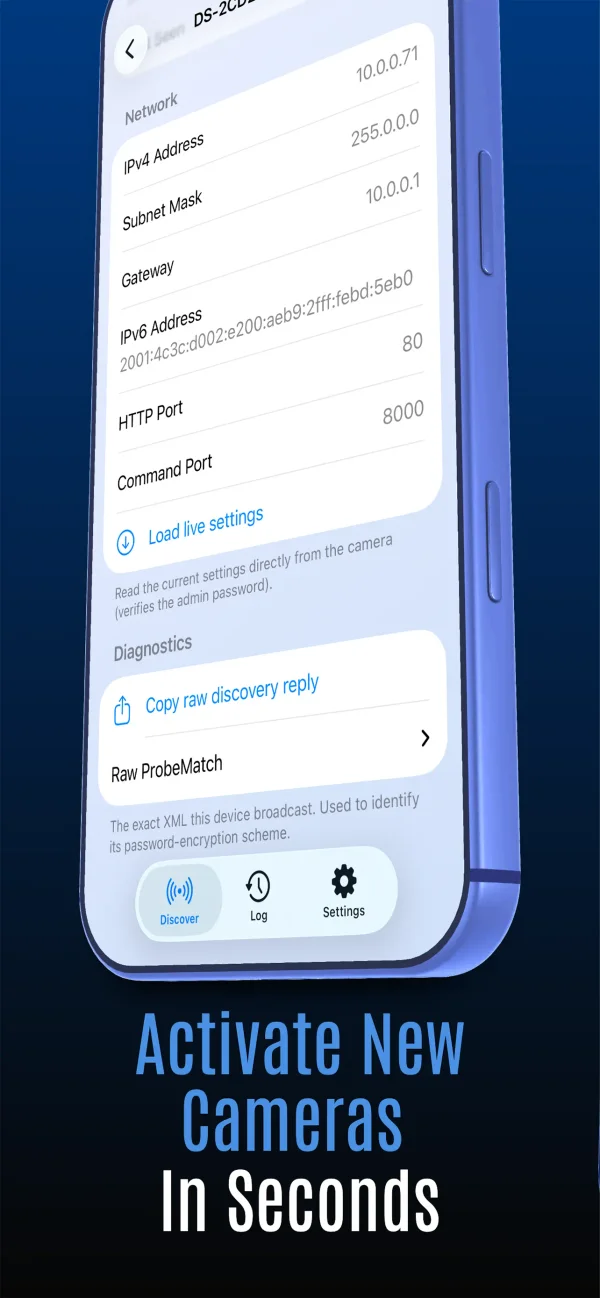
• Bring brand-new, uninitialized cameras online without a laptop or serial cable
• Set a strong admin password with a built-in strength meter
• Encrypted activation handled securely on device
RECONFIGURE THE NETWORK, ON SITE
• Change a device's IP address, subnet mask, and gateway
• Switch between static IP and DHCP
• Fix a misconfigured camera without unplugging or factory resets
• Note: discovery works across subnets, but changing settings or activating a device requires being on the same subnet as it
SECURE BY DESIGN
• Credentials stored in the iOS/macOS Keychain — never in plain text
• Password policy enforcement to keep every device hardened
• Read-only ONVIF discovery; changes are explicit and deliberate
WORKS WHERE YOU DO
• Native SwiftUI app for iPhone, iPad, and Mac
• Clean, fast interface designed for the field
• Built-in troubleshooting guidance when a device won't appear
WHY SENTINEL
Commissioning a site used to mean dragging a laptop up a ladder, hunting for a serial cable, and juggling one clunky utility per brand. Sentinel puts discovery, activation, and network configuration in a single app that fits in your pocket — so you can walk a site, bring devices online, and hand off a hardened, correctly-addressed network before you pack up.
IMPORTANT
Sentinel requires Local Network permission to discover devices. On iOS this is requested on first scan — please allow it, or scanning cannot work. Sentinel is an independent tool and is not affiliated with, or endorsed by, any camera manufacturer. ONVIF is a trademark of the ONVIF consortium.
Free to try for 30 days, then a one-time $0.99 purchase
https://www.6tsevn.com/sentinel/terms
https://www.6tsevn.com/sentinel/privacy
App privacy
What 6tSevn BV declares on the App Store about how this app handles data.
-
Data not collected
The developer does not collect any data from this app.
Privacy practices may vary, for example with the features you use or your age.
Information
- Seller
- 6tSevn BV
- Category
- Utilities
- Version
- 1.0
- Updated
- Aug 4, 2026
- Released
- Aug 3, 2026
- Size
- 2.6 MB
- Requires
- iOS 26.0 or later
- Age rating
- 4+
- Price
- Free
- In-app purchases
- Yes
- Languages
- English
- Copyright
- © 2026 6tSevn BV
You might also like
-
 ArcToolsIP Camera & NVR Field Toolkit
-
 IP Camera ScannerUtilities
-
 IP Camera Viewer – EasyCamONVIF & RTSP Cam Recorder
-
 Cam Hub: ONVIF NVR ViewerMix NVRs + IoT. iOS & Apple TV
-
 Network Intrusion DetectionA basic IDS for Mobiles.
-
 FastDDNS: DDNS & Network ToolsIP Camera, Port & LAN Scanner
-
 Oxid Network: Ping & LAN ScanDiagnose Wi‑Fi, find devices
-
 PingDocWiFi Analyzer & Heatmap
-
 RoofPitch: Rafter CalcRoof pitch, angle & rafters
-
 EMPTYSET NETWORKUtilities