
ServerBox
ssh & sftp & docker and more
Designed for iPhone, iPad, Mac, iPod touch
Free
- Age rating4+
- CategoryUtilities
- Developer吐司工作室
- LanguagesEnglish+ 9 more
- Size126.0 MB
Links to the official App Store page
Download.org hosts no file of ServerBox. The button opens its official App Store page, published by 吐司工作室. Listing last checked on Nov 20, 2026.
Screenshots


About
This project is completely OPEN SOURCE.
You can click the "App Support" button near the score below to download other system versions or compile them by yourself.
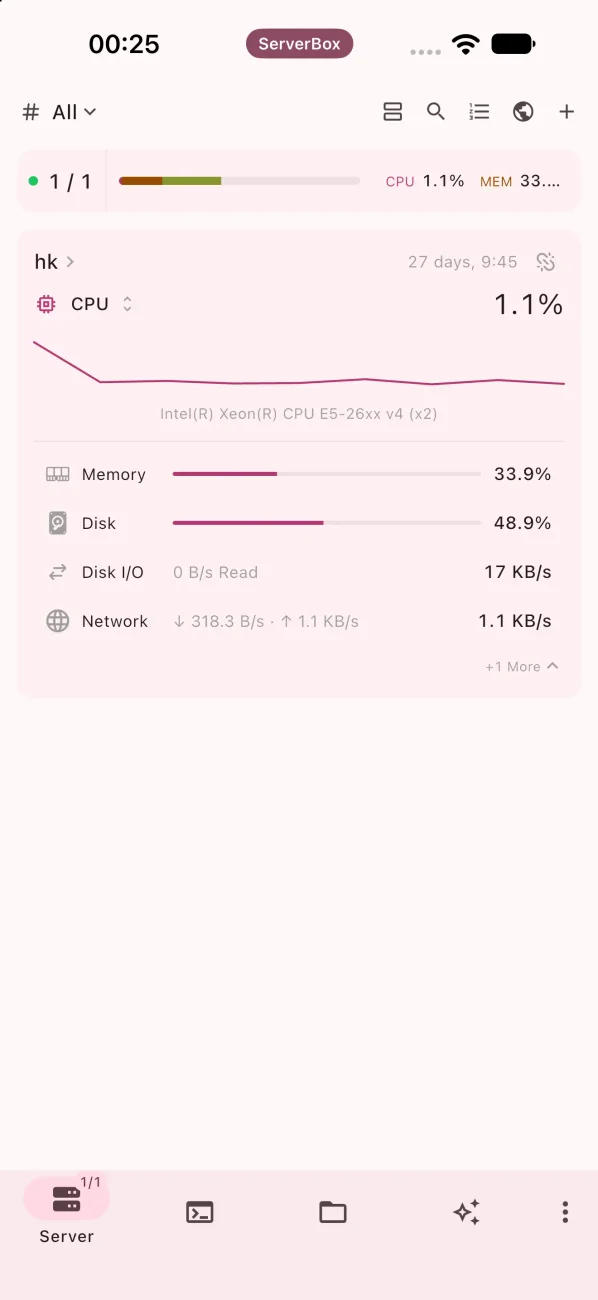
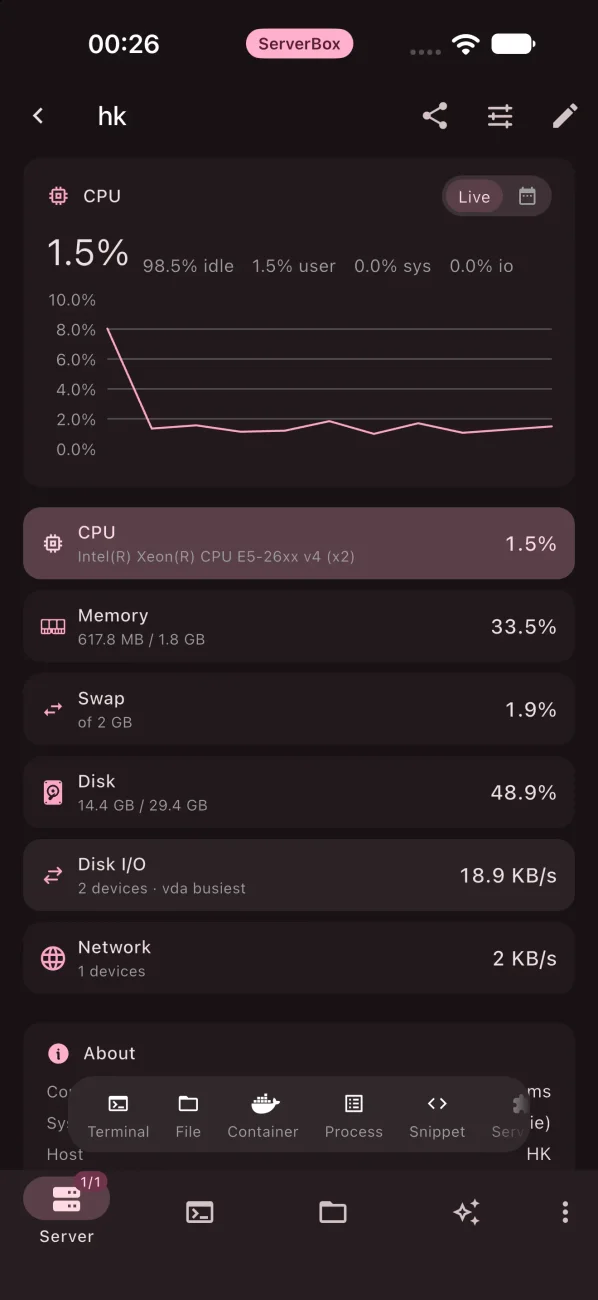
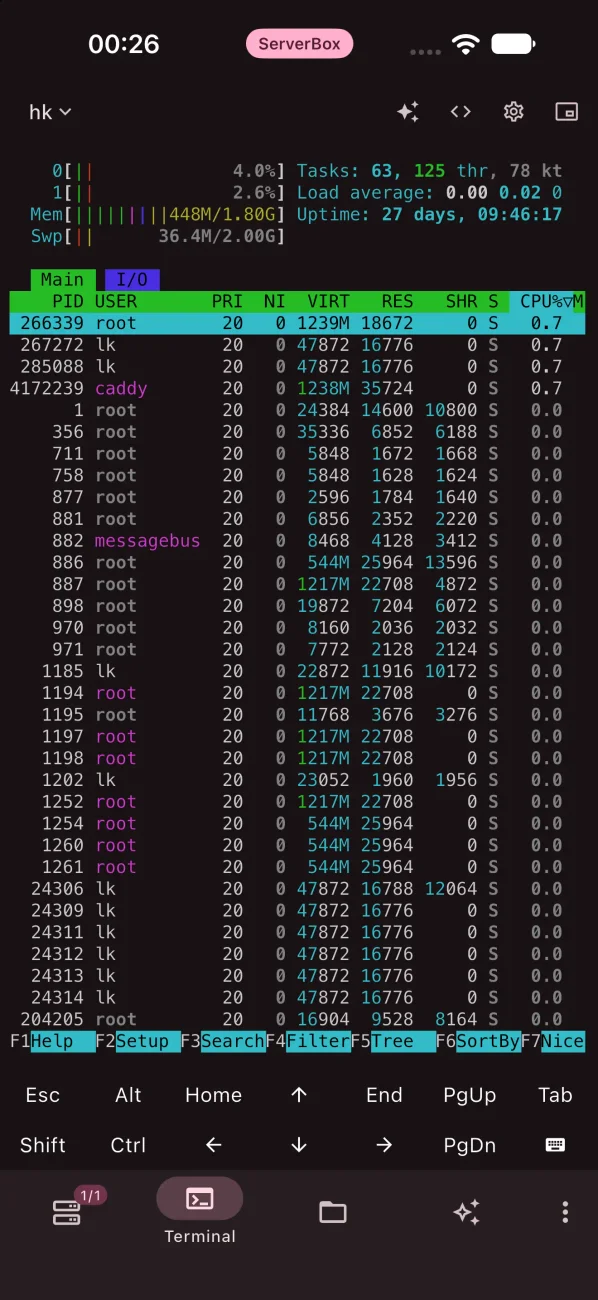
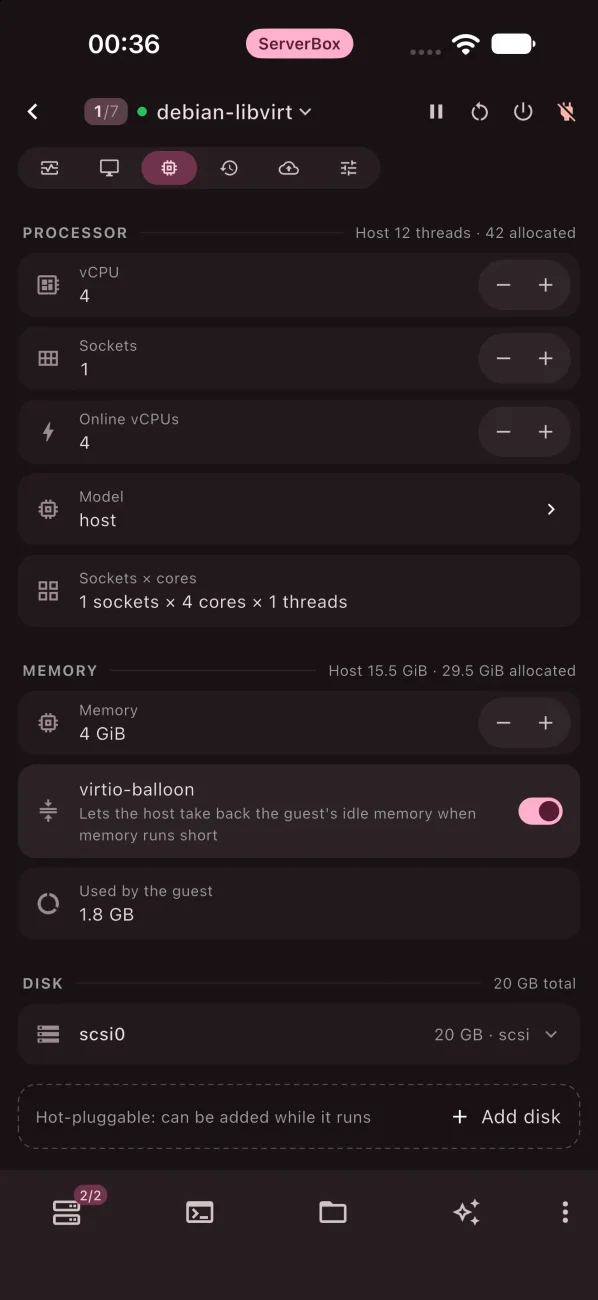
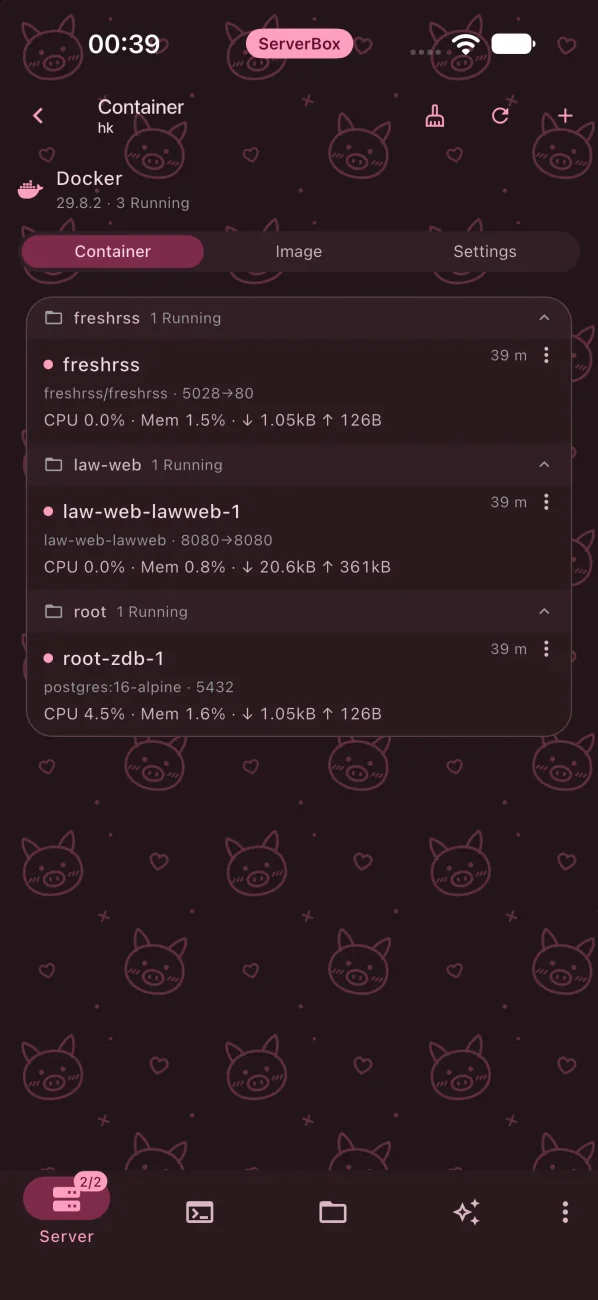
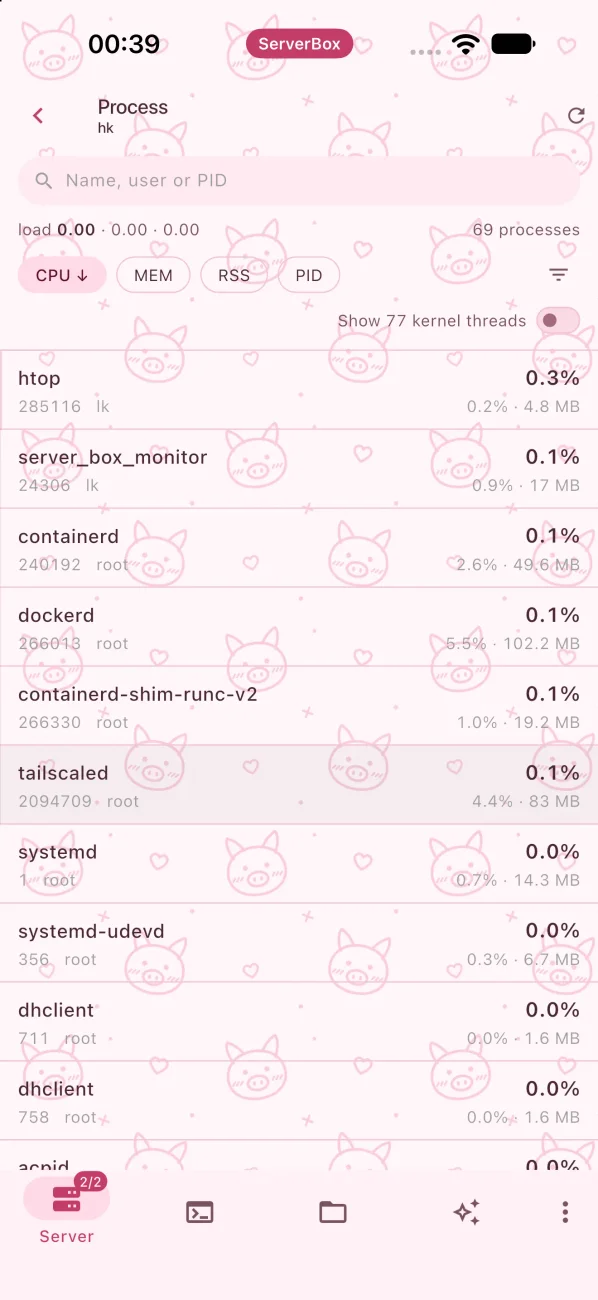
- Status charts for CPU, sensors, GPU, and other metrics; an SSH terminal; SFTP; RDP and VNC; Docker, process, and service management; and S.M.A.R.T.
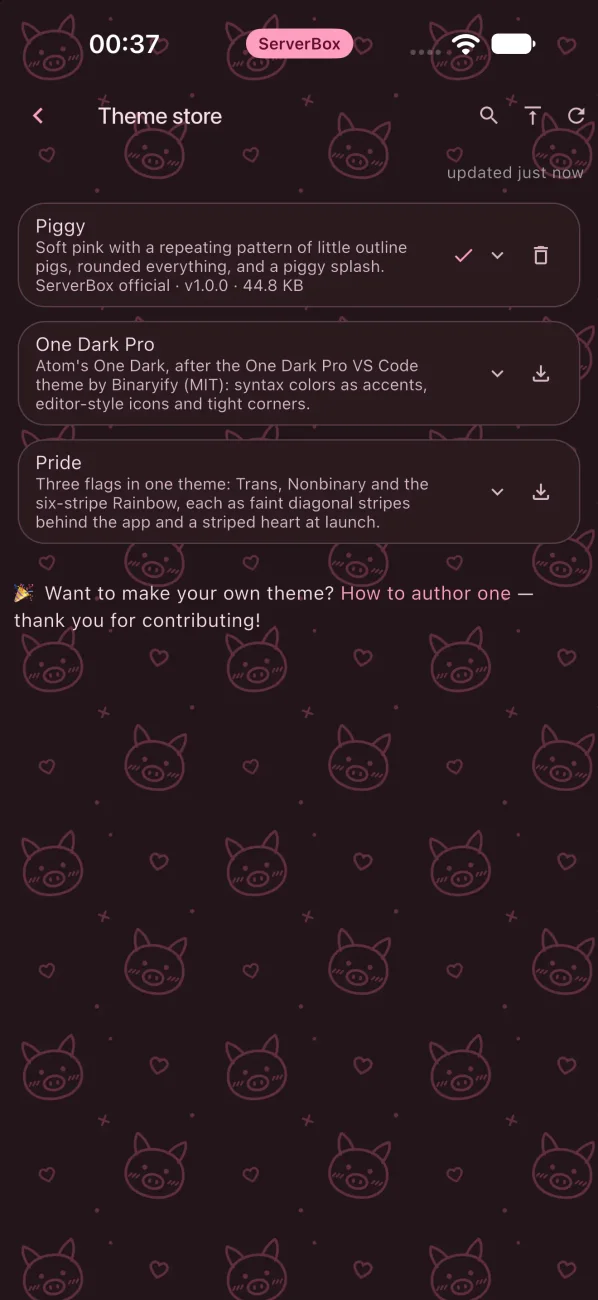
- Platform features include biometric authentication, push notifications, home-screen widgets, a watchOS app, and system color themes.
- 16 languages.
What’s new
Version 1.0.1925 · Nov 11, 2026
BEFORE YOU UPGRADE
• Usage analytics are removed, along with the Full diagnostics level. Installations set to Full now use Basic, which uploads only errors and crashes.
• Monitor v0.4.0 uses a single account and signs in with a password only. ServerBox no longer asks for a username, and offers to update Monitors older than v0.4.0 before signing in.
• Self-signed Monitor certificates are trusted once by fingerprint. The first connection asks you to trust the certificate from the server card or detail page, and asks again only if the certificate changes.
• Sync uses a new incremental format. iCloud and WebDAV now sync individual changes instead of full backups, encrypted with a sync key protected by your backup password. GitHub Gist and Monitor's hosted backup store are removed as sync destinations. All devices sharing a destination must use the same backup password and upgrade to this version.
NEW
• Storage and sharing: manage disks, partitions, RAID arrays, ZFS pools, LUKS encryption and SMART health, plus SMB shares and NFS exports.
• Monitor tab: all connected Monitors at a glance, with version status and one-click updates, active alert rules, deployed web apps, notifications, audit logs, and signed-in sessions and trusted devices that can be revoked.
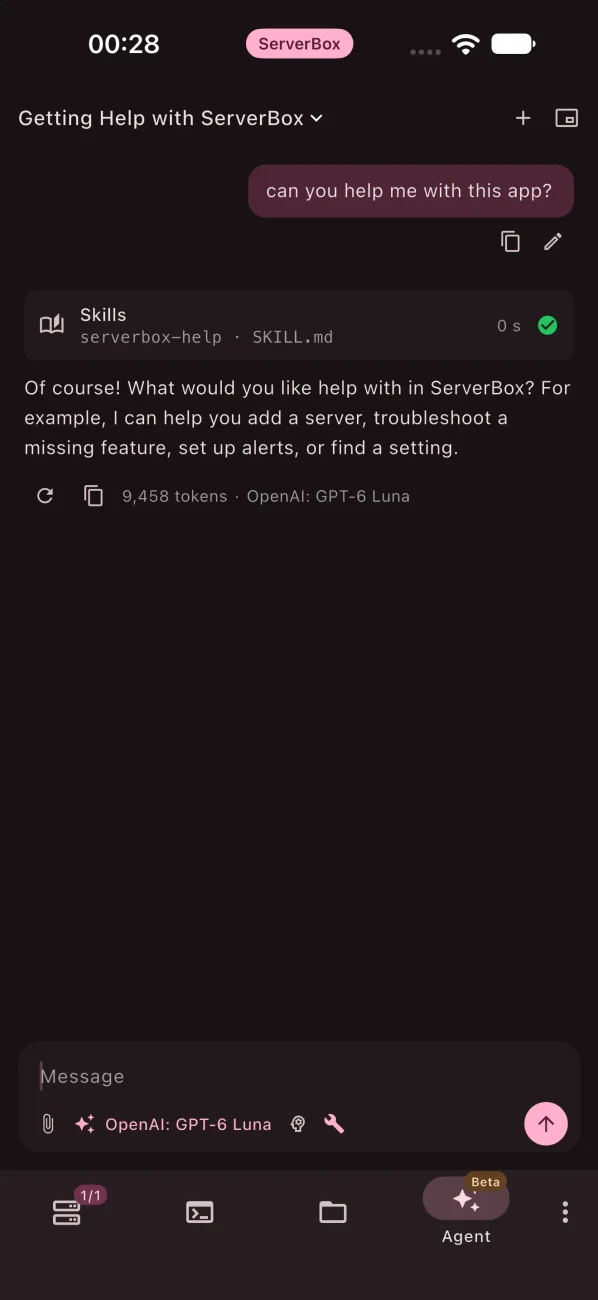
• Agent mode on Monitor, integrated with the app: start AI tasks on a server, follow them live and answer them from the Agent tab.
• Agent command permissions: Manual, Auto or Allow all mode, with allow, ask or deny rules for commands.
• Server discovery: find SSH servers on the local network, in SSH config files, on Tailscale and through Cloudflare Tunnel, and add them along with their jump servers. First-run setup is redesigned around it.
• Selective sync: sync settings, AI preferences, credentials, key passphrases, files and benchmarks separately. Fonts, images, skills, theme packages and icon packs now sync as well.
• Device files and the on-device shell's files appear in the Files app.
• Paste from the system menu uses bracketed paste in the terminal.
• tmux: zoom and unzoom panes.
• A redesigned full-screen server view, showing a single server or all servers with burn-in protection.
• New notification channels on Monitor: SMTP email, Telegram, Discord and ntfy. GPU process list for servers connected through Monitor.
CHANGED
• Exported backups now use the age format; older backups still restore.
• Terminal and file tabs are no longer reopened automatically after closing the app.
• Improved mouse wheel and trackpad scrolling in the terminal.
• Completed and polished translations across all supported languages.
FIXED
• Opening a database from an older release could fail during migration.
• tmux: pane and window targets, cross-window switching, detaching, and output replay after reconnecting.
• Terminal: typing quickly no longer duplicates characters; a session opened from the picker switches to its tab.
• Editor: copying a large selection while an input method is active no longer drops lines.
• Settings: pages with unsaved edits ask before closing, and Back returns to the visible page.
• Dialog buttons remain responsive after the window is resized or the screen rotates.
• Paste in text fields and the terminal; keyboard bounce when switching views.
• Remote desktop explains a server that supports only Standard RDP Security.
App privacy
What 吐司工作室 declares on the App Store about how this app handles data.
-
Data not linked to you
May be collected but is not linked to your identity.
- Diagnostics
Privacy practices may vary, for example with the features you use or your age.
Information
- Seller
- Jinhua Toast Network Co., Ltd.
- Category
- Utilities
- Version
- 1.0.1925
- Updated
- Nov 11, 2026
- Released
- Jan 9, 2022
- Size
- 126.0 MB
- Requires
- iOS 15.0 or later
- Age rating
- 4+
- Price
- Free
- Languages
- English, French, German, Indonesian, Japanese, Portuguese, Russian, Simplified Chinese, Spanish, Traditional Chinese
- Copyright
- © lollipopkit
You might also like
-
 SSH Term - Secure Remote ShellServer Terminal Client & SFTP
-
 1Panel - Server AdminManage your 1Panel server
-
 DS One-Video Library&PlayerAn all-in-one NAS cloud tool
-
 iTerminal - SSH Telnet ClientBest SSH and Telnet Client
-
 Aria2 Manager - NeoAria2easier to use Aria2
-
 拦截猫 - 骚扰电话与垃圾短信拦截Utilities
-
 RSSBudEverything is RSSible
-
 Fileso: zip rar 7zip ExtractorPreview,video,audio,convert
-
 ChatX - AI Chat Client TopAI Assistent, 4.o Version API
-
 小鱼短信Utilities