- Age rating4+
- CategoryBusiness
- Developertwo-run it-solutions GmbH
- LanguagesGerman+ 2 more
- Size53.3 MB
Links to the official App Store page
Download.org hosts no file of Service-Ding. The button opens its official App Store page, published by two-run it-solutions GmbH. Listing last checked on Nov 21, 2026.
Screenshots

About
Service-Ding turns every table into a direct line to your team.
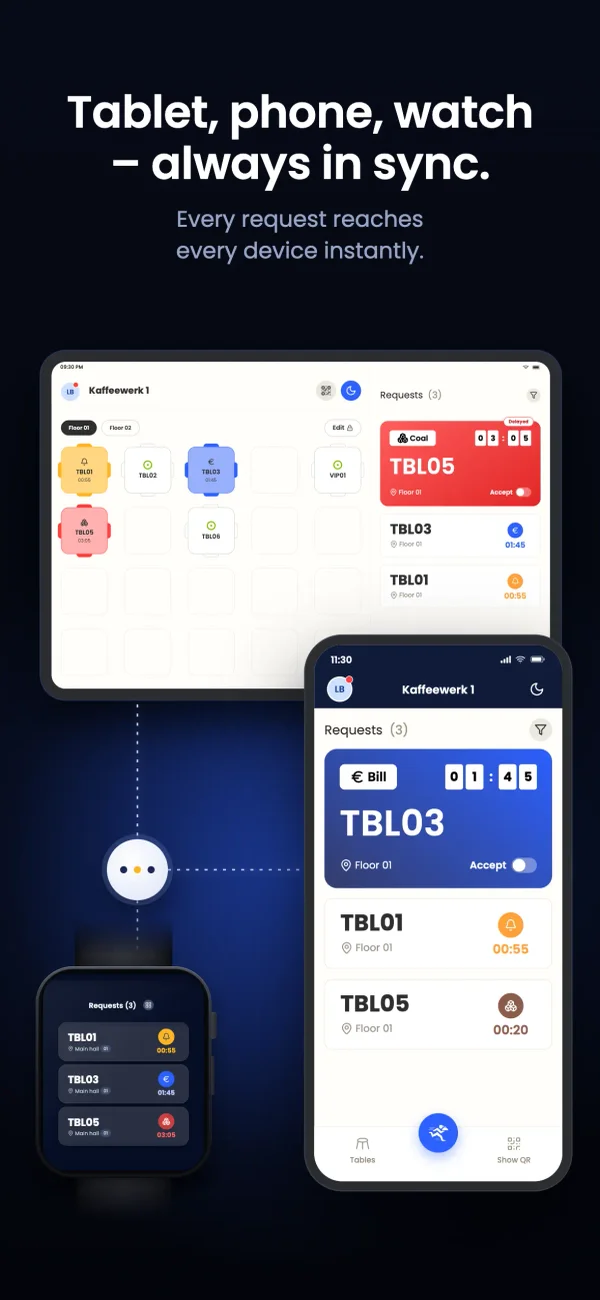
When a guest presses the button at the table, the call reaches your staff instantly – on the tablet, on the smartphone and now also on the smartwatch. No waving, no waiting, no missed requests. With Service-Ding, restaurants, cafés and bars serve their guests faster and take more orders.
Made for the whole team: waiting staff see their calls, branch managers run their floors, and head office keeps every location in view.
GUEST CALLS
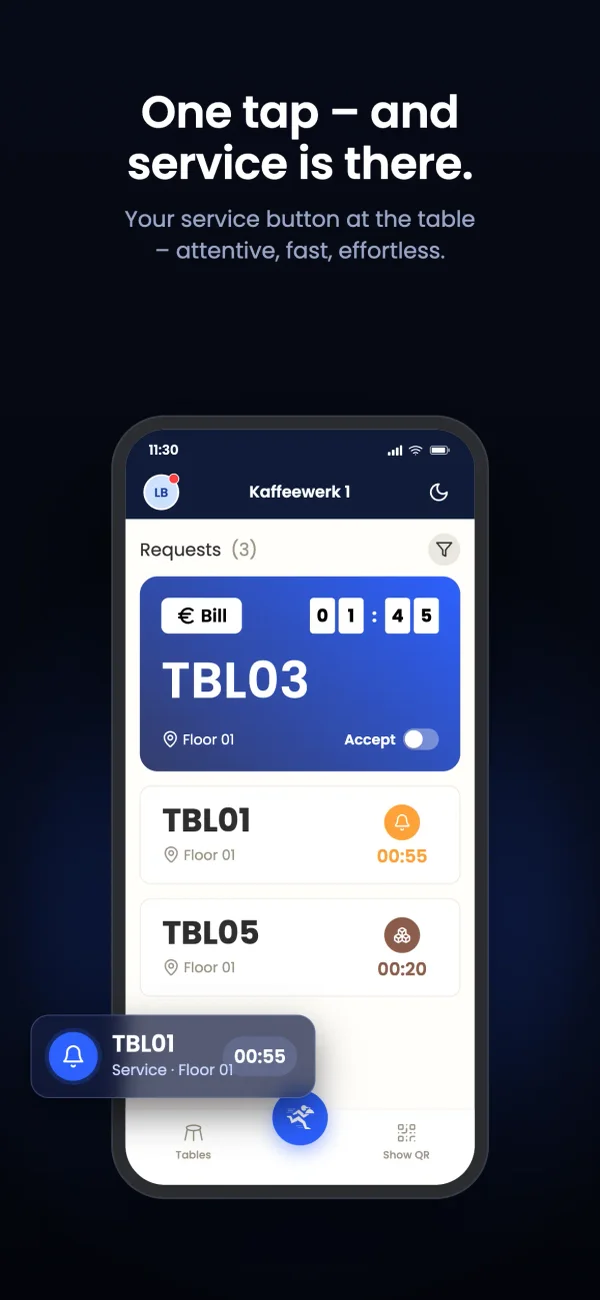
- Receive calls on tablet and smartphone
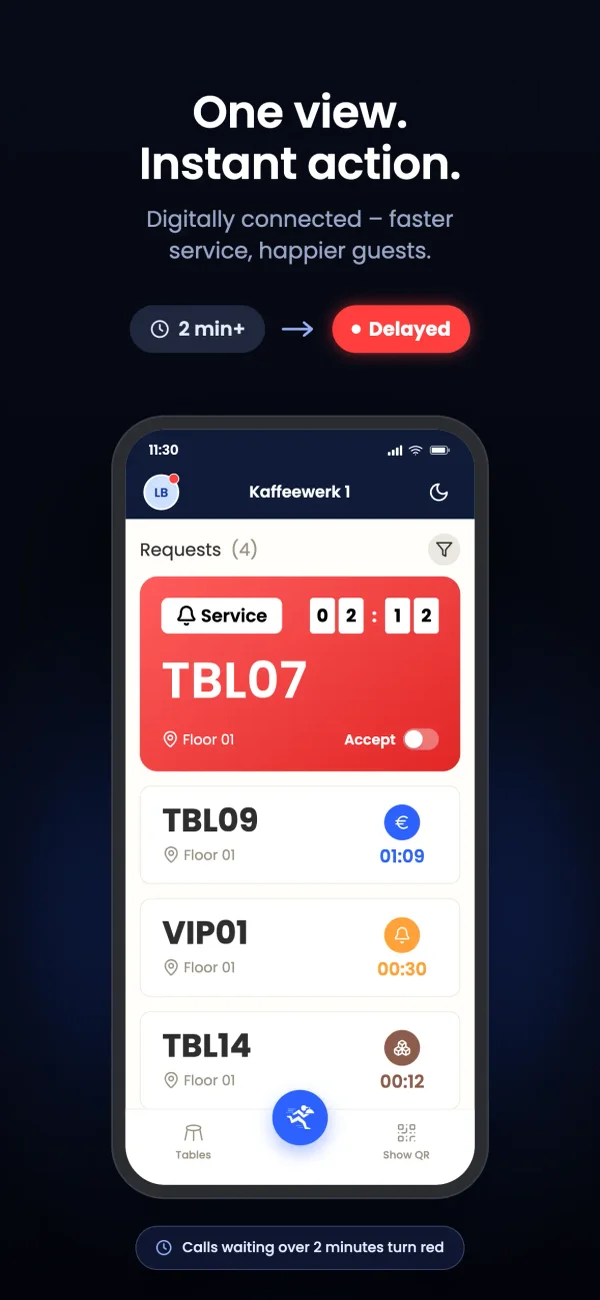
- Table calls in real time
- Instant push notifications
- Filter calls, accept them with a swipe and close them
- Personal call filter by floor and call type – the same on every device
- See who handled which call
- Shorter response times, happier guests
ANALYTICS
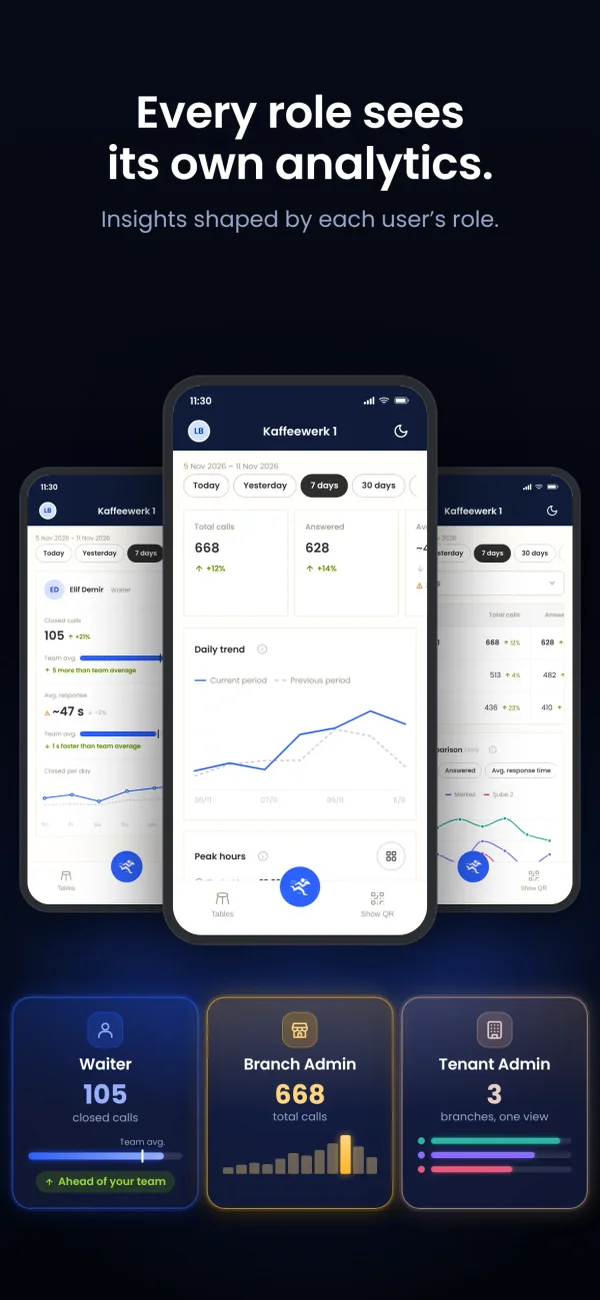
- Calls, response times and peak hours at a glance – per branch and across all branches
- Any period: today, yesterday, 7 days, 30 days or a custom range
- The tables with the most calls and the performance of every member of staff
- Every role sees what it needs: staff their own performance, branch managers their branch, head office every location
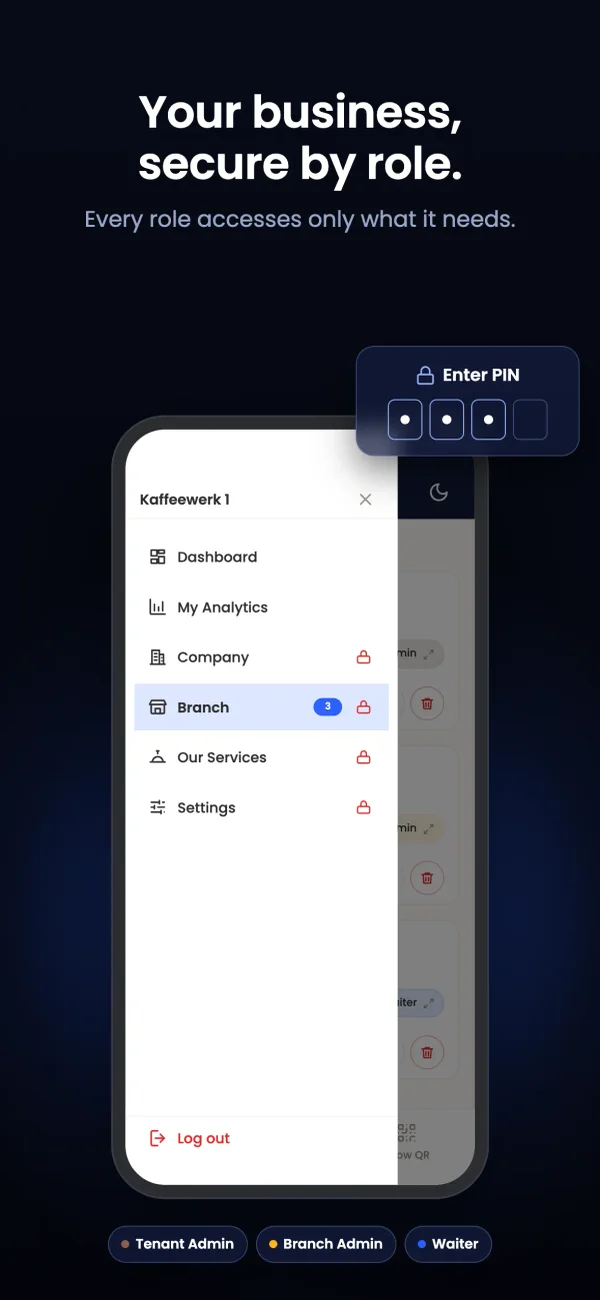
- Protected by the PIN on the tablet
SMARTWATCH
- See open calls on your wrist, with waiting time
- Accept calls right on the watch
- Vibration on every new call
- Your personal call filter applies on the watch too
- Paired in a minute: "Pair my watch" in Settings, a code on the watch, confirmation on the smartphone
- Once paired, the watch has its own session – signing out on the smartphone does not end it
TABLE MANAGEMENT
- Create and edit tables
- Assign call buttons and displays to tables
- Organise tables by floor
FLOOR MANAGEMENT
- Create and edit floors
- Manage the tables of each floor
- Activate or deactivate floors to control calls
BRANCH MANAGEMENT
- Edit branch details
- Set opening and closing hours
- See the branch's users
- Track connected devices and gateway status
STAFF AND ROLES
- Add staff to the branch
- Give every user the right role
- Waiter: dashboard, own performance and personal settings
- Branch admin: full branch management and the branch's analytics
- Company admin: company-wide management and analytics for all branches
TABLET AND PIN ACCESS
- Create PIN codes for shared tablets
- The whole team uses one device securely
- Decide who may change table and operating settings
DEVICE MANAGEMENT
- See every device connected to your branch: tablets, smartphones, smartwatches
- Last seen, app version and update hint per device
- Rename, unpair or remove smartwatches
- Gateway status at a glance
NOTIFICATIONS
- Instant notification of new calls
- Turn notifications on or off per user and device
- Notice of new app versions with a direct link to the store
PERSONAL SETTINGS
- Edit your profile
- Change your password
- Switch the app language
- Appearance: System, Light or Dark
WHO IS SERVICE-DING FOR?
Service-Ding is made for restaurants, cafés, bars, bistros, beer gardens and hotel restaurants – wherever guests need to reach a member of staff quickly. One location or a chain of branches: you manage service, tables and staff in one place.
Service-Ding requires a branch connection. Connect by QR code or with your company's branch code and sign in with your account. The smartwatch app needs a Service-Ding account and is paired once through the smartphone app.
What’s new
Version 1.0.71 · Nov 12, 2026
ANALYTICS
• New in Settings: calls, response times, peak hours and the team's performance – per branch and across all branches, for any period you choose. Every role sees its own view; protected by the PIN on the tablet.
CALLS
• Accept a call with a swipe – the switch on the call card is gone. The card shows who took the call.
• Past calls: pull the call list down to see the most recently closed calls.
• The floor chips show the number of open calls.
NOTIFICATIONS
• The permission prompt appears reliably – also after a reinstall. The switch in Settings shows the real state from the setting and the system permission.
SMARTWATCH
• Settings › My watch shows whether the watch is connected, has no connection or is not paired – and when an administrator removed it.
• The watch reports an expired session with a clear notice and asks to pair again.
FORMS AND PIN
• Unsaved changes are asked about on every exit – also when switching through the menu.
• When the tablet PIN runs out inside Settings or the table editor, only Save or Discard remain; afterwards the tablet is locked again.
• Many more fixes.
App privacy
What two-run it-solutions GmbH declares on the App Store about how this app handles data.
-
Data linked to you
May be collected and linked to your identity.
- Contact info
- User content
- Identifiers
- Usage data
Privacy practices may vary, for example with the features you use or your age.
Information
- Seller
- two-run it-solutions GmbH
- Category
- Business
- Version
- 1.0.71
- Updated
- Nov 12, 2026
- Released
- Sep 26, 2026
- Size
- 53.3 MB
- Requires
- iOS 15.1 or later
- Age rating
- 4+
- Languages
- German, English, Turkish
- Copyright
- © 2026 two-run it-solutions GmbH