
- Age rating4+
- CategoryBusiness
- DeveloperGPS Insight
- LanguagesEnglish+ 1 more
- Size154.4 MB
Links to the official App Store page
Download.org hosts no file of ServiceBridge. The button opens its official App Store page, published by GPS Insight. Listing last checked on Nov 20, 2026.
Screenshots
About
Manage your business anywhere
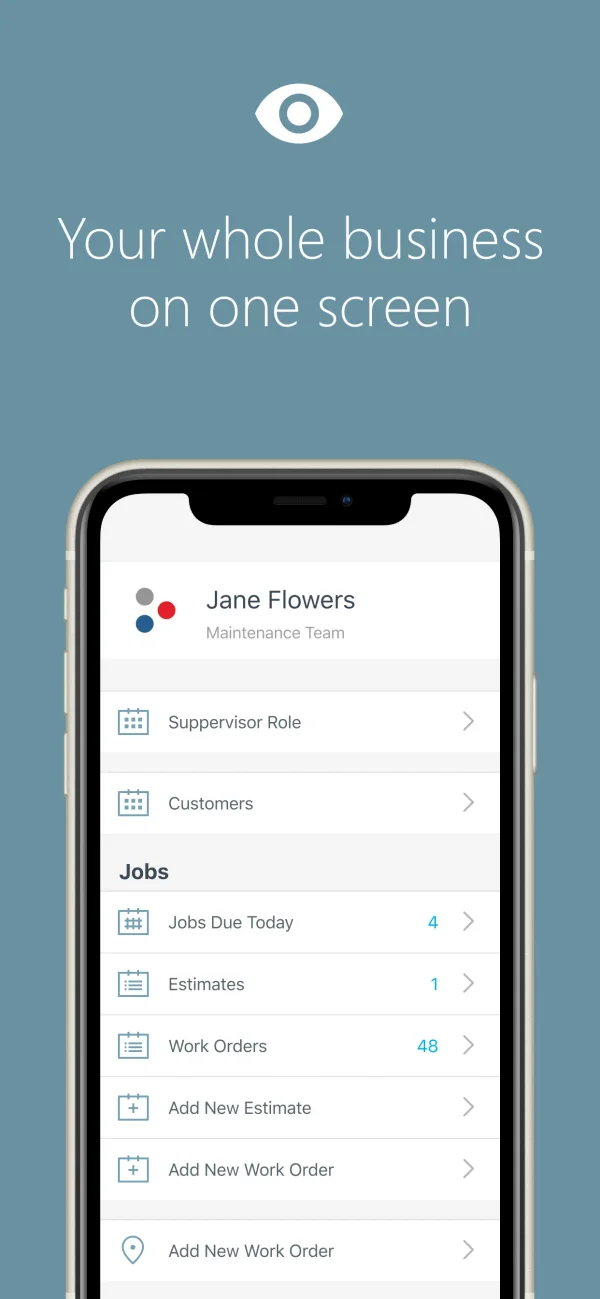
ServiceBridge is designed to assist with scheduling and job distribution, eliminate paperwork and engage customers to increase sales.
-Job and customer management
-Scheduling and dispatching
-Time cards and location tracking
-Equipment and warranty tracking
-Inventory management
-Personalized customer portal
-Digital work orders and estimates
-Works online or offline
“Since we started using ServiceBridge two years ago we have experienced growth nearing 60% and we have separated ourselves from our competition. Our ability to produce a work order/invoice quicker than anyone in the country is a huge benefit both to us and our customers.” - Brian, President, Petroleum Co, Canada
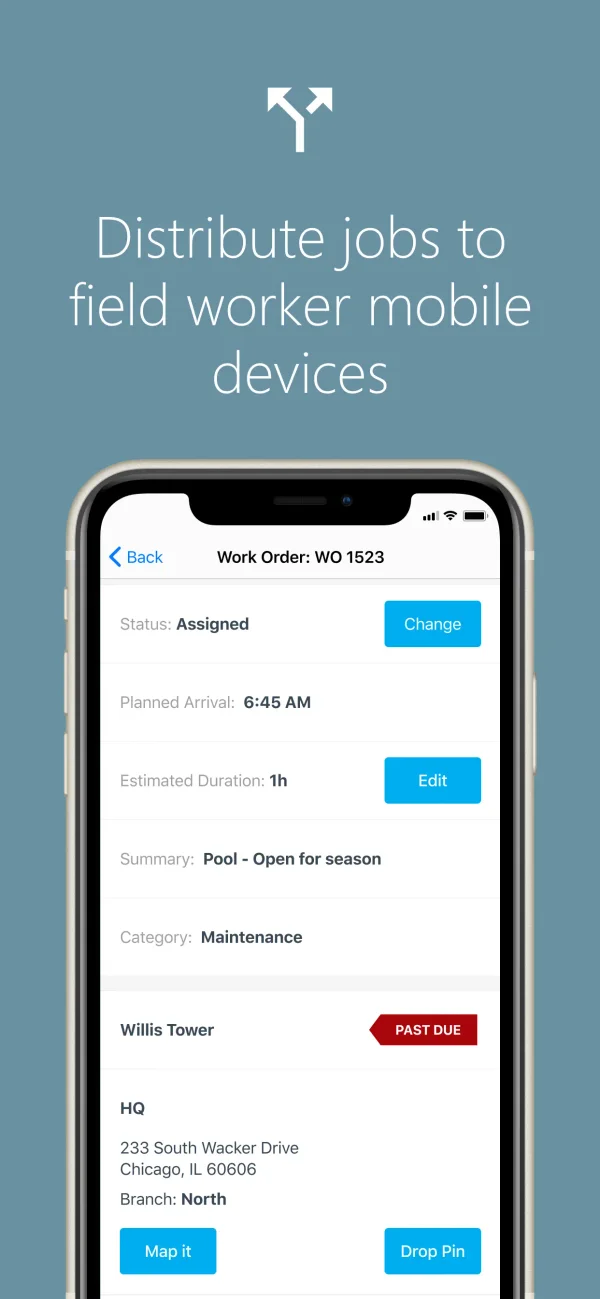
Distribute jobs to field worker mobile devices
With the ServiceBridge mobile app, you can instantly distribute job and customer information to field workers, automatically inform your field workers of new assignments and changes to their schedules, and receive job updates made from the field. You can also access photos and signed documents, as well as capture payment information from the field.
Reduce office calls and simplify job costing
Through ServiceBridge, you can give field workers the option to create new work orders, estimates, and customers from their mobile devices. Field workers will also have the ability to lookup product and service pricing, quote a job, and email estimates directly to customers, making the process that much more smooth.
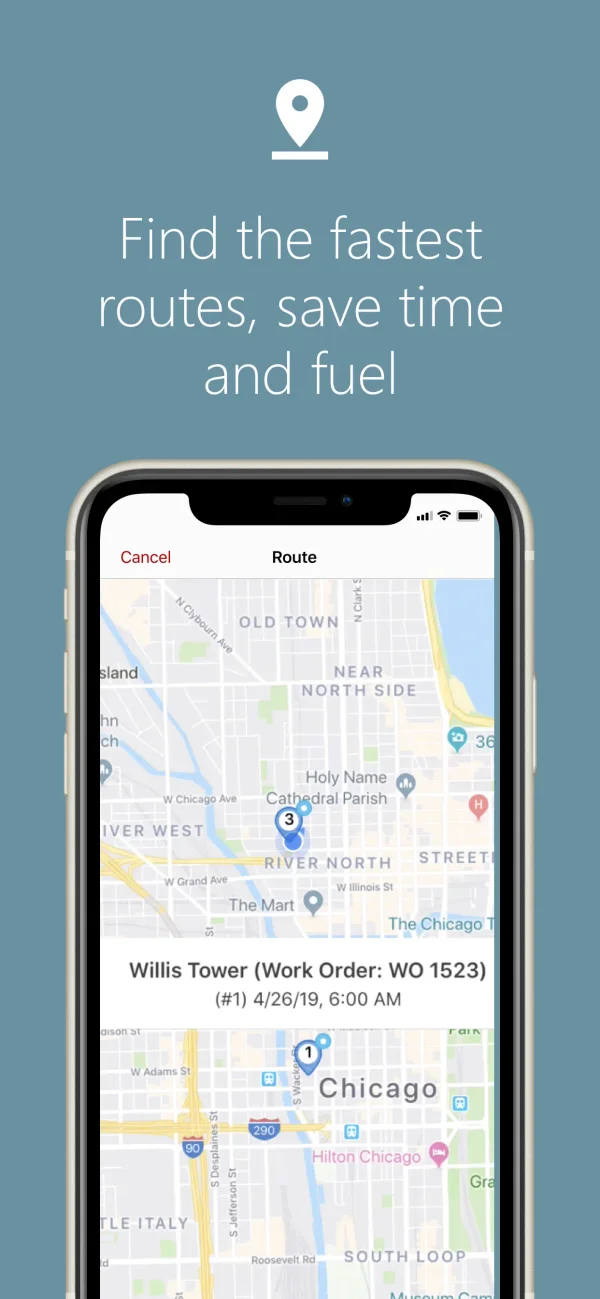
Find the fastest routes, save time and fuel
Travel route optimization is simple, as ServiceBridge displays the locations of all current daily assignments on an interactive map and allows you or your drivers to find the closest jobs and avoid traffic. The app also provides voice-guided turn-by-turn driving directions to the job site.
Track equipment warranties and service contracts
With ServiceBridge, keeping a record of equipment installed at your job locations as well as maintenance history is easy, and that record is accessible from anywhere. With this easily-accessible information, you always know what is covered under the service contract and keep track of manufacturer warranties.
Digital job receipts, estimates, and inspection reports
Optimize and streamline your processes by emailing all documentation from the field to the customer. Customize all of your documents to include your business information, custom fields, photos and legal language, giving you a consistent representation of your brand across all forms of communication.
Additional keywords: ServiceBridge, Field Service Management, field service software, field service management software, scheduling software.
Additional notes:
-Continued use of GPS running in the background can decrease battery life.
-Active internet connection is required to use ServiceBridge app.
What’s new
Version 7.10.4 · Nov 18, 2026
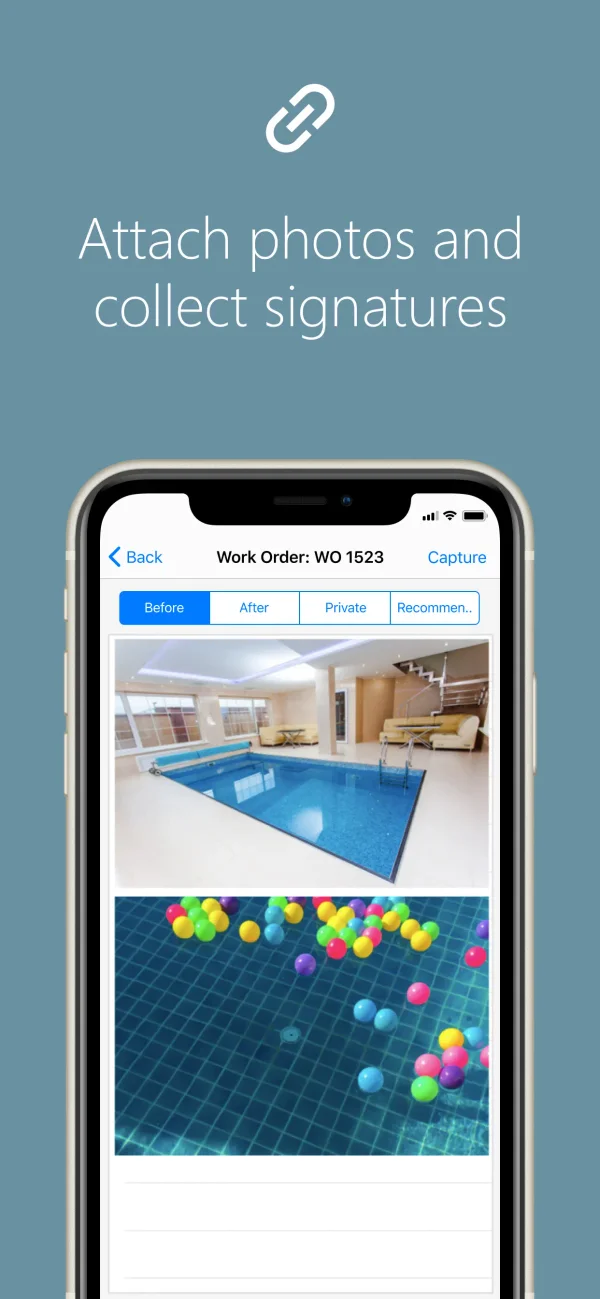
Your photos stay in the order you added them.
The photos on a Work Order or Estimate now stay in the order you added them, so you can show the job’s proof of work in the sequence you chose. This brings back how the previous version of the app worked.
- Default order: The Photos tab opens with the first item you added at the top.
- Your order is kept: Photos you pick from your Photo Library appear in the order you selected them. Photos taken in one camera session appear in the order you took them.
- A new photo goes at the end: New photos are added after the existing ones, and the grid scrolls down to show them.
- Sort by date taken: Tap Sort: Default and choose Newest first or Oldest first. The next time you open the Work Order or Estimate, it goes back to Default. The default state is the order you added photos to a Work Order or Estimate.
- Filters keep your sort: Your chosen order stays in place when you switch between All, Before, After, Private, Recommended, or Photos
- Date taken on every tile: Each photo and video shows the date it was taken.
Fixes
- The front camera preview no longer shows upside down when you hold your device in landscape.
- You can add notes to sketches again.
App privacy
What GPS Insight declares on the App Store about how this app handles data.
-
Data linked to you
May be collected and linked to your identity.
- Usage data
- Diagnostics
-
Data not linked to you
May be collected but is not linked to your identity.
- Diagnostics
Privacy practices may vary, for example with the features you use or your age.
Information
- Seller
- GPS Insight
- Category
- Business
- Version
- 7.10.4
- Updated
- Nov 18, 2026
- Released
- Dec 15, 2012
- Size
- 154.4 MB
- Requires
- iOS 17 or later
- Age rating
- 4+
- Price
- Free
- Languages
- English, Spanish
- Copyright
- © 2020 GPS Insight, LLC
You might also like
-
 SolutionView TabletGuided Contractor Experiences
-
 ClearPathGPS ManagerFleet Management
-
 Zuper - Field Service Your WayField Service Management
-
 FieldPulseBusiness
-
 Assembly – Your Digital HQManage teams, projects, & more
-
 WorkEasy SoftwareRemarkable
-
 FieldAware MobileBusiness
-
 Craft: AI Sales CoachBusiness
-
 FIELDLOCATEProductivity
-
 ServiceMonsterSchedule jobs and get paid.