
SessionTalk SIP Softphone
Your SIP phone on iPhone
Designed for iPhone, iPad, iPod touch
Free · In-app purchases
- Age rating4+
- CategorySocial Networking
- DeveloperSessionTalk Ltd
- LanguagesEnglish+ 38 more
- Size67.1 MB
Links to the official App Store page
Download.org hosts no file of SessionTalk SIP Softphone. The button opens its official App Store page, published by SessionTalk Ltd. Listing last checked on Nov 27, 2026.
Screenshots
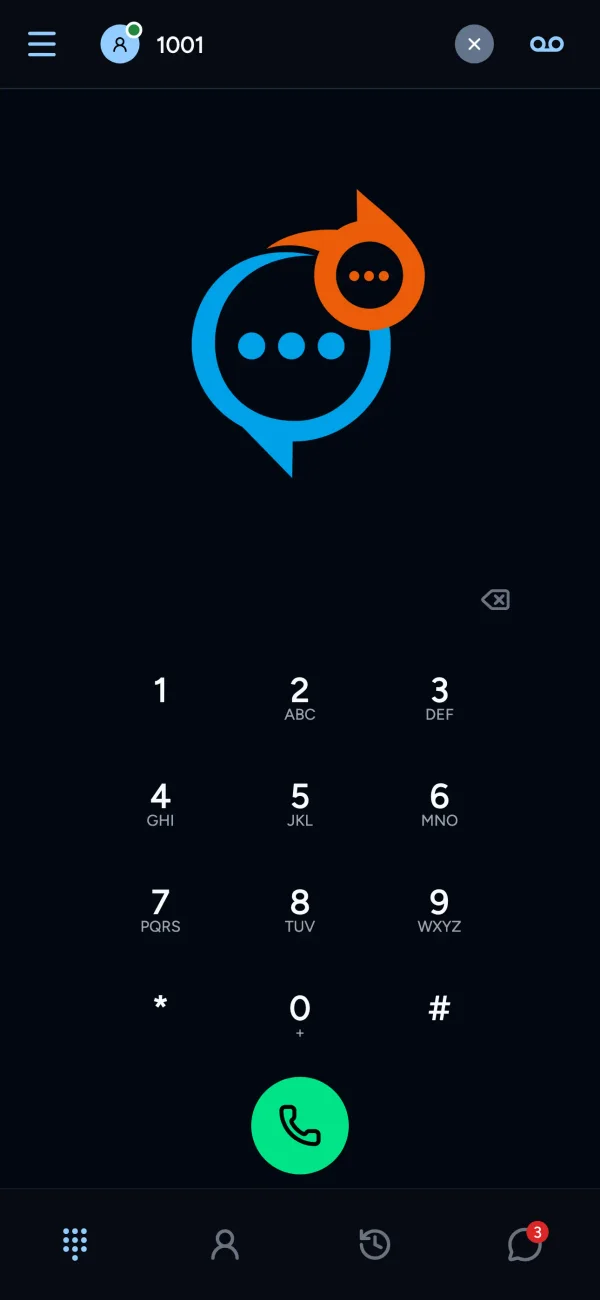
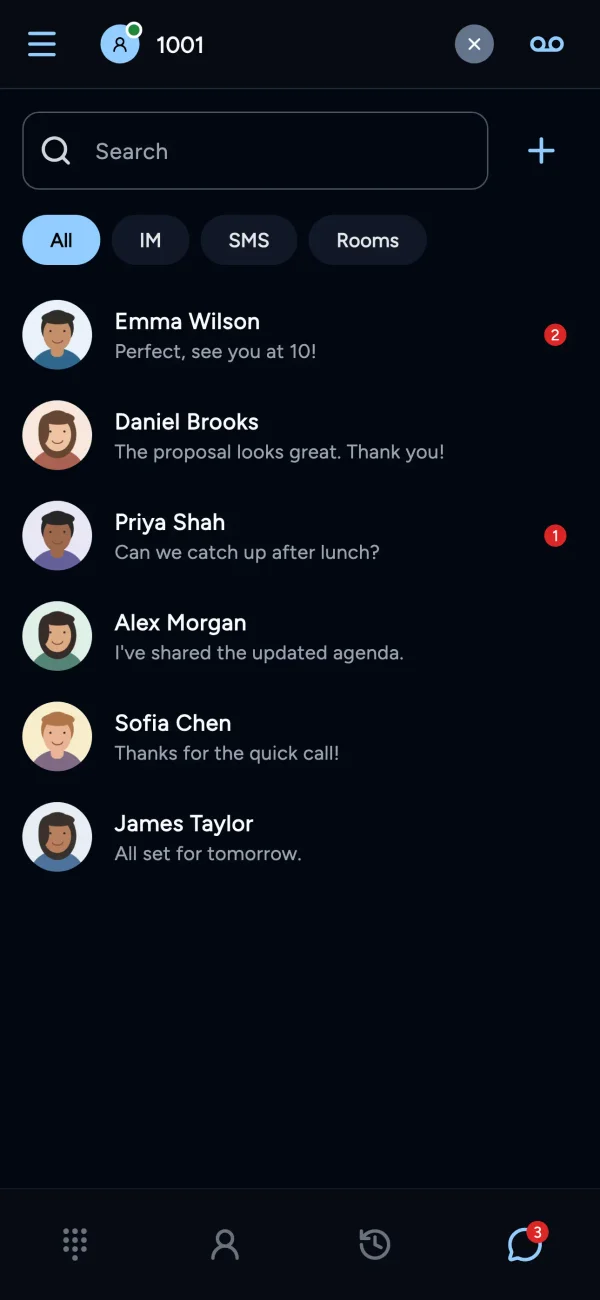

About
Your business number. Your iPhone. Your way to stay in touch.
SessionTalk SIP Softphone brings your compatible SIP account to iPhone and iPad, with a clear dialler, quick access to contacts and calling tools for working from anywhere.
Start with SIP voice calling. Unlock the optional one-time Business upgrade for push notifications, video calling, messaging and XMPP, presence, multiple SIP accounts, call transfers, conference merging, call recording and ZRTP audio encryption. The messaging screenshots show features available with this upgrade.
CALL WITH CONFIDENCE
• Make and receive SIP calls over Wi-Fi and mobile data.
• Find people quickly with contacts, favourites and call history.
• Use Bluetooth, speakerphone, mute, hold and voicemail notifications.
• Enjoy clear audio with Opus, G.722 and G.711 support.
MORE WAYS TO KEEP IN TOUCH
• Share messages with XMPP chat and compatible SIP messaging services.
• Keep conversations organised with contact avatars and group chat rooms.
• Share images and files in supported messaging conversations.
• Stay reachable with incoming-call push notifications and background XMPP message delivery.
TOOLS FOR YOUR WORKDAY
• Manage multiple SIP accounts in one app.
• Transfer calls, bring people together in conferences and record calls.
• Use video calling with a compatible provider.
• Support for TLS and SRTP when enabled by your service.
• ZRTP audio encryption requires the Business upgrade. Purchase or restore it in Premium Features.
• Compare the on-screen security code with the other caller to verify a ZRTP call.
• See your call encryption type and ZRTP verification status during calls.
• ZRTP requires a compatible peer and media path and supports audio only. Video is unavailable while ZRTP is enabled.
BRING YOUR OWN SERVICE
SessionTalk is a softphone, not a phone service. A compatible SIP account or PBX is required for calling. XMPP messaging requires a compatible XMPP account. SIP messaging, video, push and other features depend on your provider and configuration. Provider calling charges and mobile data charges may apply.
Need help? Contact support@sessiontalk.co.uk.
What’s new
Version 8.0.37 · Nov 26, 2026
Favorites now have a dedicated tab with compact avatars or a list, BLF status and configurable call pickup. Add favorites by choosing a contact and number, edit them separately, and organize app contacts into groups. Favorite numbers can differ from a contact's main number. Fixed duplicate address-book entries when saving phone contacts as favorites.
Fixed calls disconnecting immediately after answer with PBXs that include slashes in their SDP origin name, including mPBX/4.0.0.
App privacy
What SessionTalk Ltd declares on the App Store about how this app handles data.
-
Data not linked to you
May be collected but is not linked to your identity.
- Other data
Privacy practices may vary, for example with the features you use or your age.
Information
- Seller
- SessionTalk Ltd
- Category
- Social Networking
- Version
- 8.0.37
- Updated
- Nov 26, 2026
- Released
- Mar 28, 2010
- Size
- 67.1 MB
- Requires
- iOS 15.0 or later
- Age rating
- 4+
- Price
- Free
- In-app purchases
- Yes
- Languages
- English, Arabic, Bengali, Bulgarian, Croatian, Czech, Danish, Dutch, Estonian, Filipino, Finnish, French + 27 more
- Copyright
- © 2026 SessionTalk Ltd
You might also like
-
 LinphoneSocial Networking
-
 PortSIP UCSIP Softphone,Voice,Video,IM
-
 MobileVOIP international callsCheap phone calls worldwide
-
 PortSIP ONESIP Softphone,Voice,Video,IM
-
 SKYTEL UCSocial Networking
-
 Grandstream WaveSocial Networking
-
 VaxPhone - SIP based softphoneAudio, Video and Voice Changer
-
 SpoofCard - Privacy ProtectedSecond Number For Calls & Text
-
 iTel Mobile Dialer.VoIP SIP Calls, SMS, IM
-
 Telz: International CallsWiFi Calling & VoIP Worldwide