
- Age rating4+
- CategoryProductivity
- DeveloperJakub Radziejewski
- LanguagesEnglish
- Size3.0 MB
Links to the official App Store page
Download.org hosts no file of Seylo: Project Workspace. The button opens its official App Store page, published by Jakub Radziejewski. Listing last checked on Nov 20, 2026.
Screenshots
About
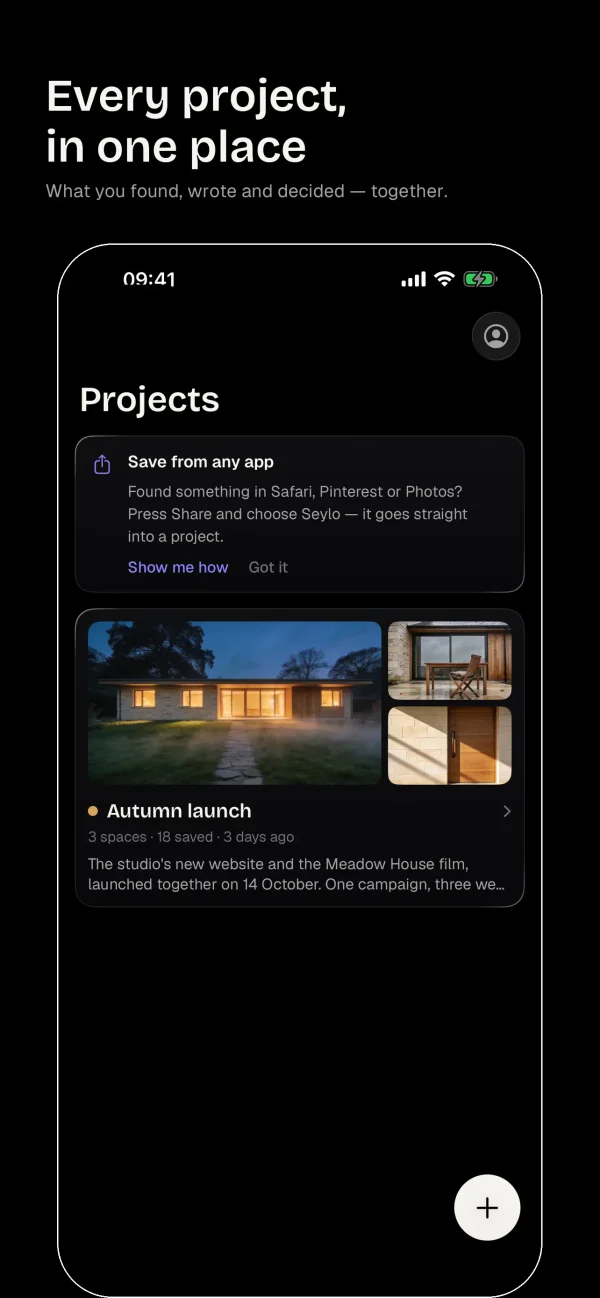
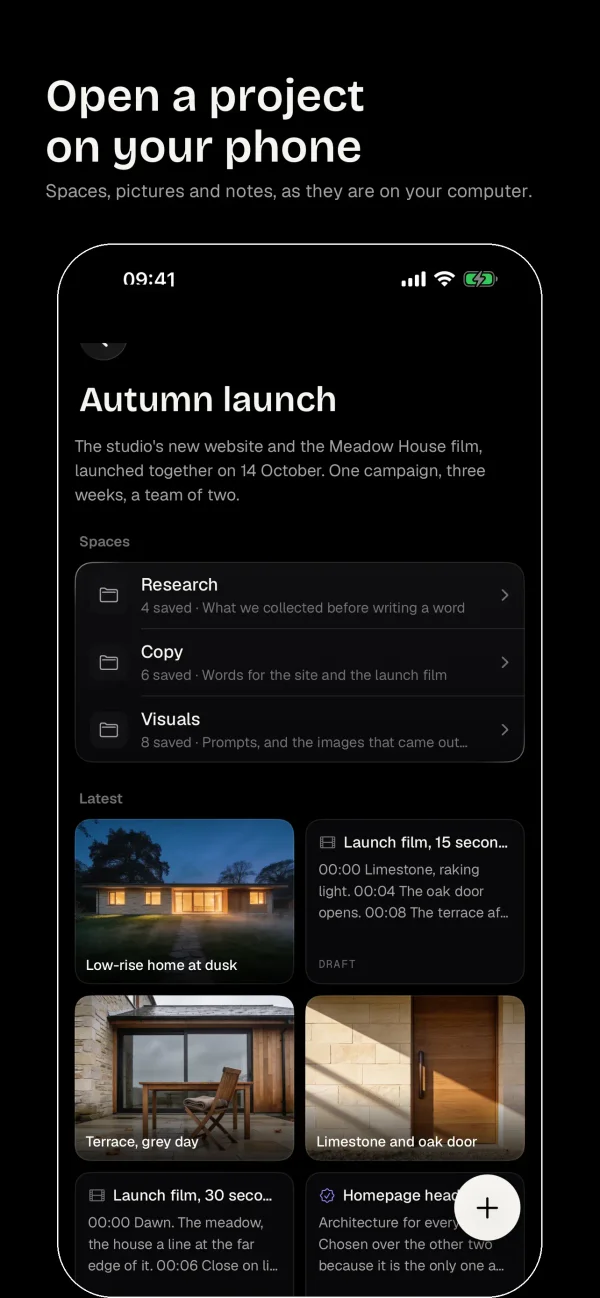
Seylo is a workspace for everything a project gathers: the pictures and pages you found, the notes and prompts you wrote, the files, and what was decided. Open a project on your phone and keep working on it.
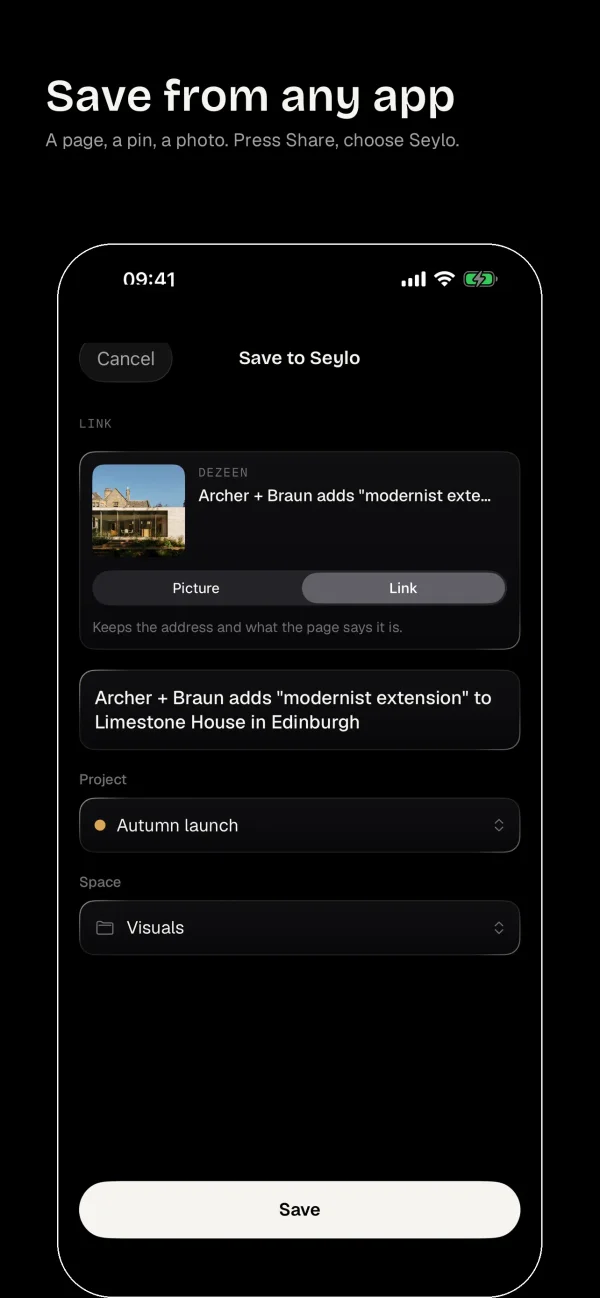
SAVE FROM ANY APP
Press Share and choose Seylo. A page in Safari, a pin, a video, a photo, a passage you selected: it goes into the project you pick. A page keeps its address, so you can open it again.
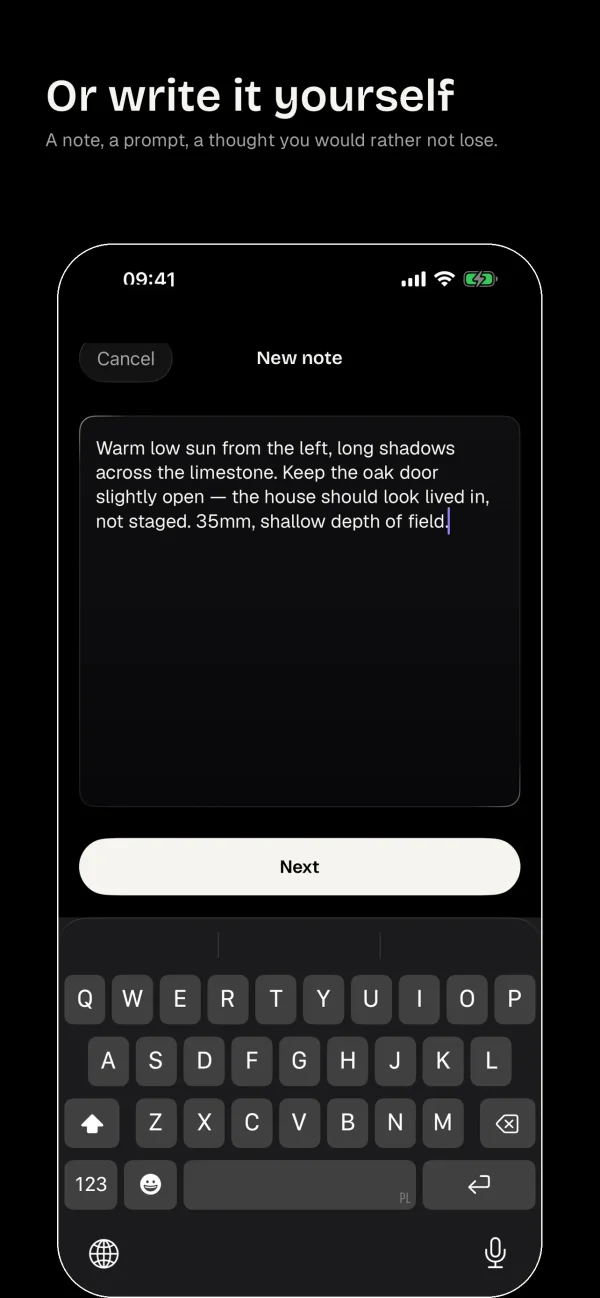
TAKE IT OR WRITE IT
Take a photo, choose some from Photos, paste a link or write a note, straight into a project or one of its spaces.
KEEP WORKING ON IT
Rewrite a note, approve a draft, move things between spaces, add pictures to a note, and save any picture to Photos.
A LIBRARY OF WHAT WORKED
Keep the references you reuse across projects in one Library, grouped by theme, and mark which ones worked and which did not.
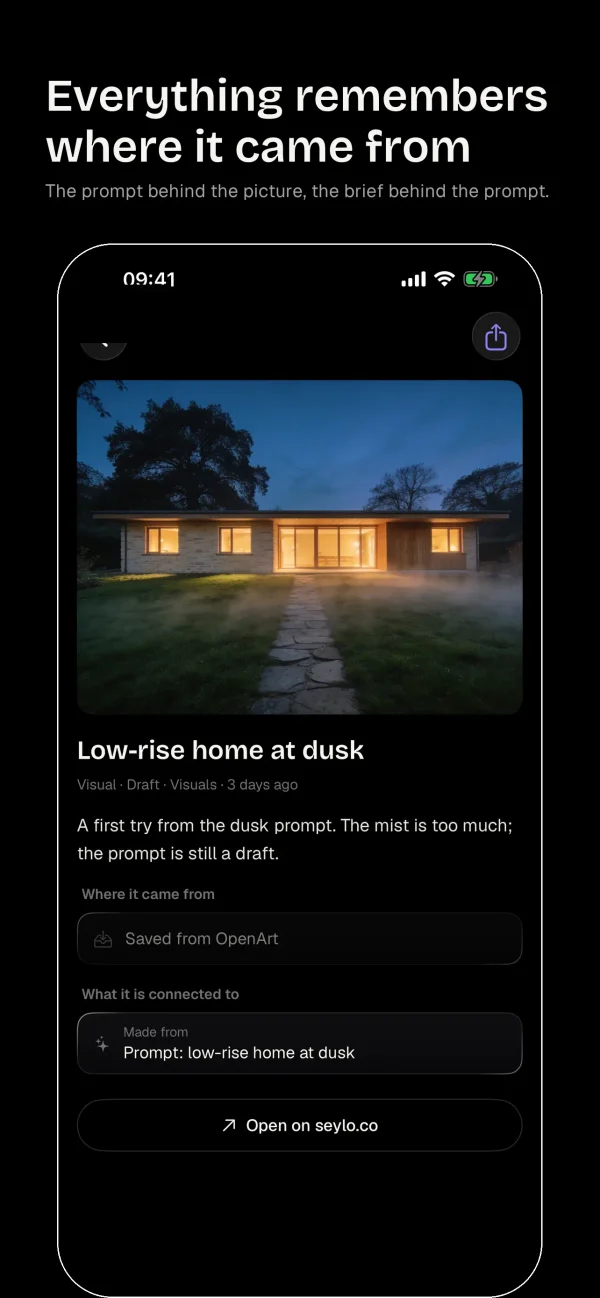
EVERYTHING REMEMBERS WHERE IT CAME FROM
The prompt behind the picture, the brief behind the prompt. Seylo keeps the line between them, so a project explains itself later.
THE SAME PROJECTS ON YOUR COMPUTER
On seylo.co each project is a map you can lay out and share.
Seylo works with a Seylo account.
What’s new
Version 1.2.0 · Oct 12, 2026
Organise from your phone. The Add button in a project now makes a new space, a folder inside a space (up to five levels deep) or a new island in your Library.
Adding photos is faster and more reliable. Pictures from Photos load a few at a time, the Add button counts them in, and the save form no longer gets stuck loading after you pick a photo.
Notes and scripts read better. Headings show as headings, and highlighted lines show without their marks.
App privacy
What Jakub Radziejewski declares on the App Store about how this app handles data.
-
Data linked to you
May be collected and linked to your identity.
- Contact info
- User content
Privacy practices may vary, for example with the features you use or your age.
Information
- Seller
- Jakub Radziejewski
- Category
- Productivity
- Version
- 1.2.0
- Updated
- Oct 12, 2026
- Released
- Sep 30, 2026
- Size
- 3.0 MB
- Requires
- iOS 17.0 or later
- Age rating
- 4+
- Price
- Free
- Languages
- English
- Copyright
- © 2026 Jakub Radziejewski
You might also like
-
 PomoGarden: Pomodoro TimerFocus Planner & Time Tracker
-
 Qubit: Habit TrackerSimple Habit & Routine Tracker
-
 StoryCoach: StorytellingYour Storytelling Coach
-
 Evris: Thought KeeperCapture thoughts effortlessly
-
 Bunkr-done scrollingProductivity
-
 Link ClusterCollect and manage links.
-
 Freedom Desktop ClockCalm themes and widgets
-
 Notelane - Markdown EditorYour notes, your own storage
-
 Magic CopySimplest Universal Clipboard