
SferaPulse: PC Remote Control
Windows Shutdown, Sleep & Wake
Designed for iPhone, iPad
In-app purchases
- Age rating12+
- CategoryUtilities
- DeveloperArtyom Isrofilov
- LanguagesSpanish+ 8 more
- Size2.7 MB
Links to the official App Store page
Download.org hosts no file of SferaPulse: PC Remote Control. The button opens its official App Store page, published by Artyom Isrofilov. Listing last checked on Nov 12, 2026.
Screenshots
About
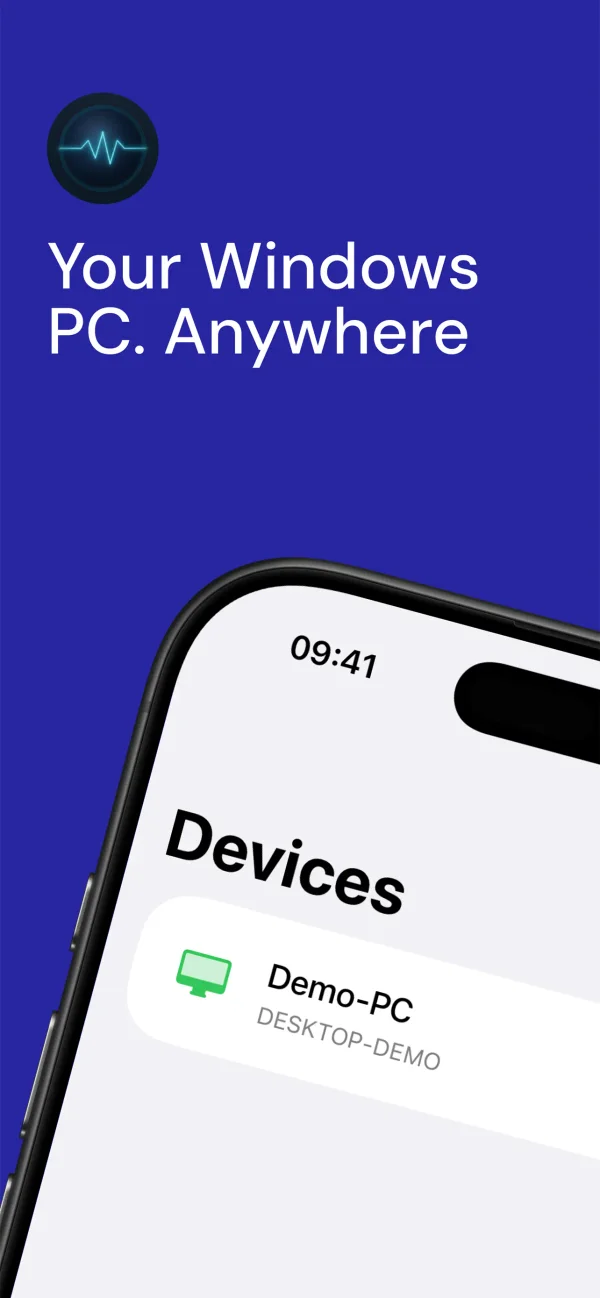
Turn your iPhone into a remote for your Windows PC. Shut down, wake, sleep, or take a screenshot in two taps — from the couch, the office, or anywhere with internet.
WHAT YOU CAN DO
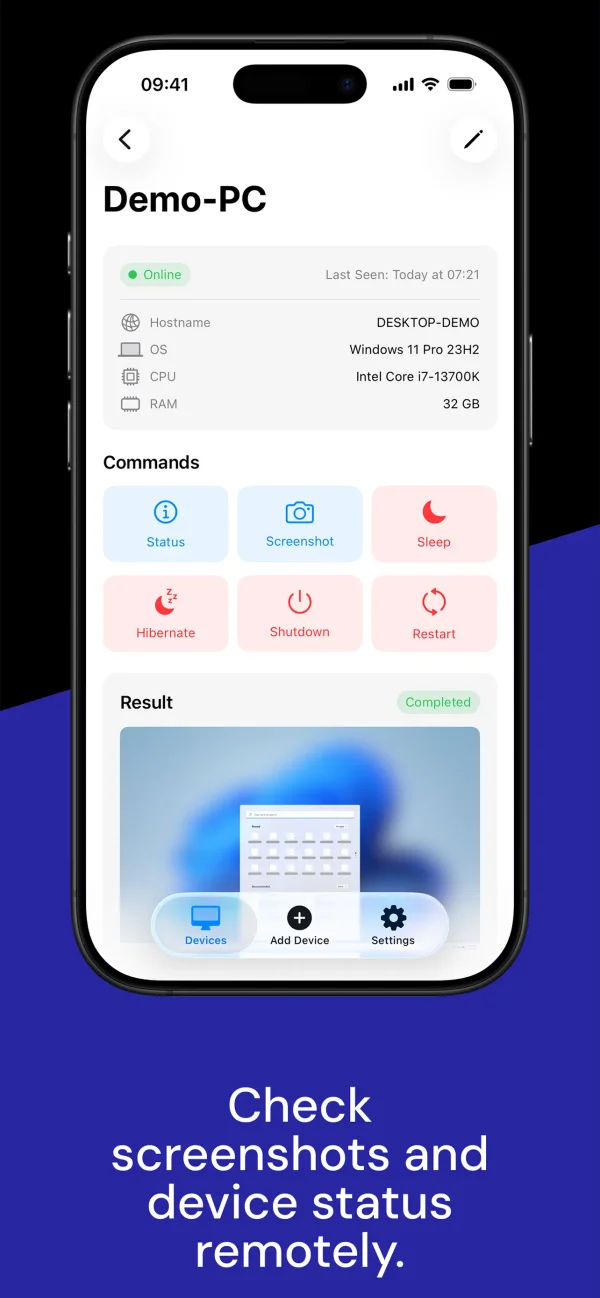
• Shutdown, restart, sleep, or hibernate your PC remotely
• Wake your computer over the local network (Wake-on-LAN)
• Capture screenshots and see what's happening at home
• Manage several Windows computers from one app
• Local and cloud devices in one list
PLANS
• Free — 1 cloud PC, all features with a daily command limit
• PRO — up to 5 PCs, increased limits, screenshots
• Premium — up to 20 PCs, high command limit, screenshots and availability notifications
WHY SferaPulse
• Control your PC from anywhere in the world
• Free on your home network
• Quick setup — no complex configuration
• Apple Sign In and Google Sign In — no passwords to remember
• Demo mode lets you explore before installing anything
• Built for everyday users, not just IT pros
HOW TO START
1. Install the free SferaPulse Agent on your Windows PC (sferapulse.com)
2. Pair via LAN, QR code, or your account
3. Tap a command and watch it run instantly
PERFECT FOR
• Forgetting to shut down your PC before bed
• Checking what's on screen at home
• Waking your gaming PC before you arrive home
• Putting your PC to sleep after leaving home
REQUIREMENTS
SferaPulse needs the companion Windows agent (free download). LAN devices are unlimited; cloud devices count against your plan's daily quota.
Privacy: https://sferapulse.com/privacy
Terms: https://sferapulse.com/terms
What’s new
Version 1.1 · May 30, 2026
Now SferaPulse can wake your PC — not just put it to sleep.
• Wake-on-LAN — remotely wake and power on your computer
• New languages added in the app and on the App Store
• Stability and interface improvements
App privacy
What Artyom Isrofilov declares on the App Store about how this app handles data.
-
Data linked to you
May be collected and linked to your identity.
- Purchases
- Identifiers
-
Data not linked to you
May be collected but is not linked to your identity.
- Usage data
- Diagnostics
Privacy practices may vary, for example with the features you use or your age.
Information
- Seller
- Artyom Isrofilov
- Category
- Utilities
- Version
- 1.1
- Updated
- May 30, 2026
- Released
- May 25, 2026
- Size
- 2.7 MB
- Requires
- iOS 18.6 or later
- Age rating
- 12+
- In-app purchases
- Yes
- Languages
- Spanish, German, Simplified Chinese, Korean, French, English, Japanese, Portuguese, Russian
- Copyright
- © Altora Tech
You might also like
-
 PC Controller: Remote MouseKeyboard, power & Wake on LAN
-
 Power Remote - Sleep Wake LockShut down, restart, keep awake
-
 Wake On DemandUtilities
-
 WakeUp ProRemote WOL Manager
-
 Peering: Remote Desktop & SSHMac screen, terminal & files
-
 Magic Knock – Wake On LANWake your computers remotely
-
 Pult: Remote for Smart TVUniversal TV remote & mouse
-
 Wakeon: Wake on LANWake on LAN & Device Manager
-
 MeerCOPProtect your laptop!
-
 BLE GroupConnectMulti-Device BLE Debug Tool