
SHADR: Creative Visual Tools
Image Effects & Generative Art
Designed for iPhone
In-app purchases
- Age rating4+
- CategoryGraphics & Design
- Developer伟滔 黄
- LanguagesEnglish+ 2 more
- Size25.4 MB
Links to the official App Store page
Download.org hosts no file of SHADR: Creative Visual Tools. The button opens its official App Store page, published by 伟滔 黄. Listing last checked on Nov 12, 2026.
Screenshots
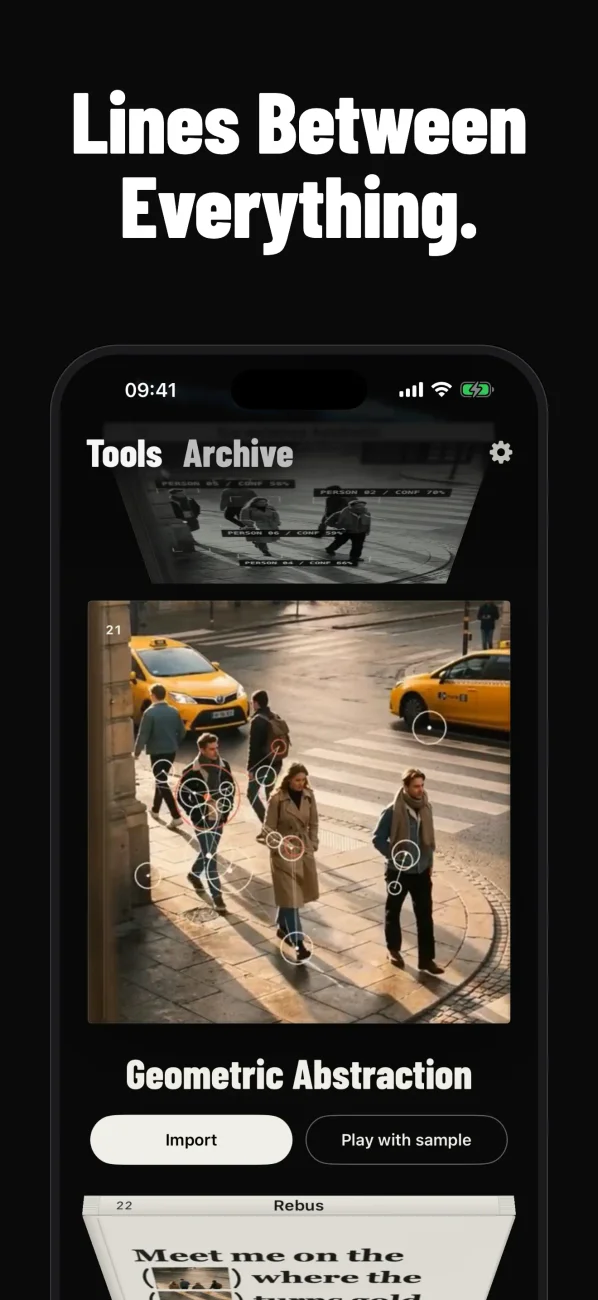
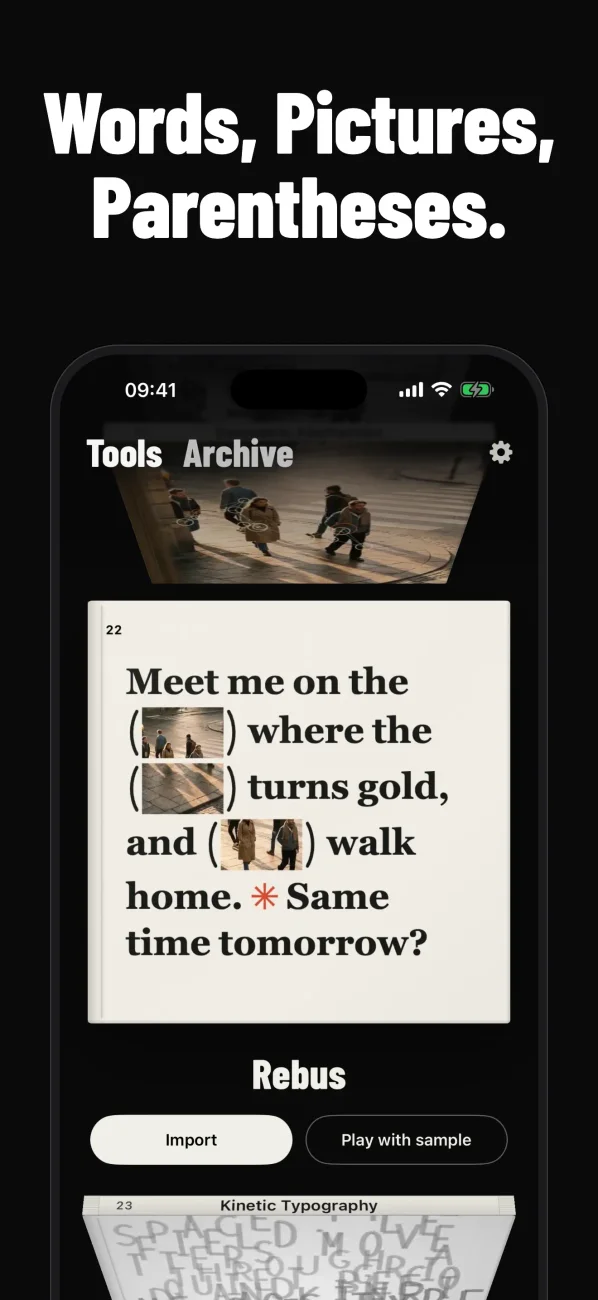
About
SHADR is a creative design toolkit for transforming photographs and blank canvases into distinctive visual artwork.
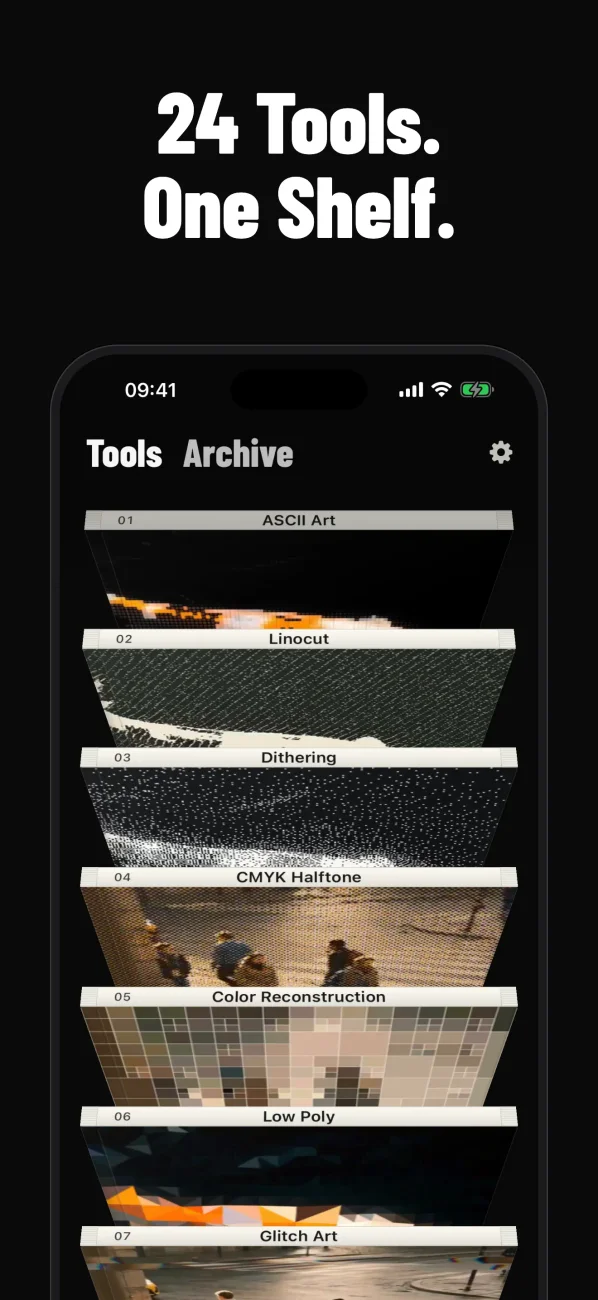
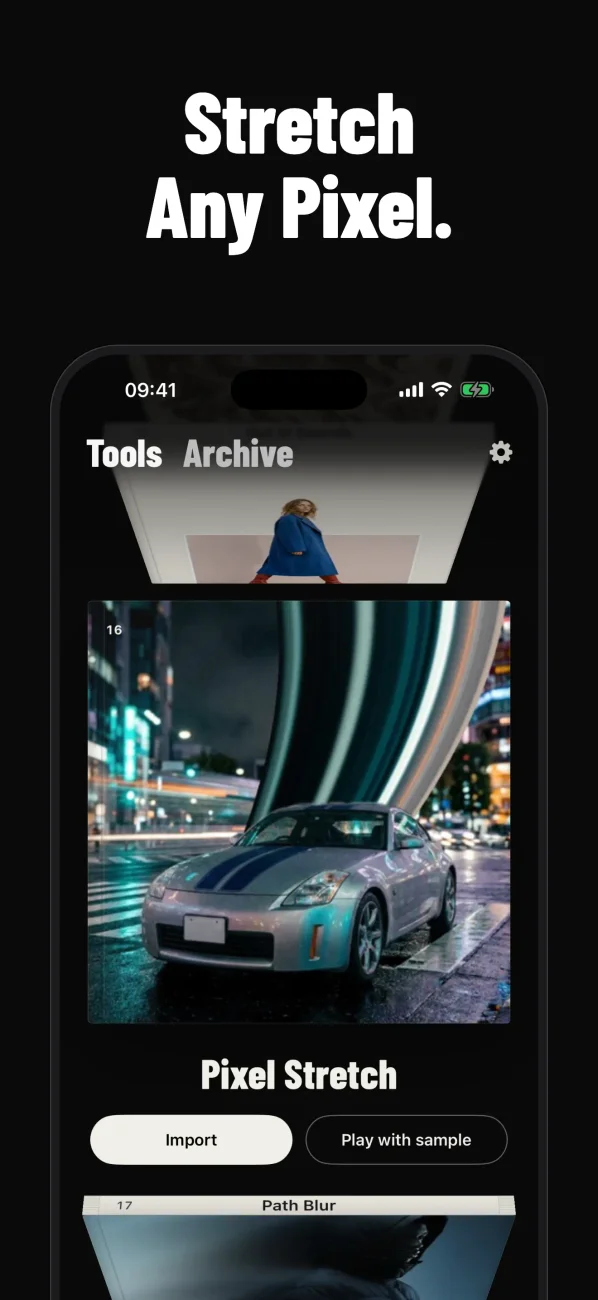
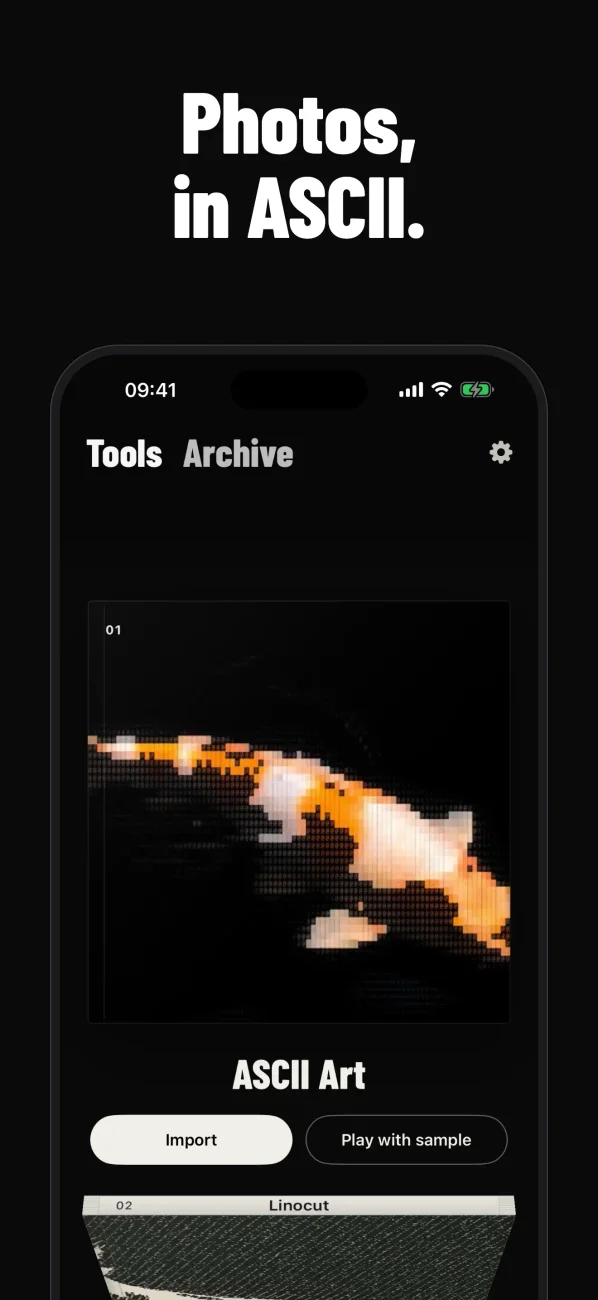
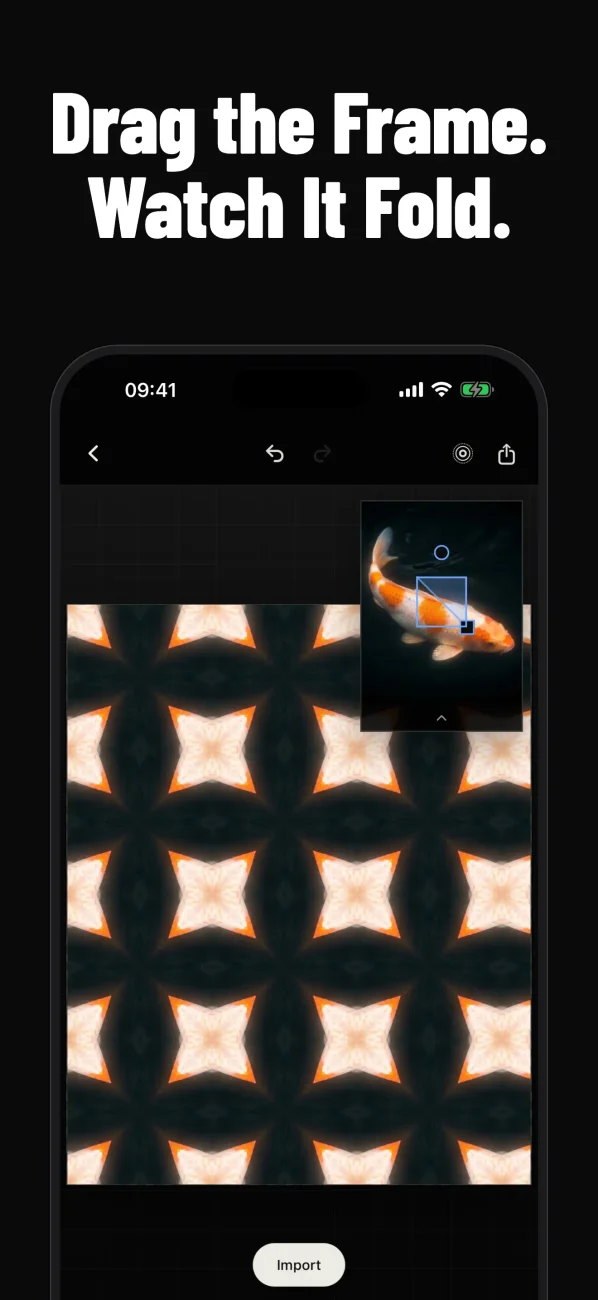
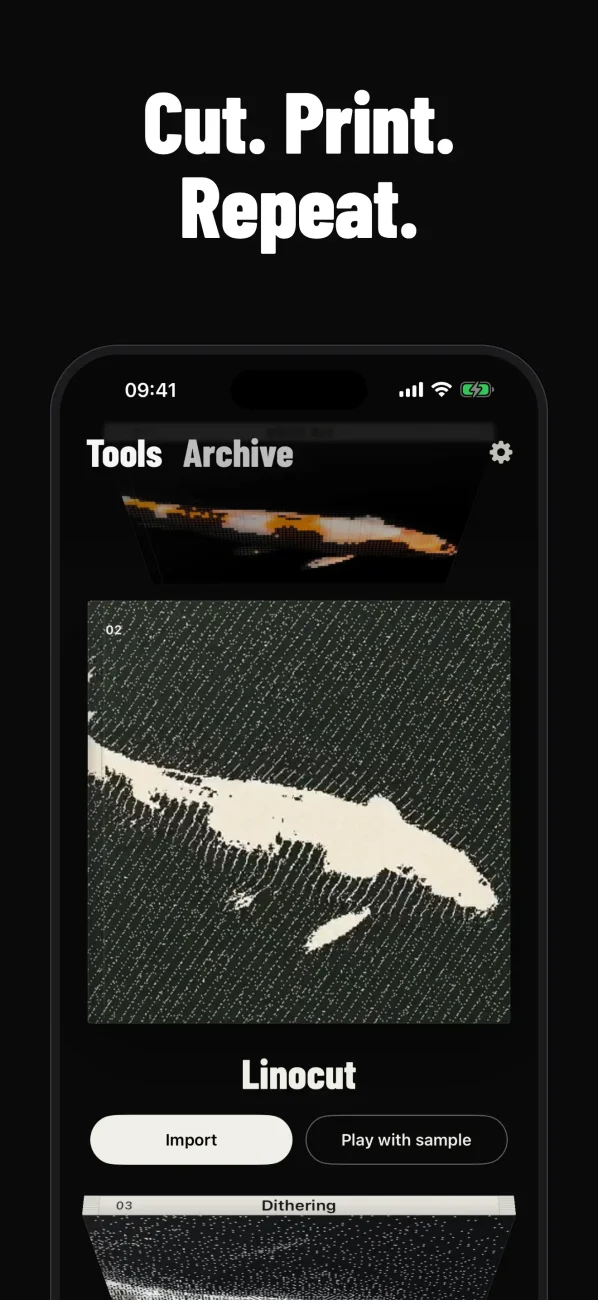
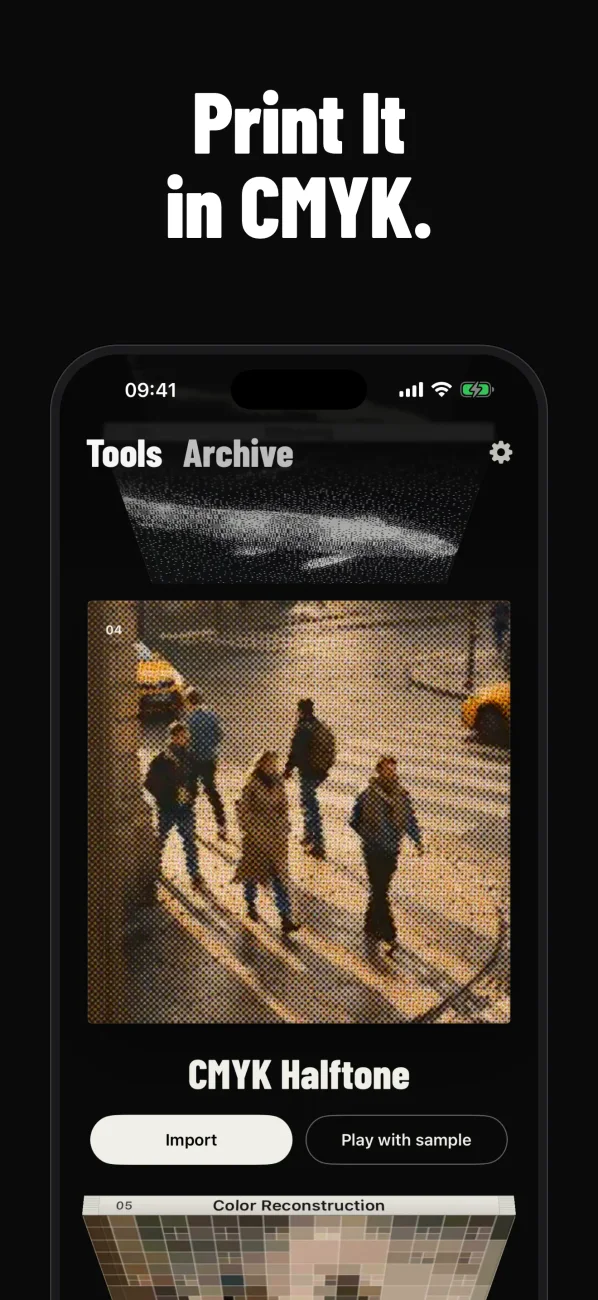
Explore a growing collection of styles including ASCII Art, Dithering, CMYK Halftone, Pixel Stretch, Fluted Glass, Kaleidoscope, Flow Field, Kinetic Typography, Light Cast, Pixel Scatter, Glow Matrix, Path Blur, Surveillance Aesthetic, Glitch Art, Geometric Abstraction, Low Poly, Mirror Mosaic, Slice Effect, Out of Bounds, Linocut, Paper Marbling, Color Reconstruction, Contact Sheet, and Rebus.
Each style is a focused creative tool inside one consistent editor. Import a photo or begin from a blank canvas where supported, generate new directions, shape the result with expressive controls, and move fluidly between different visual treatments.
Features:
- A diverse and evolving collection of creative visual styles
- Generative randomization for quickly discovering new directions
- Focused controls for refining composition, color, texture, and movement
- Still image export
- Live Photo and video output in supported tools
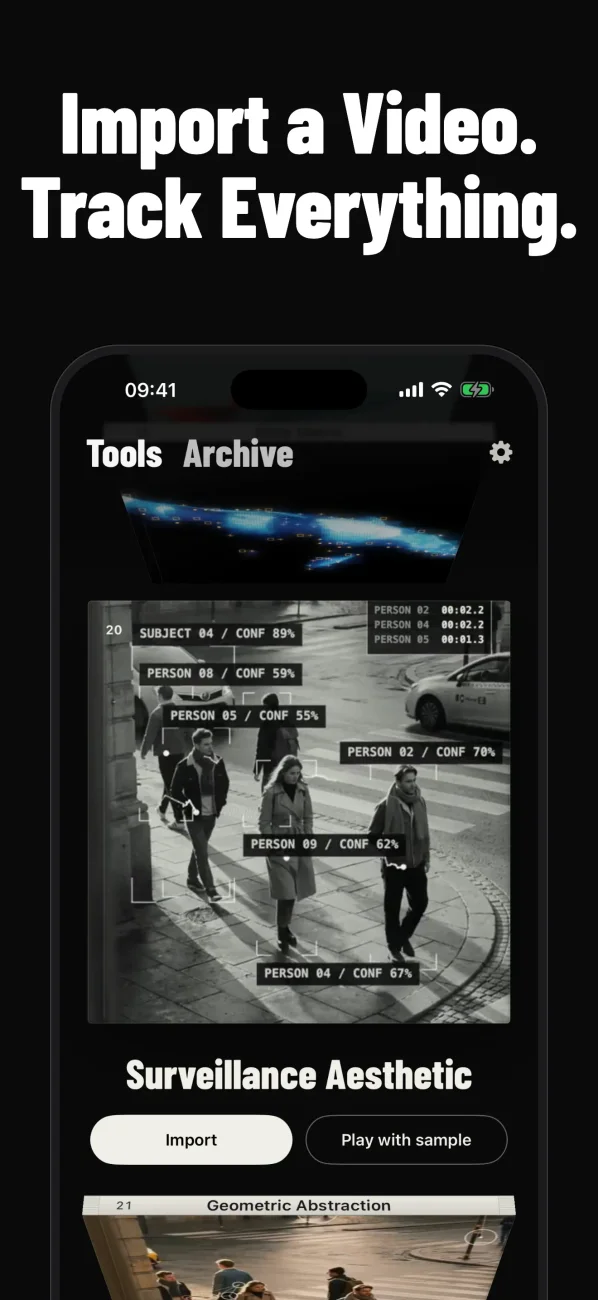
- Import a video and apply effects to it; selected tools can track what moves in the clip
- A built-in sample on every tool, ready to try
- Local projects and reusable presets
- Subject-aware treatments in selected tools
Privacy Policy: https://shadr.studio/privacy
Terms of Use: https://shadr.studio/terms
What’s new
Version 1.0.5 · Nov 4, 2026
• Import a video and apply the effect to it
• Surveillance Aesthetic and Geometric Abstraction follow what moves in a clip
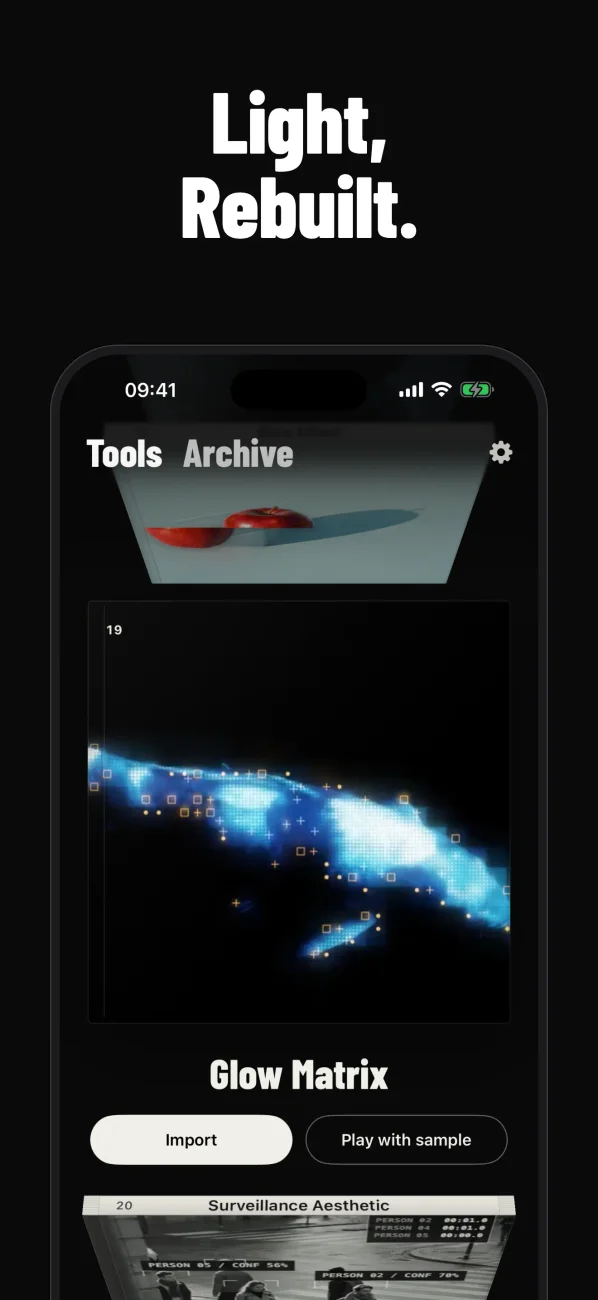
• New tools: Glow Matrix and Path Blur
• Every tool opens on its own sample
• Slice Effect is redesigned
App privacy
What 伟滔 黄 declares on the App Store about how this app handles data.
-
Data linked to you
May be collected and linked to your identity.
- Purchases
- Contact info
- User content
- Identifiers
- Usage data
- Diagnostics
Privacy practices may vary, for example with the features you use or your age.
Information
- Seller
- 伟滔 黄
- Category
- Graphics & Design
- Version
- 1.0.5
- Updated
- Nov 4, 2026
- Released
- Aug 6, 2026
- Size
- 25.4 MB
- Requires
- iOS 18.0 or later
- Age rating
- 4+
- In-app purchases
- Yes
- Languages
- English, Japanese, Simplified Chinese
- Copyright
- © 2026 Undercurrent Studio
You might also like
-
 InkvertStack Filters.Transform Photos
-
 Marea Type: TypographyTypography editor & artboards
-
 GlyphLab StudioSmart stencil generation
-
 Abstrakt: Poster MakerGeometric Design Companion
-
 IrisFold: Pattern MakerIris Folding PDF & SVG
-
 HoneytileEpic Geometric Wallpapers
-
 Emo HazeAuthentic Fluid Simulator
-
 MeshArtUnleash Your Inner Artist
-
 Fluffy MonsterA new twist on wallpapers
-
 ParticleFluidGraphics & Design