Shared Calendar - Calenmate
Sync Family, Work & Friends
Designed for iPhone, iPad, iPod touch
Free · In-app purchases
- Age rating4+
- CategoryProductivity
- DeveloperMurat Menevse
- LanguagesEnglish
- Size50.3 MB
Links to the official App Store page
Download.org hosts no file of Shared Calendar - Calenmate. The button opens its official App Store page, published by Murat Menevse. Listing last checked on Nov 16, 2026.
Screenshots
About
Shared Calendar brings every part of your life into one place — and lets you share it with the people who matter most.
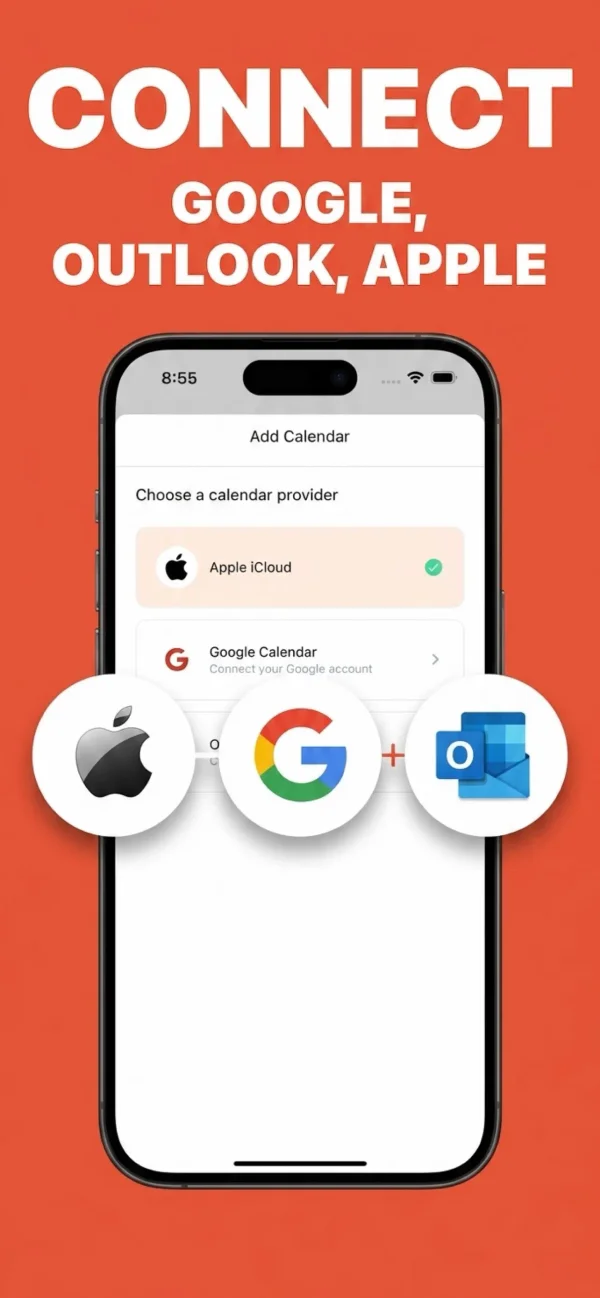
Connect your Google, Apple iCloud, and Outlook calendars and finally see work, family, and friends side by side. No more switching between apps or juggling separate accounts. Just one clear, beautiful calendar you actually enjoy opening.
ONE CALENDAR FOR EVERYTHING
• Connect Google, Apple iCloud, and Outlook accounts
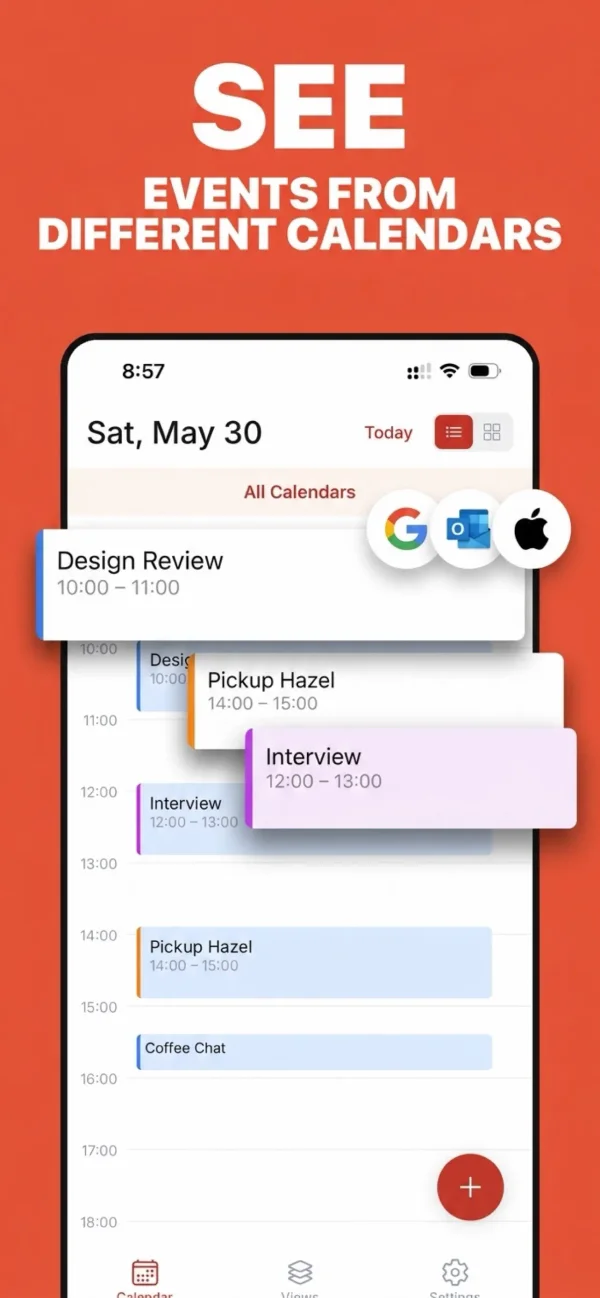
• See every event from every account in a single unified view
• Switch between day, week, and month layouts
• Color themes to make your schedule your own
BUILT FOR SHARING
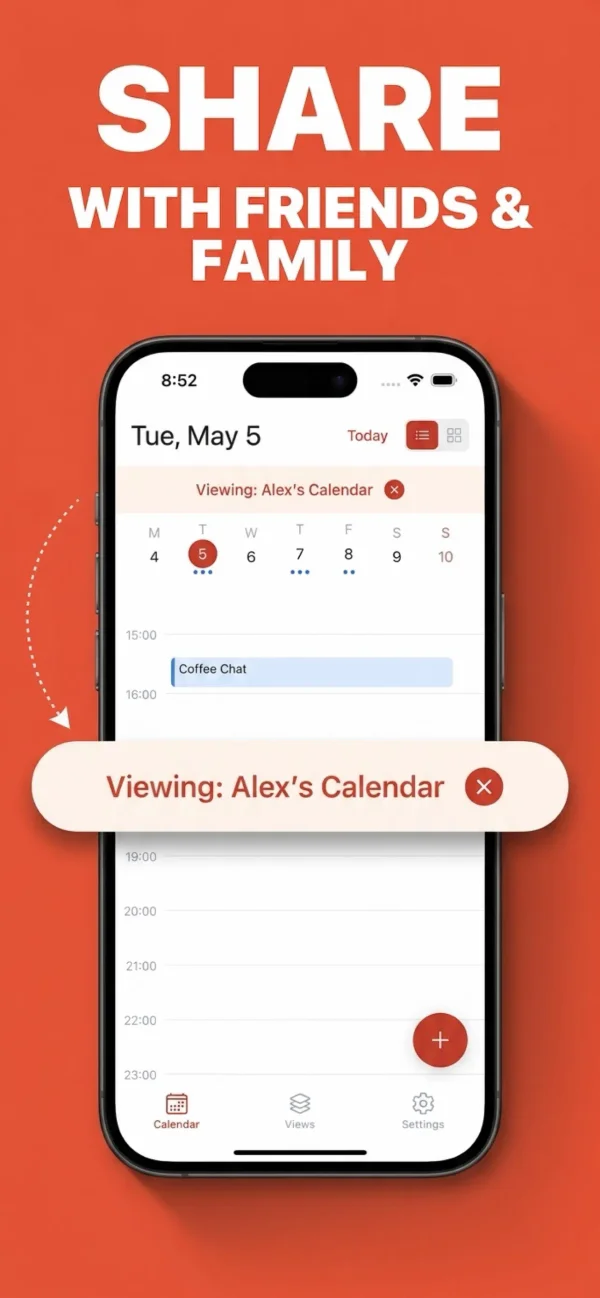
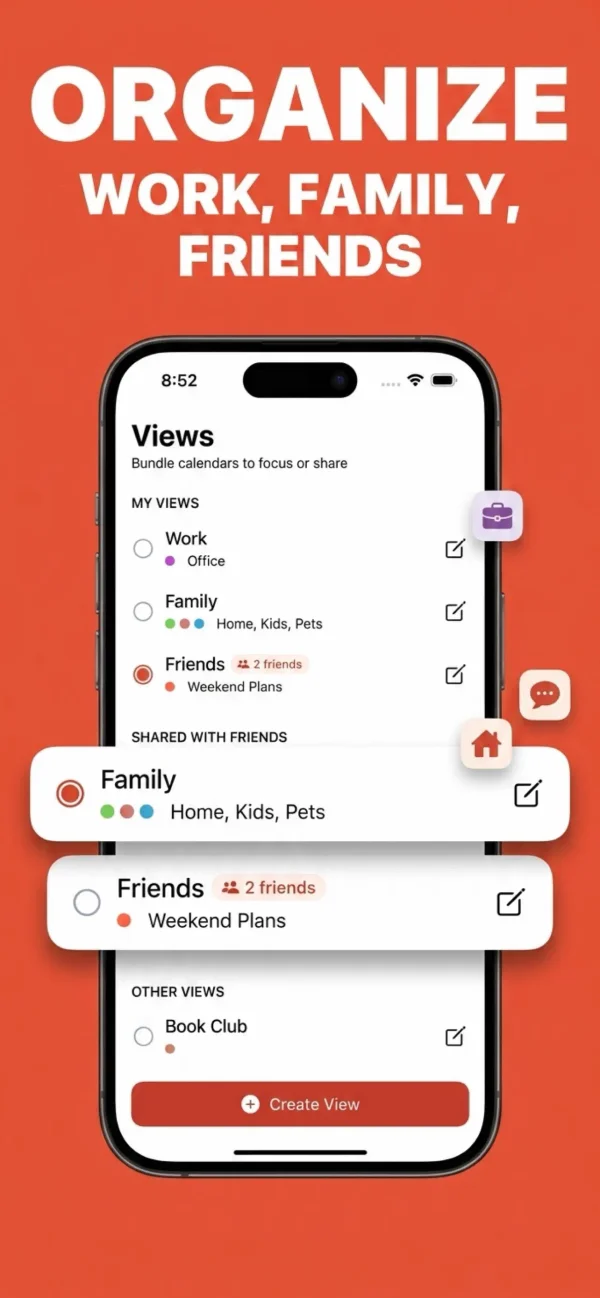
• Create custom Views — your own mixes of calendars from any account
• Share a View with friends and family with a simple link
• Add friends and stay in sync with the people you plan with
• Keep work private and share only what you want
CREATE AND STAY ON TOP OF EVENTS
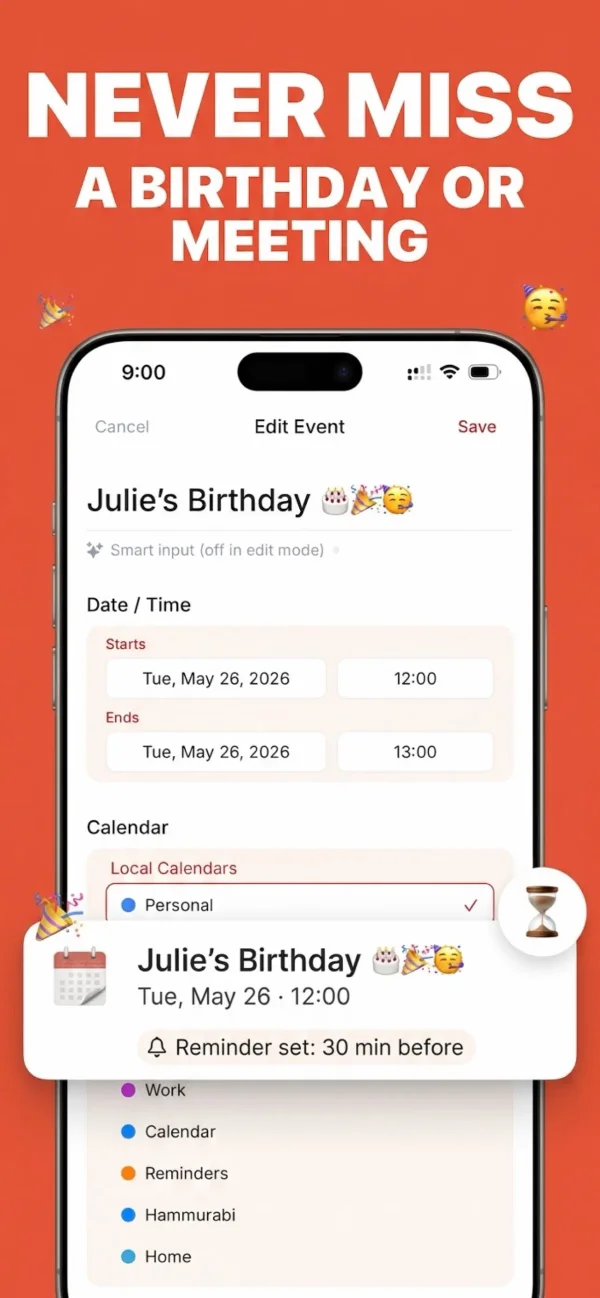
• Add and edit events in seconds
• Smart title input — type naturally and let dates and times be detected for you
• Reminders so you never miss a birthday, meeting, or plan
• Recurring events for the things that happen again and again
ORGANIZE YOUR WAY
• Group your calendars into Views like Work, Family, or Friends
• Jump between them with a tap
• See exactly what you need, when you need it
WHY YOU'LL LOVE IT
Whether you're a couple coordinating two busy lives, a family keeping everyone on the same page, or a professional managing multiple accounts, Shared Calendar keeps everything in sync and easy to read.
SHARED CALENDAR PLUS
Upgrade to Plus to unlock the full experience:
• Connect multiple calendar accounts
• Unlimited saved Views
• Recurring events
• Smart title input
• More color themes
• Cloud backup of your Views and settings
Start free and upgrade anytime.
Download Shared Calendar and bring your whole schedule — and the people in it — together.
—
Subscription details:
Shared Calendar Plus is an auto-renewing subscription available as weekly or annual plans. Payment is charged to your Apple ID account at confirmation of purchase. Your subscription automatically renews unless it is canceled at least 24 hours before the end of the current period. Your account is charged for renewal within 24 hours prior to the end of the current period. You can manage or cancel your subscription in your App Store account settings after purchase.
Terms of Use: https://obslo.com/terms
Privacy Policy: https://obslo.com/privacy
What’s new
Version 1.0.1 · Oct 22, 2026
Minor bug fixes
App privacy
What Murat Menevse declares on the App Store about how this app handles data.
-
Data linked to you
May be collected and linked to your identity.
- Contact info
- Identifiers
-
Data not linked to you
May be collected but is not linked to your identity.
- Usage data
Privacy practices may vary, for example with the features you use or your age.
Information
- Seller
- Murat Menevse
- Category
- Productivity
- Version
- 1.0.1
- Updated
- Oct 22, 2026
- Released
- Jun 24, 2026
- Size
- 50.3 MB
- Requires
- iOS 15.1 or later
- Age rating
- 4+
- Price
- Free
- In-app purchases
- Yes
- Languages
- English
- Copyright
- © 2026 Obslo
You might also like
-
 Glance: Calendar & Day PlannerSchedule & Event Countdown
-
 Linear Calendar - ChronosSee Your Whole Year at Once
-
 Yearli – Yearly CalendarYear at a Glance Planner 2027
-
 OneCalendar: All in AI PlannerAI Calendar, Tasks & Focus
-
 Shared Calendar & Plan | BiskeCouple Family Schedule Planner
-
 Calendar ۬Task Planner & Calendar
-
 Jam Family CalendarBest shared family calendar
-
 PlanPop: Shared CalendarFor Couples, Family, & Friends
-
 Cubbily Shared Family CalendarFamily Organizer & Planner
-
 Calendar · Planner & RemindersTasks, Agenda & To Do List AI