
- Age rating+4
- CategoryProductivity
- DeveloperDonny Kurniawan
- LanguagesEnglish
- Size825.0 KB
Links to the official App Store page
Download.org hosts no file of SharedHours: Time Zone Overlap. The button opens its official App Store page, published by Donny Kurniawan. Listing last checked on Nov 23, 2026.
Screenshots
About
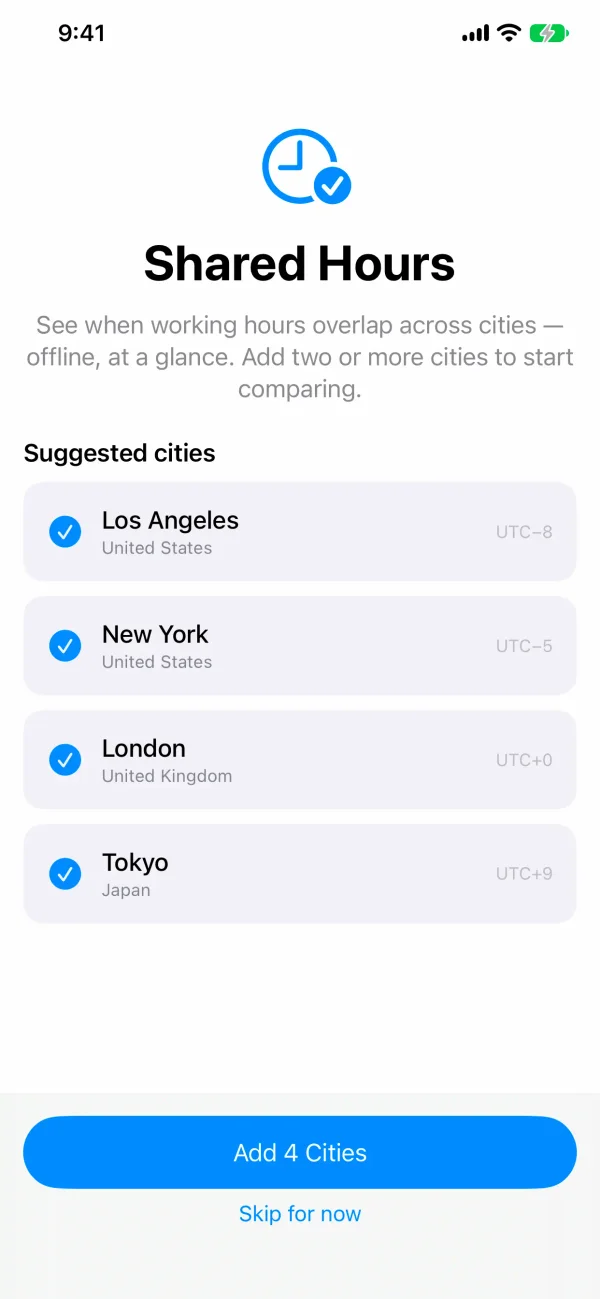
SharedHours makes it effortless to find the moments when everyone is actually available to talk.
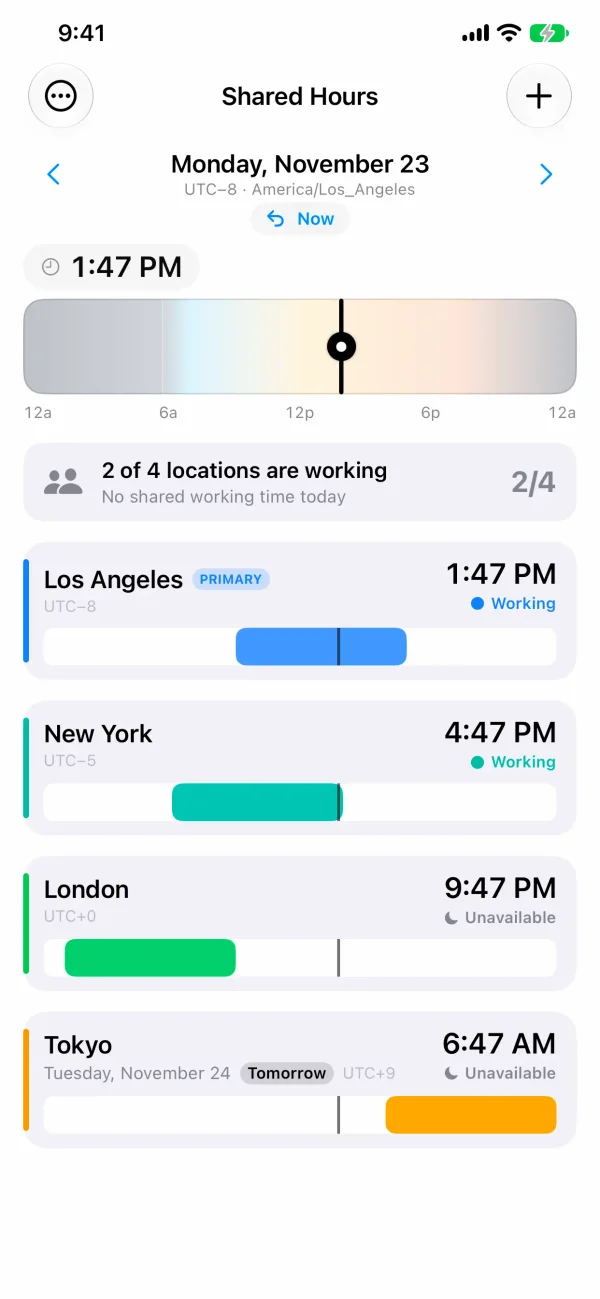
Add the cities your team, family, or clients live in, then drag a single shared timeline. Every city updates instantly to show its local time, its current UTC offset, and whether it's inside working hours right now. When all of your cities are on the clock at once, the overlap is highlighted so you can spot a good meeting time in seconds.
No account. No internet. No tracking. Everything runs on your device.
WHY YOU'LL LIKE IT
- One draggable 24-hour timeline controls every city at once.
- A prominent playhead shows the exact selected moment as you drag.
- Working-hour bands line up with each city's local schedule.
- Clear "Everyone is available" / "2 of 3 working" / "No shared working time" summaries.
- Gentle haptic feedback each time you cross a full hour.
BUILT FOR REAL TIME ZONES
- Uses Apple's time-zone data, so results stay correct through daylight-saving changes.
- Calculations use the selected date, because DST doesn't switch on the same day everywhere.
- Day indicators like "Today," "Tomorrow," and "Yesterday" keep you oriented when cities fall on different calendar days.
- Handles working hours that cross midnight.
MAKE IT YOURS
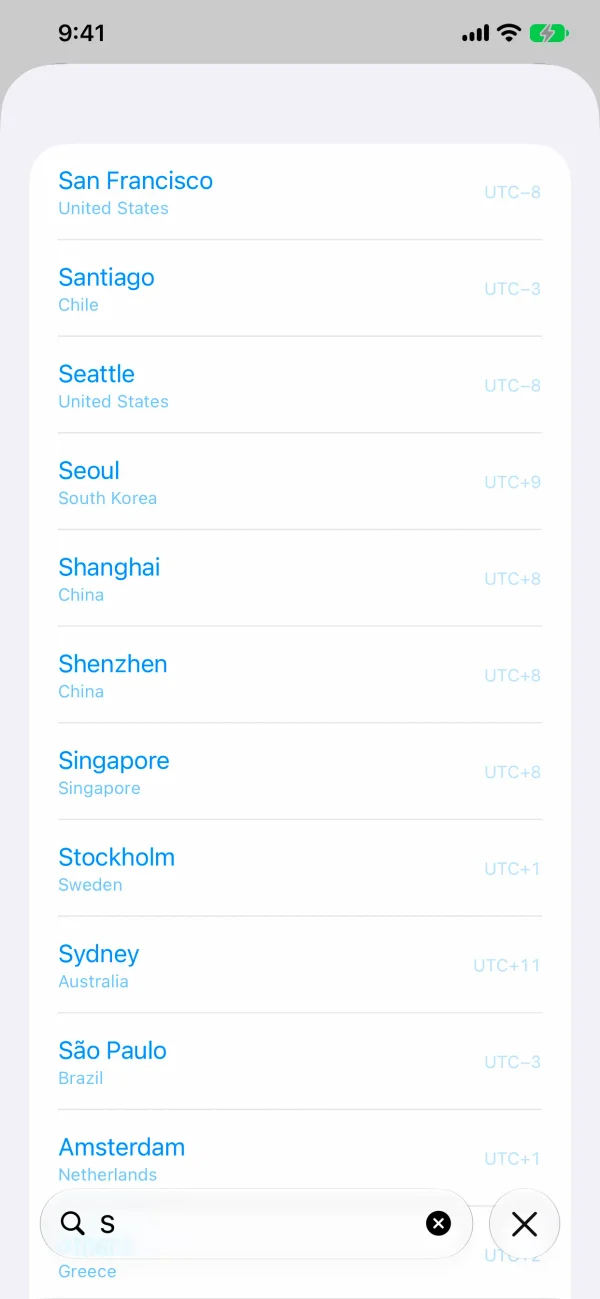
- Search a bundled list of common cities, no network needed.
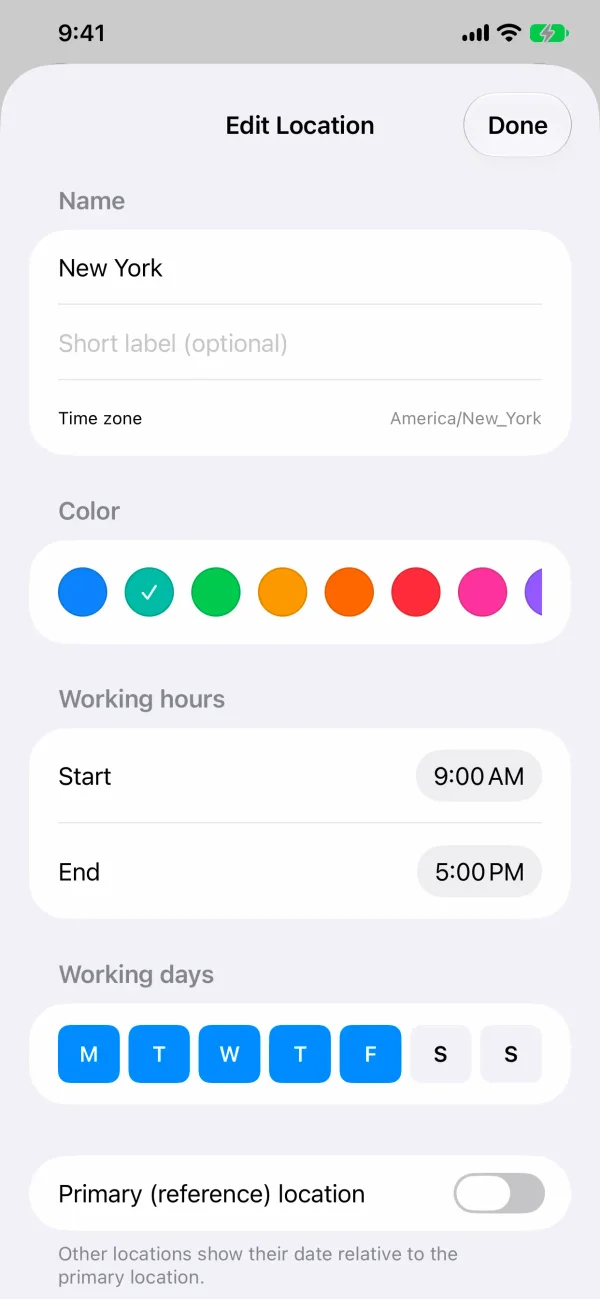
- Set each city's working hours and working days.
- Rename cities, assign colours, and reorder them.
- Choose a primary city as your reference point.
- Pick a date, step forward or backward a day, or jump back to now with one tap.
DISPLAY YOUR WAY
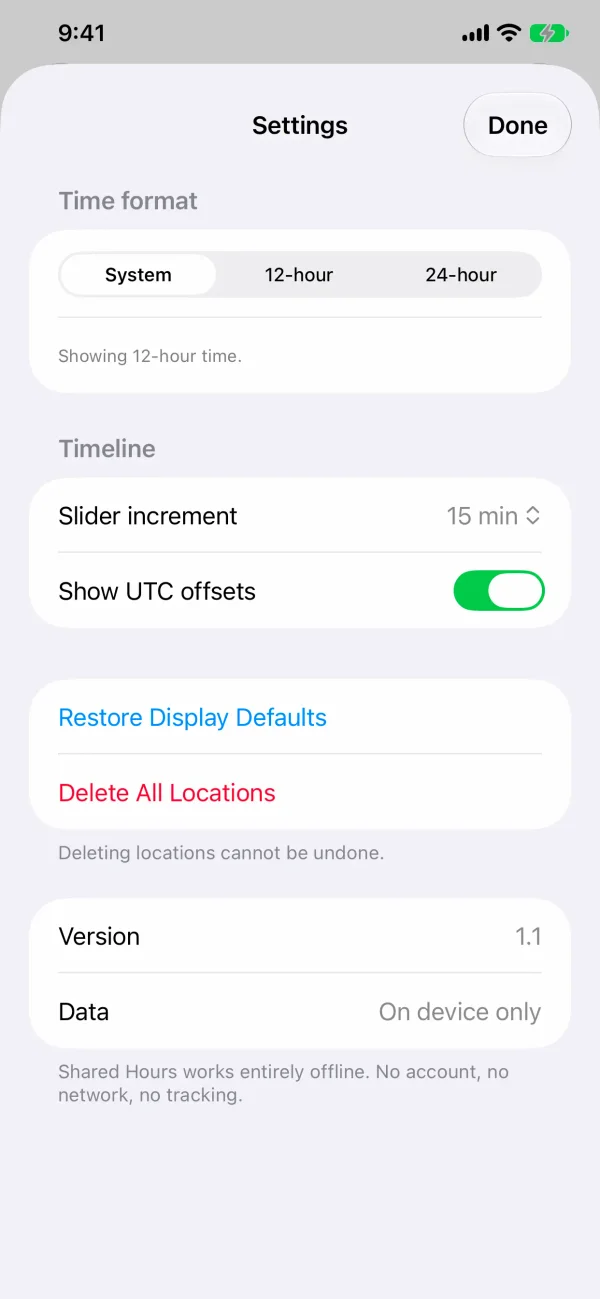
- 12-hour or 24-hour clock (follows your device by default).
- 15-, 30-, or 60-minute timeline steps.
- Show or hide UTC offsets.
- Full Dark and Light mode support.
ACCESSIBLE BY DESIGN
- Complete VoiceOver labels for city, local time, local date, and availability.
- Adjust the selected time with VoiceOver, no drag gesture required.
- Dynamic Type, Reduce Motion, and a non-color availability indicator.
PRIVATE BY DEFAULT
SharedHours has no account, no sign-in, no ads, and no analytics. Your cities and preferences never leave your device, and the whole app works in aeroplane mode.
Whether you're scheduling across a remote team, keeping up with friends abroad, or planning a call with an overseas client, SharedHours turns time-zone math into a single glance.
What’s new
Version 1.1 · Nov 21, 2026
SharedHours now makes great use of iPhone Duo. Unfolded, each city's details sit right beside its band on the shared timeline, while settings and lists stay at a comfortable reading width. Fold or unfold whenever you like — your cities, selected time, and place in the app stay right where you left them.
App privacy
What Donny Kurniawan declares on the App Store about how this app handles data.
-
Data not collected
The developer does not collect any data from this app.
Privacy practices may vary, for example with the features you use or your age.
Information
- Seller
- Donny Kurniawan
- Category
- Productivity
- Version
- 1.1
- Updated
- Nov 21, 2026
- Released
- Aug 14, 2026
- Size
- 825.0 KB
- Requires
- iOS 26.0 or later
- Age rating
- +4
- Languages
- English
- Copyright
- © 2026 Tiny Little Apps
You might also like
-
 Choice MatrixProductivity
-
 Hourline - Timezone WidgetCompare timezones at a glance
-
 Link.zip- Save Video LinksSave & Organize Video Links
-
 Multilist: GTD Kanban PlannerTo Do List, Tasks & Reminders
-
 Priyo: Simple Priority ListEisenhower Matrix. Prioritize.
-
 Links - Save your linksLink manager & bookmarks AI
-
 Emotional Intelligence for AECTransform, Grow, Thrive!
-
 TherosProductivity
-
 Todo CLI: To Do ListThe dead simple todo list
-
 TimeBuddy - World ClockWorld Clock & Meeting Planner