
Shielded Focus: Block Apps
Lock Distractions, Deep Work
Designed for iPhone
Free · In-app purchases
- Age rating4+
- CategoryProductivity
- LanguagesEnglish
- Size77.2 MB
Links to the official App Store page
Download.org hosts no file of Shielded Focus: Block Apps. The button opens its official App Store page, published by . Listing last checked on Nov 12, 2026.
Screenshots


About
Every other blocking app trusts you not to open Instagram. This one does not have to.
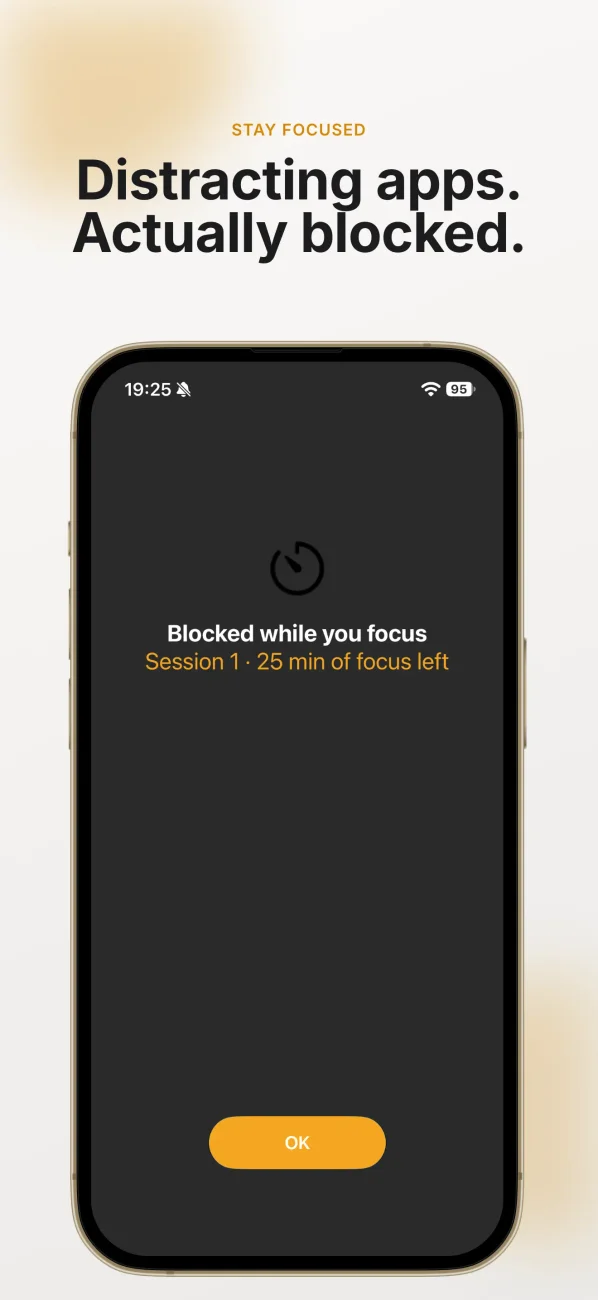
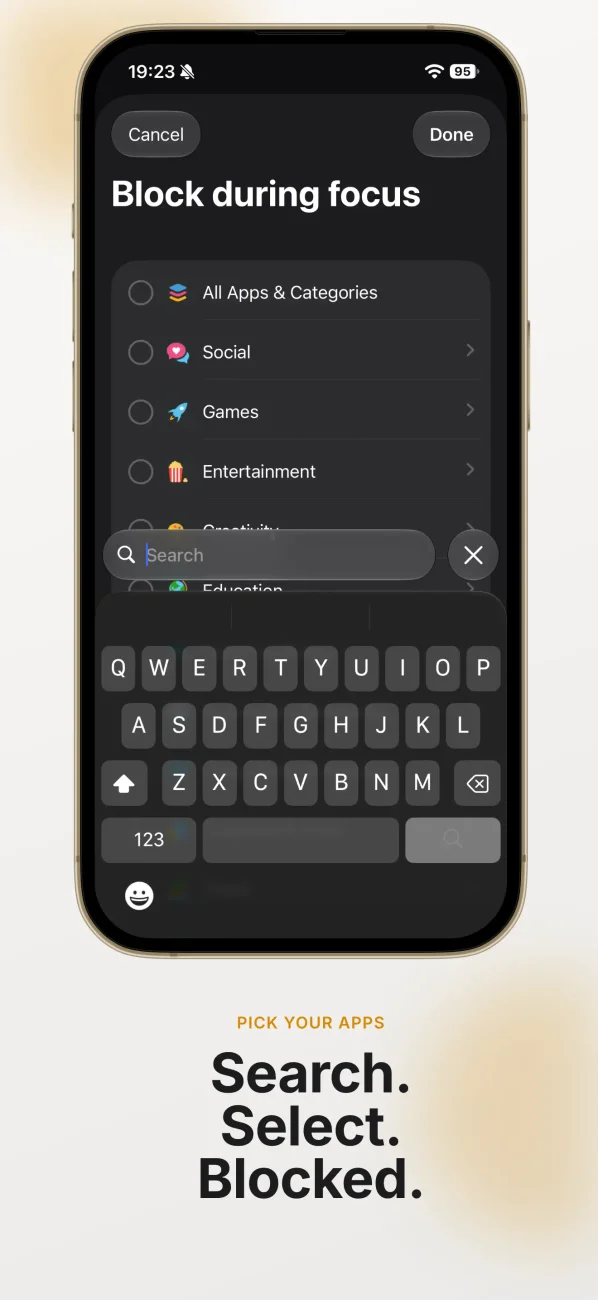
You name the apps that take your attention, start a session, and they stay shut until the block is over. Try one anyway and you get a screen telling you how much focus time is left.
BLOCKING THAT KNOWS THE CLOCK — FREE
• Pick up to 3 apps, categories or websites; they are closed for the length of the session and open again the moment it ends
• The block screen carries the countdown — "Blocked while you focus · 12 min of focus left". A blocker that doesn't also track your session has no way to say that
• iOS itself holds the block, not this app staying alive: force-quit mid-session and it still lifts exactly on time
• It is in the free tier on purpose. It is the reason to use this app.
THE COUNTDOWN WHERE YOU ALREADY LOOK
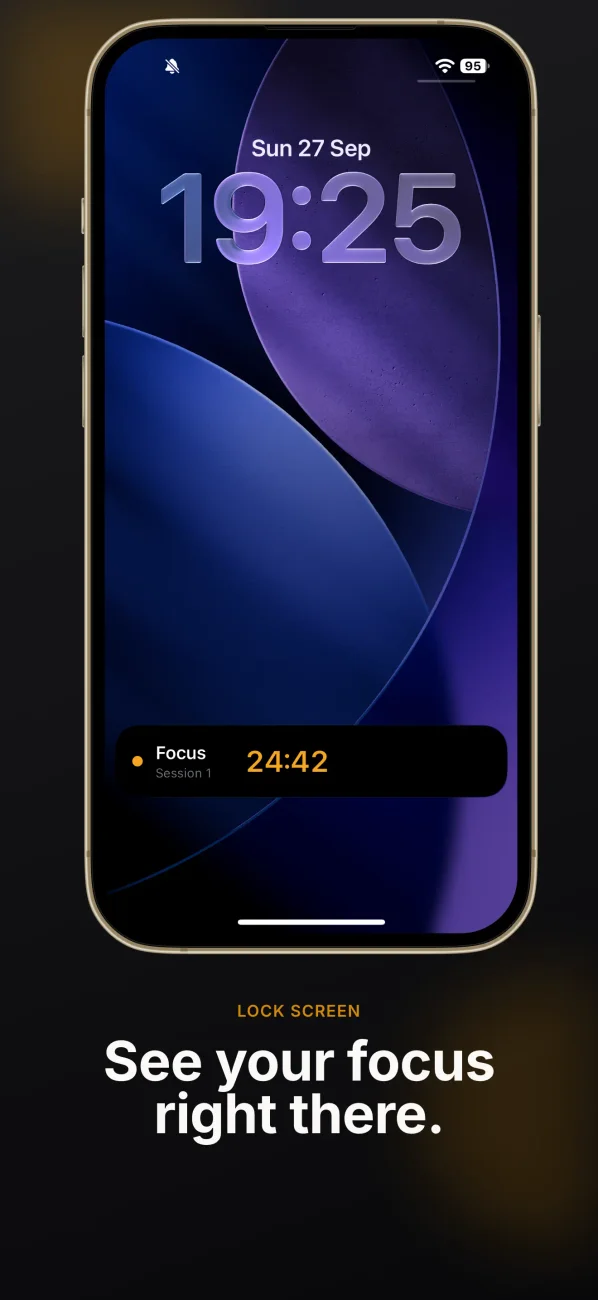
• The running session sits on your Lock Screen, and in the Dynamic Island on iPhone 14 Pro and later (iOS 16.2+)
• iOS draws the countdown itself, so it stays exact with the app closed and costs no battery to keep ticking
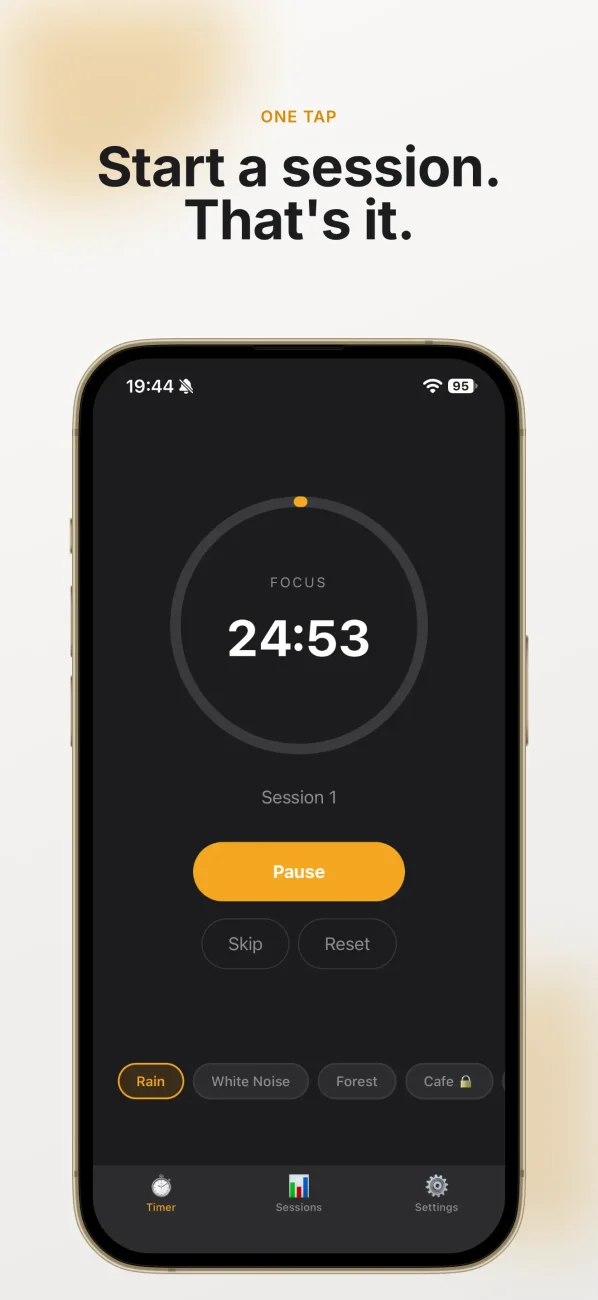
• Amber while you focus, green on a break — the phase reads at a glance, without reading the numbers
WHAT IT CANNOT SEE
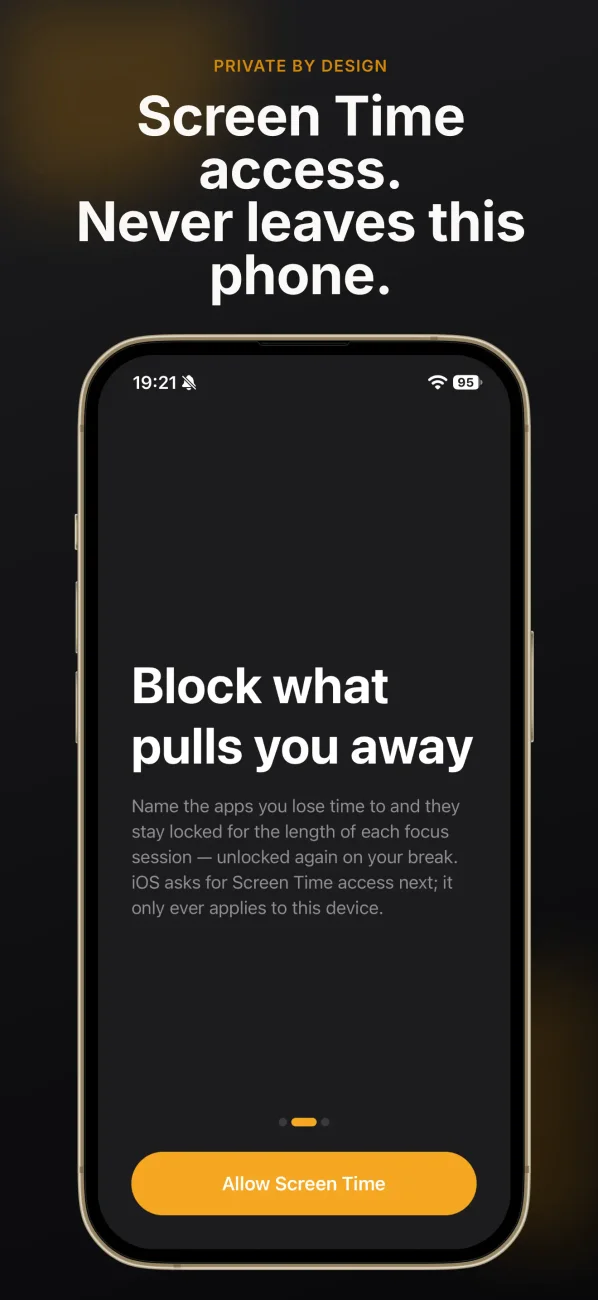
Screen Time access is granted with Face ID and applies to your own device — this is not a parental control. Your choices are held by iOS as opaque tokens: the app cannot read which apps you picked, cannot list them, and has nowhere to send them. There is no account and no server.
ALSO IN THE BOX
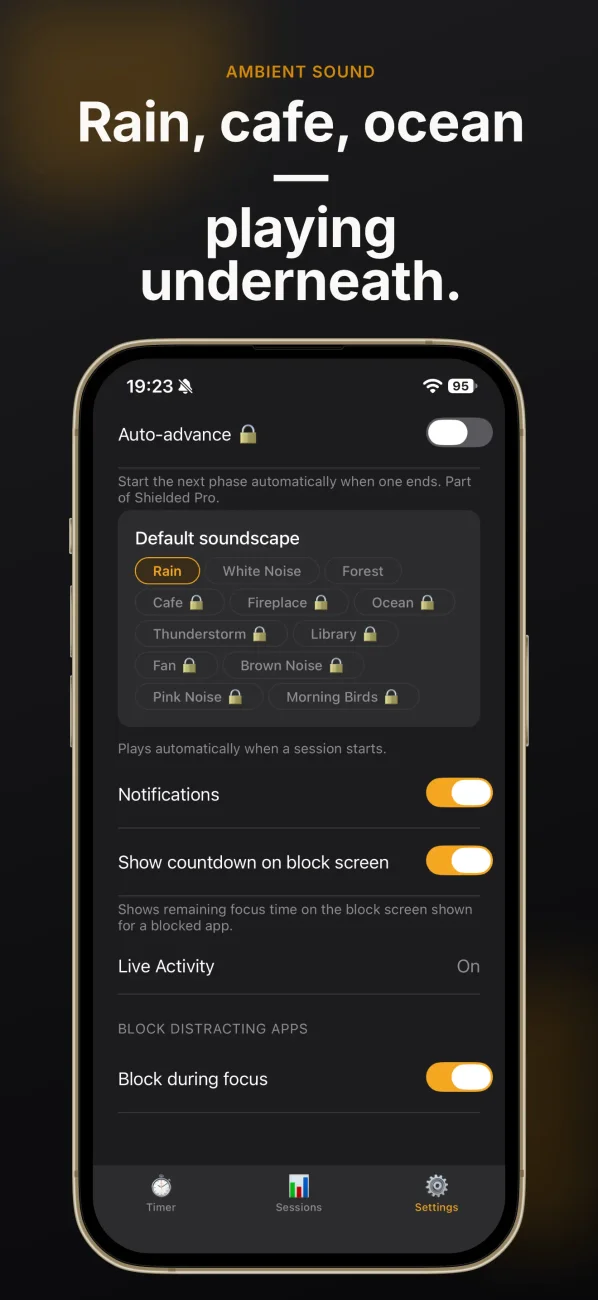
Focus and break lengths, session history with a weekly heatmap and a daily streak, and 12 ambient soundscapes that keep playing with the screen locked.
FREE
• Blocking up to 3 apps, categories or websites
• Standard 25 / 5 / 15 minute sessions
• Lock Screen and Dynamic Island countdown
• 7-day history, weekly heatmap, daily streak
• 3 soundscapes
• Supported by occasional ads
PRO — $4.99/month or $39.99/year (7-day free trial)
• Block as many apps, categories and websites as you like
• Strict mode — a focus session cannot be skipped or reset once it is running
• Custom focus and break lengths
• All 12 soundscapes, and auto-advance between sessions
• No ads
Terms of Use: https://www.apple.com/legal/internet-services/itunes/dev/stdeula/
PRIVACY
Session history and settings stay on your device. We never sell your personal data, and we don't collect it ourselves.
Ads are served by Google, which receives your device's advertising identifier in order to do it. Ads are non-personalized, so the app never asks permission to track you — and Pro removes them completely. Subscription purchases are processed by Apple and RevenueCat.
What’s new
Version 2.0.1 · Oct 19, 2026
Performance and stability improvements under the hood.
App privacy
What declares on the App Store about how this app handles data.
-
Data linked to you
May be collected and linked to your identity.
- Location
- Identifiers
- Usage data
-
Data not linked to you
May be collected but is not linked to your identity.
- Purchases
- Diagnostics
Privacy practices may vary, for example with the features you use or your age.
Information
- Seller
- Slobodan Horvat
- Category
- Productivity
- Version
- 2.0.1
- Updated
- Oct 19, 2026
- Released
- Oct 15, 2026
- Size
- 77.2 MB
- Requires
- iOS 16.0 or later
- Age rating
- 4+
- Price
- Free
- In-app purchases
- Yes
- Languages
- English
- Copyright
- © 2026 OftenApps
You might also like
-
 LevelApp: RPG Habit TrackerLevel Up Your Real Life
-
 Routine Checklist & PlannerChore Tracker & List Builder
-
 Focus: App Blocker & LockdownScreen Time Control & Limits
-
 WeFocus: App Blocker & LimitsScreen Time Control & Focus
-
 OrNET Shield - Ad BlockerAd Blocker Extension
-
 Poper Blocker: Ad BlockerBlock Ads & Popups Instantly
-
 NinjaChat AIChat, Search, Create with AI
-
 Goals: Goal Tracker AI PlannerDaily Routine & To Do List
-
 Audio Converter: MP3, WAV, OGGVideo and audio conversion
-
 Clipboard - Paste KeyboardAuto Copy and Paste Keyboard