Shift Calendar · Baro
Night rota & work schedule
Designed for iPhone, iPod touch
Free
- Age rating4+
- CategoryUtilities
- DeveloperEuiseok Kim
- LanguagesEnglish+ 7 more
- Size22.9 MB
Links to the official App Store page
Download.org hosts no file of Shift Calendar · Baro. The button opens its official App Store page, published by Euiseok Kim. Listing last checked on Nov 8, 2026.
Screenshots


About
■ Know your shift, forever.
You do not work a week. You work a cycle — days, nights, off-duty, rest, and around again. A normal calendar cannot say that in one line, so you end up counting on your fingers, or screenshotting the ward roster, or asking someone.
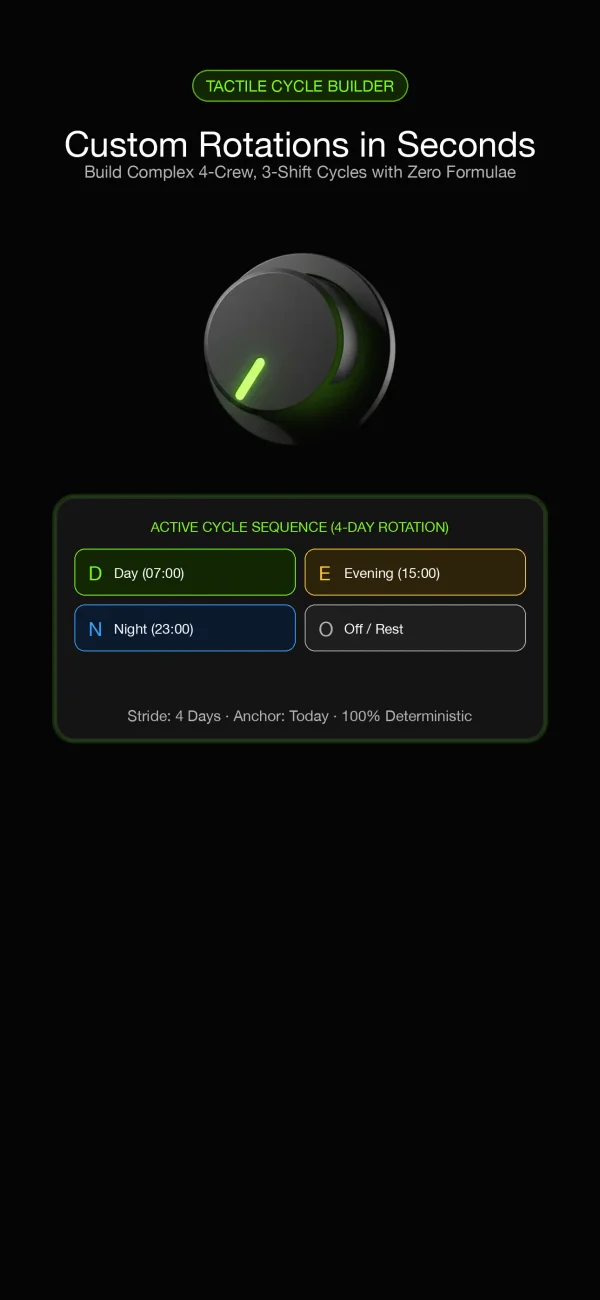
Tap out your cycle once. Say which day it started. That is the whole setup, and it takes about twenty seconds. From then on the app knows what you are on for any date — next Tuesday, the wedding in eight months, the same week two years ago.
-------------------------------
● The answer is already on screen
-------------------------------
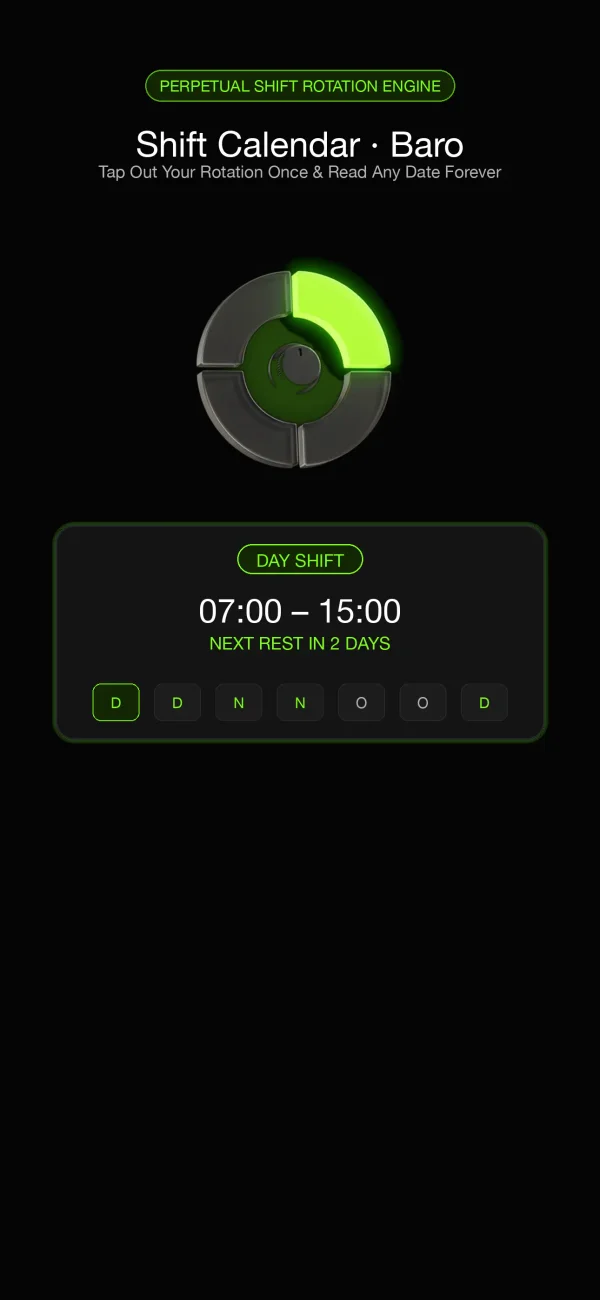
Open the app and today's shift is one huge glyph filling the display. No loading, no splash, no ad, no sign-in, no empty state. Read it from across the room, or half awake at 3am, or through the window of a moving bus.
Rest days are drawn in the app's one accent colour. Scan a month and your days off jump out before you have read a single character.
-------------------------------
● Any date. Any year.
-------------------------------
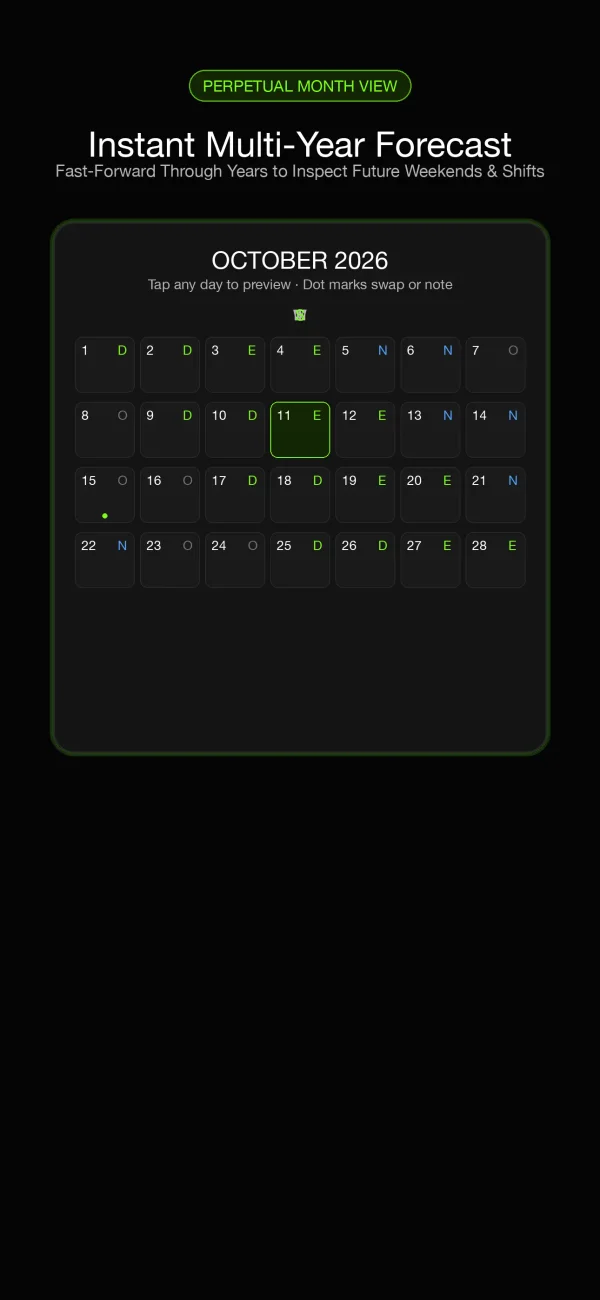
• Scroll the month view backwards to any past year and forwards to any future year. It does not stop, in either direction — a cycle is just arithmetic, and the app does the arithmetic.
• Tap any day to blow it up to full screen.
• A home-screen widget shows the same glyph, worked out on the device itself, so it stays right without a network, a background task or a notification.
-------------------------------
● Reality is messier than a cycle
-------------------------------
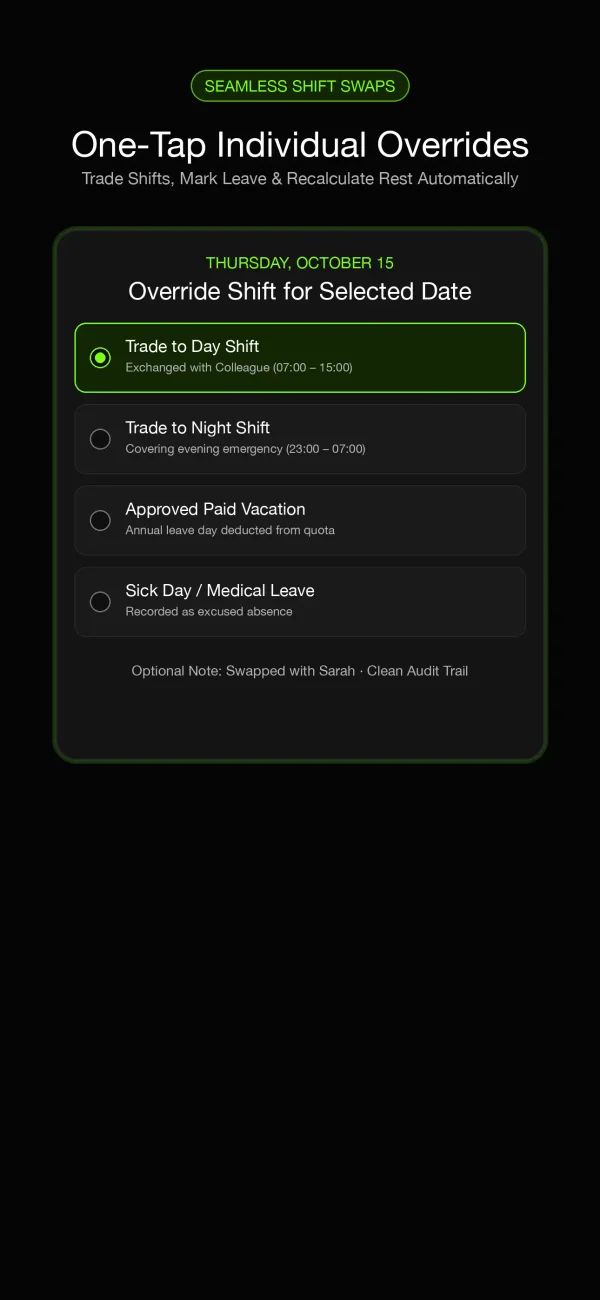
Swapped a shift? Covering for someone? Tap the big glyph and set that one day to whatever you actually worked. The cycle keeps running underneath, untouched, and the correction stays pinned to that date forever. Tap once more to put it back.
-------------------------------
● Share a cycle in two taps
-------------------------------
Your rotation turns into a short code you can send to a coworker in any messaging app. They paste it and their calendar matches yours. No server sees it, no account is created, nothing is uploaded — the code is just your pattern and its start date, written down.
-------------------------------
● Private by design
-------------------------------
• Zero network code. Nothing leaves this phone, ever — check it in airplane mode.
• Requests no system permissions at all: no notifications, no calendar, no contacts, no camera, no microphone, no location.
• No account, no login, no sign-up. Privacy label: Data Not Collected.
• Zero analytics. Zero telemetry. Zero third-party SDKs.
• No ads. No subscriptions. No in-app purchases.
Your work schedule says where you are and when you are not home. It should never have left your pocket in the first place.
-------------------------------
● Built to be read, not operated
-------------------------------
• Every control is at least 64 × 64 pt.
• Single taps only. No double-taps, no long-presses, no swipes, no hidden gestures.
• Deleting is never a tap on the thing being deleted.
• High-contrast type on a true-black background — a full-screen glyph at 3am uses a fraction of the light a white calendar does.
• Six languages: English, Korean, Japanese, German, French, Arabic, with right-to-left layout.
-------------------------------
● Made for
-------------------------------
• Nurses, carers and hospital staff on 2-shift and 3-shift rotations
• Firefighters, police and paramedics on 24/48, DuPont, Panama and Pitman cycles
• Factory, plant and warehouse crews on 4-team 3-shift patterns
• Security, transport, hospitality — anyone whose Monday is not everyone's Monday
-------------------------------
● The Baro promise
-------------------------------
Shift Calendar is part of Baro — lightweight tools that respect your data, your battery, and your time.
"The tools you reach for first."
What’s new
Version 1.0.11 · Nov 4, 2026
Refined precision framing around the daily shift readout, broadened Simplified Chinese search keywords, and improved review prompt timing across rotation edits and monthly calendar checks.
App privacy
What Euiseok Kim declares on the App Store about how this app handles data.
-
Data not collected
The developer does not collect any data from this app.
Privacy practices may vary, for example with the features you use or your age.
Information
- Seller
- Euiseok Kim
- Category
- Utilities
- Version
- 1.0.11
- Updated
- Nov 4, 2026
- Released
- Aug 28, 2026
- Size
- 22.9 MB
- Requires
- iOS 13.0 or later
- Age rating
- 4+
- Price
- Free
- Languages
- English, Arabic, French, German, Indonesian, Japanese, Korean, Simplified Chinese
- Copyright
- © 2026 Lion and the Lab
You might also like
-
 Are You OK? —— 独居青年的“反席”利器Utilities
-
 VoiceWakeWake up to a real voice
-
 TalkScreen-Phone show heartExpress your heart on phone
-
 Photo Cleaner:AI Smart CleanupDelete Duplicates, Save Space
-
 AnnidiemOnly the days that matter.
-
 MoonSound: Clock & SoundsSleep · Focus · Soundscapes
-
 StorageGo: Space OrganizerSort photos, compress videos
-
 FreshKeep-Save your groceriesFood Expiry Tracker
-
 LED Banner - Pocket Sign AppLED scroller, scrolling text
-
 Voice Note to Text: OfflinePrivate Audio Transcription