Shift Calendar - Pay Diary
Plan shifts. Understand pay.
Designed for iPhone, iPad
Free · In-app purchases
- Age rating4+
- CategoryProductivity
- DeveloperJulian Sainz Martinez
- LanguagesEnglish+ 9 more
- Size14.6 MB
Links to the official App Store page
Download.org hosts no file of Shift Calendar - Pay Diary. The button opens its official App Store page, published by Julian Sainz Martinez. Listing last checked on Nov 12, 2026.
Screenshots

About
A calmer way to see your work and your time.
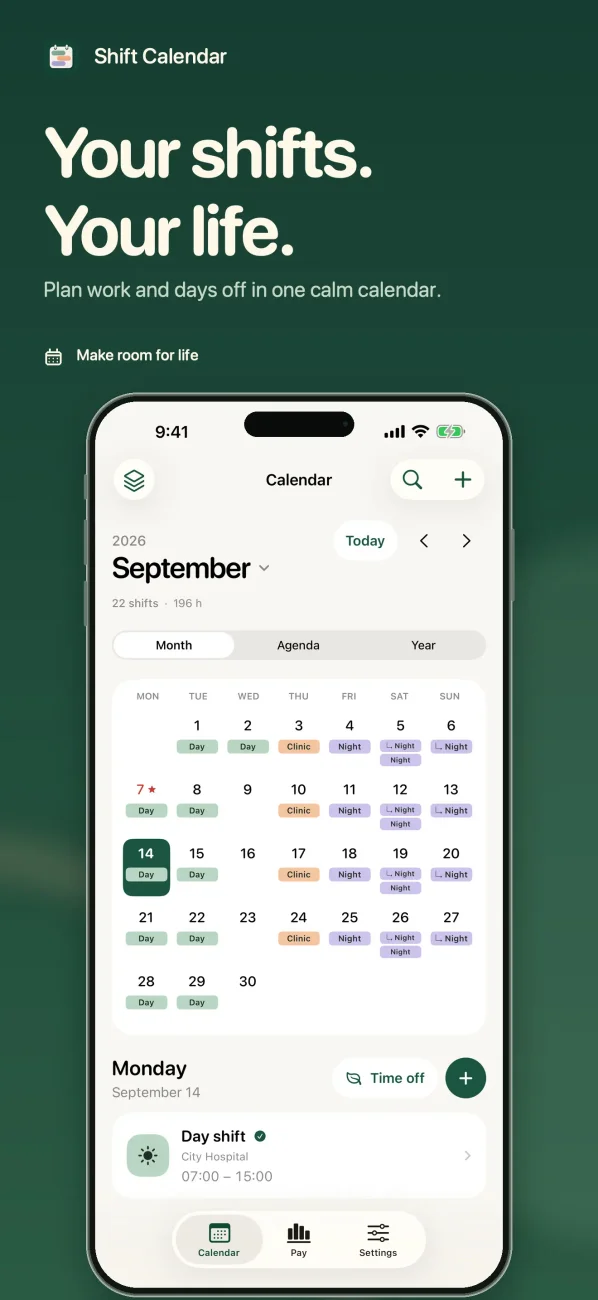
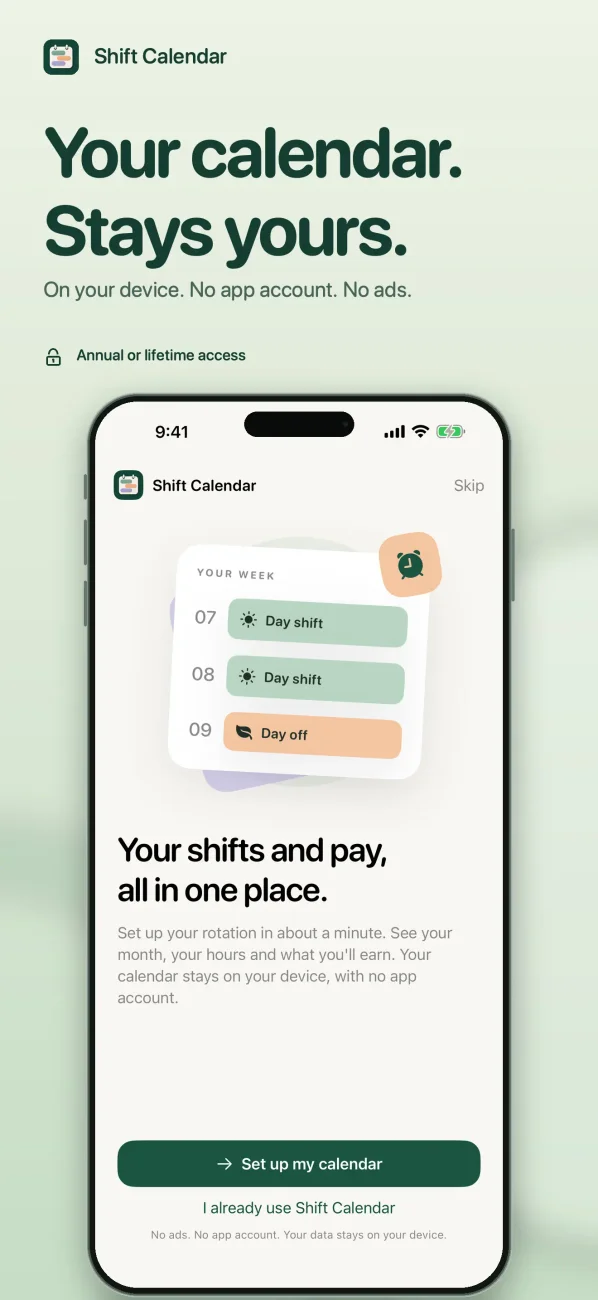
Shift Calendar brings shifts, days off and a personal pay diary together on iPhone, iPad and Apple Watch. Your schedule stays on your device unless you turn on sync with your own private iCloud. No app account or ads.
PLAN YOUR RHYTHM
• Explore your month, browse an agenda or see the year.
• Give shifts their own colors, symbols, short labels, notes and locations.
• Reuse templates, add shifts to several dates and undo changes.
• Build repeating rotations with any mix of work and rest days, including cycles without an end date.
• Change one shift or adjust a rotation from a future date while keeping individual exceptions.
• Plan overnight shifts and keep times in each workplace’s time zone when you travel.
UNDERSTAND YOUR HOURS
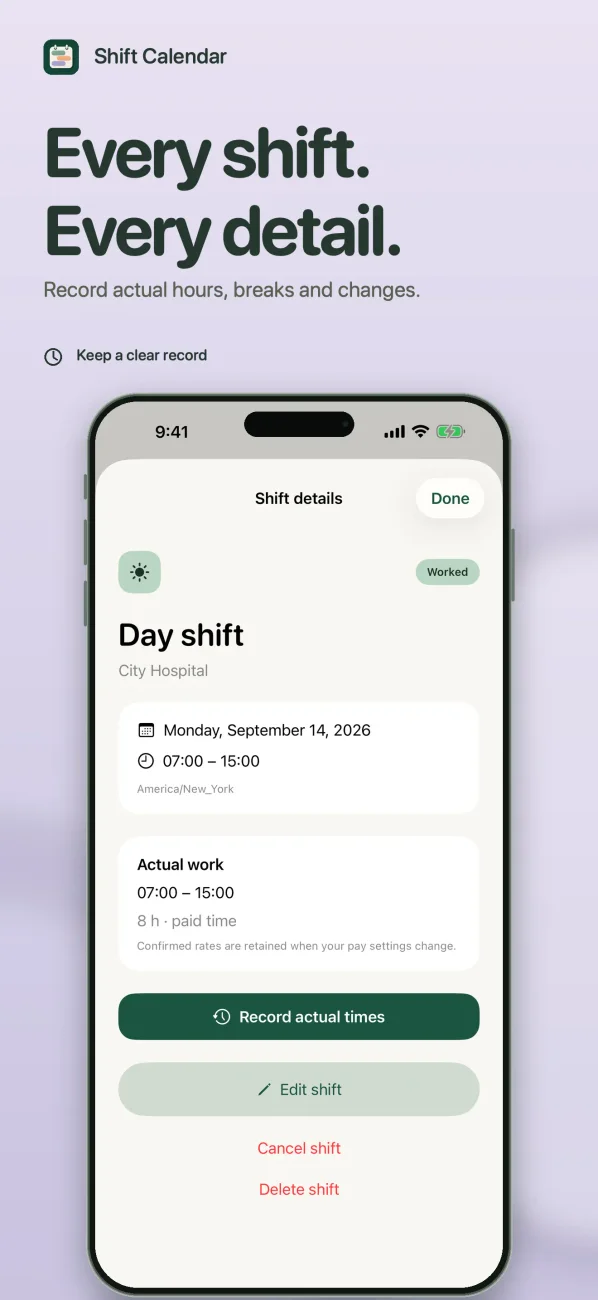
• Confirm work as planned or record actual times and paid or unpaid breaks.
• Keep multiple jobs and currencies separate.
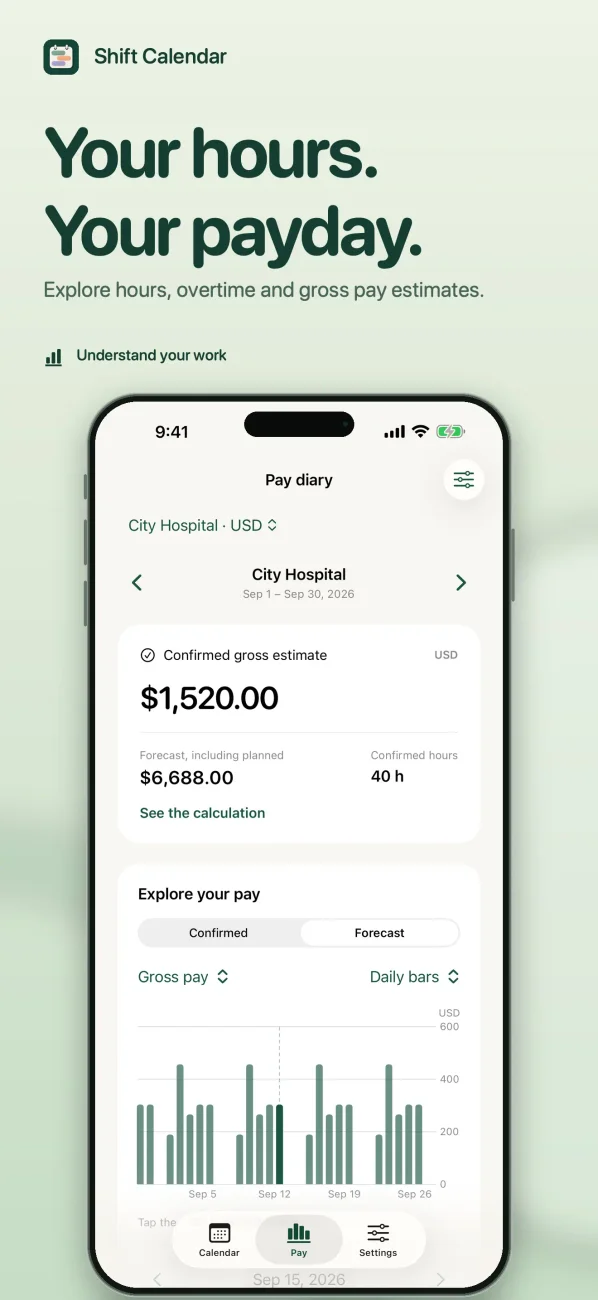
• Set dated hourly rates, daily or weekly overtime and custom time-based or per-shift premiums.
• See the calculation behind gross estimates, add explained manual adjustments and compare with a gross pay statement.
• Keep a history of corrections and saved comparisons.
• Track your own leave credits and time used.
KEEP LIFE IN VIEW
• Find shifts by title, notes, location or date.
• Use Home Screen and Lock Screen widgets with an optional private display.
• Set local reminders for shifts and breaks.
• Optionally show Apple Calendar events and export shifts to a separate calendar.
• Share PDF schedules, calendar files or read-only calendar snapshots. Export work reports as CSV.
• Create password-protected backups and preview a backup before restoring it.
LIVE SHARING AND HOLIDAY PAY
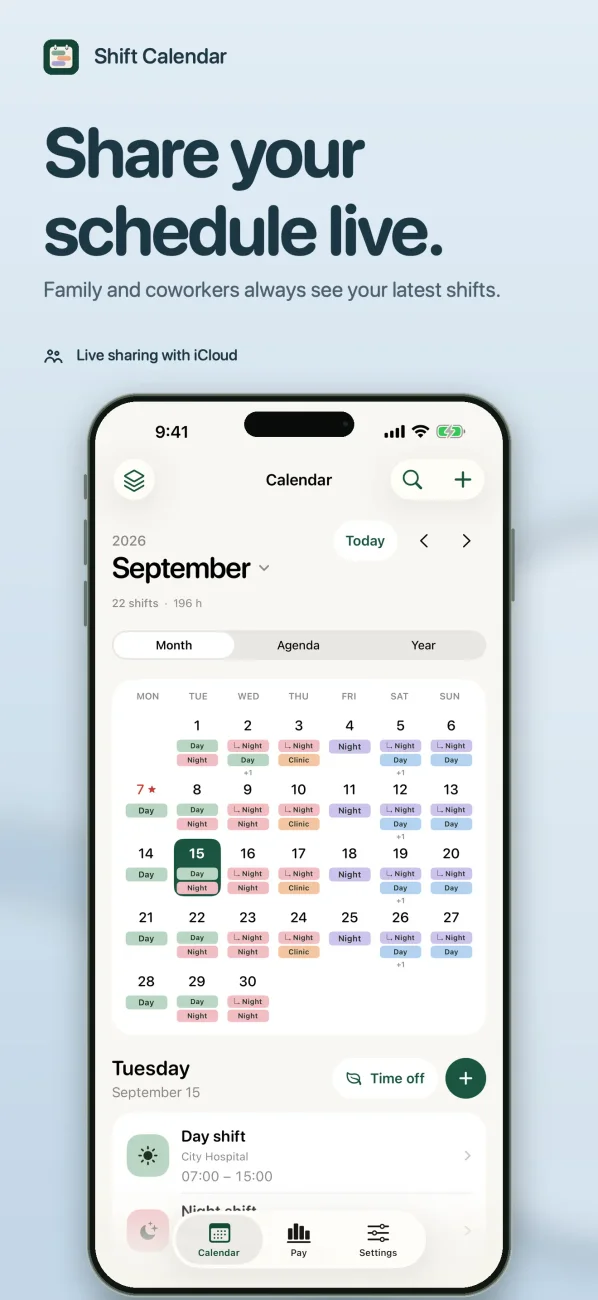
• Share a live, read-only view of your shifts with family or coworkers through iCloud. They always see your latest schedule; pay, jobs, locations and notes are never shared.
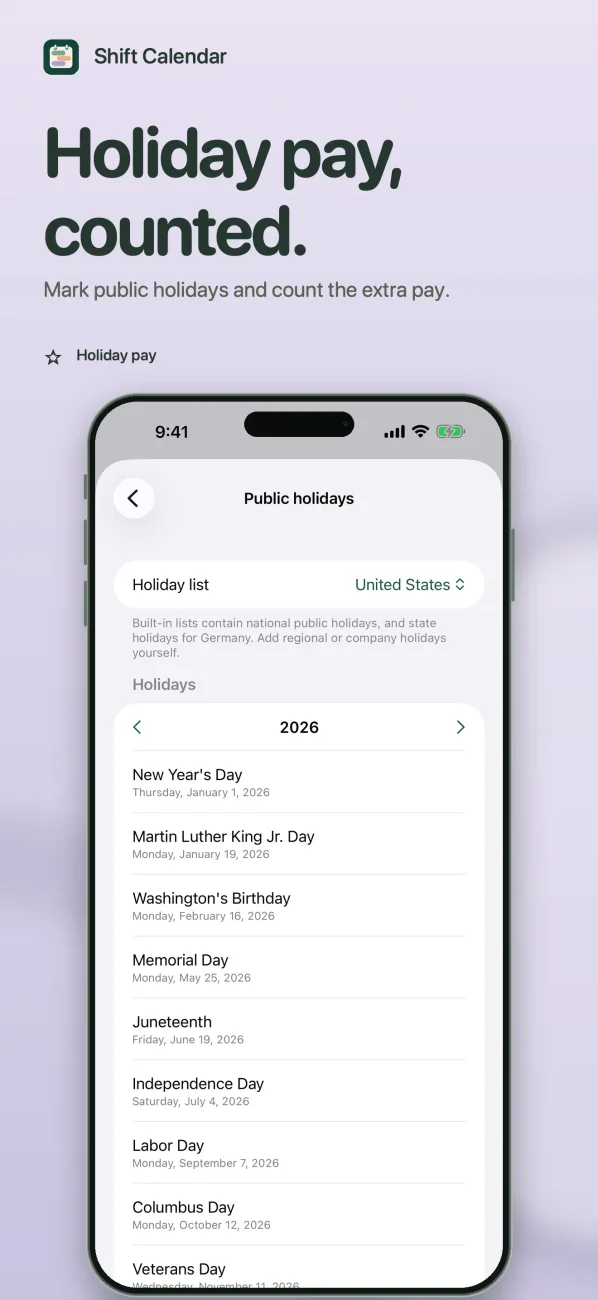
• Add the public holidays of your country or German state, with an extra rate for time worked on them.
ALARMS, APPLE WATCH AND SYNC
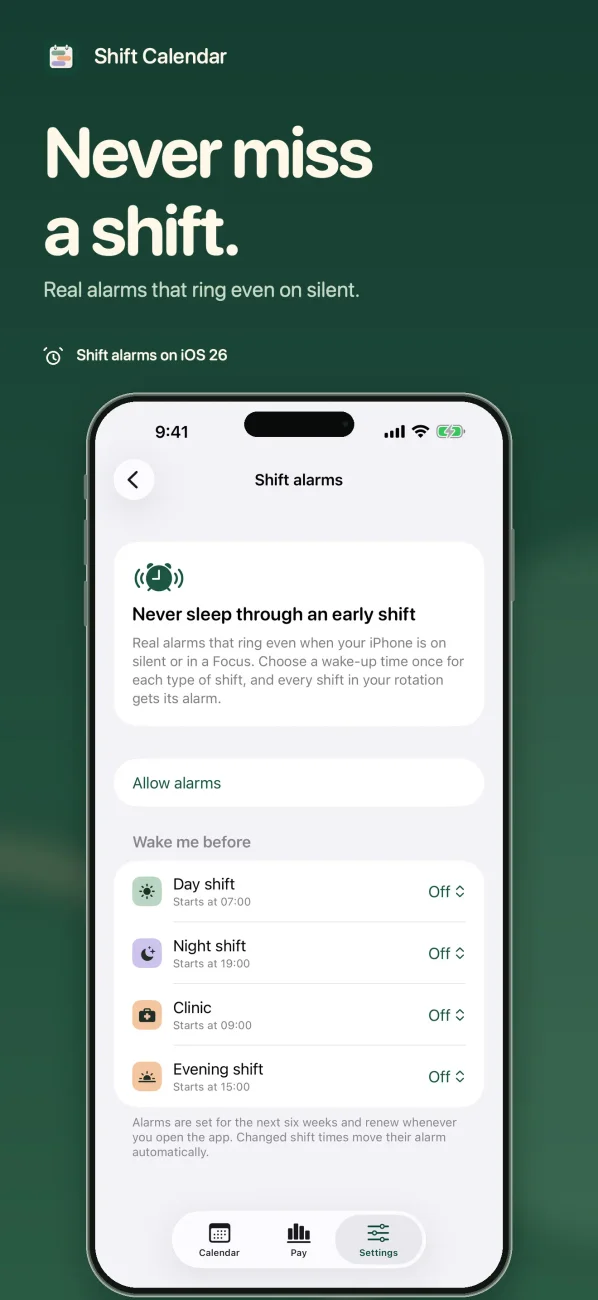
• Set real wake-up alarms that ring even on silent, once for each type of shift (iOS 26).
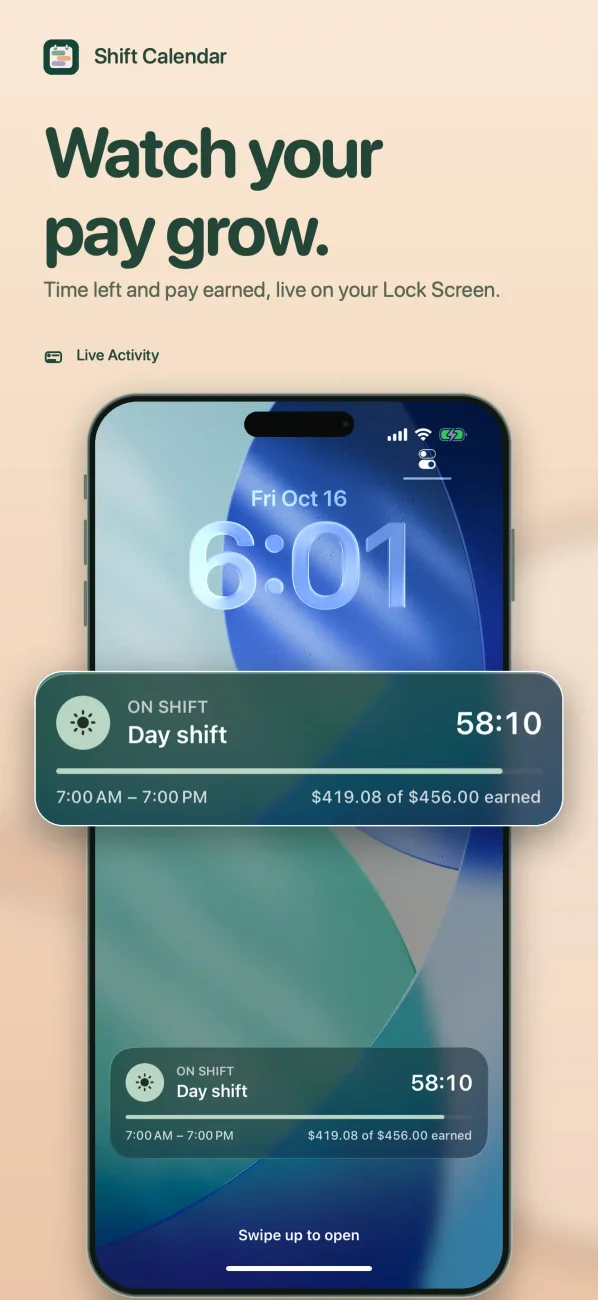
• Watch your pay grow during a shift: the Lock Screen and Dynamic Island show the time left and what you have earned so far.
• See your next shift, a countdown and this month's hours on Apple Watch, with complications for your watch face.
• Glance at your next shift on the Lock Screen and in StandBy.
• Ask Siri when your next shift is, or use it in Shortcuts and the Action button.
• Optionally sync your iPhone and iPad through your own private iCloud. Sync stays off until you turn it on.
Make room for your life.
Choose annual access with a 7-day free trial if eligible, or purchase lifetime access once. Annual access renews automatically until cancelled with Apple. Existing lifetime purchases remain valid. Export, backup and deletion remain available when access ends.
New customers need annual or lifetime access to use the calendar and pay tools. An eligible 7-day trial automatically becomes a paid annual subscription unless cancelled at least 24 hours before it ends. The App Store shows your regional price before confirmation. Original 14-day trials and existing lifetime purchases keep their rights.
Pay figures are gross estimates based on your settings and recorded work, not tax or take-home pay calculations. Reminders follow your iOS notification settings. Shared files are snapshots. Live sharing is read-only.
Payslips
Keep your payslips here and compare them with your recorded work whenever you need. PDFs stay on your device, or in your private iCloud if you turn on sync. Saved payslip PDFs are included in your backup.
Privacy: https://shiftcalendar.jelluna.com/privacy/
Terms: https://shiftcalendar.jelluna.com/terms/
Terms of use (Apple EULA): https://www.apple.com/legal/internet-services/itunes/dev/stdeula/
What’s new
Version 1.1.1 · Oct 17, 2026
New in Shift Calendar
• Live shared calendars: Family and coworkers always see your latest schedule through iCloud. Pay, jobs and notes stay private.
• Holiday pay: Public holidays for your country or state, marked in your calendar, with an extra rate for time worked on them.
• Shift alarms (iOS 26): Wake-up alarms that ring even on silent. Set them once per shift type.
• Live Activity: The time left in your shift and the pay you have earned so far, on the Lock Screen and in the Dynamic Island.
• Apple Watch app: Your next shift, a countdown and this month's hours on your wrist, plus complications for your watch face.
• iCloud sync: Keep your iPhone and iPad up to date through your own iCloud.
• Lock Screen widgets: See your next shift on the Lock Screen and in StandBy without opening the app.
• Siri and Shortcuts: Ask Siri “When is my next shift in Shift Calendar?” or use it in Shortcuts and the Action button.
• Quick setup: Choose your work pattern and see your month, hours and pay in about a minute.
App privacy
What Julian Sainz Martinez declares on the App Store about how this app handles data.
-
Data not collected
The developer does not collect any data from this app.
Privacy practices may vary, for example with the features you use or your age.
Information
- Seller
- Julian Sainz Martinez
- Category
- Productivity
- Version
- 1.1.1
- Updated
- Oct 17, 2026
- Released
- Sep 16, 2026
- Size
- 14.6 MB
- Requires
- iOS 17.0 or later
- Age rating
- 4+
- Price
- Free
- In-app purchases
- Yes
- Languages
- English, Arabic, French, German, Italian, Japanese, Korean, Portuguese, Simplified Chinese, Spanish
- Copyright
- © 2026 Julian Sainz Martinez
You might also like
-
 PastelPlan - Calendar & ToDoTimeboxing: Daily Schedule
-
 Famistra - Manage family tasksFamily organizer with AI
-
 Shift Calendar & Pay TrackerWork Schedule & Earnings Diary
-
 Median: Morning Screen TimeNo more scrolling in bed
-
 WShiftWork hours and salary tracker
-
 ShiftWallet: Hours & PaycheckShift Tracker & Pay Calculator
-
 ShiftMap - Shift CalendarSmart Work Schedule Planner
-
 Reels Off: Reels BlockerWe block the reels
-
 Mycalia マイカリア|カレンダー予定管理Productivity
-
 Shift Work Calendar: PlanrSchedule Planner & Pay Tracker