
- Age rating4+
- CategoryUtilities
- DeveloperDidier Burton
- LanguagesEnglish
- Size17.8 MB
Links to the official App Store page
Download.org hosts no file of Shift Unit. The button opens its official App Store page, published by Didier Burton. Listing last checked on Nov 17, 2026.
Screenshots



About
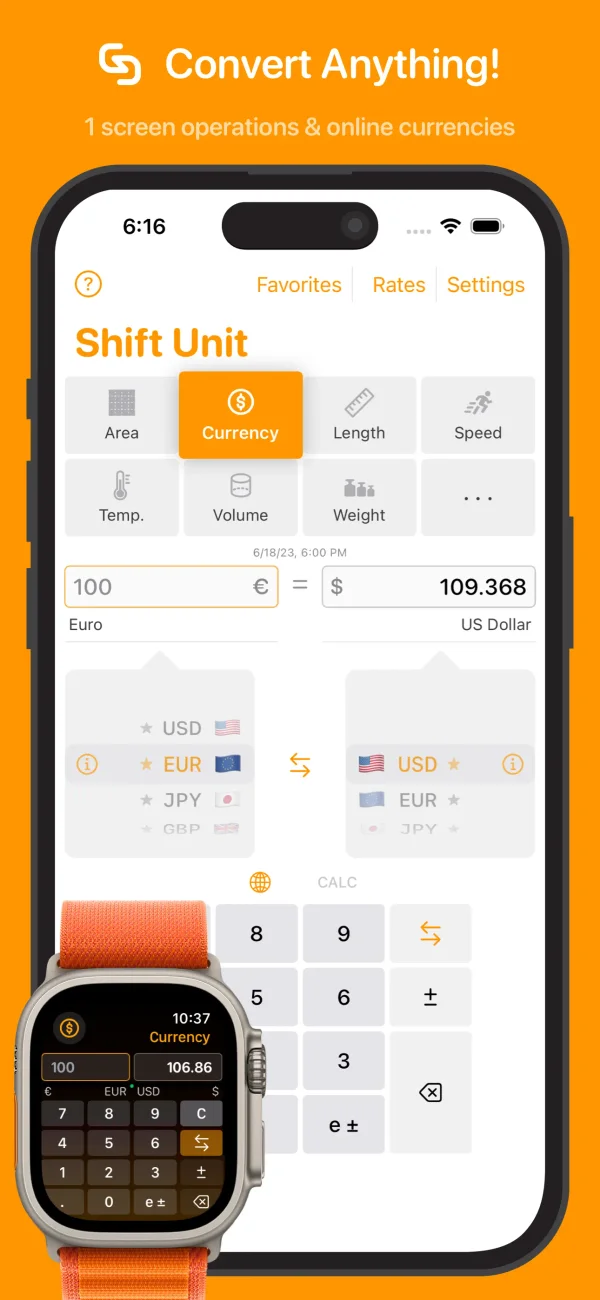
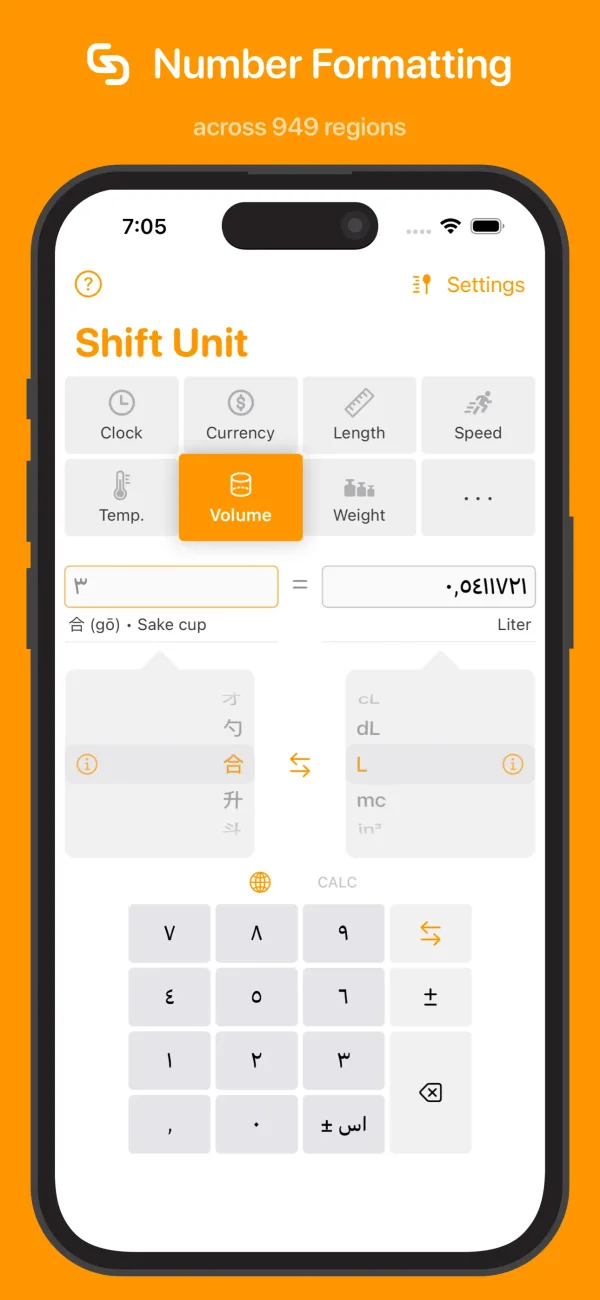
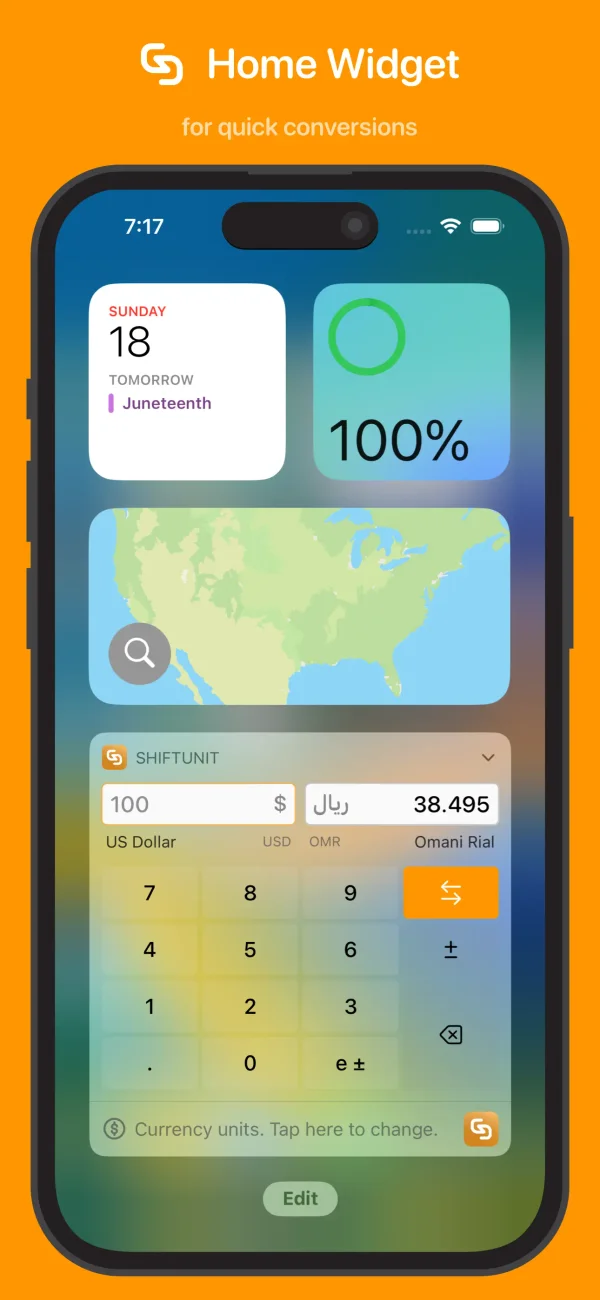
Shift Unit is a unit converter designed with usability and numerical precision in mind. It features 1437+ conversion units across 34 categories. It works great in light or dark mode, and as a Home Widget w/ localized number displays.
Independent WatchOS app and complications.
Operations can be carried out in portrait mode in simple precision (7 significant digits,) or in landscape mode in double precision (14 significant digits.)
Conversion formulae use exact definitions of related entities--not approximations.
Wikipedia page information can be pulled for categories and conversion units. (Look for info circle.)
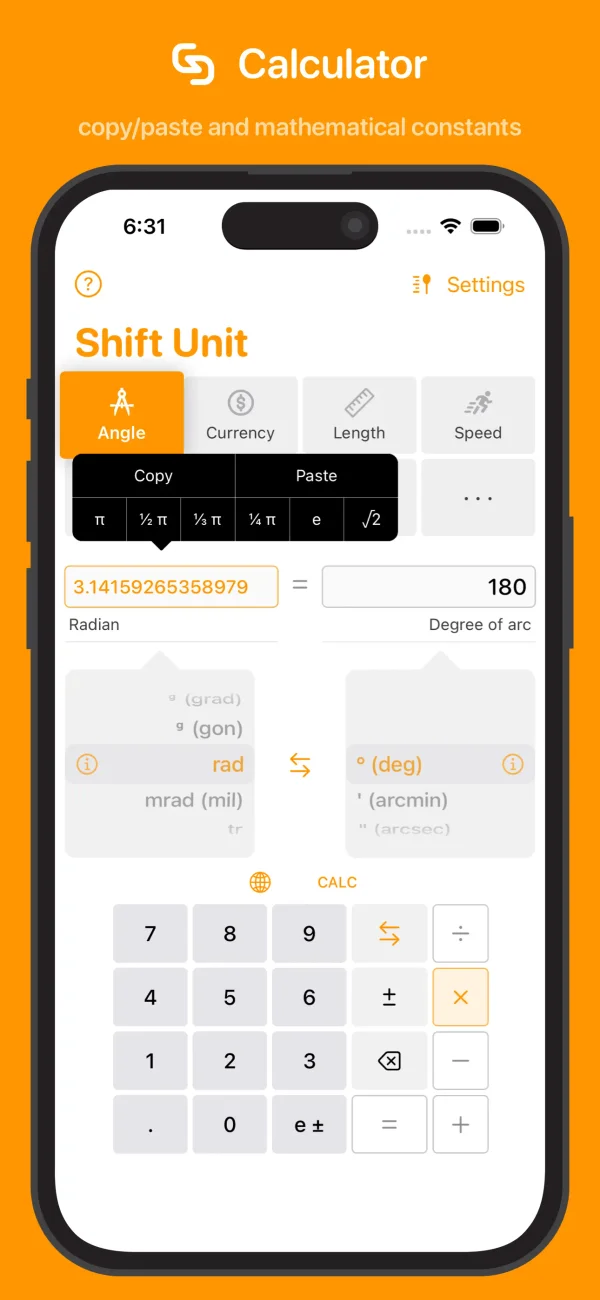
The custom keypad has a calculator mode, and allows to enter/edit numbers on either side of the conversion.
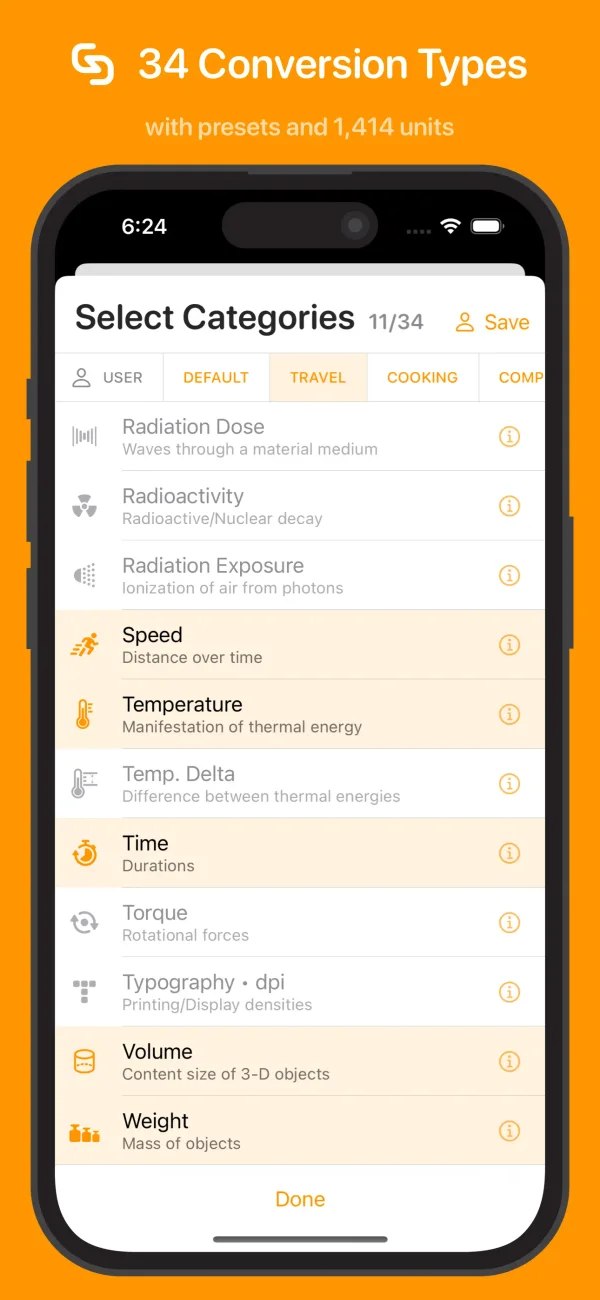
Unit categories include Acceleration, Angle, Area, Bit Rate, Clock, Online Currencies, Data Storage, Area Density, Volumetric Density, Electric Charge, Electric Current, Energy, Volumetric Flow Rate, Force, Frequency, Fuel, Length, Luminance, Lux, Mass Flow Rate, Momentum, Power, Pressure, Radiation Dose, Radioactivity, Radiation Exposure, Speed, Temperature, Temperature Delta, Time, Torque, Typography, Volume, and Weight.
Features:
- One screen operation minimizing number of gestures
- Numbers (digits, decimal/grouping separators, exponent)/time/country names localized to your (or any) region
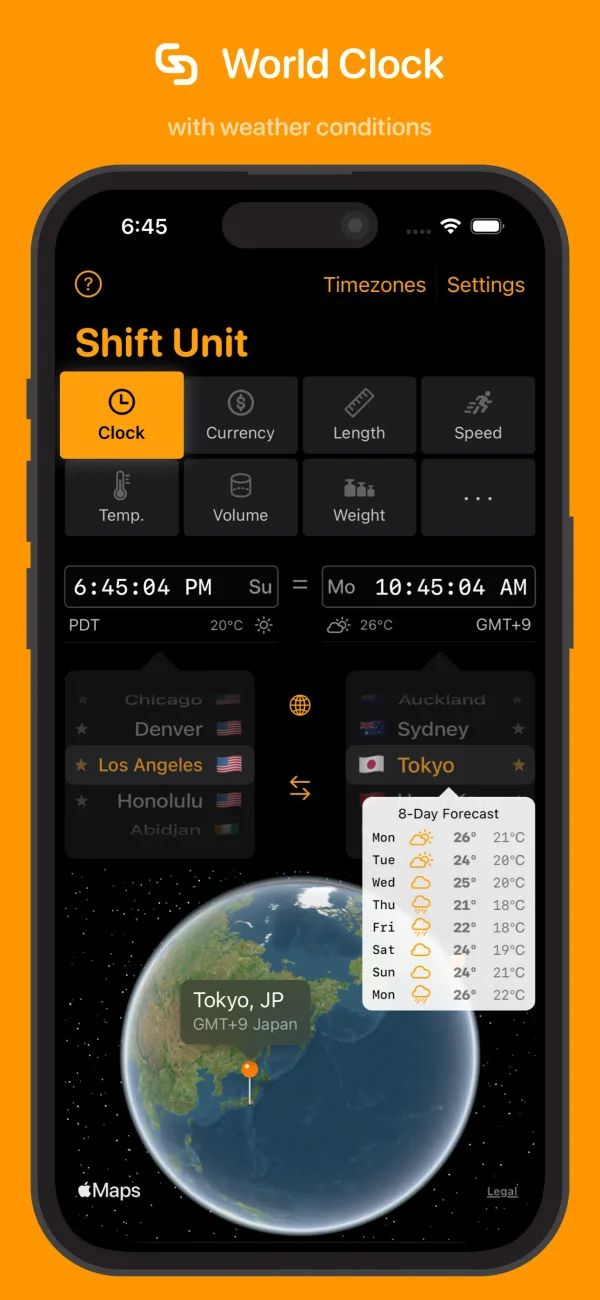
- Current time in 2 out of 439 world cities and see your cities pinned on a flyover map, an educational way of discovering the world through time zones
- Weather conditions and forecast for time zone cities
- Dedicated accessibility labels and hints for VoiceOver operations
- Customizable number entry timeout allowing to enter a new number without having to clear the field. (Turned off when an accessibility feature, e.g. VoiceOver, is on)
- Customizable user interface (preferred categories; user interface alignment for left/right-handed entry or 2-thumb operations)
- Ability to swap units while keeping initial numerical entry
- Category presets for quick change of context, including user preset
- Long-press category button to remove, or add a category on the fly
- Long-press number field for copy/paste
- Paste Mathematical constants (Pi, e, etc.)
- Education via Wikipedia pages for categories and conversion units
- Currency conversions using online rates
- Searchable list of currency rates with possibility to change base rate
- Set favorite currencies
- Built-in numeric keypad (with calculator mode) to enter numbers on either side of the conversion
- Long-press delete key to clear the field in focus
- Engineering number format handling
- Infinity and negative numbers handling
- 7 or 14-digit precision displays (3-digit fractions for currencies)
- Searchable list of 1400+ conversion units across 34 categories
- On-boarding screens for general operations and for the Currency category (turned off when VoiceOver is on)
- Home widget for quick conversions using units selected in the hosting app
Happy Conversions!
What’s new
Version 2.0.0 · Oct 19, 2026
- Fixed toolbar layout on iOS 26 devices.
- Added support for iPhone Duo layouts.
- Raised minimum deployment version to iOS 26 and watchOS 10.
App privacy
What Didier Burton declares on the App Store about how this app handles data.
-
Data not linked to you
May be collected but is not linked to your identity.
- Usage data
- Diagnostics
Privacy practices may vary, for example with the features you use or your age.
Information
- Seller
- Didier Burton
- Category
- Utilities
- Version
- 2.0.0
- Updated
- Oct 19, 2026
- Released
- Jul 15, 2020
- Size
- 17.8 MB
- Requires
- iOS 26.0 or later
- Age rating
- 4+
- Price
- Free
- Languages
- English
- Copyright
- 2020-2026 © didierburton consulting
You might also like
-
 Pocket Counter ProClick Counter & Tally Tracker
-
 InsightsScanoffline scan&AI summarization
-
 ProseKey AIUtilities
-
 Converter X: Unit & CurrencyAI tools and Smart Input
-
 alto.capsorganize screenshots with AI
-
 RealTime Ai CamTalking camera, works offline
-
 TapTally+Counter, Scorer, Timer Tool
-
 AI Room Plan ScannerScan rooms with LiDAR
-
 CypherVPN - Fast Secure VPNPrivate, Fast & Streaming
-
 Voice Recorder: Transcribe AppVoice Recorder: Speech to Text