
ShiftLogue: Work Hours Tracker
Work Log & Hour Tracking Clock
Designed for iPhone, iPad
Free · In-app purchases
- Age rating4+
- CategoryProductivity
- DeveloperKEAT MEN TANG
- LanguagesEnglish+ 4 more
- Size12.7 MB
Links to the official App Store page
Download.org hosts no file of ShiftLogue: Work Hours Tracker. The button opens its official App Store page, published by KEAT MEN TANG. Listing last checked on Nov 18, 2026.
Screenshots
About
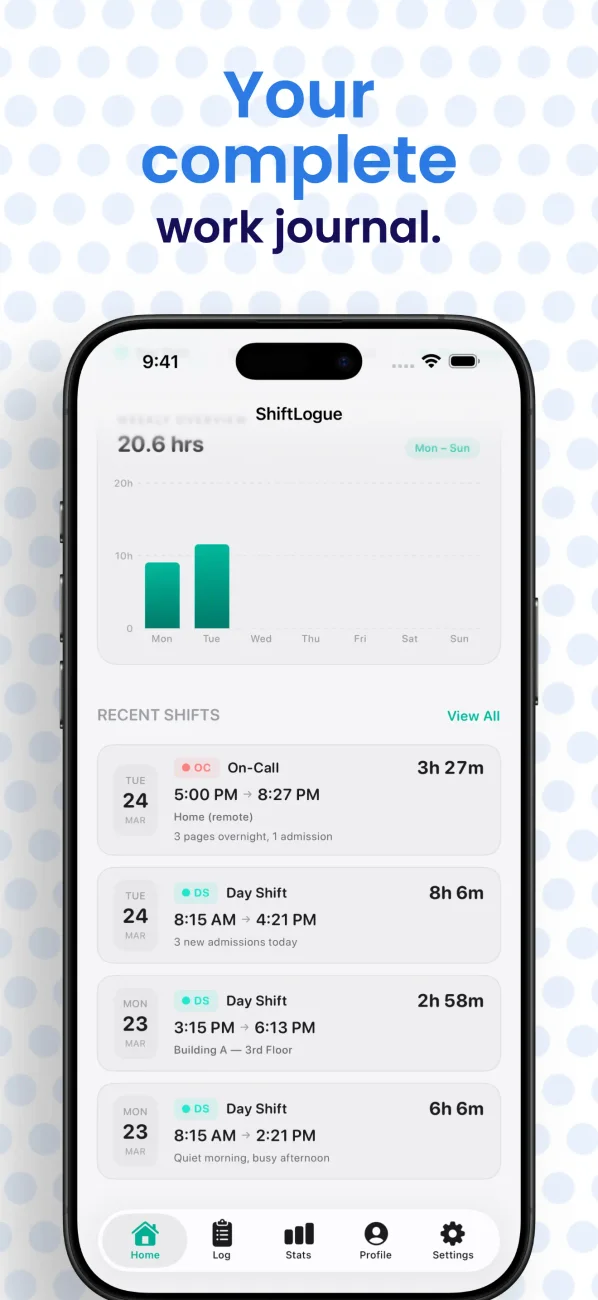
ShiftLogue is a personal work journal designed for doctors and lawyers who work demanding, unpredictable hours.
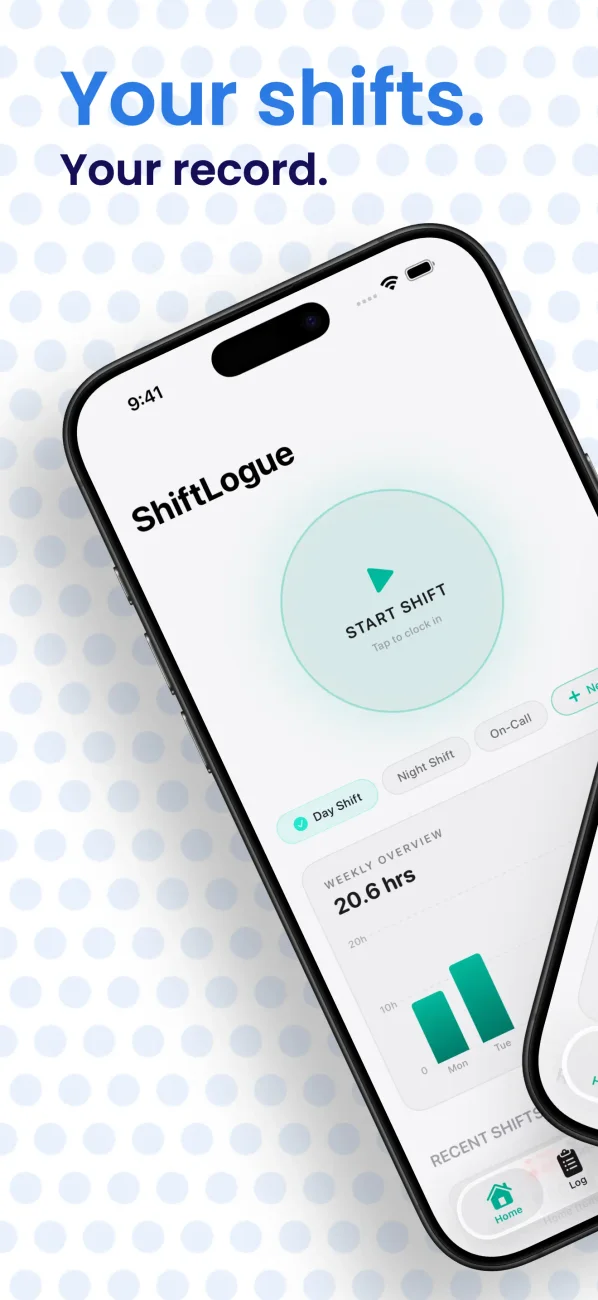
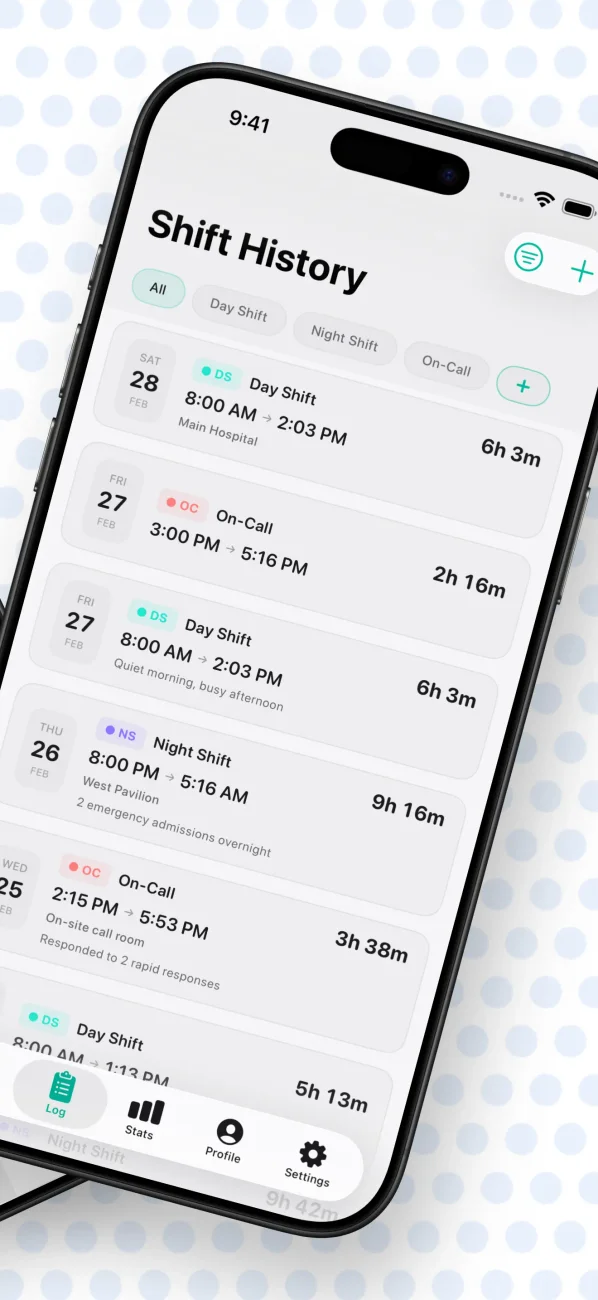
Most shift apps are calendars — you paint your schedule in advance. ShiftLog is different. It records what actually happened. Clock in when your shift starts, clock out when it ends, and let ShiftLog track the reality of your work life.
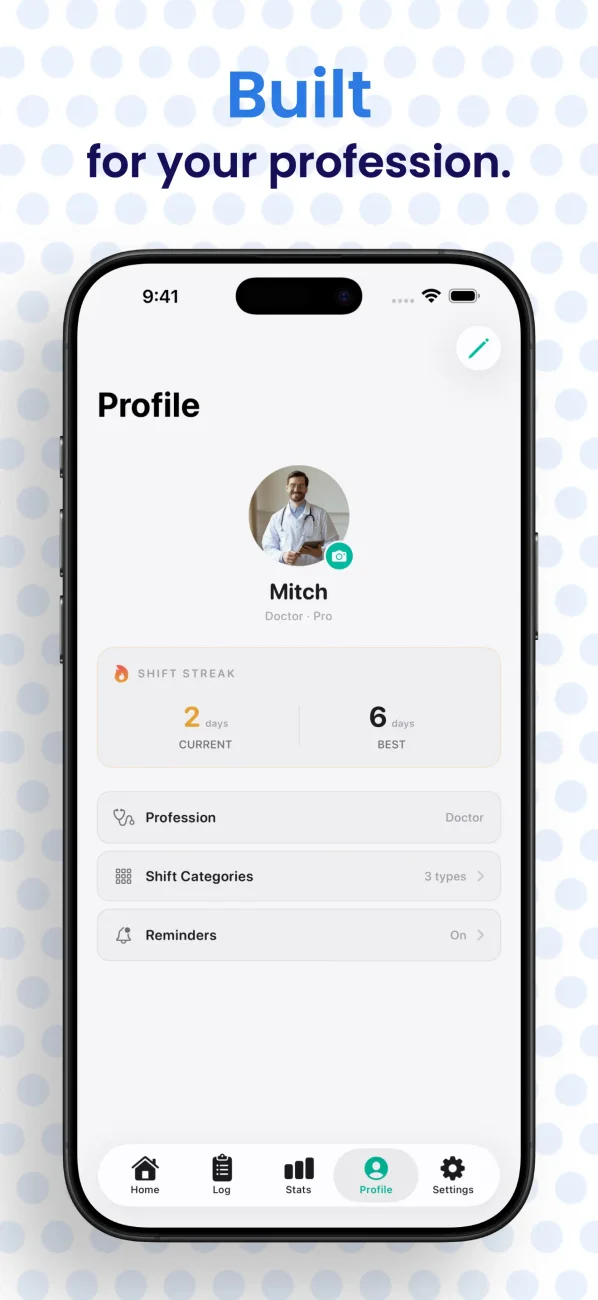
BUILT FOR YOUR PROFESSION
Select Doctor or Lawyer during setup and ShiftLogue loads shift categories that match your work. Doctors get Day Shift, Night Shift, On-Call and Clinic. Lawyers get Billable, Non-Billable, Court, Deposition and Research. No configuration needed — just pick your profession and start tracking.
CLOCK IN, CLOCK OUT
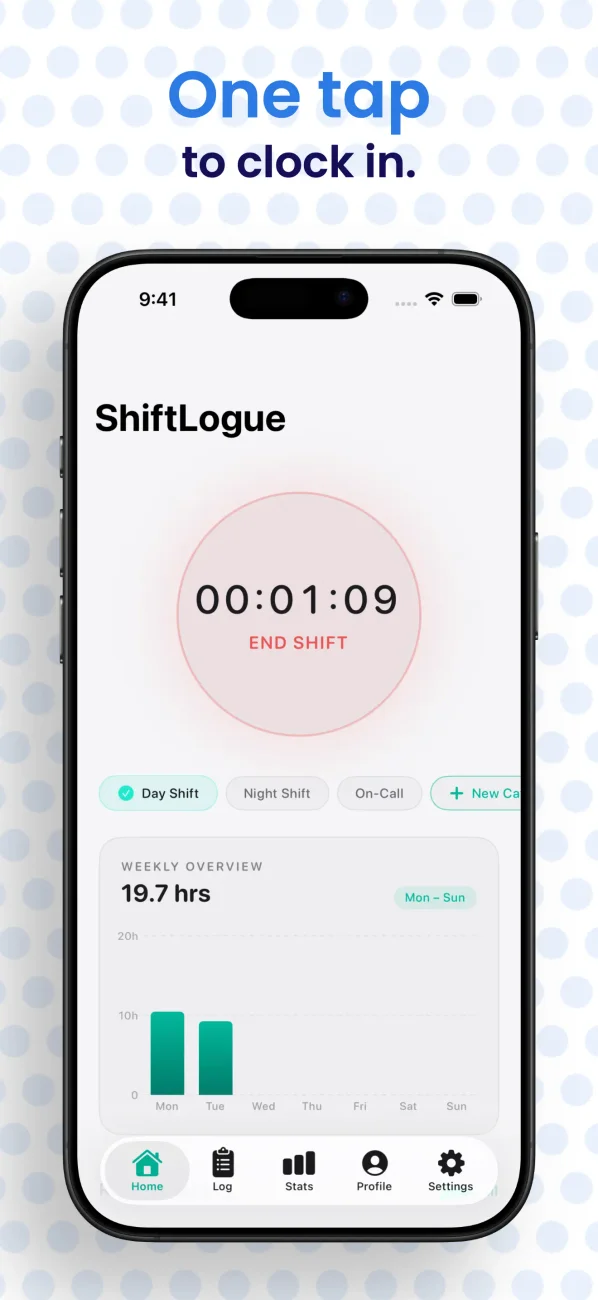
One tap to start. One tap to stop. A live timer tracks your shift in real time. Forgot to clock in? Add past shifts manually with a quick date and time picker. Either way, your hours are captured accurately.
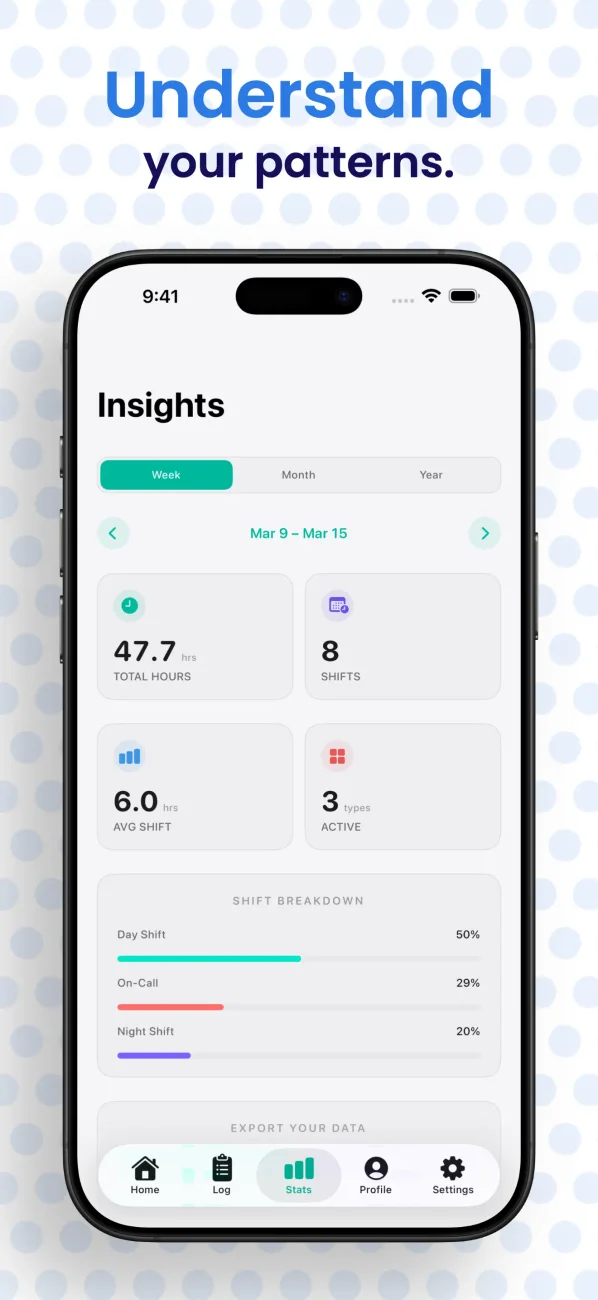
UNDERSTAND YOUR PATTERNS
See weekly and monthly stats at a glance — total hours worked, average shift length, number of shifts, and overtime. A visual breakdown by shift type shows how your time is actually distributed. Spot overwork trends before burnout hits.
SYNCED ACROSS YOUR DEVICES
Your data syncs silently via iCloud. Check ShiftLogue on your iPhone at the hospital, review your stats on your iPad at home. No account to create, no password to remember — it just works with your Apple ID.
LIGHT AND DARK MODE
A clean, professional interface that adapts to your environment. Bright hospital corridors at noon or dark on-call rooms at 3am — ShiftLogue is always comfortable to use.
ShiftLogue Pro — $3.99/month or $29.99/year
- Unlimited shift history
- CSV and PDF export for personal records
- Monthly trend charts and insights
- Custom shift categories
Important Disclaimer
ShiftLogue is designed for personal use—not for official, government, or organizational purposes. It’s not a team management, scheduling, or billing tool.
Instead, ShiftLogue is your personal space to understand your real work patterns—when you actually start, when you finish, and how your days truly unfold. It’s simple, private, and built to help you reflect on your work, not report it.
Privacy Policy: https://www.prime-factors.com/shiftlogue/en/privacy-policy
Terms of Use: https://www.apple.com/legal/internet-services/itunes/dev/stdeula/
What’s new
Version 1.0.7 · May 19, 2026
• Improved app performance and overall stability
• Refined UI for a smoother, more polished experience
App privacy
What KEAT MEN TANG declares on the App Store about how this app handles data.
-
Data not linked to you
May be collected but is not linked to your identity.
- Usage data
- Diagnostics
Privacy practices may vary, for example with the features you use or your age.
Information
- Seller
- KEAT MEN TANG
- Category
- Productivity
- Version
- 1.0.7
- Updated
- May 19, 2026
- Released
- Mar 30, 2026
- Size
- 12.7 MB
- Requires
- iOS 18.1 or later
- Age rating
- 4+
- Price
- Free
- In-app purchases
- Yes
- Languages
- English, Japanese, Korean, Simplified Chinese, Traditional Chinese
- Copyright
- © Prime Factors Dev
You might also like
-
 Companshift: Work Time TrackerProductivity
-
 ShiftCheck: Work & PayShift Work & Pay Tracker
-
 WorkOut – Shift TrackerWork Hours & Pay Tracker
-
 ShiftLog - Track work shiftsHours, earnings & history
-
 Toutt: Freelancer Time TrackerFreelancer Business Management
-
 ShiftFit: Work Pay TrackerHours, Shifts & Overtime
-
 OT Overtime TrackerProductivity
-
 Work Hour Tracker: FlexTrackTrack your flex hours
-
 TimeKeep - Work Hours TrackerTime & Payroll Calculator
-
 Flex-TimeTrack Flex & Overtime Easily