- Age rating4+
- CategoryBusiness
- DeveloperOktay Halil
- LanguagesEnglish
- Size38.9 MB
Links to the official App Store page
Download.org hosts no file of Shiftstracker. The button opens its official App Store page, published by Oktay Halil. Listing last checked on Nov 12, 2026.
Screenshots
About
Shiftstracker is a simple, reliable way for businesses to schedule staff and track attendance. Workers clock in and out by scanning a secure QR code, while managers and owners handle schedules, leave and approvals from one place.
WHY SHIFTSTRACKER
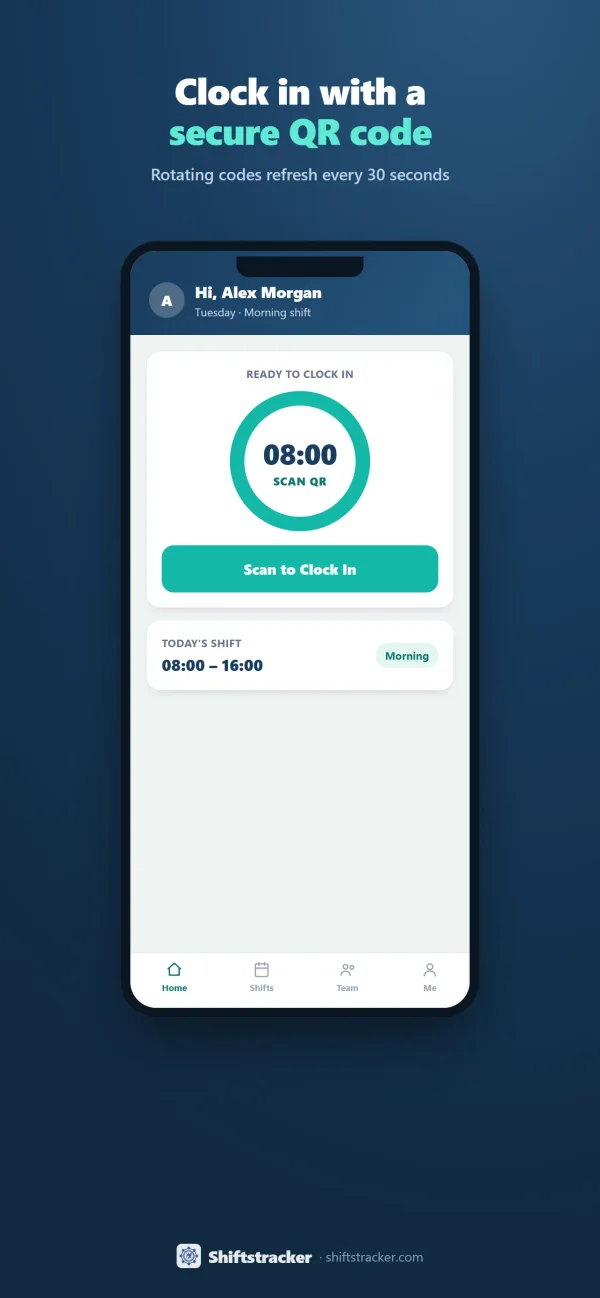
• Fast, fraud-resistant attendance — workers scan a rotating QR code that refreshes every 30 seconds, so a photo of the code can't be reused.
• Optional GPS check — require staff to be at the workplace to clock in.
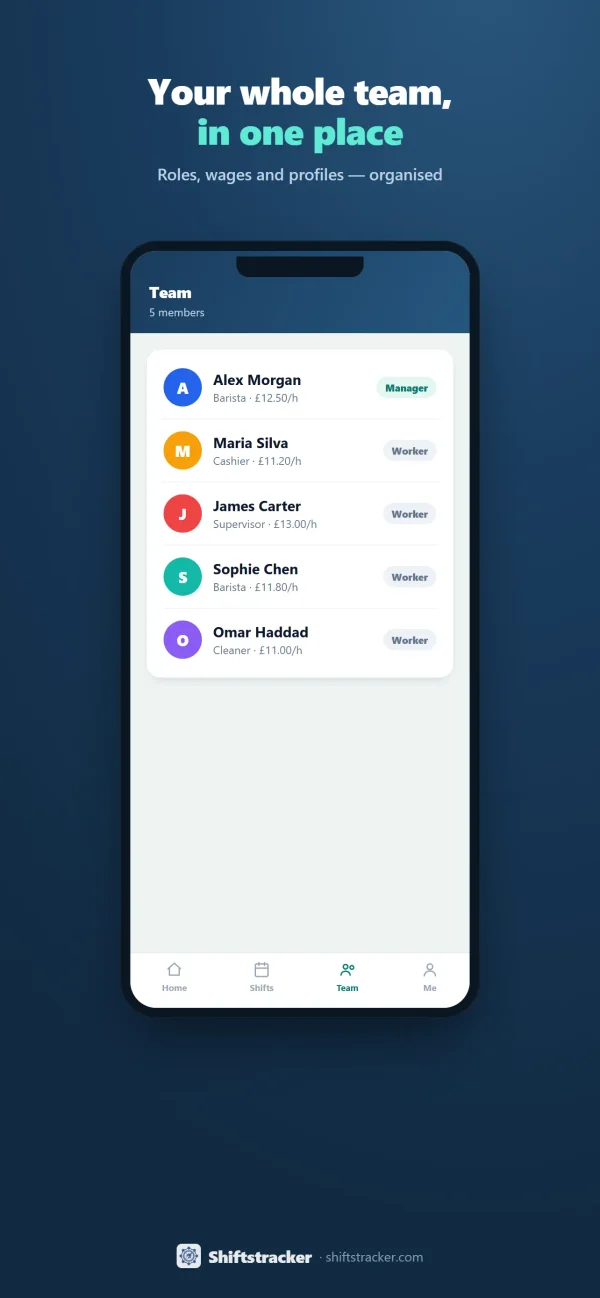
• Built for real teams — roles for owners, managers and workers, each seeing exactly what they need.
SCHEDULING
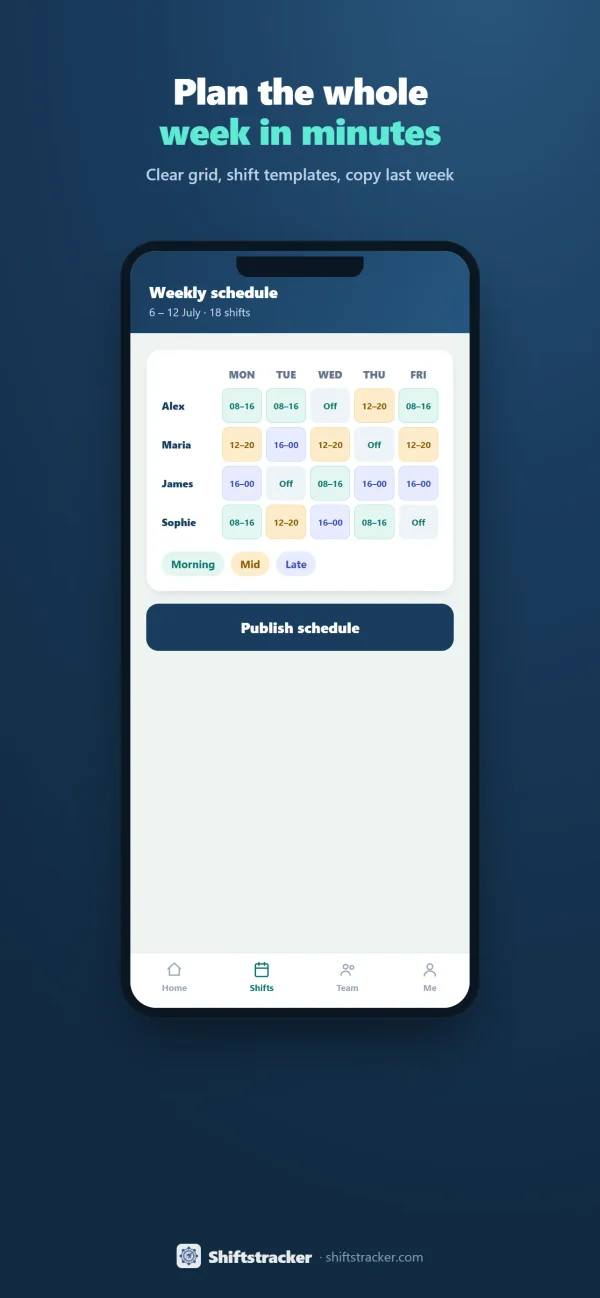
• Build weekly schedules on a clear worker-by-day grid.
• Copy last week's plan in one tap.
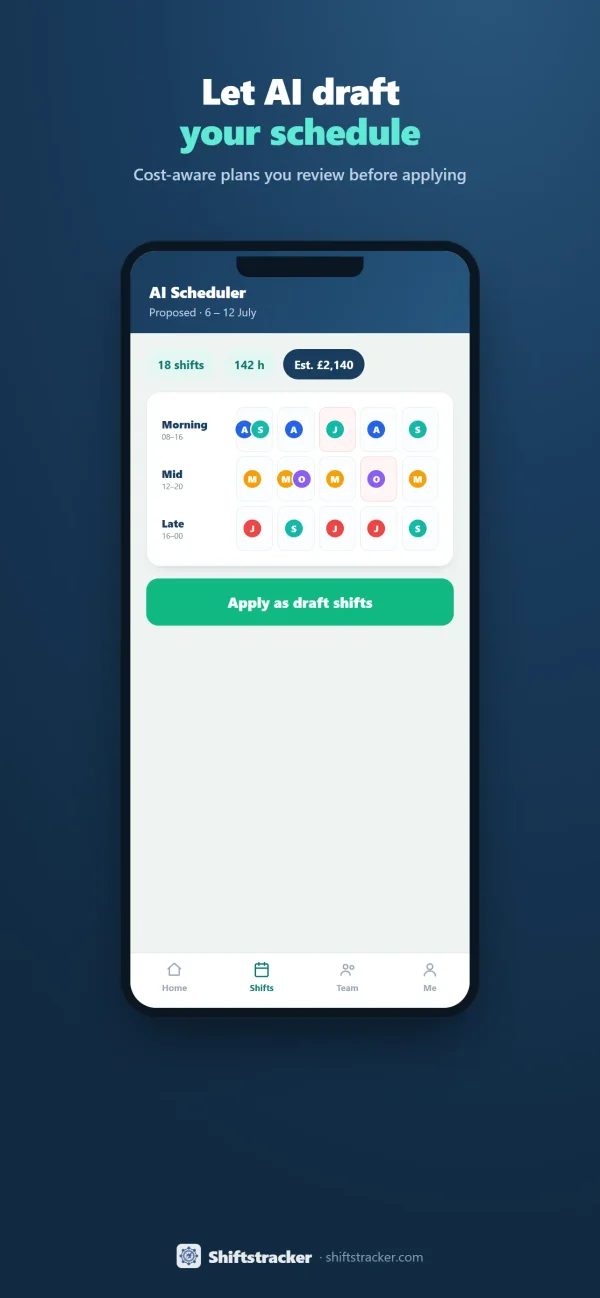
• AI-assisted scheduler proposes a draft you can edit and lock before applying — you stay in full control.
ATTENDANCE & PAYROLL
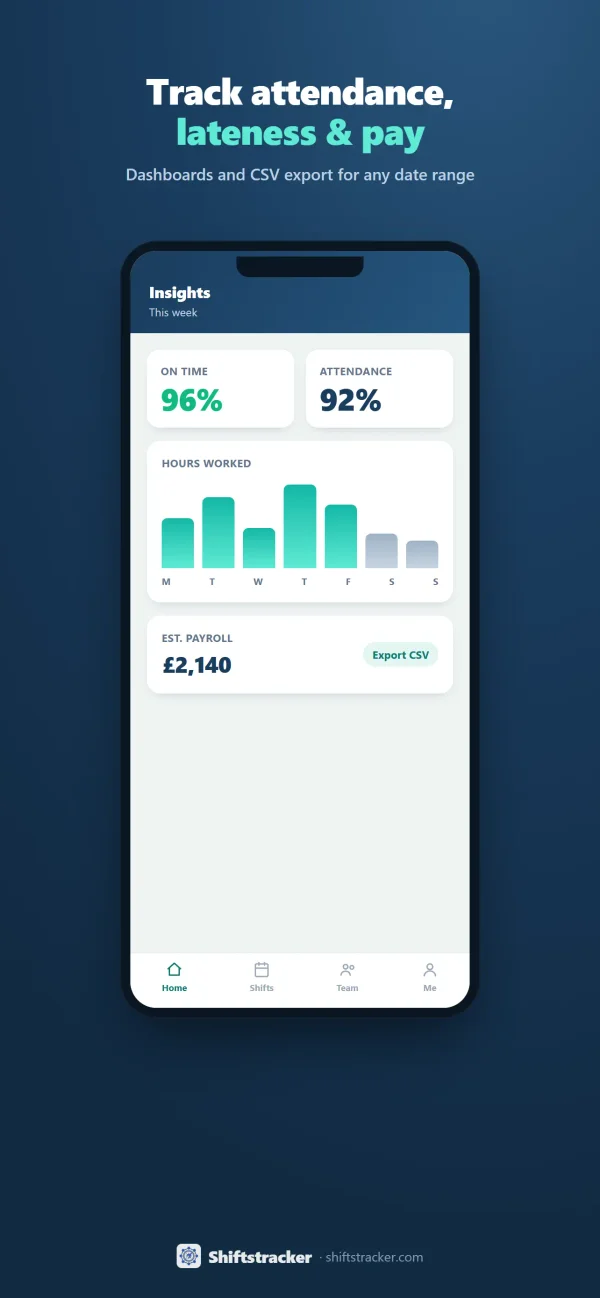
• Accurate clock-in/out with automatic lateness detection and auto clock-out.
• Weekend, holiday and overtime multipliers for a quick gross-pay estimate.
• Export attendance to CSV.
• Per-organization timezone, so multi-location teams stay accurate.
LEAVE & SHIFT SWAPS
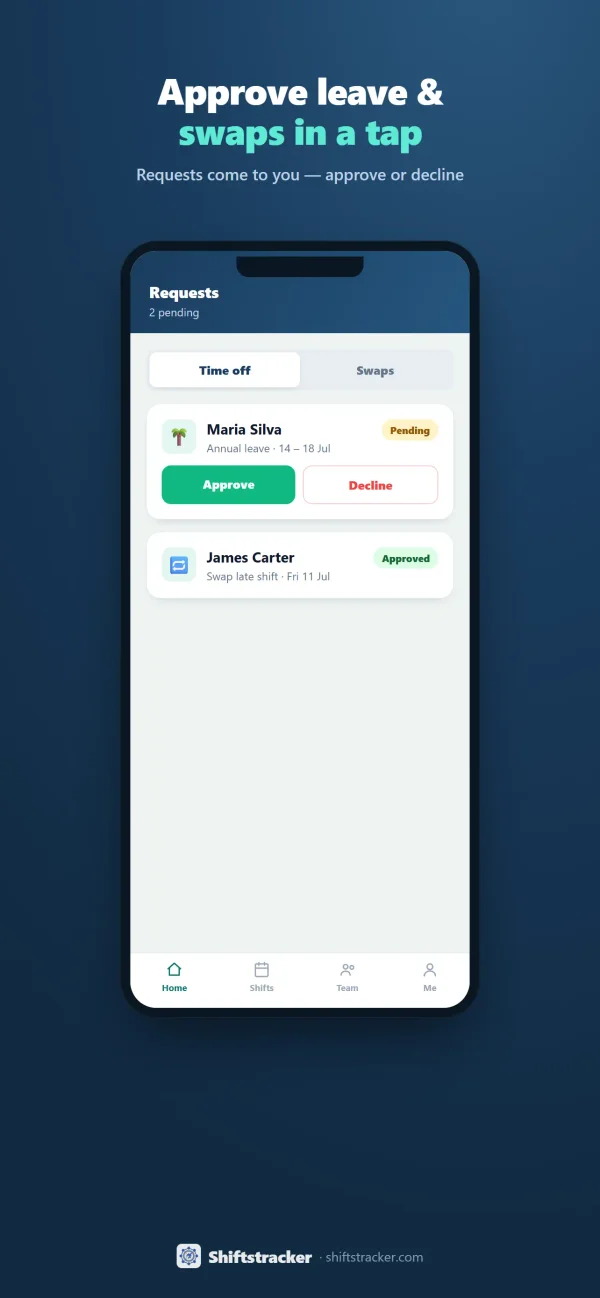
• Workers request time off and swap shifts; managers approve or reject with a reason. Approved leave is reflected in attendance automatically.
INSIGHTS
• Dashboards show attendance and lateness rates, trends and per-person summaries over any date range.
Shiftstracker is designed for cafes, restaurants, retail, security, cleaning and any team that works in shifts. Your organization controls its own data.
Questions or feedback? Contact info@ahomediasolutions.com
What’s new
Version 1.0.3 · Oct 25, 2026
• Fix attendance records by hand: edit clock-in/out and breaks, or add a missing day
• Kiosk mode stays locked when the app is reopened
• Arrange the order of people on the schedule, with role headings
• Managers can add workers to their own team
• Deactivated accounts no longer appear on the rota
• Organization logo in the menu, plus a wide-screen layout for tablets
App privacy
What Oktay Halil declares on the App Store about how this app handles data.
-
Data linked to you
May be collected and linked to your identity.
- Financial info
- Location
- Contact info
- User content
- Identifiers
- Other data
-
Data not linked to you
May be collected but is not linked to your identity.
- Diagnostics
Privacy practices may vary, for example with the features you use or your age.
Information
- Seller
- Oktay Halil
- Category
- Business
- Version
- 1.0.3
- Updated
- Oct 25, 2026
- Released
- Jul 29, 2026
- Size
- 38.9 MB
- Requires
- iOS 15.0 or later
- Age rating
- 4+
- Languages
- English
- Copyright
- © 2026 AHO Media Solutions