
- Age rating4+
- CategoryPhoto & Video
- DeveloperKensuke Inoue
- LanguagesEnglish+ 1 more
- Size3.1 MB
Links to the official App Store page
Download.org hosts no file of SHIRUBE. The button opens its official App Store page, published by Kensuke Inoue. Listing last checked on Nov 20, 2026.
Screenshots
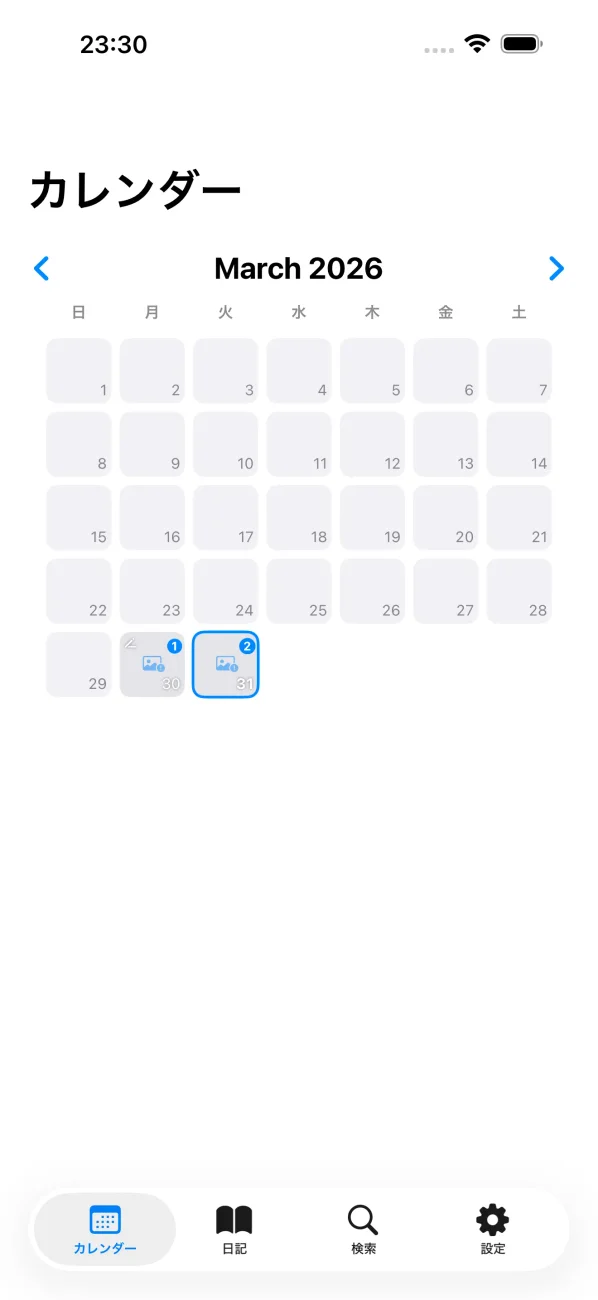
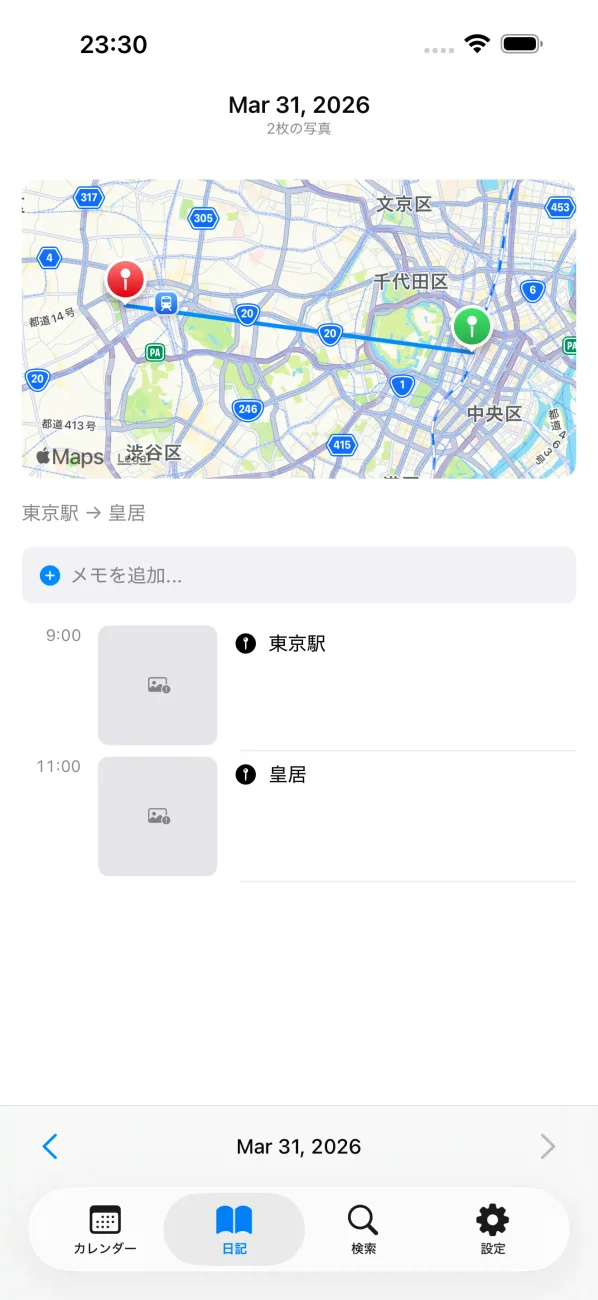


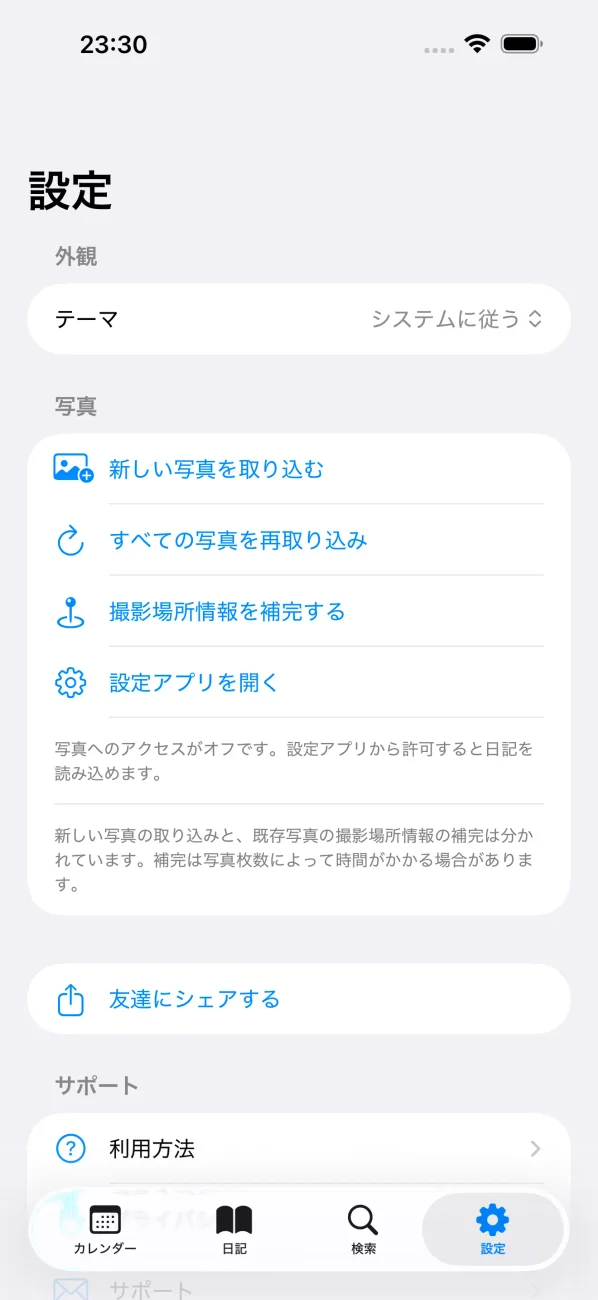
About
Shirube organizes the photos in your iPhone photo library by date, so you can look back on each day as a diary.
Using each photo's capture date and location, Shirube shows when and where your photos were taken. Trips, walks, meals, events — everything from your day becomes easy to revisit later.
Main features:
- Automatically organizes photos by date
- Shows where each photo was taken
- Browse diary entries by photo location on a map
- Browse daily records from the calendar
- View photos in chronological order
- Add notes with #tag support
- Search by place name or tag
Great for people who:
- Take lots of photos and struggle to find them later
- Can't keep up a daily diary but want to keep a photo record
- Want to look back on their travel and outing history
Privacy:
- Photo library information is used to build your diary view
- Imported data and notes are stored on your device
- Nothing is automatically sent to the developer's servers
What’s new
Version 1.3.0 · Aug 28, 2026
- Improved map location rendering for smoother performance with large photo libraries.
- View all your photo locations on a map and open the diary entry for any selected place.
- Mark diaries as favorites and filter search results down to just your favorites.
- Share a diary as a card image with any other app.
- Search now offers your recent searches and your most-used tags as one-tap shortcuts.
- When photo access is limited, you can now add photos straight from a diary.
- Cancelling a note edit now asks before discarding unsaved changes.
- Failed imports and location lookups now explain what went wrong and let you retry on the spot.
- Swipe the calendar left or right to move between months.
- Tap the current Calendar or Diary tab again to return to today.
- Search results now load progressively, so large libraries appear faster.
- Fixed horizontal swipes conflicting with vertical scrolling in Browse, which could skip photos unintentionally.
- Fixed duplicate toolbar buttons appearing after moving between diary dates.
- Fixed photos being skipped by later imports when saving failed during import.
- Fixed a retried location lookup reverting after relaunch when saving failed.
- Importing large photo libraries is now faster.
- Location lookups are now cached between launches, so filling in places is faster.
- Import and location-fill progress and completion feedback is now consistent across screens.
App privacy
What Kensuke Inoue declares on the App Store about how this app handles data.
-
Data not collected
The developer does not collect any data from this app.
Privacy practices may vary, for example with the features you use or your age.
Information
- Seller
- Kensuke Inoue
- Category
- Photo & Video
- Version
- 1.3.0
- Updated
- Aug 28, 2026
- Released
- Apr 1, 2026
- Size
- 3.1 MB
- Requires
- iOS 17.0 or later
- Age rating
- 4+
- Price
- Free
- Languages
- English, Japanese
- Copyright
- © 2026 kenshgy
You might also like
-
 Photo Calendar: Browse by DatePhotos & videos, auto-sorted
-
 Rokkaku Camera Pro (DSSC-1)RAW & Manual Focus Pro Camera
-
 Simple Video ReverserReverse Any Video Instantly
-
 ClassiPic - AI Photo OrganizerAuto-sort: Moments & Records
-
 ThisDay - Photo MemoriesOn this day, from your photos
-
 Palendar - Photo CalendarYour Photos, in a Calendar
-
 PicFile: Smart Album MakerAuto-create albums with AI
-
 Photo cale-Secret photo AlbumSave Photos, Sync Schedules
-
 DayPics - Daily Photo MemoriesMy Photos on Calendar
-
 Nano Lens - Compression CameraShoot photos at 1/10 size