- Age rating17+
- CategorySports
- DeveloperDaniel Kuruvilla
- LanguagesEnglish
- Size23.4 MB
Links to the official App Store page
Download.org hosts no file of Shot Timer Drills. The button opens its official App Store page, published by Daniel Kuruvilla. Listing last checked on Nov 17, 2026.
Screenshots


About
Shot Timer Drills turns your shot timer and your phone into a complete training log. Run drills, capture every shot and split, score your hits, and watch your times improve.
RUN DRILLS, NOT SPREADSHEETS
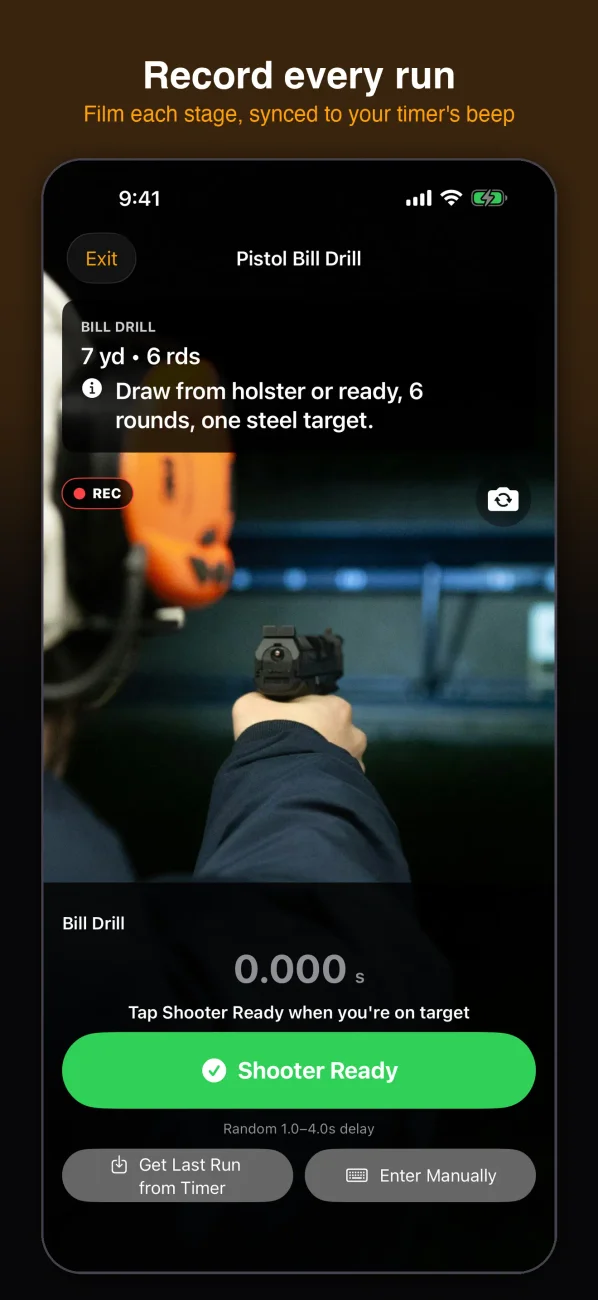
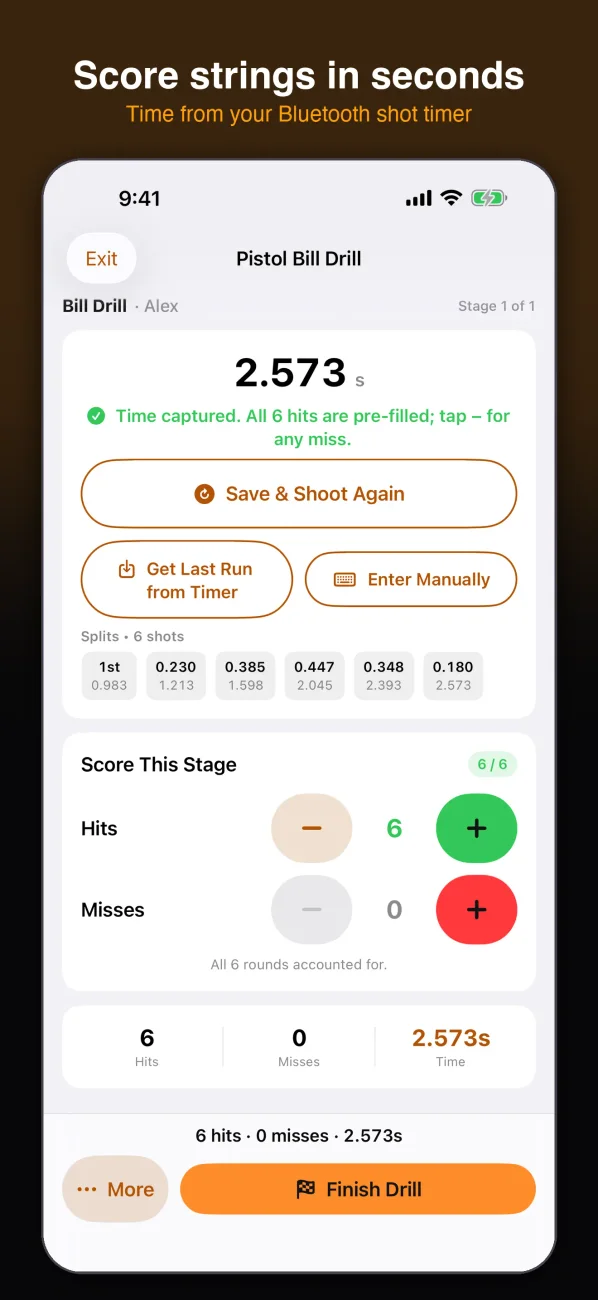
Tap Shooter Ready, the timer beeps after a random delay, and your shots stream in live. When the string ends, your time and splits are already there, so you just count your hits. Pressing START on the timer itself works the same way.
• A built-in library of drills: qualification standards, hit factor benchmarks, rifle and carbine, diagnostics and dry fire
• Build your own drills on one simple page: stages, targets, par times, scoring and instructions
• Scoring for hit factor, time plus, and points, with per-stage penalties
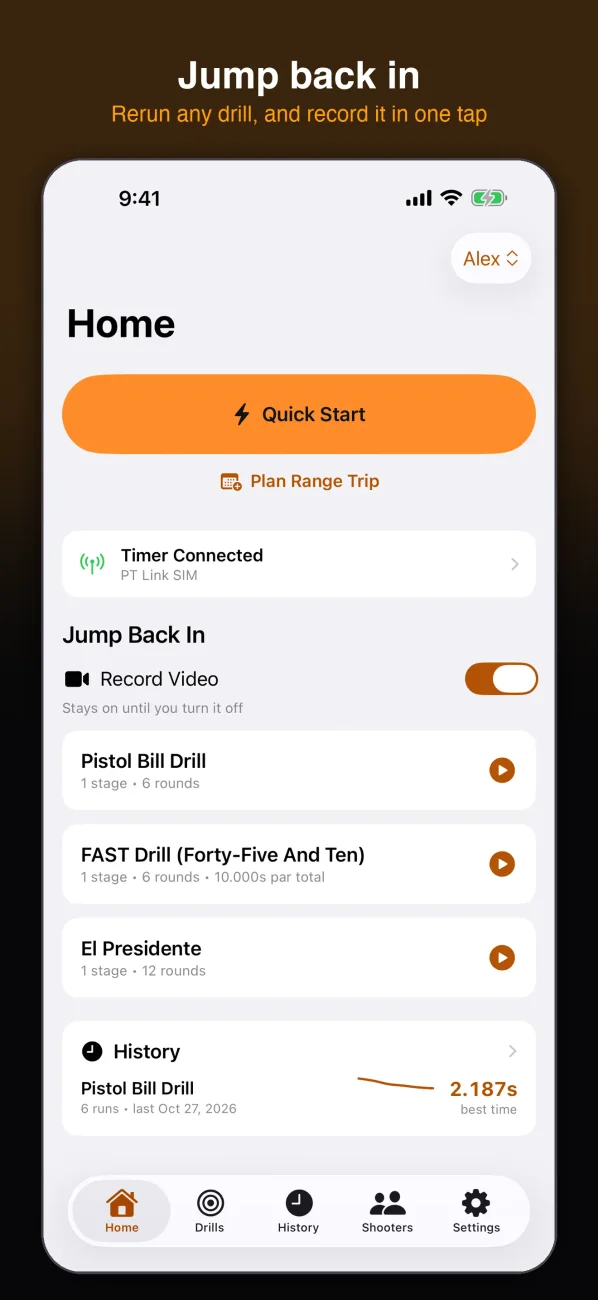
• Range Day trips for running a whole session of drills in order
• Squad mode: several shooters, one timer, fair standings
SEE YOUR PROGRESS
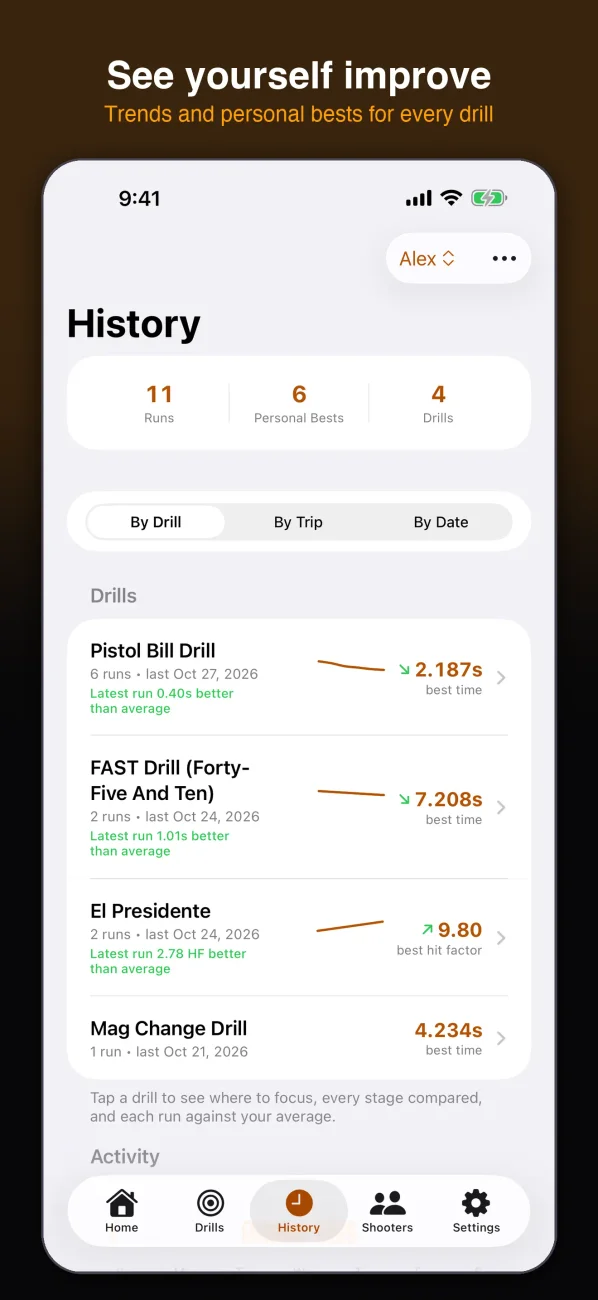
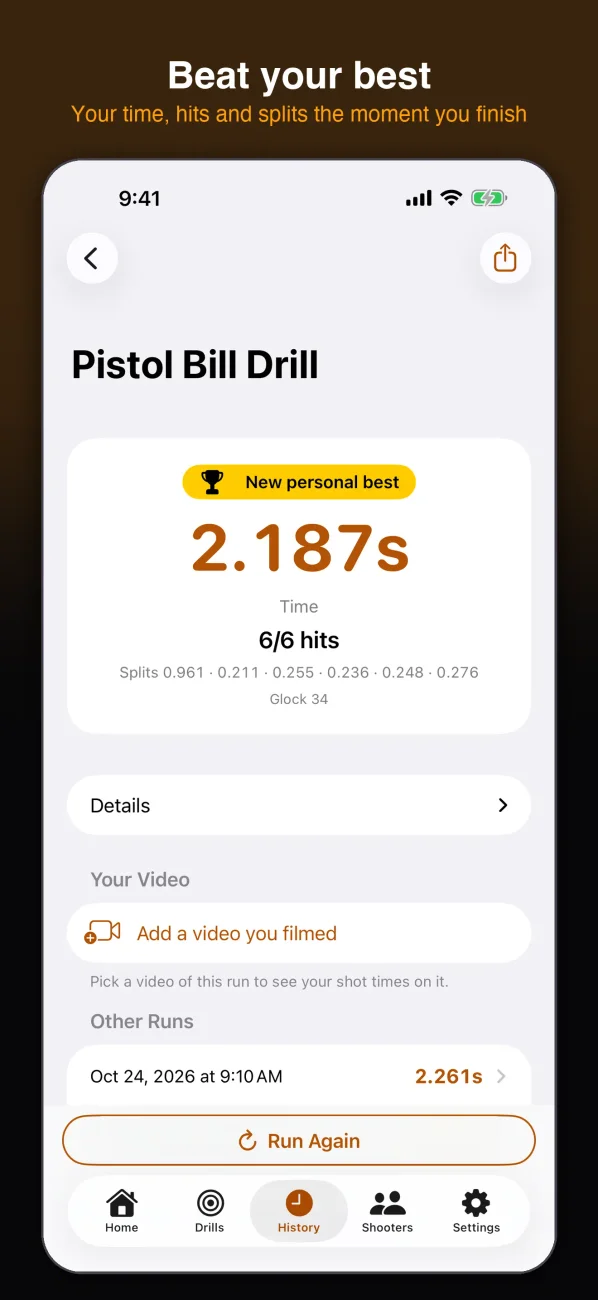
• Personal bests for every stage and every drill
• History by drill, by trip, or by day, with trends, splits and consistency
• "Where to focus" points at the stages costing you the most
• Compare any two runs side by side
• Beautiful result cards to share
RECORD VIDEO OF YOUR RUNS
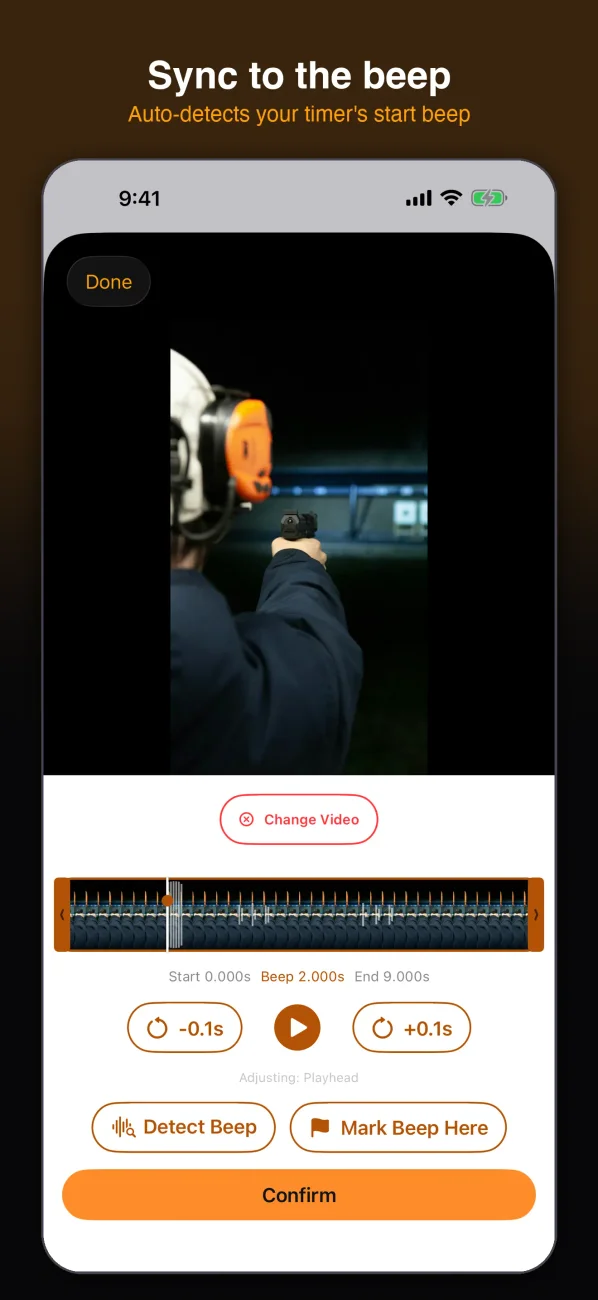
• Film each stage with your phone. The app syncs the video to your timer's beep automatically
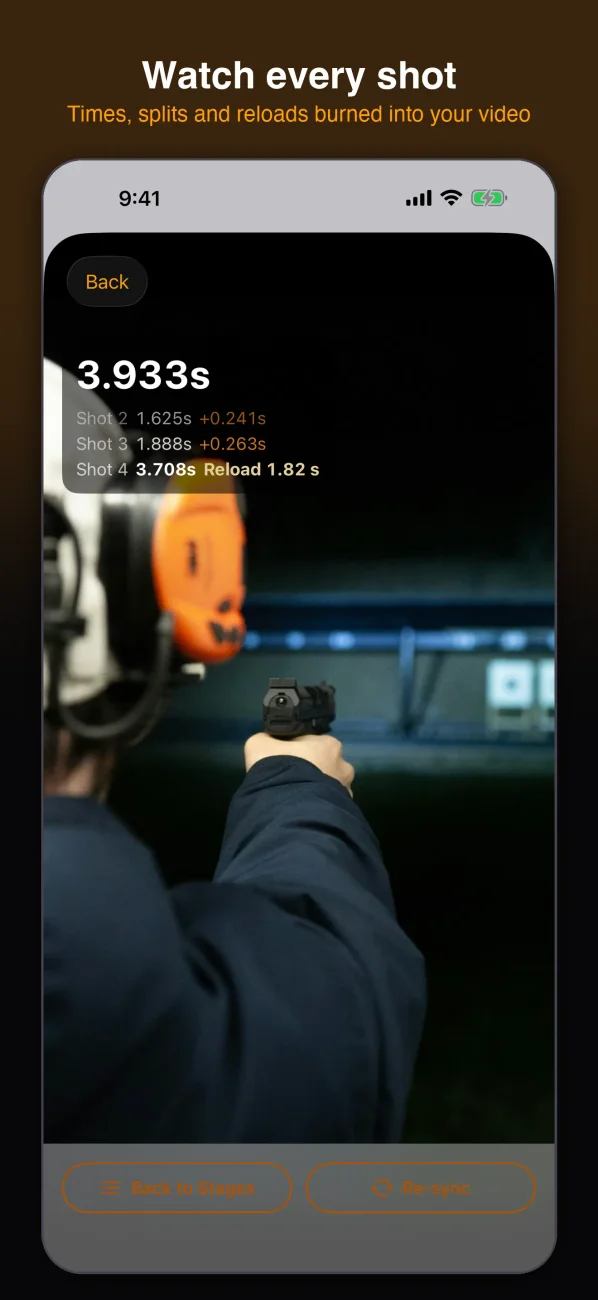
• Export a finished video with your times, splits and shot-by-shot HUD burned in
• Add your own intro and outro, your own song, and a photo of your target that shows with your score at the end
• Or export only the string: just your shooting with the shot times
• Squad runs export as separate or joint videos with a final standings card
• Rerun and record in one tap from Jump Back In
• Or add a video from your camera roll and sync it yourself
WORKS WITH YOUR TIMER
• Competition Electronics ProTimer BT, SG Timer / Timer 2 / GO, Special Pie M1A2+ and Kestrel KST1000 are verified on real hardware
• AMG Commander and DAA Edge are supported experimentally, with more testing on the way
• No timer? Use the simulated timer, or type your times in
YOUR DATA, YOUR WAY
• Share a drill by link, and update your copy when a friend improves theirs
• Share drills, runs and shooters between devices by AirDrop or Files, with a confirmation step before anything changes
• Export and import CSV for spreadsheets
• Full backup and restore
• Optional iCloud sync across your devices
• No account. No ads. Your training stays on your devices.
Also includes Apple Watch companion controls.
Shot Timer Drills is not affiliated with any timer manufacturer. All product names are trademarks of their respective owners.
What’s new
Version 1.3.2 · Nov 11, 2026
• Sharing a custom drill now makes a much shorter link, about 60 characters long. The link opens in this version and newer. If a short link cannot be made, the app uses a longer link as before.
• Fixes and improvements.
App privacy
What Daniel Kuruvilla declares on the App Store about how this app handles data.
-
Data linked to you
May be collected and linked to your identity.
- Contact info
-
Data not linked to you
May be collected but is not linked to your identity.
- User content
- Identifiers
- Diagnostics
Privacy practices may vary, for example with the features you use or your age.
Information
- Seller
- Daniel Kuruvilla
- Category
- Sports
- Version
- 1.3.2
- Updated
- Nov 11, 2026
- Released
- Aug 28, 2026
- Size
- 23.4 MB
- Requires
- iOS 17.0 or later
- Age rating
- 17+
- Price
- Free
- Languages
- English
- Copyright
- © 2026 Daniel Kuruvilla
You might also like
-
 Pro-Shot TrainerSports
-
 MMSSA ScoringThe official MMSSA Scoring App
-
 AMG Lab UpdaterSports
-
 Beepline: Shot & Drill TimerShot timer, splits & par
-
 Range TrainingShoot, Score, Improve
-
 Golden DeltaDry-fire timer & stage video
-
 Simple Shot TimerSplits, par & dry-fire drills
-
 Dry Fire AI CoachSports
-
 ShotSentry: Shot TimerPar times, splits & drills
-
 BYB FocusFocus high-beam bike light app