ShotBloom: Screenshot Editor
Capture, Annotate & Beautify
Designed for iPhone, iPad, Mac
Free · In-app purchases
- Age rating4+
- CategoryProductivity
- DeveloperDovud Husanov
- LanguagesEnglish
- Size18.8 MB
Links to the official App Store page
Download.org hosts no file of ShotBloom: Screenshot Editor. The button opens its official App Store page, published by Dovud Husanov. Listing last checked on Nov 12, 2026.
Screenshots

About
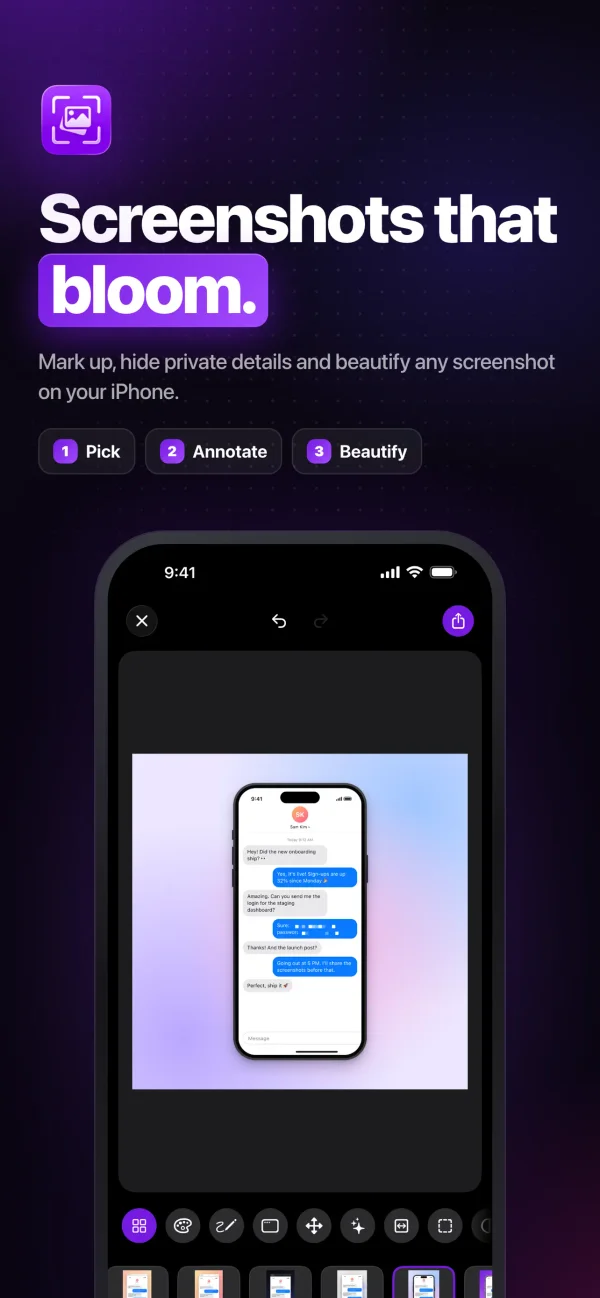
Turn any screenshot into something worth sharing. ShotBloom lets you mark it up, hide what's private and make it look polished, right on your iPhone or iPad.
START FROM ANY SCREENSHOT
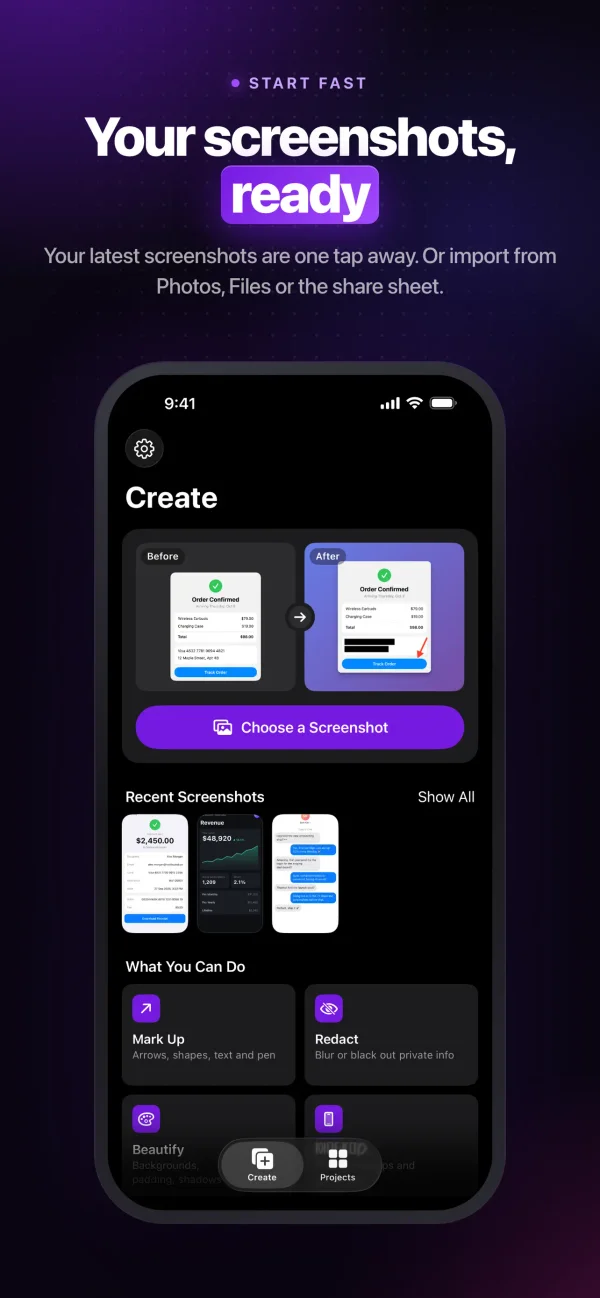
• Your latest screenshots are on the home screen, one tap away
• Browse Screenshots, Recents, Favorites or any album, or pick several at once
• Import from Files, paste an image, or share one from Photos straight into ShotBloom
MARK IT UP
• Arrows, boxes, pen and text in any colour and size
• Highlight, underline or strike through text: it snaps to the words
• Move, resize and rotate anything you add
• Undo and redo everything
HIDE WHAT'S PRIVATE
• Tap a word to redact it
• Blur or pixelate emails, card numbers, passwords and faces with a swipe
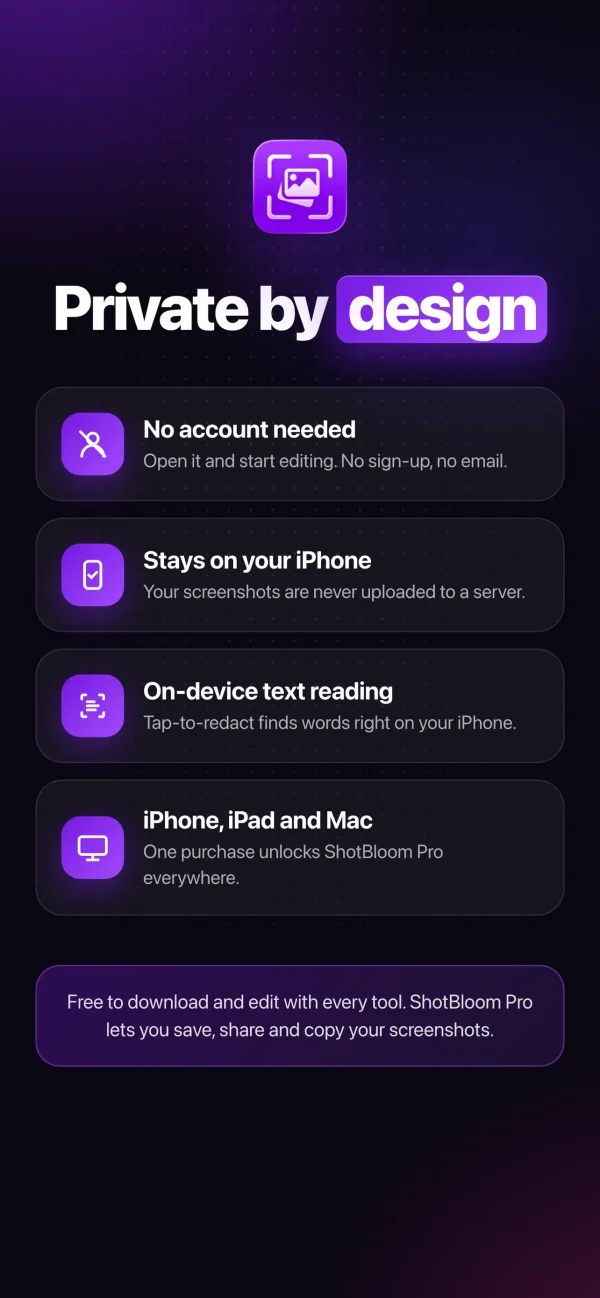
• Text recognition runs entirely on your device
MAKE IT BEAUTIFUL
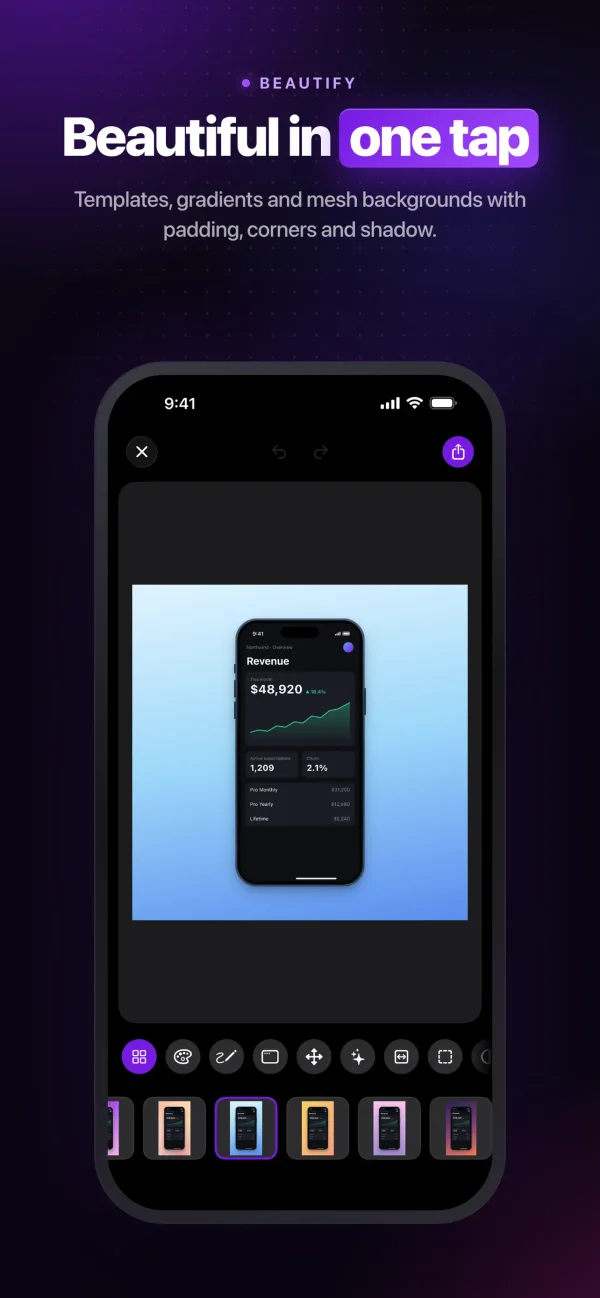
• One-tap templates for a polished look
• Solid colours, gradients, mesh backgrounds or your own photo
• Phone mockups in six finishes, plus tablet, laptop, window and browser frames
• Padding, rounded corners, soft shadows and a nudge to position it just right
• Sizes for sharing: square, Stories, X, LinkedIn and more
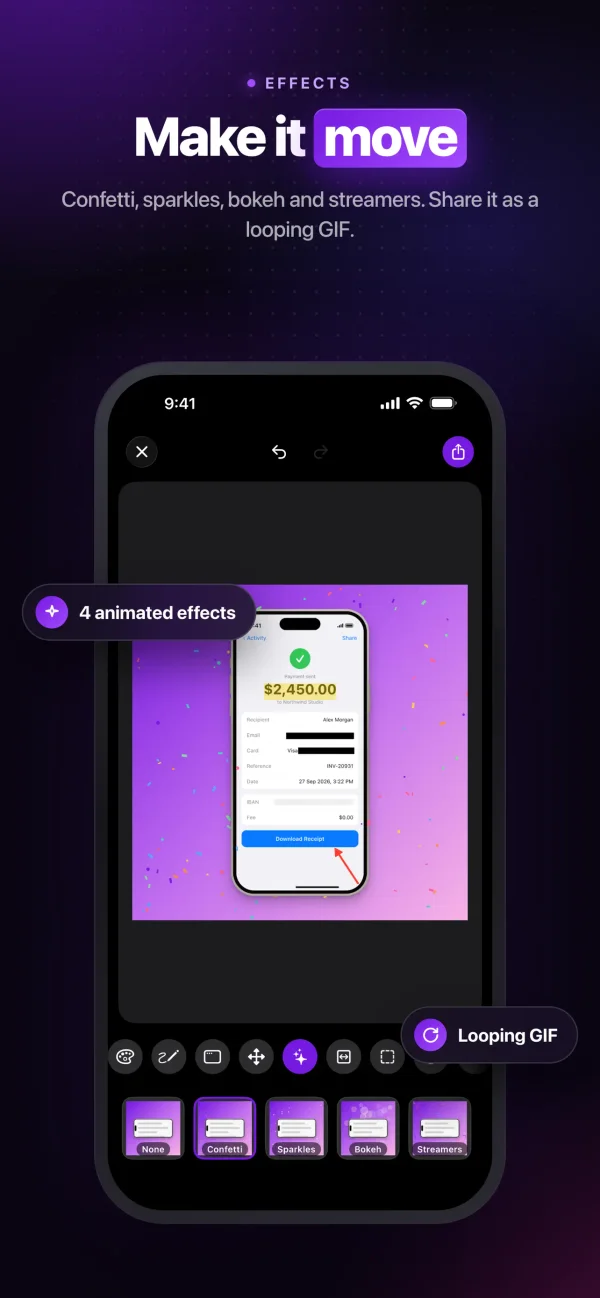
• Animated confetti, sparkles, bokeh and streamers, shared as a looping GIF
YOUR PROJECTS
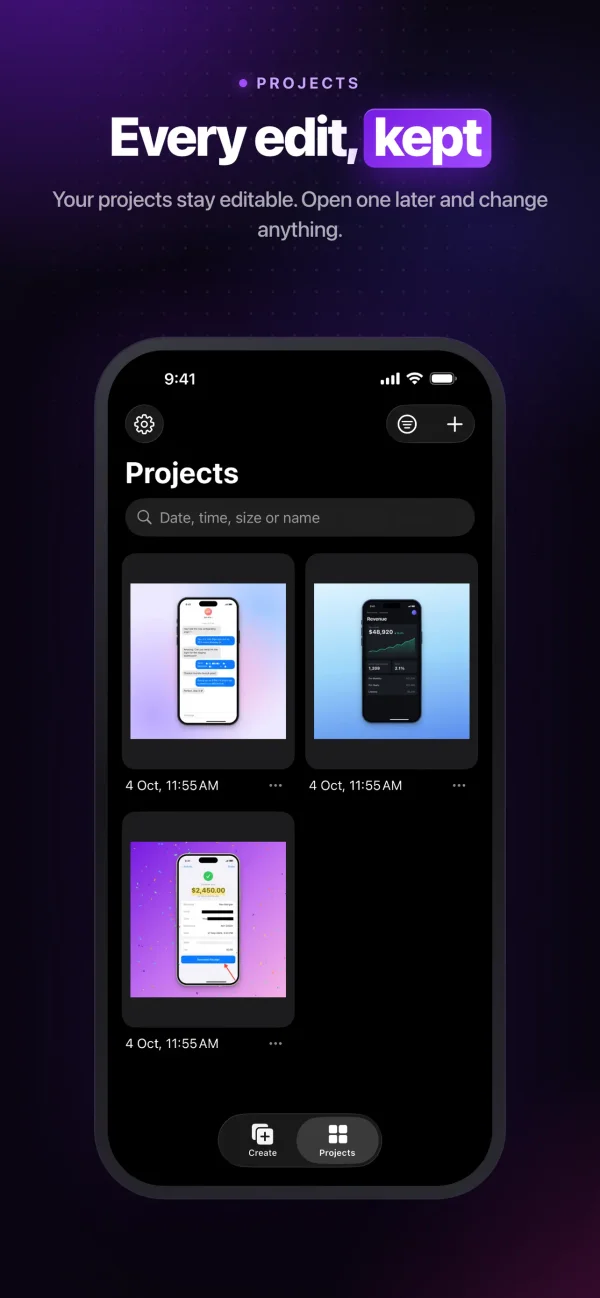
• Every edit is kept and stays editable: open a project and change anything later
• Search by date, time, size or name
• Favourites and trash
PRIVATE BY DESIGN
• No account needed
• Your screenshots stay on your device and are never uploaded
SHOTBLOOM PRO
ShotBloom is free to download, and every tool, background, template, mockup and effect is free to use. Your edits are always saved in the app. ShotBloom Pro lets you save your screenshots to Photos, share them and copy them. Pro also unlocks the Mac version of ShotBloom with the same purchase.
Pro is available as a monthly subscription or as a one-time lifetime purchase. The monthly subscription renews automatically unless it is cancelled at least 24 hours before the end of the current period. Payment is charged to your Apple Account at confirmation of purchase. You can manage or cancel your subscription in your App Store account settings.
Terms of Use: https://shotbloom.app/terms
Privacy Policy: https://shotbloom.app/privacy
App privacy
What Dovud Husanov declares on the App Store about how this app handles data.
-
Data not collected
The developer does not collect any data from this app.
Privacy practices may vary, for example with the features you use or your age.
Information
- Seller
- Dovud Husanov
- Category
- Productivity
- Version
- 1.0
- Updated
- Oct 29, 2026
- Released
- Oct 16, 2026
- Size
- 18.8 MB
- Requires
- iOS 17.0 or later
- Age rating
- 4+
- Price
- Free
- In-app purchases
- Yes
- Languages
- English
- Copyright
- © Dovud Husan