
- Age rating4+
- CategoryProductivity
- DeveloperHenan Yuechuan Intelligent Technology Co., Ltd.
- LanguagesEnglish+ 5 more
- Size39.9 MB
Links to the official App Store page
Download.org hosts no file of ShotLoom. The button opens its official App Store page, published by Henan Yuechuan Intelligent Technology Co., Ltd. Listing last checked on Nov 12, 2026.
Screenshots


About
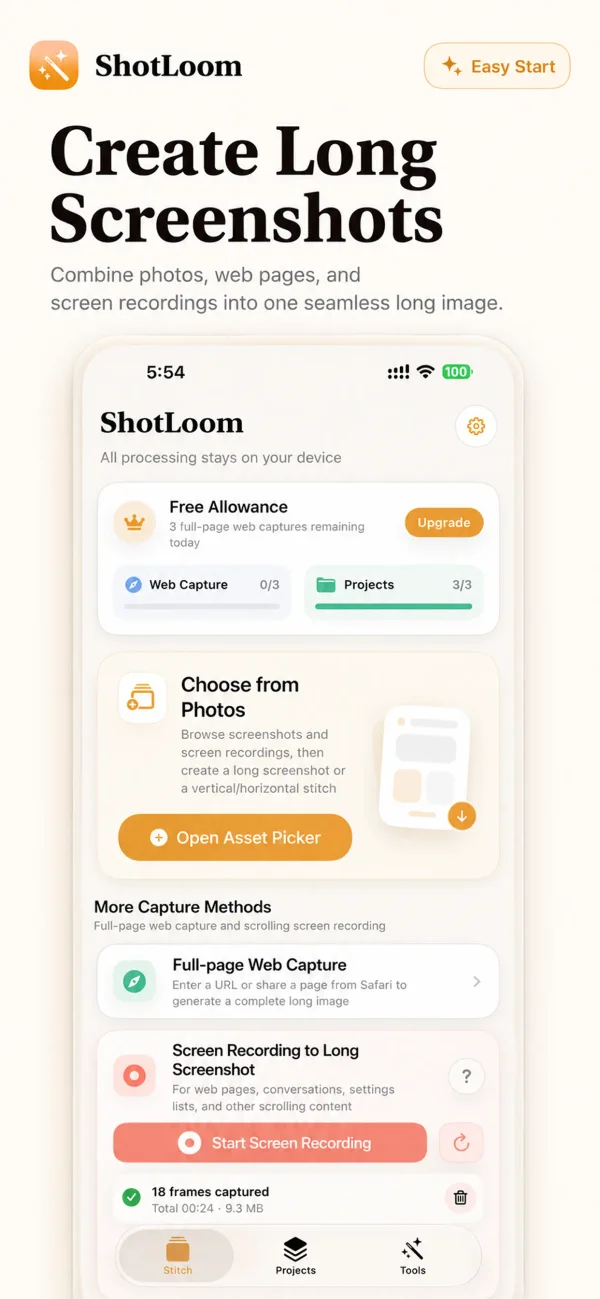
ShotLoom turns your screenshots, screen recordings, videos, and web pages into clean, shareable long images.
Create long screenshots your way
• Stitch screenshots automatically with intelligent seam detection.
• Send multiple screenshots from Photos or the share sheet and stitch them in one step.
• Convert screen recordings and videos into a complete scrollable image.
• Share a Safari webpage to capture its full scrollable content.
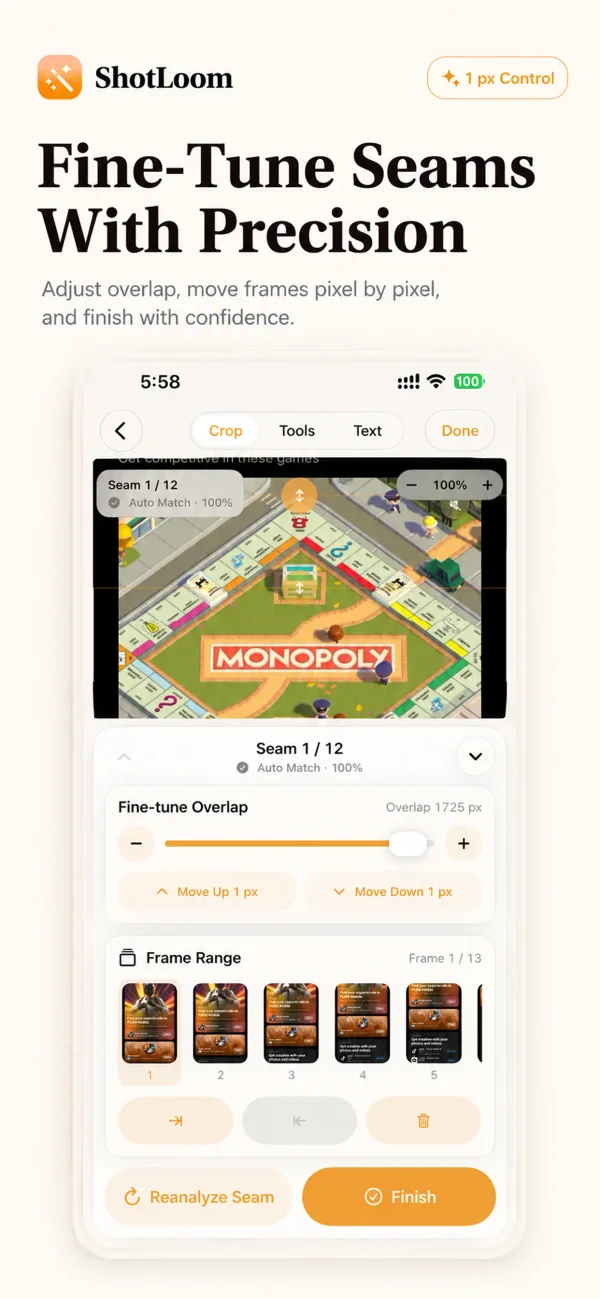
• Inspect seams, reorder frames, and fine-tune the result before export.
Turn video into a Live Photo
• Trim a motion segment from a video and choose its key photo.
• Preview and save a system Live Photo to enjoy again in Photos.
• Your video is processed entirely on device.
Edit, annotate, and deliver
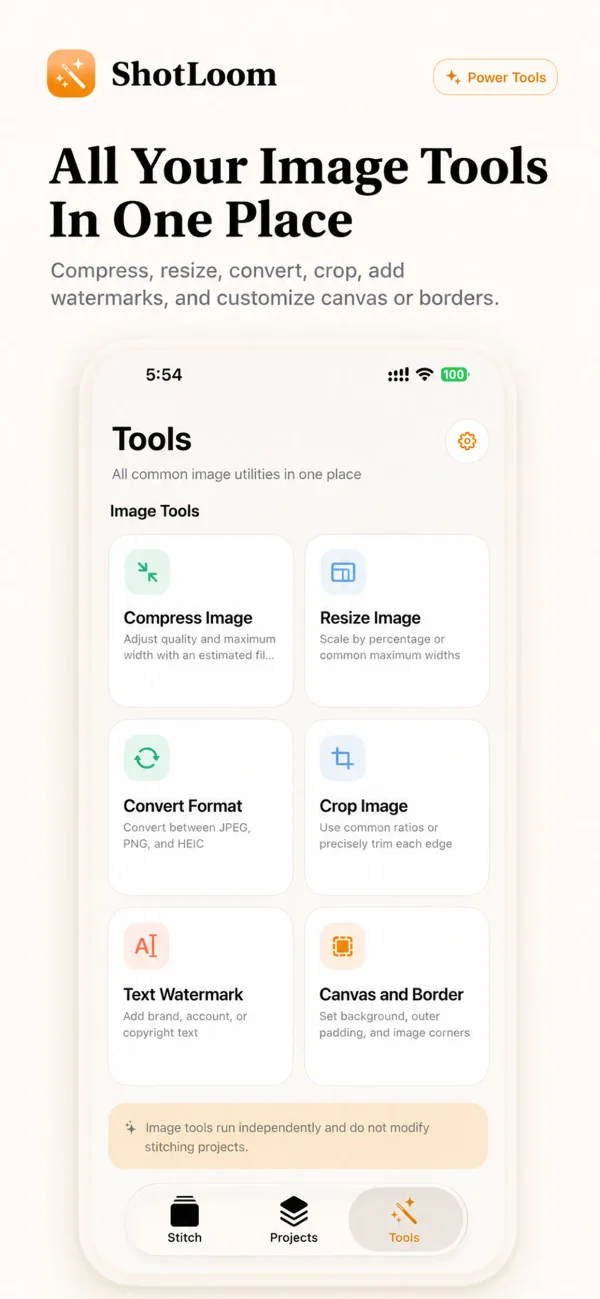
• Crop, resize, compress, convert formats, add watermarks, canvases, and brand templates.
• Mark up images with text, shapes, arrows, and drawing tools.
• Extract text with OCR and save it for reuse.
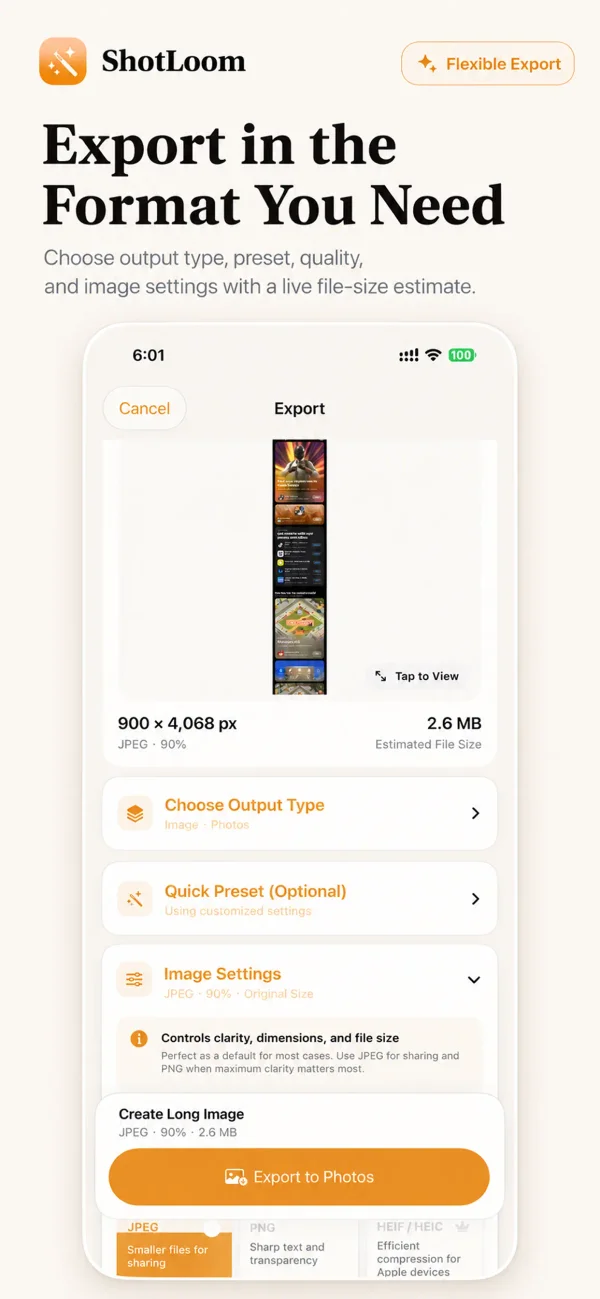
• Export in the format and size you need.
Built for conversations, articles, receipts, tutorials, feeds, and anything too long for one screenshot.
Some advanced tools and export options require ShotLoom Pro.
Terms of Use (EULA):
https://www.apple.com/legal/internet-services/itunes/dev/stdeula/
Privacy Policy:
https://www.yuechuanai.cn/apps/shotloom/privacy/en.html
What’s new
Version 1.4.0 · Aug 25, 2026
New: Dialogue Stitch
• Choose a subtitled video, set the subtitle region, and create a chronological dialogue image without OCR.
• Select a video range and review or remove detected scenes before creating the image.
Improved:
• Refined the export result screen and added confirmation before closing unsaved results.
• Added support for German, French, Japanese, and Korean.
App privacy
What Henan Yuechuan Intelligent Technology Co., Ltd. declares on the App Store about how this app handles data.
-
Data not collected
The developer does not collect any data from this app.
Privacy practices may vary, for example with the features you use or your age.
Information
- Seller
- Henan Yuechuan Intelligent Technology Co., Ltd.
- Category
- Productivity
- Version
- 1.4.0
- Updated
- Aug 25, 2026
- Released
- Jul 21, 2026
- Size
- 39.9 MB
- Requires
- iOS 17.6 or later
- Age rating
- 4+
- In-app purchases
- Yes
- Languages
- English, French, German, Japanese, Korean, Simplified Chinese
- Copyright
- © 2026 Yuechuan AI
You might also like
-
 EmphasizedHighlight the good bits
-
 Web Overlay Canvas for SafariAnnotate and Present on Safari
-
 Doc Translator: PDF, EPUB, OCRAccurate AI, Keep the Layout
-
 ScrollSnap - Long ScreenshotVideo to Scrolling Screenshot
-
 DartPDF: Edit PDF DocumentsSign, Annotate, Fill & Redact
-
 Unbound Note: Infinite CanvasHandwriting, links & pkm
-
 Pencilmark: Draw on Web PagesAnnotate & Highlight in Safari
-
 ZoomNotesNotetake, Sketch, PDF, Present
-
 Amphi: AI Notes & FlashcardsNote Taking, PDF & Study Tutor
-
 Web2Pics: Full Page ScreenshotCapture, Annotate & Share Page