ShotScan Mobile · PDF Scanner
Scan, Convert & Sign Doc - OCR
Designed for iPhone, iPad
Free · In-app purchases
- Age rating4+
- CategoryBusiness
- DeveloperTedy Mezaguer
- LanguagesEnglish+ 11 more
- Size12.9 MB
Links to the official App Store page
Download.org hosts no file of ShotScan Mobile · PDF Scanner. The button opens its official App Store page, published by Tedy Mezaguer. Listing last checked on Nov 15, 2026.
Screenshots

About
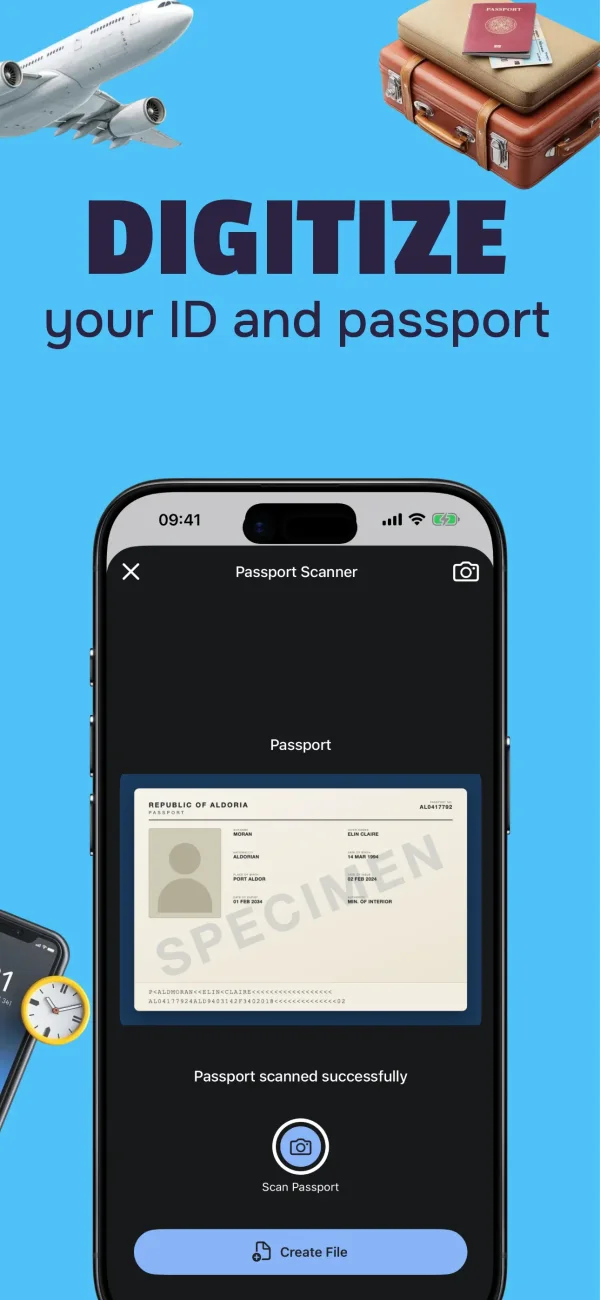
ShotScan turns your iPhone into a fast document scanner. Scan to PDF, convert a photo to PDF, copy the text off any page and sign documents, straight from your phone.
Point the camera at a contract, an invoice, a receipt or an ID card. ShotScan finds the edges, straightens the page and gives you a clean, high resolution PDF in seconds.
WHAT YOU CAN DO
• Scan to PDF. Multi page documents, cropped and straightened automatically.
• Photo to PDF. Turn a picture from your library into a clean document.
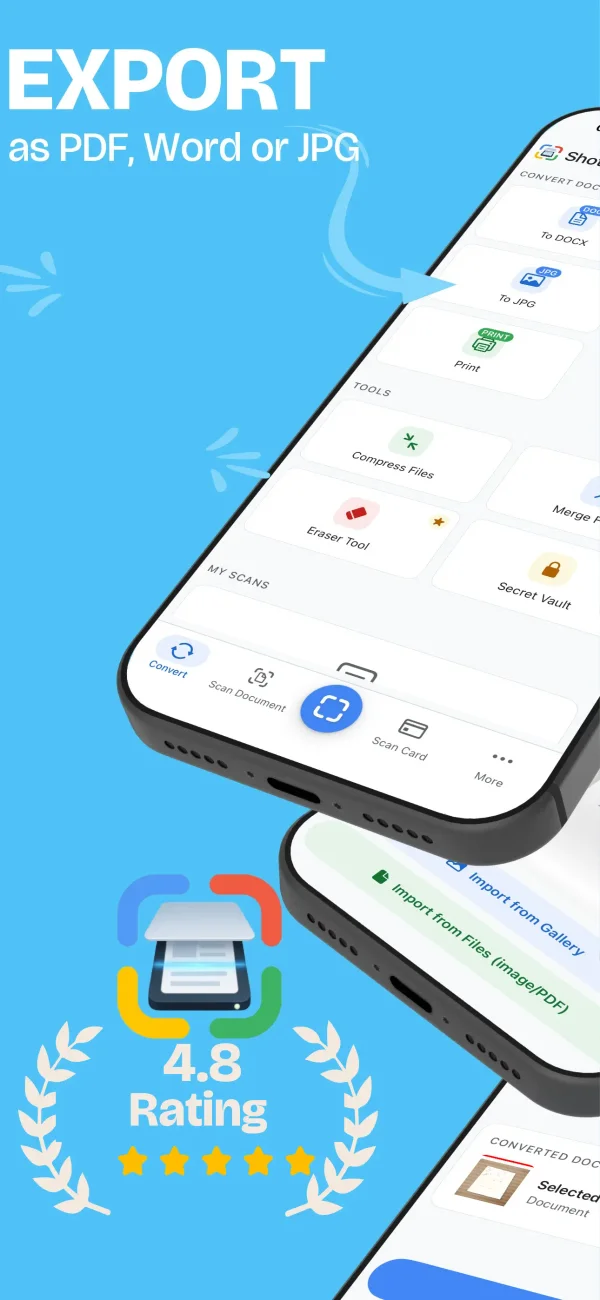
• PDF to Word. Export a scan as a DOCX file you can edit in Word or Pages.
• Copy any text. Text recognition turns a printed page into text you can select, copy and search.
• Sign documents. Draw your signature once, drop it on any PDF, send it back without printing.
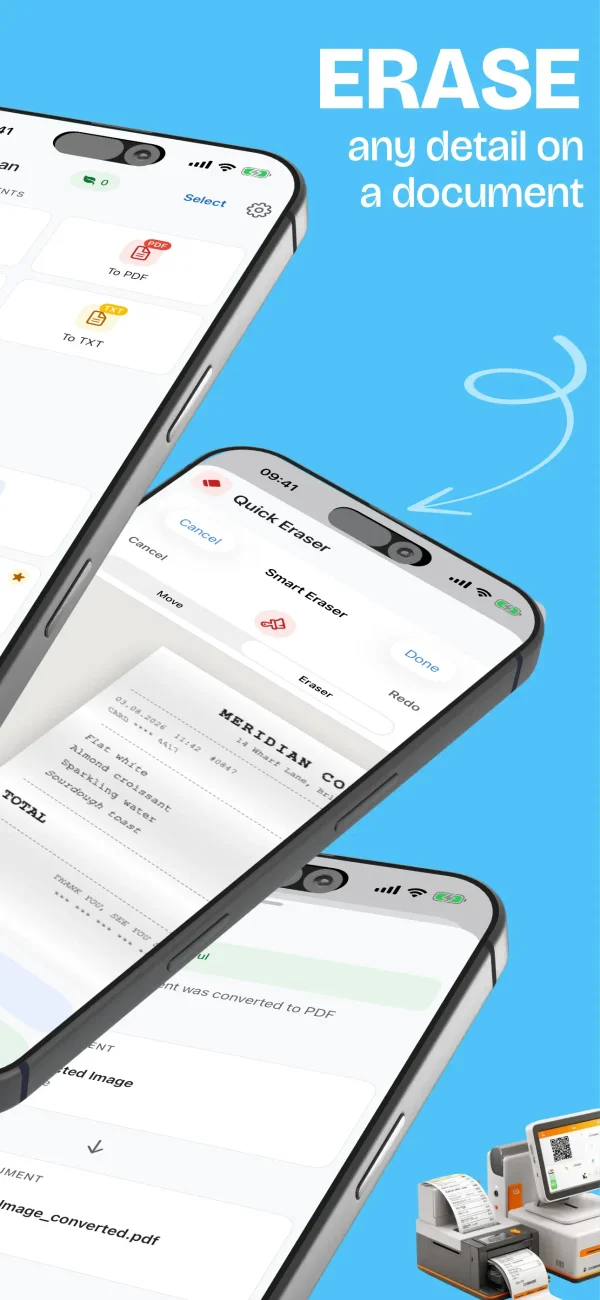
• Erase any detail. Remove an object, a mark or a private line from a page.
• ID card and passport scanner, with dedicated frames for travel and paperwork.
• QR code scanner.
• Merge several files into one, and compress them to fit in an email.
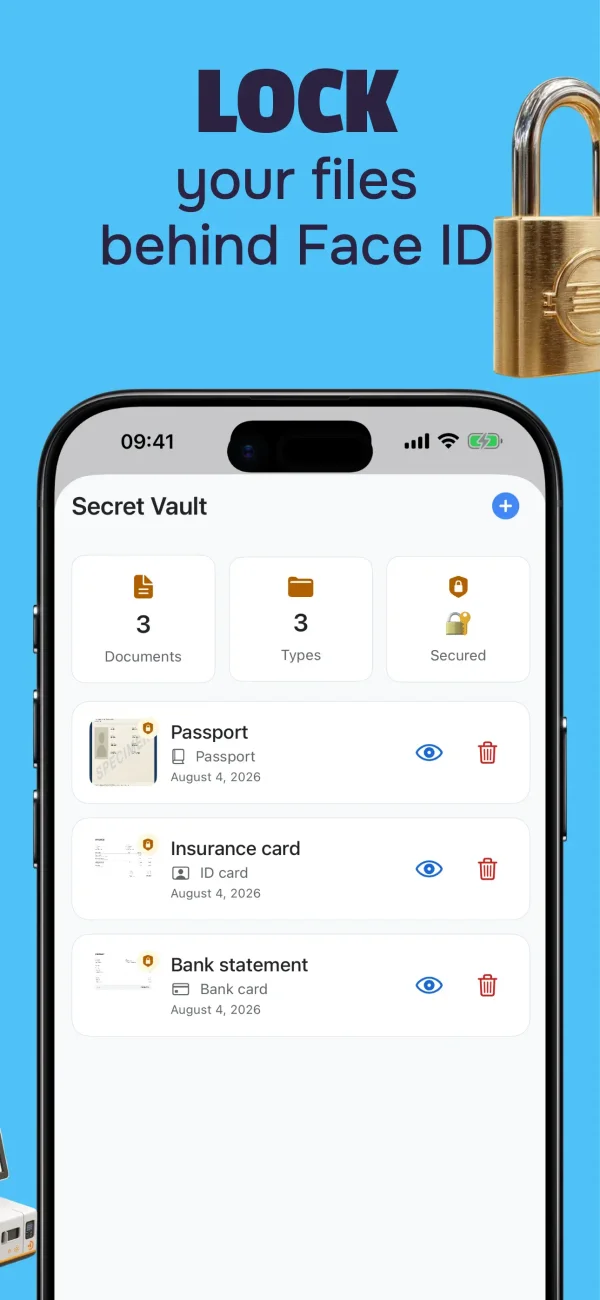
• Secret vault. Keep your sensitive documents locked behind Face ID.
• Paper counter. See how many sheets you saved by scanning instead of printing.
HOW IT WORKS
1. Capture a page, or import a photo or a PDF.
2. Crop, straighten, erase what should stay private, recognise the text if you need it.
3. Export to PDF, Word, JPG or plain text, sign it, or print it.
4. Share it to Mail, Files, or any app installed on your iPhone.
ShotScan Premium unlocks the full toolset. The subscription renews automatically unless it is cancelled at least 24 hours before the end of the current period. You can manage or cancel it at any time in your Apple account settings.
Terms of Use: www.shotscan.online/terms
Privacy Policy: www.shotscan.online/privacy
Support: privacy@shotscan.tech
Apple Subscription Terms: https://www.apple.com/legal/internet-services/itunes/dev/stdeula/
What’s new
Version 1.1.0 · Aug 12, 2026
Shotscan has a brand new look.
The whole app has been redesigned: bright, uncluttered screens, one color per tool, and text that reads at a glance.
Dark mode is here. The app now follows your phone's appearance setting.
A new app icon and a new visual identity.
Rebuilt navigation: scanning, tools and your secure vault are all a thumb away.
Everything you already rely on is still here: scanning, text recognition, PDF export, the object eraser and the secure vault. It simply feels better to use.
App privacy
What Tedy Mezaguer declares on the App Store about how this app handles data.
-
Data not collected
The developer does not collect any data from this app.
Privacy practices may vary, for example with the features you use or your age.
Information
- Seller
- Tedy Mezaguer
- Category
- Business
- Version
- 1.1.0
- Updated
- Aug 12, 2026
- Released
- Aug 13, 2025
- Size
- 12.9 MB
- Requires
- iOS 16.6 or later
- Age rating
- 4+
- Price
- Free
- In-app purchases
- Yes
- Languages
- English, Arabic, French, German, Italian, Japanese, Korean, Portuguese, Russian, Simplified Chinese, Spanish, Traditional Chinese
- Copyright
- © 2025 ShotScan, All rights reserved.
You might also like
-
 Public Speaking CoachSpeak eloquently
-
 CleanSpace AI - Photo cleanerClean My Phone
-
 BeNow: AI Crypto Trader BotCryptocurrency Trading Signals
-
 Screen Time Control: HushWebsite & App Blocker
-
 Birthday Reminder - NextBdayCalendar, Alerts, Gift Tracker
-
 Elevate Resume BuilderAI resumes & cover letters
-
 RAR OpenerExtract, Unrar
-
 Lock Notes: Private JournalSecure Diary, Password Notepad
-
 Receipt Scanner: ReceiptGenieExpense Tracker & Tax Receipts
-
 Family Organizer: What Up FamShared calendar, lists & GPS