
- Age rating9+
- CategoryMusic
- DeveloperCarl Andrews18795964936
- LanguagesEnglish
- Size26.2 MB
Links to the official App Store page
Download.org hosts no file of Show Cues Pro. The button opens its official App Store page, published by Carl Andrews18795964936. Listing last checked on Nov 18, 2026.
Screenshots

About
Unlike standard music players, Show Cues is engineered for the unique demands of live shows. Create perfectly timed sequences with auto-play, add delays between tracks for scene changes, and use the show length timer to keep your performance on schedule. Designed specifically for live performances, Show Cues gives you precise control over your audio cues with rock-solid reliability when it matters most.
PERFECT FOR:
• Theater productions and musicals • Dance recitals and competitions • Live events and presentations • Fitness classes and choreography • DJs and mobile entertainers • Schools and community theater • Houses of worship • Theme park and haunted house attractions
Whether you're a professional stage manager or running sound for your child's dance recital, Show Cues gives you the tools to deliver a flawless performance every time.
BUILT FOR LIVE PERFORMANCE
Unlike standard music players, Show Cues is engineered for the unique demands of live shows. Create perfectly timed sequences with auto-play, add delays between tracks for scene changes, and use the show length timer to keep your performance on schedule.POWERFUL PER-TRACK SETTINGS
SHOW LENGTH TIMER
PROFESSIONAL PLAYLIST MANAGEMENT
INTUITIVE PLAYBACK CONTROLS
DESIGNED FOR RELIABILITY
What’s new
Version 8.2 · Oct 20, 2026
Use a song more than once.
You can now add the same song to your playlist as many times as your show needs it. Walk-on music that comes back for the bows, a sting you use three times, a bed that returns after the interval - add it again and place each copy where it belongs in the running order.
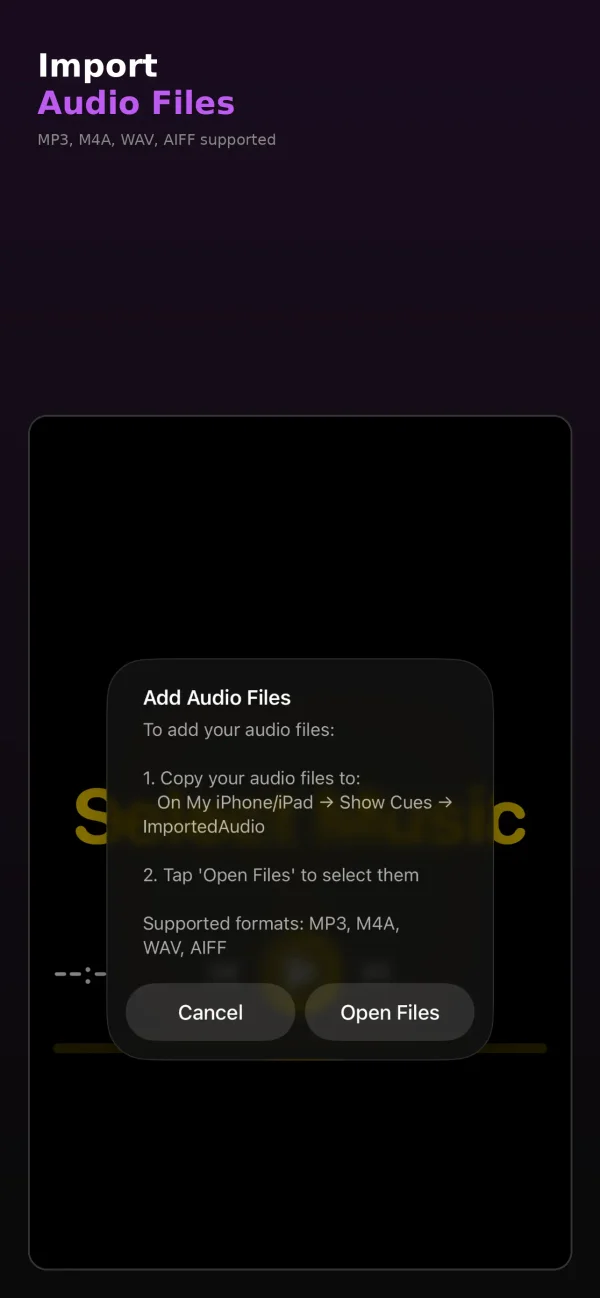
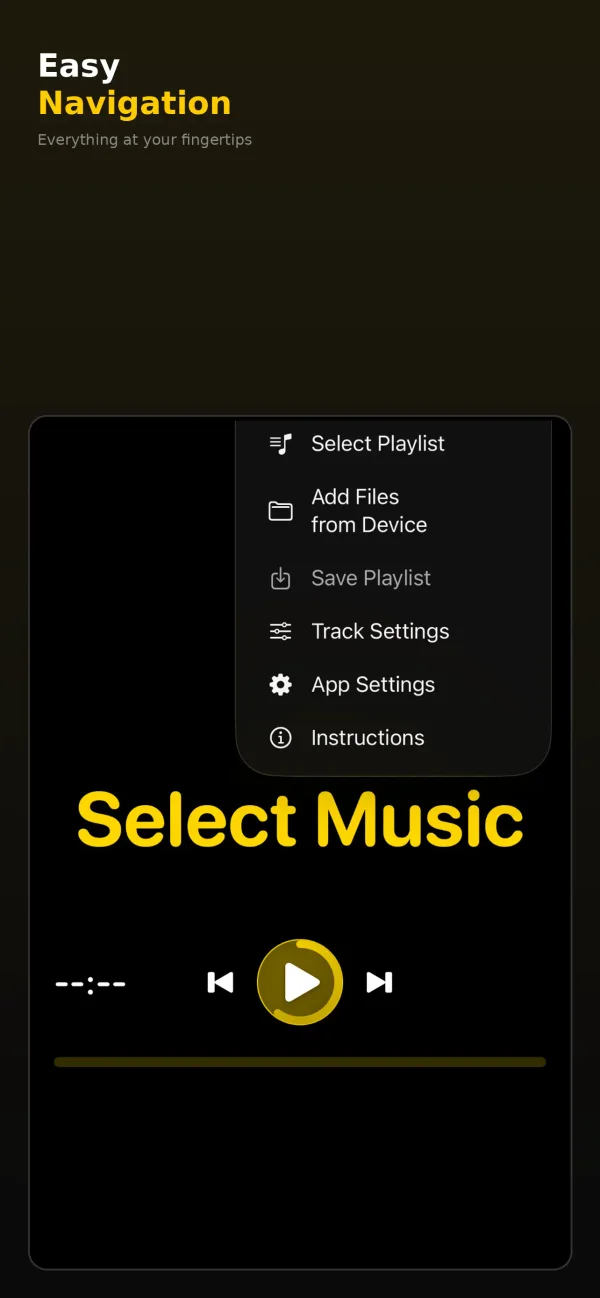
How to do it: in Track Settings, tap the folder button at the top left, choose Add from Music Library, and pick the song. It is added as a new track at the end of the playlist. Tap Move to drag it into place.
Every copy shares the same settings, so a change you make on one - its name, volume, Play Range, Voice Cue phrase and so on - applies to all of them.
Voice Cues work with repeated songs too. Say the song's phrase and Show Cues plays the next copy, then returns you to your place in the running order. Say it again later and it moves on to the copy after that.
Also in this release:
- The red delay countdown no longer covers the song title. It now sits beside the Previous, Play and Next buttons, so you can read the title right up to the moment the track starts.
- The Show timer no longer overlaps the title in landscape.
- Add from Music Library in Track Settings now adds songs straight from your library.
- Behind-the-scenes work to keep the controls responsive when a track starts.
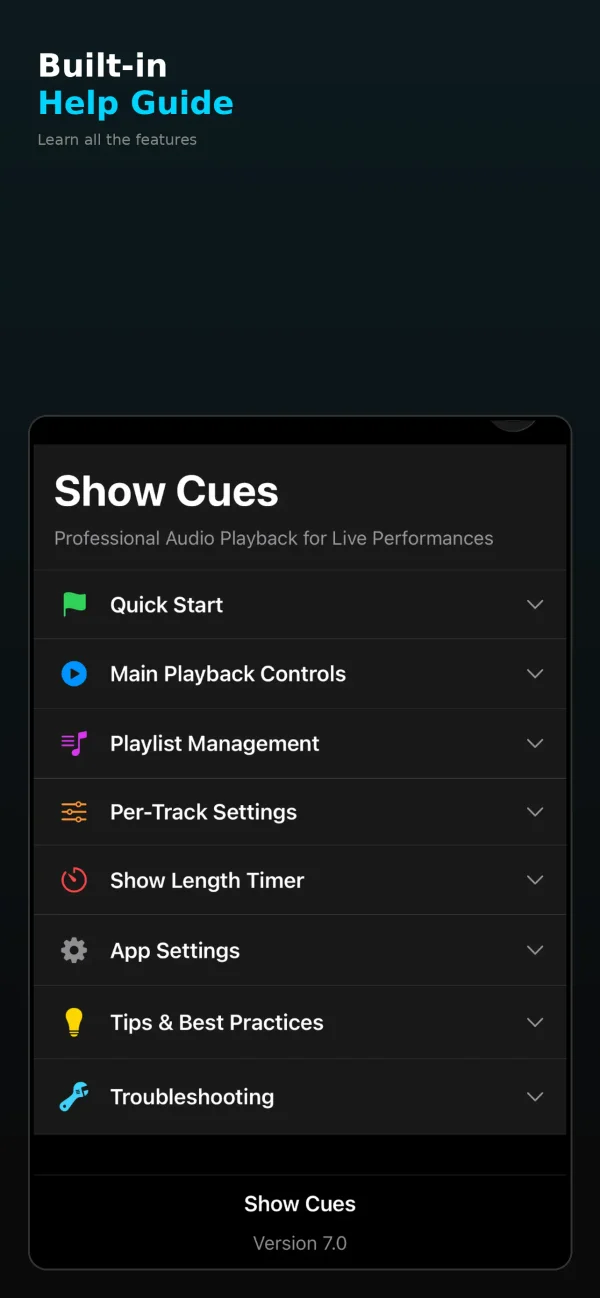
- The in-app instructions now cover using a song more than once.
App privacy
What Carl Andrews18795964936 declares on the App Store about how this app handles data.
-
Data not collected
The developer does not collect any data from this app.
Privacy practices may vary, for example with the features you use or your age.
Information
- Seller
- Carl Andrews
- Category
- Music
- Version
- 8.2
- Updated
- Oct 20, 2026
- Released
- Dec 8, 2025
- Size
- 26.2 MB
- Requires
- iOS 26.0 or later
- Age rating
- 9+
- Price
- $69.99
- Languages
- English
- Copyright
- © 2012
You might also like
-
 Runner BPMfrom beats to steps per minute
-
 Audio Ape ProEasy to use show music app.
-
 One Man ShowMusic
-
 Go Button ProProfessional audio playback
-
 Ukulele Tuner Pro & ChordsTune with precision and ease!
-
 Rap Skool — Learn to FreestyleBeats, rhymes & daily drills
-
 Big 102.1Music
-
 SQ Theatre Sound CuesCue the show's music & effects
-
 Harmonia - AI Music GeneratorAI Music & Song Generator
-
 Music DJ - Dance DJAuto DJ for Dance Events