- Age rating4+
- CategorySports
- DeveloperLuis Calvillo
- LanguagesEnglish
- Size4.2 MB
Links to the official App Store page
Download.org hosts no file of ShredCam: Skate Camera. The button opens its official App Store page, published by Luis Calvillo. Listing last checked on Nov 18, 2026.
Screenshots


About
ShredCam is a camera app built for skateboarders. Built with many features that today's skaters demand in a camera to film skate videos. Created by the popular skate spots app, ShredSpots.
The Goal:
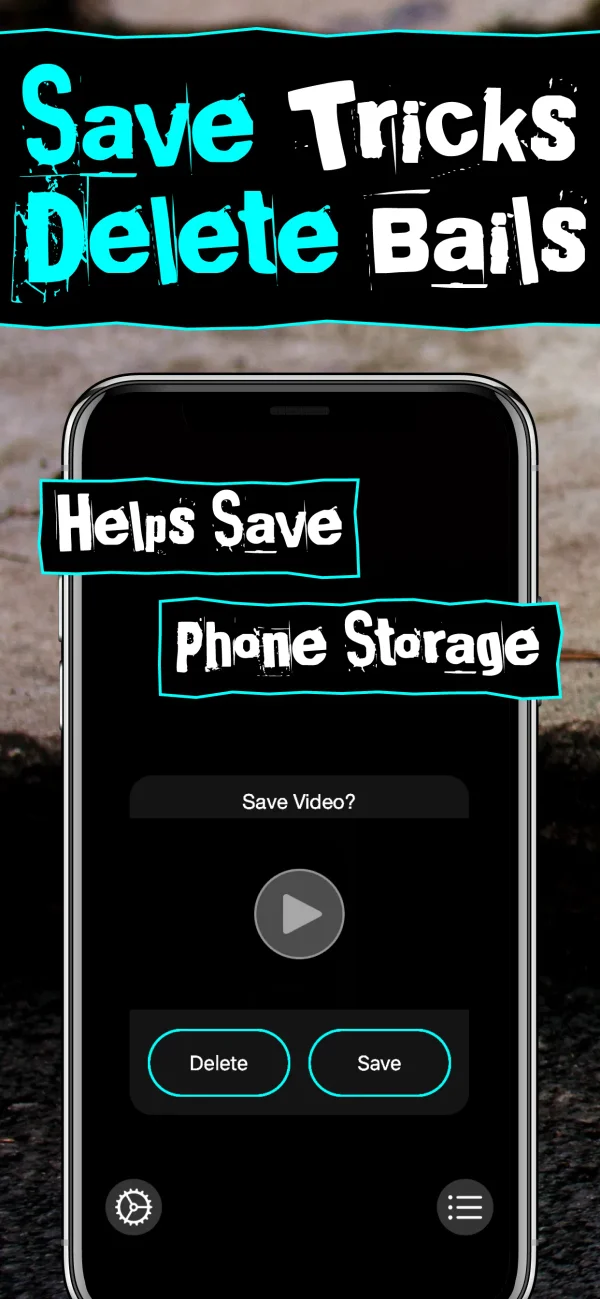
ShredCam was built to help skaters save phone storage by allowing them to Delete or Save their footage after filming a skate clip. There are features for people filming their friends skating and for those filming themselves skate.
Features:
- Save/Delete prompt after filming a skate clip.
- Preview skate clip
- Option to turn off Stabilization when using a Fisheye Lens Attachment
Camera Options:
- Timer
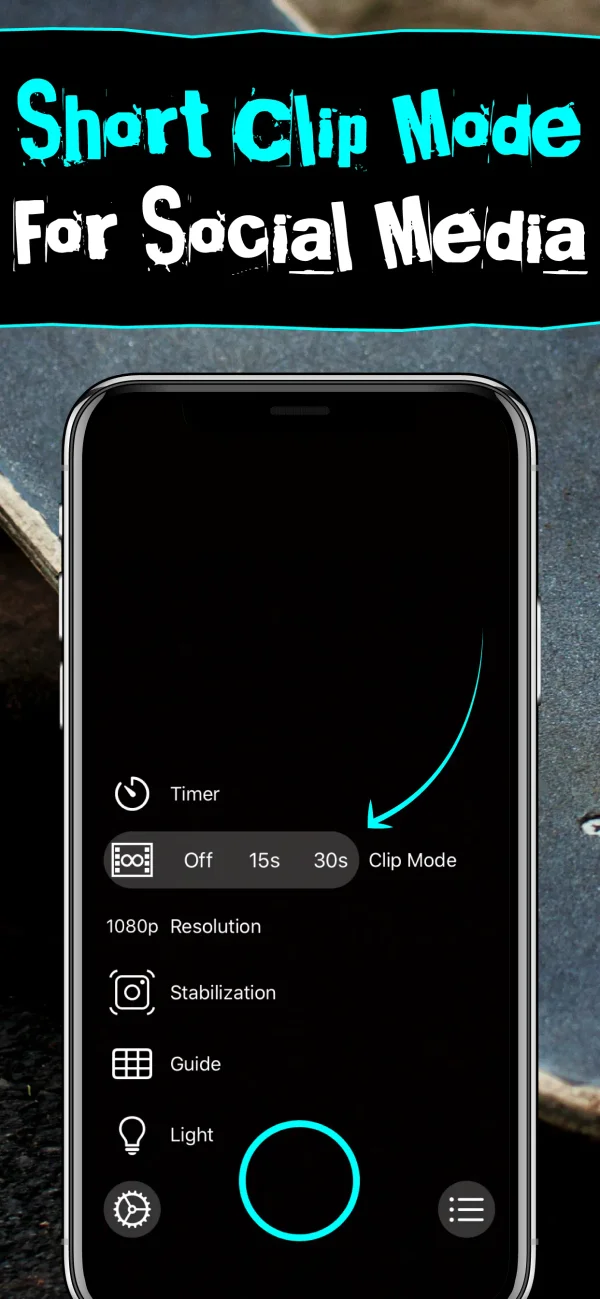
- Clip Mode
- Stabilization
- Resolution
- Guide
- Light
Settings:
- Clear Cache
How to Use ShredCam:
- Filming -
Tap the Camera Button in the bottom middle of the screen to start recording. Press again to stop. Then a Save/Delete prompt will pop up. Watch the preview to view your skate footage. Then choose to Delete the clip or Save to your phone.
- Timer Mode -
Select the Timer option to get a countdown before recording. Perfect when using a phone stand to film some solo skating. The phone also alerts skaters when it's about to record by flashing its light.
- Clip Mode -
Use the Clip Mode to record short clips so they can be easily shared in social media.
- Stabilization (Using a Fisheye Lens Attachment) -
When using a Fisheye Lens attachment for the iPhone, attach the lens and turn off the Stabilization by tapping Gear button and then the Stabilization option. The stabilization icon should have an "X" to indicate that the Stabilization is turned off. For most long shots set at the default (Stabilization On).
- Resolution -
Select a video resolution. 1080p is the default. To save more phone storage or if sharing to social media choose 720p.
- Guide -
Use the grid or bullseye guide to help frame your shot.
- Light -
Trigger the light for some night skating!
What’s new
Version 2.0.1 · Sep 18, 2026
- Improved camera reliability during device rotation
- Bug fixes and performance improvements
App privacy
What Luis Calvillo declares on the App Store about how this app handles data.
-
Data linked to you
May be collected and linked to your identity.
- Usage data
- Diagnostics
Privacy practices may vary, for example with the features you use or your age.
Information
- Seller
- Mighty Apps, Limited Liability Company
- Category
- Sports
- Version
- 2.0.1
- Updated
- Sep 18, 2026
- Released
- May 5, 2020
- Size
- 4.2 MB
- Requires
- iOS 16.0 or later
- Age rating
- 4+
- Price
- Free
- Languages
- English
- Copyright
- © 2020 Mighty Apps, LLC
You might also like
-
 Tricks On TrackSports
-
 Game of SKATE or ANYTHINGTrack your Game of S.K.A.T.E.
-
 Skate Tricks: Learn & RideSlow-mo tutorials step by step
-
 Loke: Skate spots & challenges96K+ skaters, 28K+ spots
-
 SkateApp +The Ultimate Skate Spot Finder
-
 Ollee Skate TrackerSports
-
 ShredSpots: Find Skate SpotsSkateboard Spots & Skateparks
-
 Skate HypeSkateboarders video platform
-
 Skaters -Tool-Track Tricks & Improve Faster
-
 Skate Spots & Videos-ShinnerThe #1 Skateboard Community