
Sidebar | Fast Notes
Record instantly, stay present
Designed for iPhone, iPad
Free
- Age rating4+
- CategoryProductivity
- DeveloperChris Woods
- LanguagesEnglish
- Size2.0 MB
Links to the official App Store page
Download.org hosts no file of Sidebar | Fast Notes. The button opens its official App Store page, published by Chris Woods. Listing last checked on Nov 17, 2026.
Screenshots



About
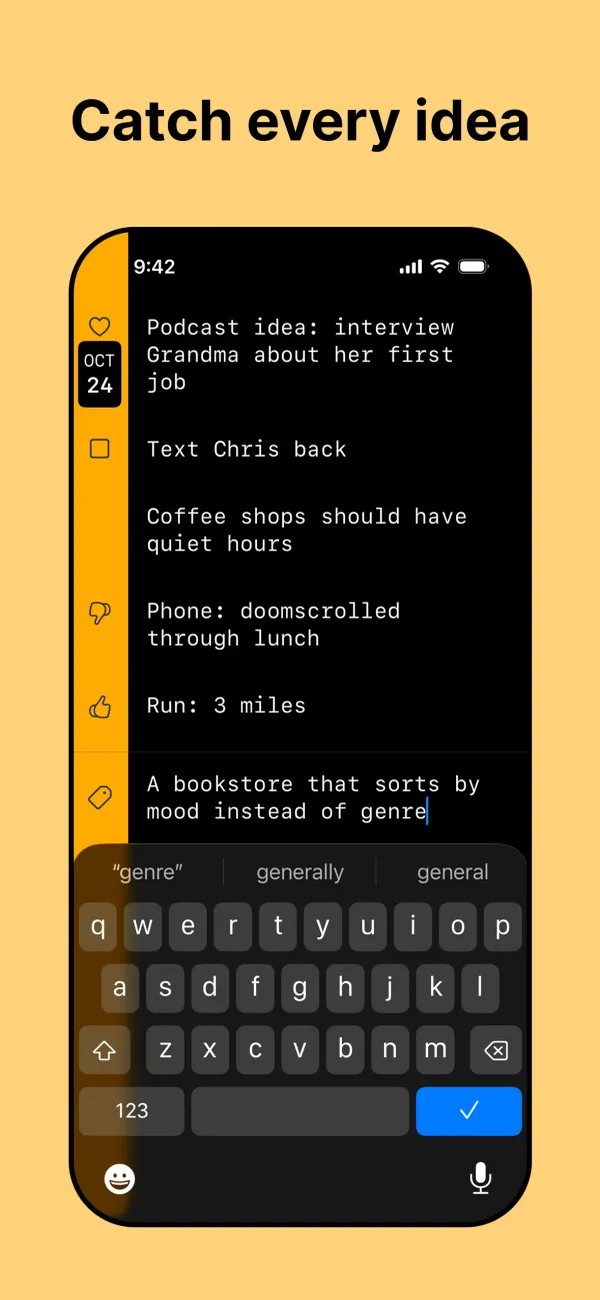
Open. Type. Done.
Sidebar opens with the keyboard ready, so you can catch an idea in seconds and get back to what you were doing. No folders, no file names, no formatting. Just get it down before it's gone.
EVERY ENTRY IS A LOG
Notes are quick, timestamped logs, not documents. Add a tag when one needs to do more:
- Todo: adds it to your task list
- Win or Loss: counts toward your scoreboard
- Love: marks the ideas worth coming back to
KEEP SCORE
Track wins and losses for anything: running, flossing, screen time. Your scoreboard shows what's on track and what needs attention.
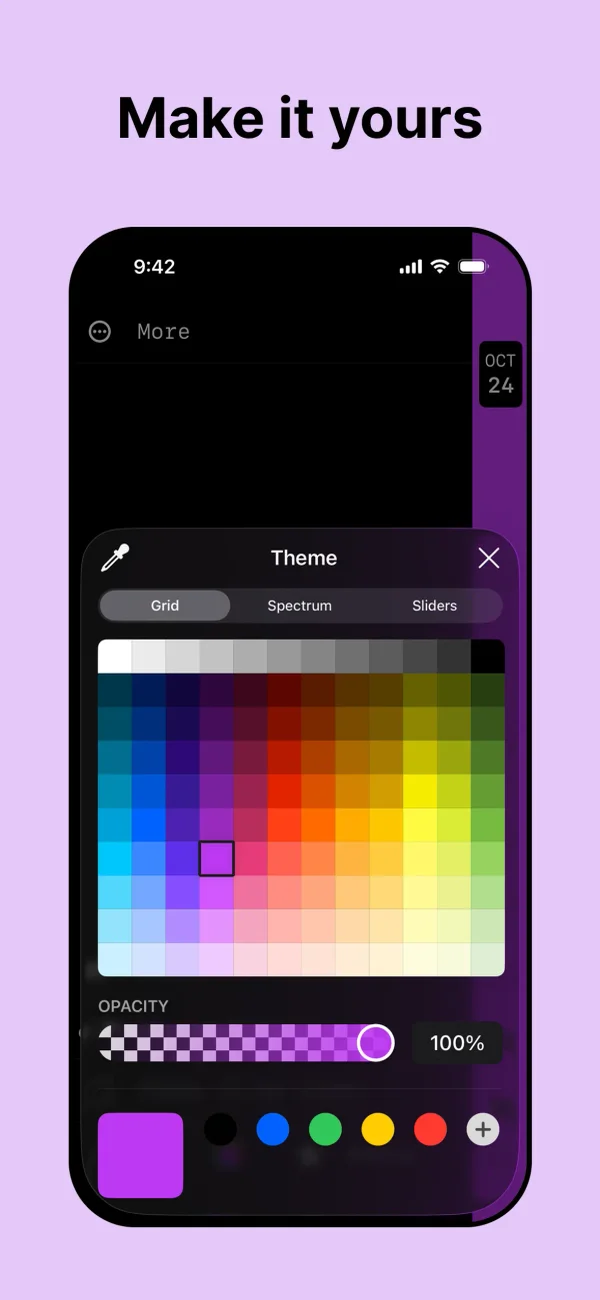
MAKE IT YOURS
Choose any color for your theme.
AND A FEW EXTRAS
- Widget: pin an idea to your home screen
- Sync across iPhone, iPad, and Mac
- Stealth Mode: keep sensitive notes private
- Time Travel: revisit a random day
What’s new
Version 1.5.2 · Oct 27, 2026
- Small design update
App privacy
What Chris Woods declares on the App Store about how this app handles data.
-
Data not linked to you
May be collected but is not linked to your identity.
- Usage data
Privacy practices may vary, for example with the features you use or your age.
Information
- Seller
- Chris Woods
- Category
- Productivity
- Version
- 1.5.2
- Updated
- Oct 27, 2026
- Released
- Jan 10, 2024
- Size
- 2.0 MB
- Requires
- iOS 18.6 or later
- Age rating
- 4+
- Price
- Free
- Languages
- English
- Copyright
- © 2026 Chris Woods
You might also like
-
 Auto Detailing: Business AppInvoice, Schedule, Dispatch
-
 ScanLite: Scanner and OCRScan to PDF and image to text
-
 TypeFlow: SpanishReal-Time Translation Keyboard
-
 PST Viewer for OutlookOpen OST Files · Email Reader
-
 Local AI Assistant: PocketMindLocal On Device AI Assistant
-
 BayesChat - AI chat BYOK MCPPrivate AI Chat Agent with MCP
-
 CognitiveAnchor: Focus & TasksLock Screen Reminders & Timers
-
 Evthi: Notes, Money & DocsBudget planner & bill reminder
-
 EdgeAI: Local AI GalleryChat, images & PDFs offline
-
 Idea Think: Thought OrganizerMind Map & Idea Organizer