
Sideline SideKick Tracker
Football stats for your staff
Designed for iPhone, iPad
Free · In-app purchases
- Age rating4+
- CategorySports
- DeveloperJeffrey Feely
- LanguagesEnglish
- Size44.7 MB
Links to the official App Store page
Download.org hosts no file of Sideline SideKick Tracker. The button opens its official App Store page, published by Jeffrey Feely. Listing last checked on Nov 23, 2026.
Screenshots
About
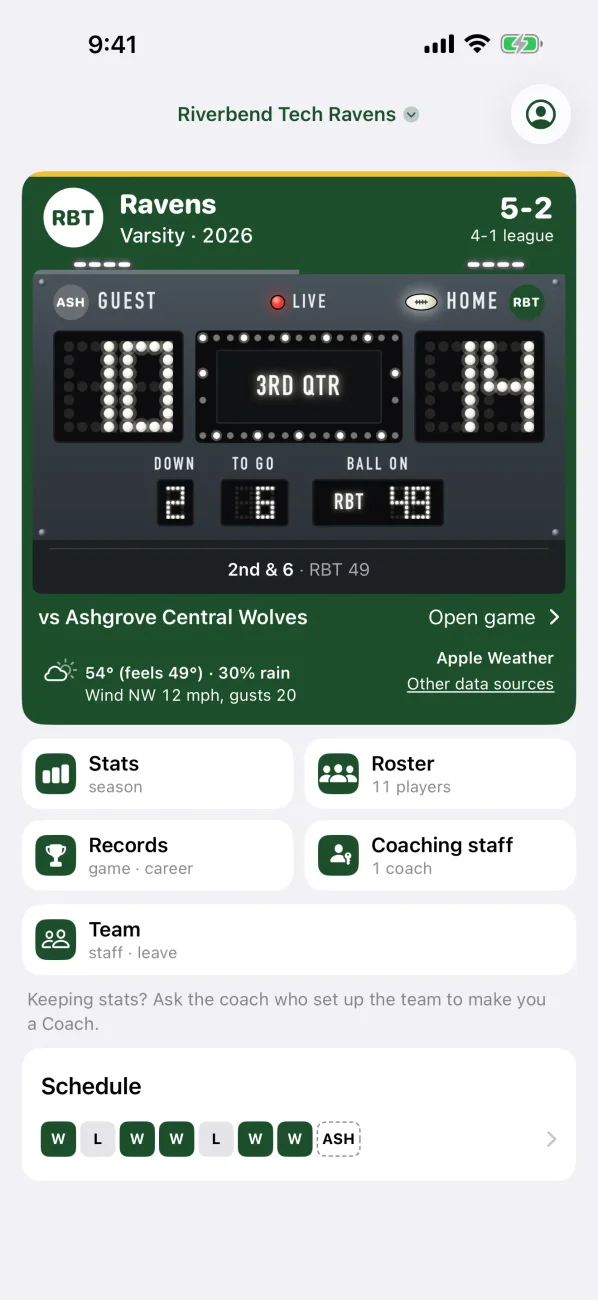
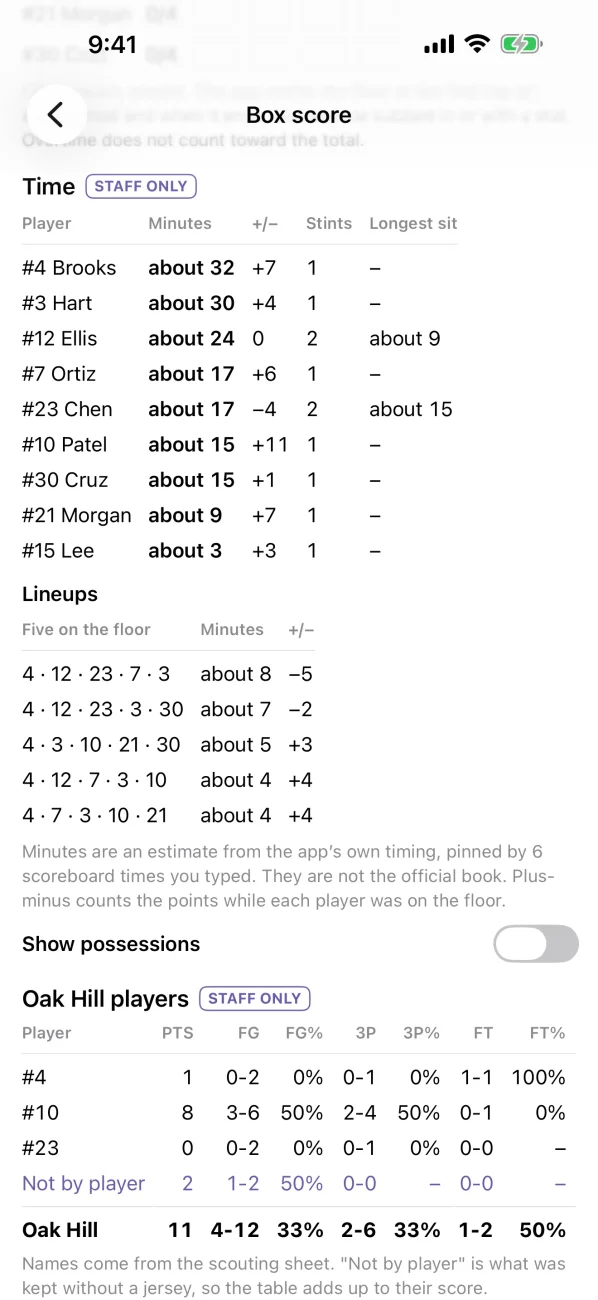
Sideline SideKick Tracker is the stat book for a high school coaching staff, minus the clipboard, the coffee stains and the guy who swears it was a 4 yard gain. Log each play from the sideline, and by the time you walk off the field the box score, the drive chart and the season stats are done. Every coach on your staff sees it on their own phone, and parents follow along live from the stands or from the couch.
Built by a high school coach who was tired of doing stats on Saturday morning.
ON THE SIDELINE
• Tap the formation, the call, the player and the spot. That's a play. No penmanship required.
• Runs, passes, punts, kickoffs, field goals, returns and penalties. Throw a flag and it shows you what happened before you save, which is more than the officials do.
• Missed one? Insert it, move it or undo it. We won't tell the head coach.
• No service at the field? Keep logging. It syncs as soon as you find a bar, usually somewhere near the concession stand.
AFTER THE GAME
• Tidy up this game points out anything that doesn't add up. Fix it before film does.
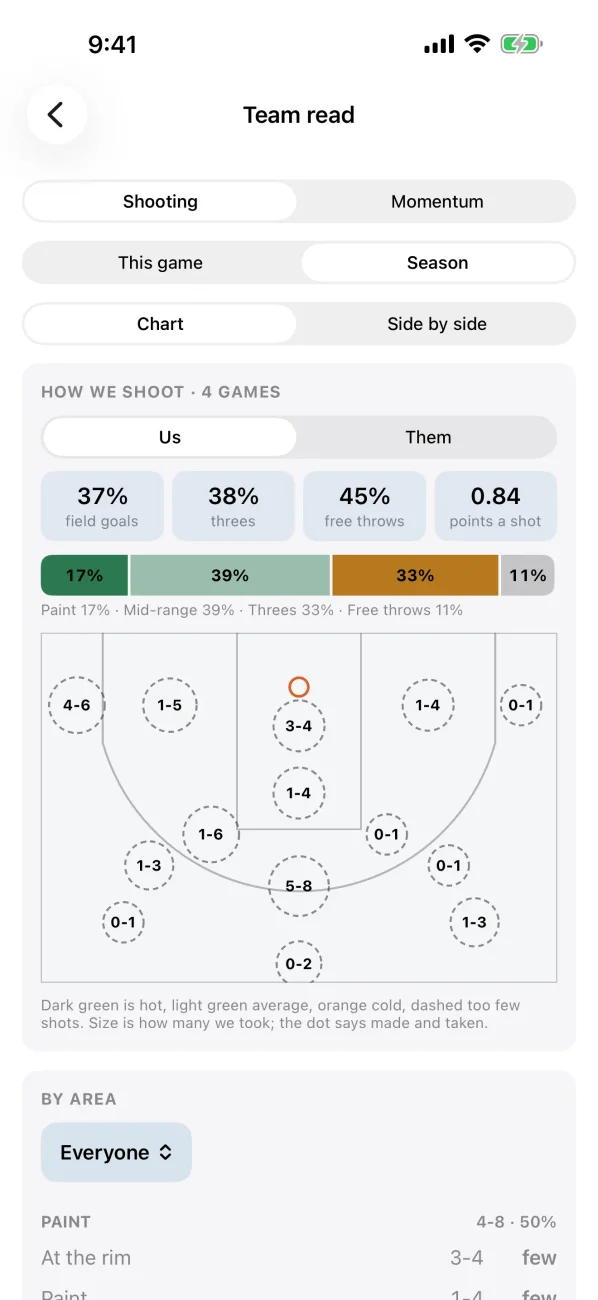
• Season stats, a postgame report and a spreadsheet export that matches the screen.
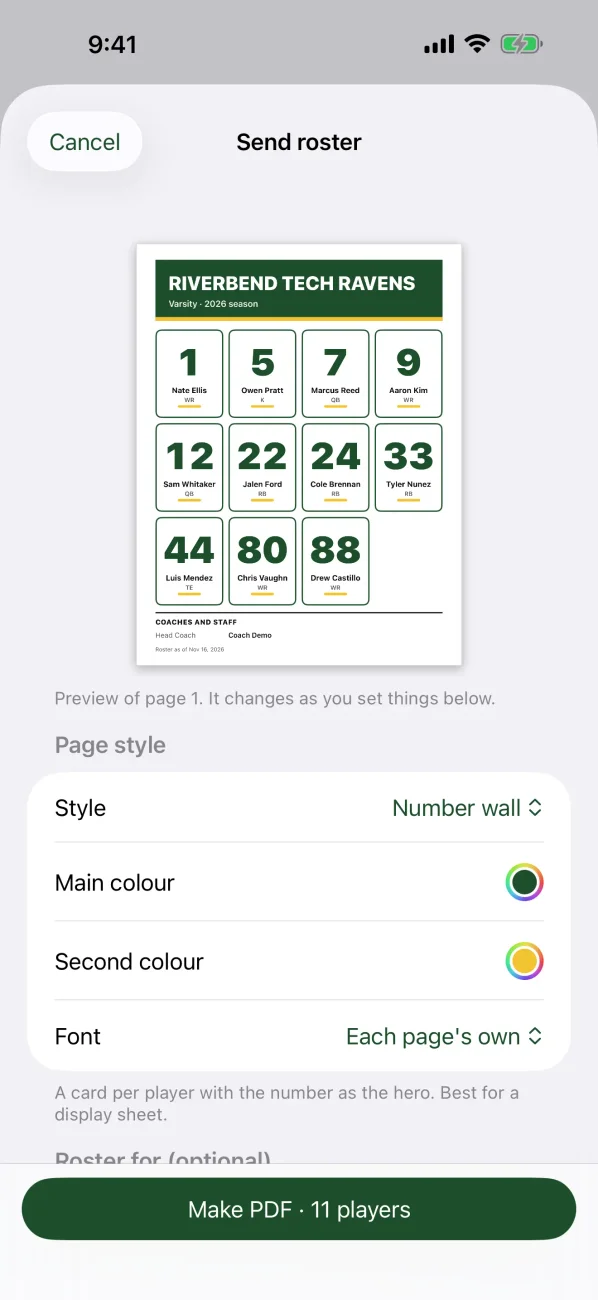
• Graphics for the score and the final, a ready made post for X, and your roster as a one page PDF. You share them. Sideline never posts for you, so the rough nights stay between us.
GET READY FOR THE NEXT ONE
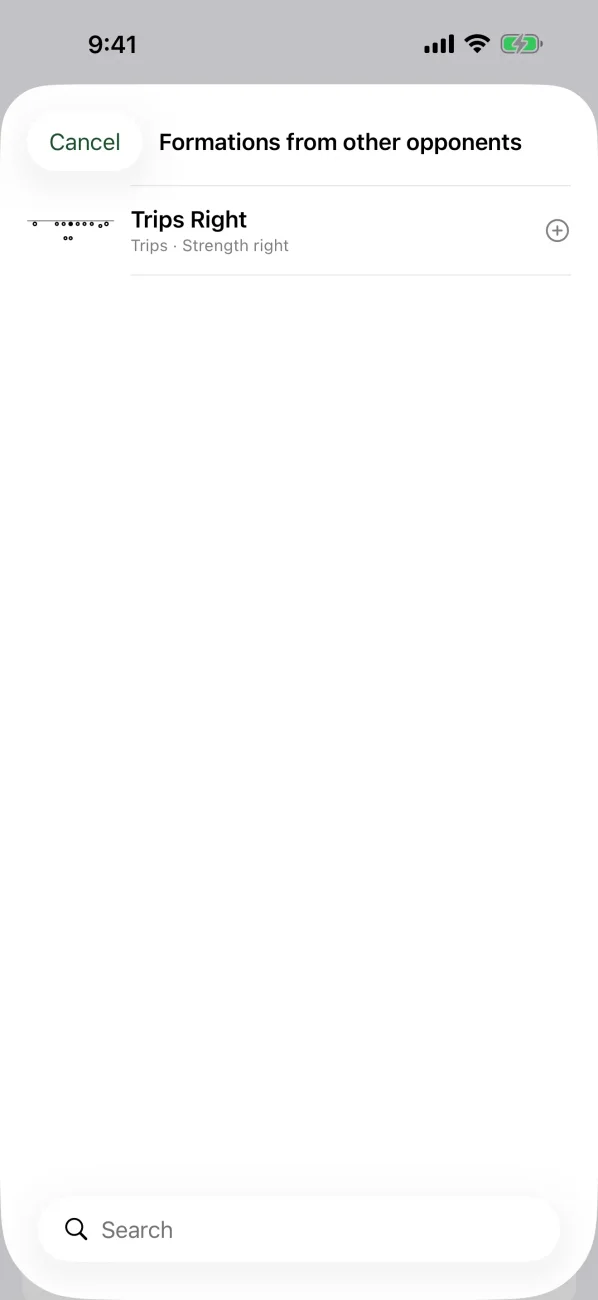
• Chart opponent film, or import a breakdown from a spreadsheet.
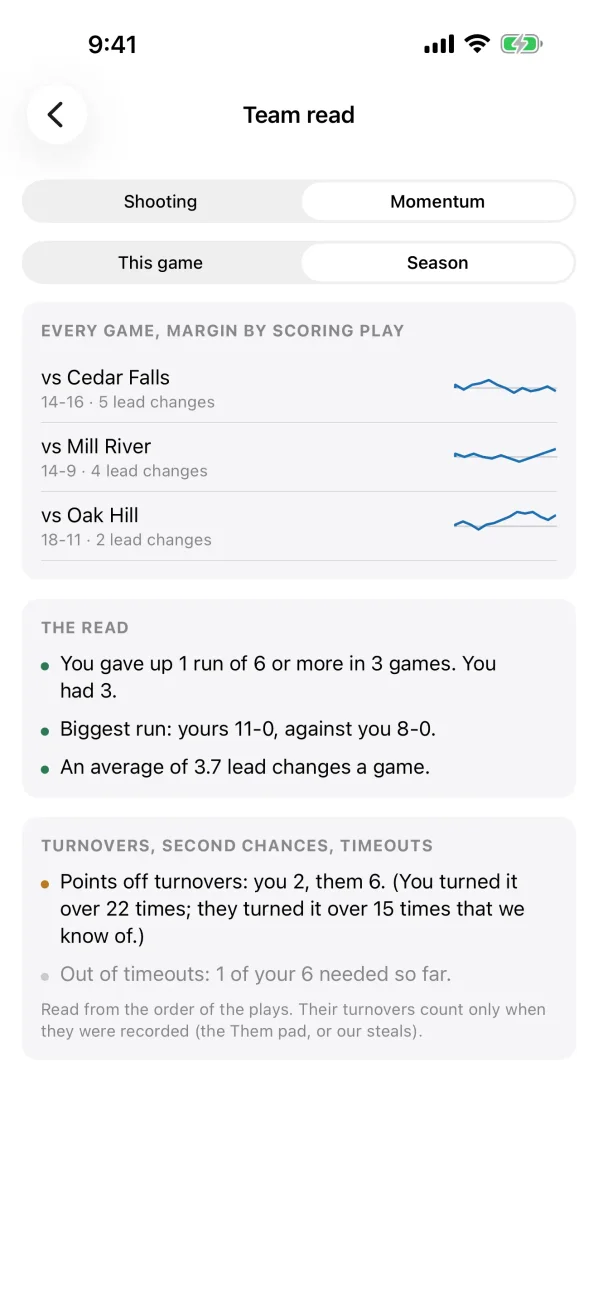
• Coach's Read shows you what their scout would write about you, including what you call on 3rd and long. Brace yourself.
YOUR WHOLE PROGRAM
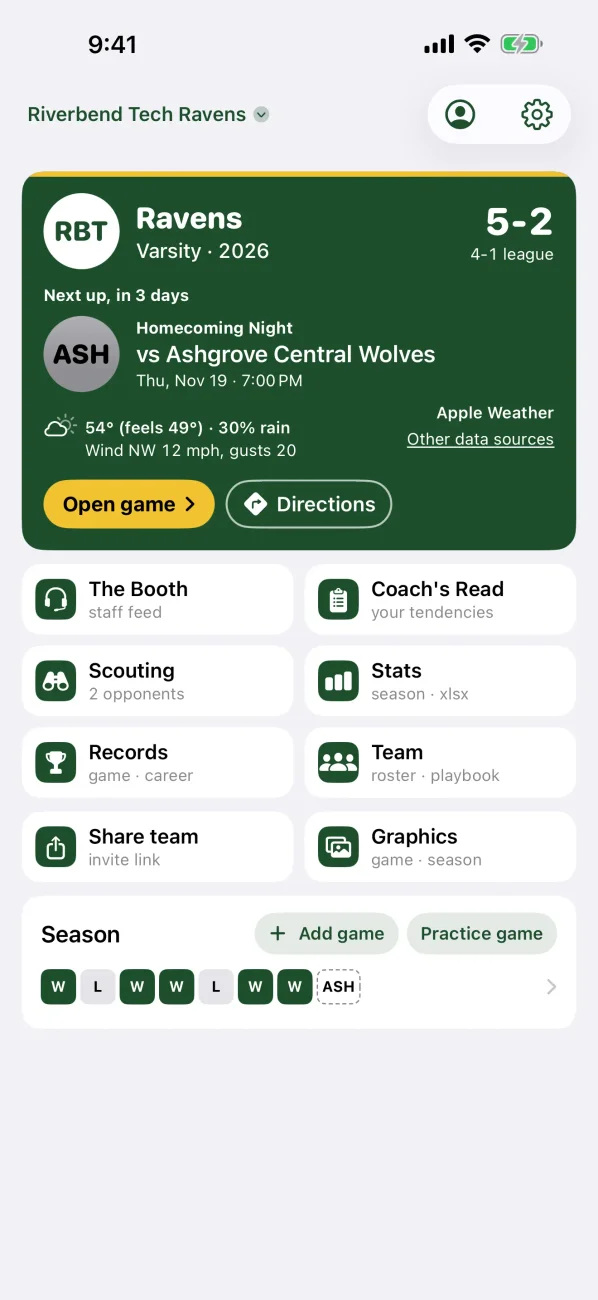
• Home puts your next game at the top and everything else one tap away.
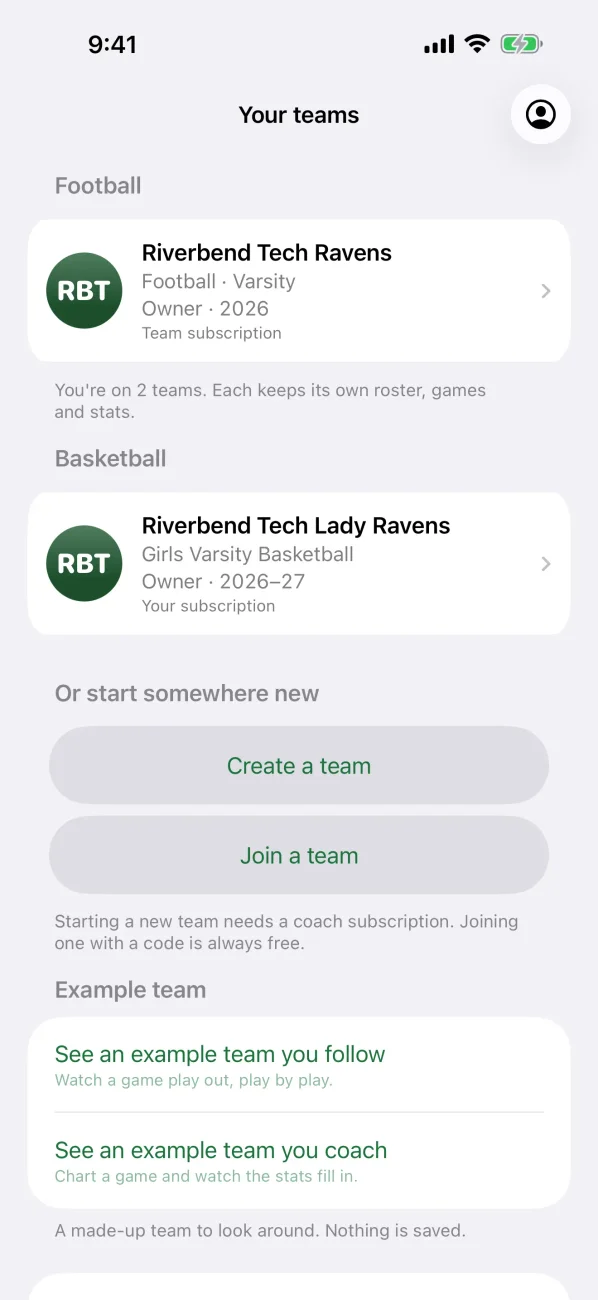
• Varsity and JV on one subscription, up to five teams. Yes, even the freshman team.
• Sideline Headset, coach to coach voice for the sideline and the booth, is included. The booth will finally hear you. Listening is still up to them.
PARENTS AND FANS
• Joining a team is free. Live score, play by play, player stats and game alerts. Grandma never misses a snap.
• The next game and the whole schedule are right on Home, so nobody has to text the coach at 10 PM to ask.
• Fans never see your playbook, your scouting or your tendencies. What happens in the film room stays in the film room.
No ads, and nothing used to track you or your players across other apps.
Coaches: the Annual Team Plan is $50/year after a 14-day free trial, billed to your Apple Account. Parents and fans join for free.
The plan renews automatically unless canceled at least 24 hours before the period ends. Manage or cancel in your Apple Account settings.
What’s new
Version 1.33 · Nov 21, 2026
Basketball learned the free throws. Football learned to ask what time it is.
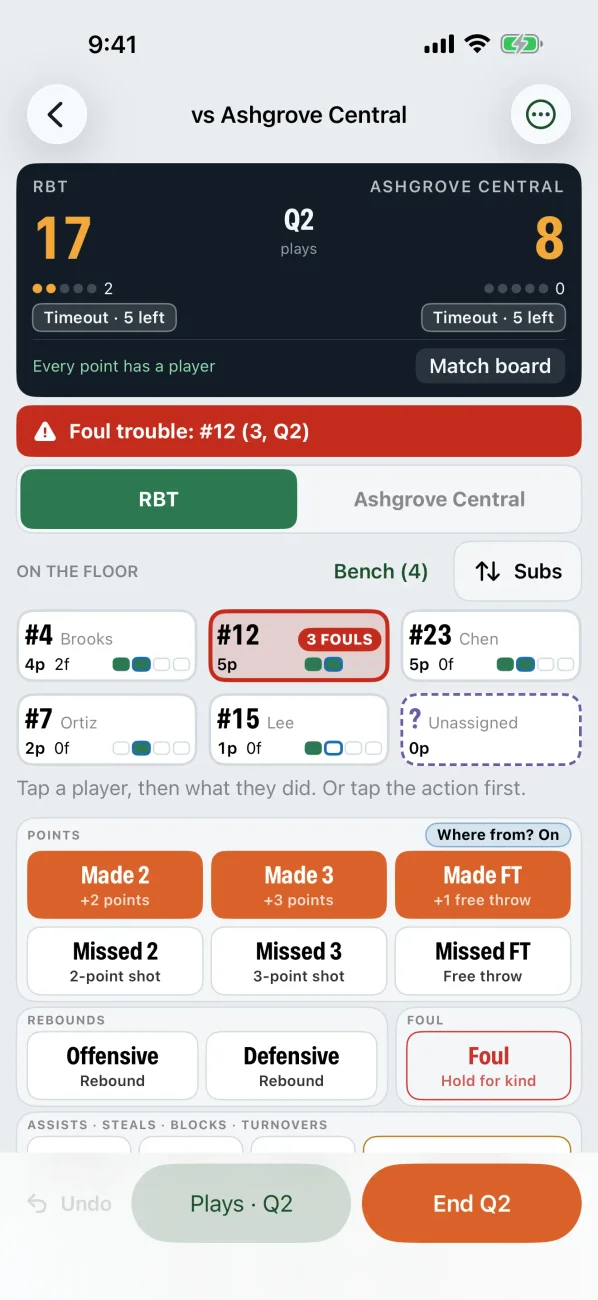
Free throws. After a shooting foul, pick the shooter once, then tap Made or Missed for each shot. Want to skip it? Skip it. The foul is already on the book.
Clock check. After a football drive starts or ends, a strip asks Clock? Tap a minute, or Set exact, and fans see how much time is left, so the guy with the clipboard can stop getting asked. No time to tap? Let it go. The play saves either way. Basketball asks after a timeout or a shooting foul.
Bench on iPad. Both teams, the pad and the recent plays share one iPad screen. Subs open from the bottom bar. When there's room, your thumbs get a night off from scrolling.
Missed a play? On a finished game, open Tidy up and tap Add a missed play. Pick the period and the player, and the assist or rebound goes where it belongs. The team score doesn't move, so the scoreboard stays out of it.
Restore last play. Phone rang, app closed, entry not saved? The app offers your Add Play or Scoring entry back. It stays on your phone and goes nowhere else.
Your stats. The owner can turn off stats your team doesn't keep, and they disappear everywhere. The owner and coaches also get a 1,000-point club list under Records.
Football. Mark final checks for a touchdown or field goal that never made the scoreboard. Edit a play so it no longer scores and the points come off with it.
Stays connected. If a live game loses its connection, a banner tells you and Reconnect gets you back in. A play that can't save is kept so you can enter it again. Gym wifi is still gym wifi, but now the app notices.
Look around first. Not ready to start a team? Open the example basketball team, the Ravens, and chart away. Nothing you do there is saved, so go ahead and play the bench the whole game.
Removing people. Removing someone now asks which kind. Delete takes them off and keeps nothing, so they can come back. Block keeps them out, even with the code. Pick as many names as you want at once, and when a new season starts, choose whether players, fans and coaches carry over. Cleaning out last year's fans no longer takes all night.
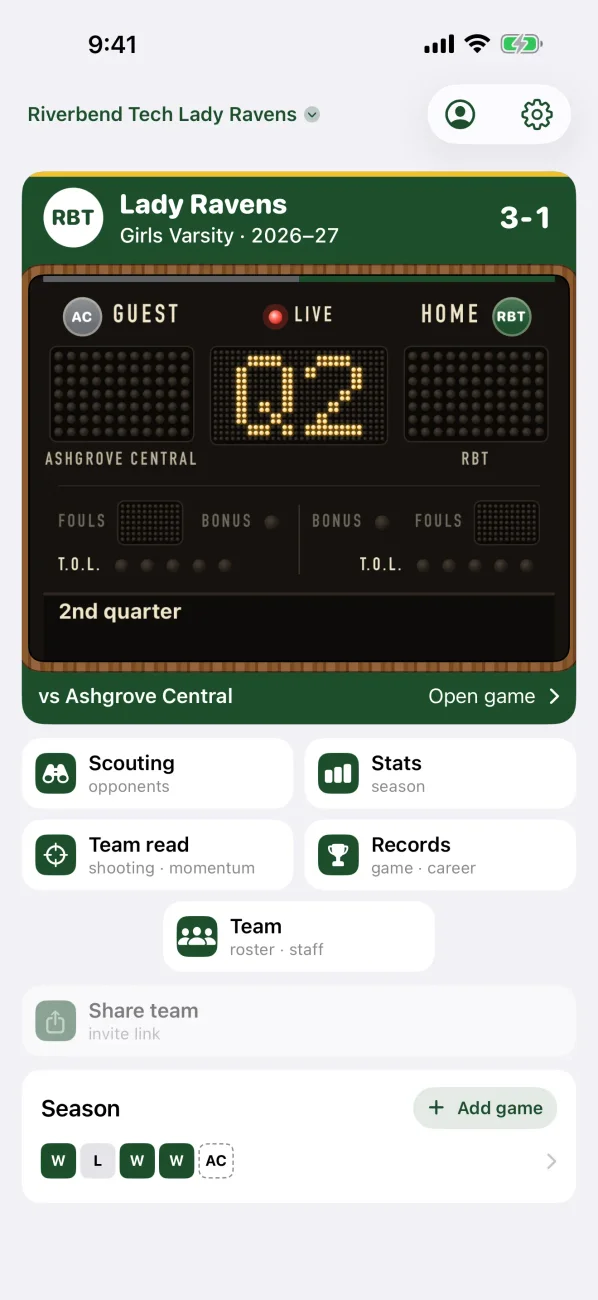
Smaller things. Coach's Read is the name in both sports, the opponent's logo shows on the basketball scoreboard, Collapse all on Stats is a full-width button, and basketball's season export sits where football's does.
Thanks for using SideKick. See you at the game.
App privacy
What Jeffrey Feely declares on the App Store about how this app handles data.
-
Data linked to you
May be collected and linked to your identity.
- Contact info
- User content
- Identifiers
- Diagnostics
-
Data not linked to you
May be collected but is not linked to your identity.
- Usage data
- Diagnostics
Privacy practices may vary, for example with the features you use or your age.
Information
- Seller
- Jeffrey Feely
- Category
- Sports
- Version
- 1.33
- Updated
- Nov 21, 2026
- Released
- Sep 4, 2026
- Size
- 44.7 MB
- Requires
- iOS 17.0 or later
- Age rating
- 4+
- Price
- Free
- In-app purchases
- Yes
- Languages
- English
- Copyright
- © 2026 Jeffrey Feely
You might also like
-
 Scrimmage TrackerFootball Stats
-
 Sideline Stat FootballSports
-
 Football Trak TACOne-Tap Football Stats App
-
 Gridiron Football StatsFootball Data Tagger
-
 Quick Hitter BasketballSports
-
 Football Stat Tracker ProSports
-
 Statty: Sport Stats TrackerLive Game Stats & Box Scores
-
 KIAAASports
-
 Rockland Bulldogs AthleticsSports
-
 Coachlog: AI Soccer CoachVoice notes for coaches