
- Age rating4+
- CategoryUtilities
- DeveloperAlexander James Walters
- LanguagesEnglish
- Size1.1 MB
Links to the official App Store page
Download.org hosts no file of Sidenote: Easy Notes. The button opens its official App Store page, published by Alexander James Walters. Listing last checked on Nov 18, 2026.
Screenshots
About
Some thoughts don't need a folder, a title, or a five-step workflow. They just need to be written down before they disappear.
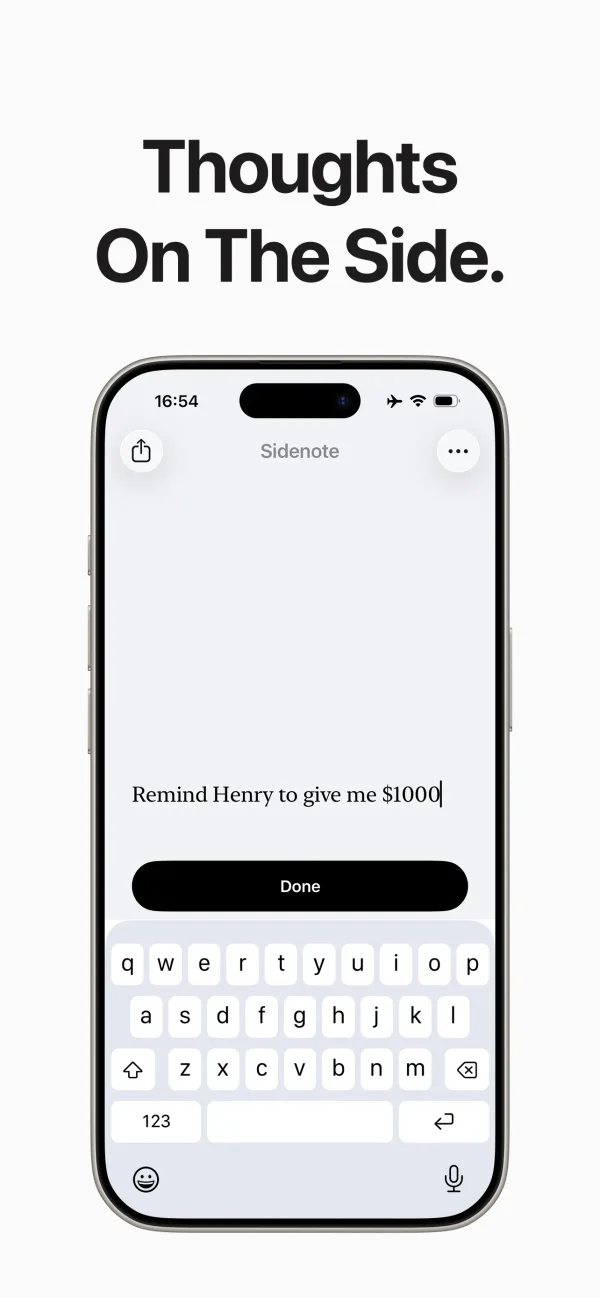
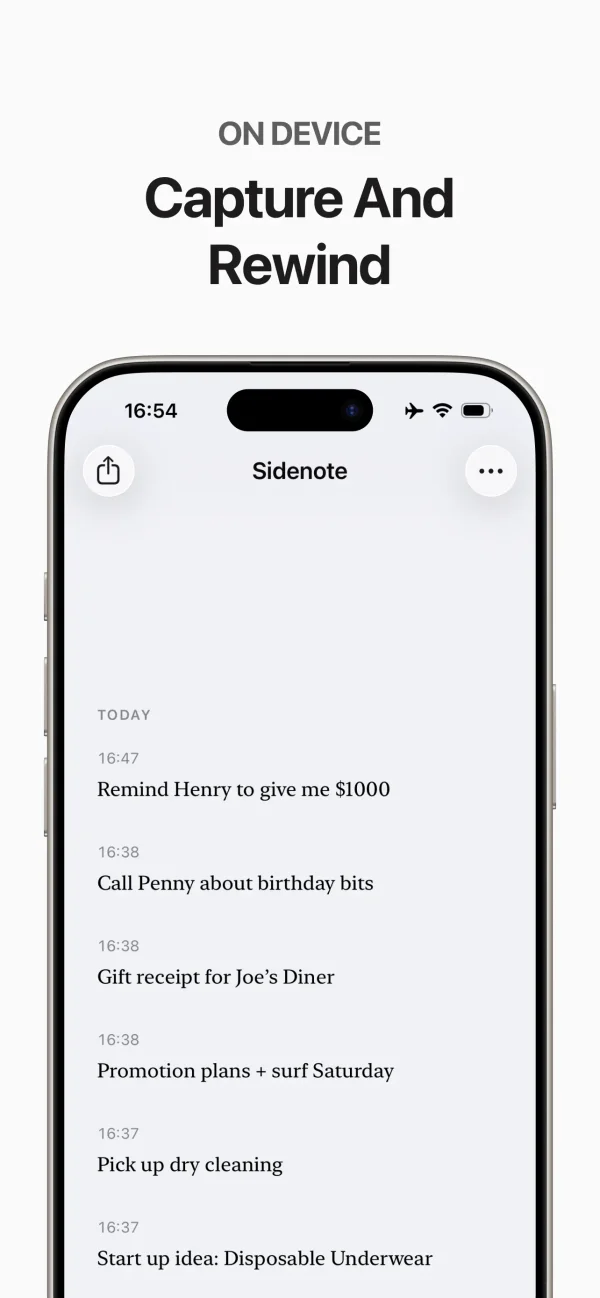
Sidenote is a quiet capture app for the in-between moments - the reminder you think of on a walk, the sentence that arrives in the shower, the idea you don't want to lose before you reach your desk. Open the app, start typing, tap Done. Your thought drops into a simple stream, timestamped and waiting whenever you scroll back.
No accounts. No sync. No noise. Everything stays on your iPhone.
CAPTURE WITHOUT FRICTION
Sidenote opens ready to write. A single prompt, a clean canvas, and nothing else competing for your attention. When you're done, your thought settles into your stream with a subtle, satisfying motion - then the screen is clear again for whatever comes next.
Drafts are saved automatically, so if you're interrupted mid-thought, nothing is lost.
YOUR THOUGHT STREAM
Scroll down to revisit earlier sidenotes, grouped by day with timestamps. Search when you need to find something specific. Edit a note, share it, or remove it with a long press. Export your entire stream as plain text whenever you want a copy outside the app.
Removed sidenotes stay on your device for 30 days, so you can restore them if you change your mind.
GO LIVE
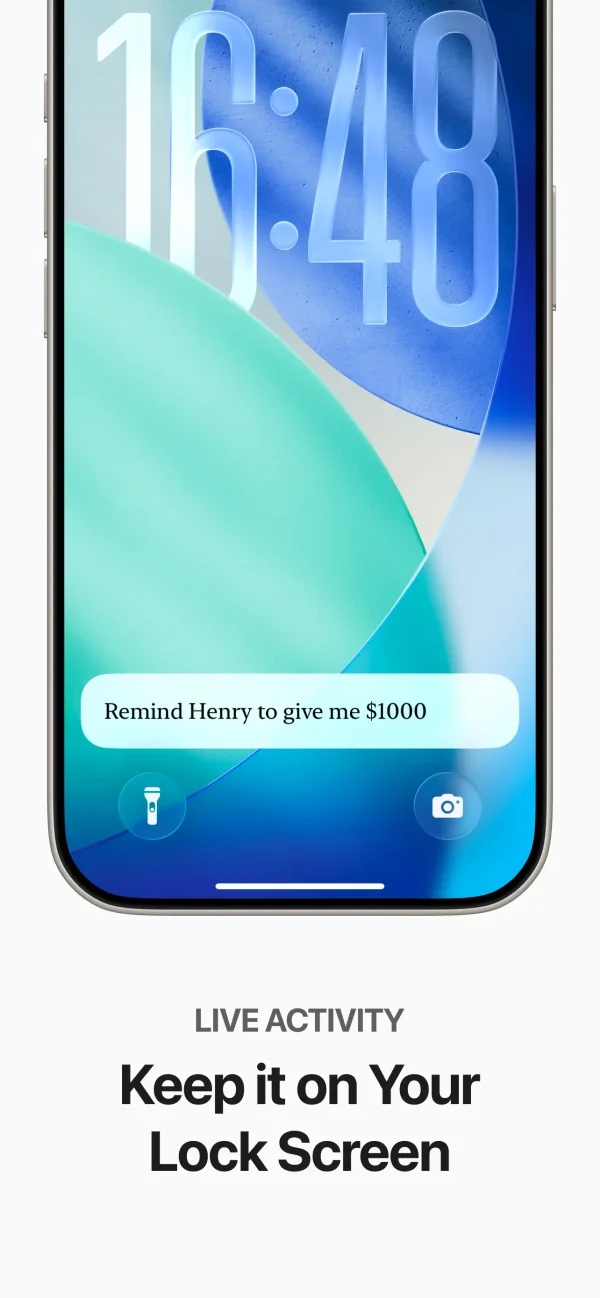
Pin any sidenote to your Lock Screen and Dynamic Island with Go Live. Keep a reminder, a phrase, or an idea in sight for up to eight hours - without opening the app again. Choose a default or clear appearance to match how you want it to look on your Lock Screen.
HOME SCREEN WIDGET
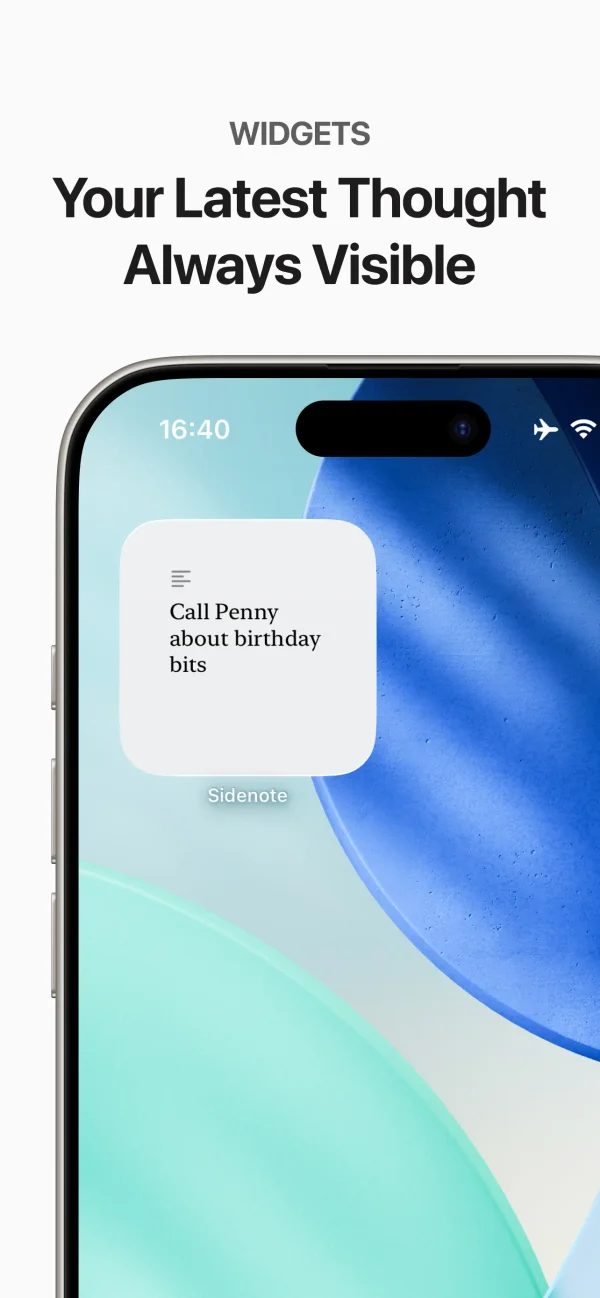
Add a Sidenote widget to see your latest thought at a glance. Tap it to jump straight back into your stream.
MAKE IT YOURS
• Light, Dark, or System appearance
• Font choices: System, New York, Georgia, or Mono
• Adjustable text size across the app, widget, and Live Activity
• Thoughtful haptics and animations (respects Reduce Motion)
Sidenote is designed to feel calm, fast, and personal - like jotting something in the margin of your day.
PRIVATE BY DESIGN
Sidenote keeps your thoughts on this iPhone. There is no account to create, no server to sync to, and no data leaving your device. Your sidenotes belong to you.
Built for people who think in fragments, capture in bursts, and want a place that stays out of the way until they need it.
Start typing.
What’s new
Version 1.0.1 · Sep 18, 2026
Version 1.0.1 - What's New?
- Bold text is live! Long press or edit text to bolden your notes.
- Hyperlinks are now tappable to your browser of choice.
App privacy
What Alexander James Walters declares on the App Store about how this app handles data.
-
Data not collected
The developer does not collect any data from this app.
Privacy practices may vary, for example with the features you use or your age.
Information
- Seller
- Alexander James Walters
- Category
- Utilities
- Version
- 1.0.1
- Updated
- Sep 18, 2026
- Released
- Sep 9, 2026
- Size
- 1.1 MB
- Requires
- iOS 18.0 or later
- Age rating
- 4+
- Price
- Free
- Languages
- English
- Copyright
- © Alexander Walters
You might also like
-
 GregorCalendar Notes and Journal
-
 Growly: Kids Reward BoardChores, points & rewards
-
 Clutterfly Clean Storage SpacePhotos Gallery Cleaner
-
 ghostmemoEncrypted Notes Made Easy
-
 NaNote: Lock Screen NotesOne note, always at hand.
-
 ScreenPinPinned Notes on Lock Screen
-
 Onkyo R-MXDigital Signal Processor App
-
 Geometry Solver for AreaArea measure calculator lite
-
 Growing Guide - HerbsUtilities
-
 Daily Data TrackerTrack daily, live smarter