
- Age rating4+
- CategoryProductivity
- DeveloperYasin CETIN
- LanguagesEnglish+ 1 more
- Size44.5 MB
Links to the official App Store page
Download.org hosts no file of Sift: Save Posts & Links. The button opens its official App Store page, published by Yasin CETIN. Listing last checked on Nov 12, 2026.
Screenshots



About
You save a post meaning to come back to it. You never do.
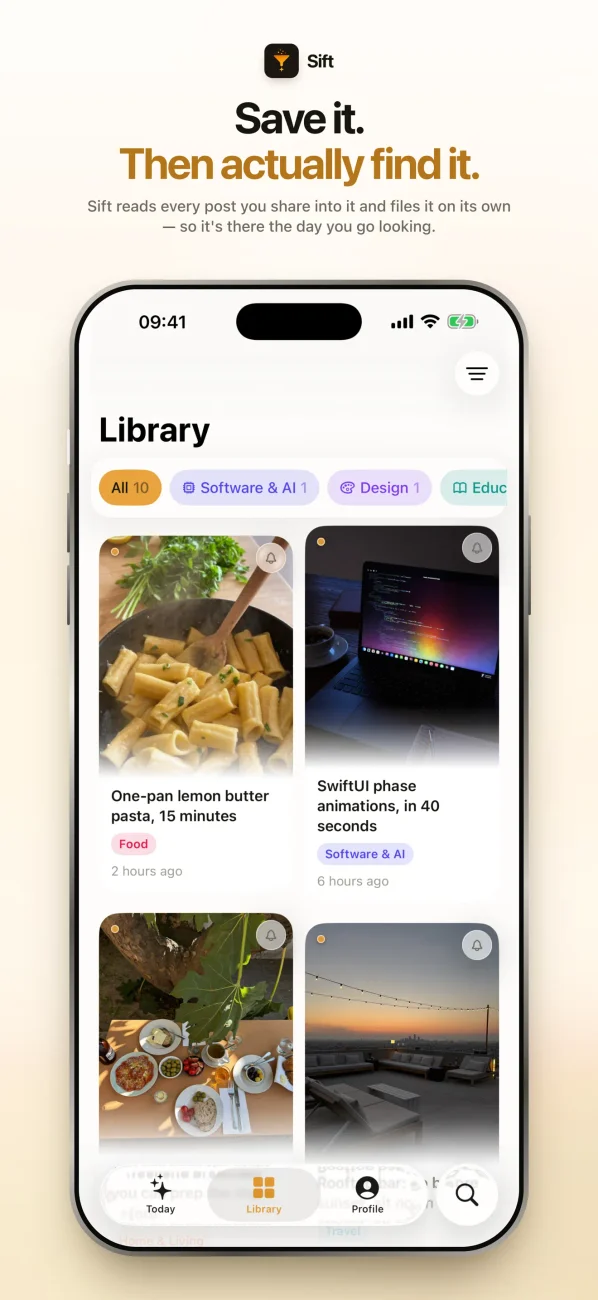
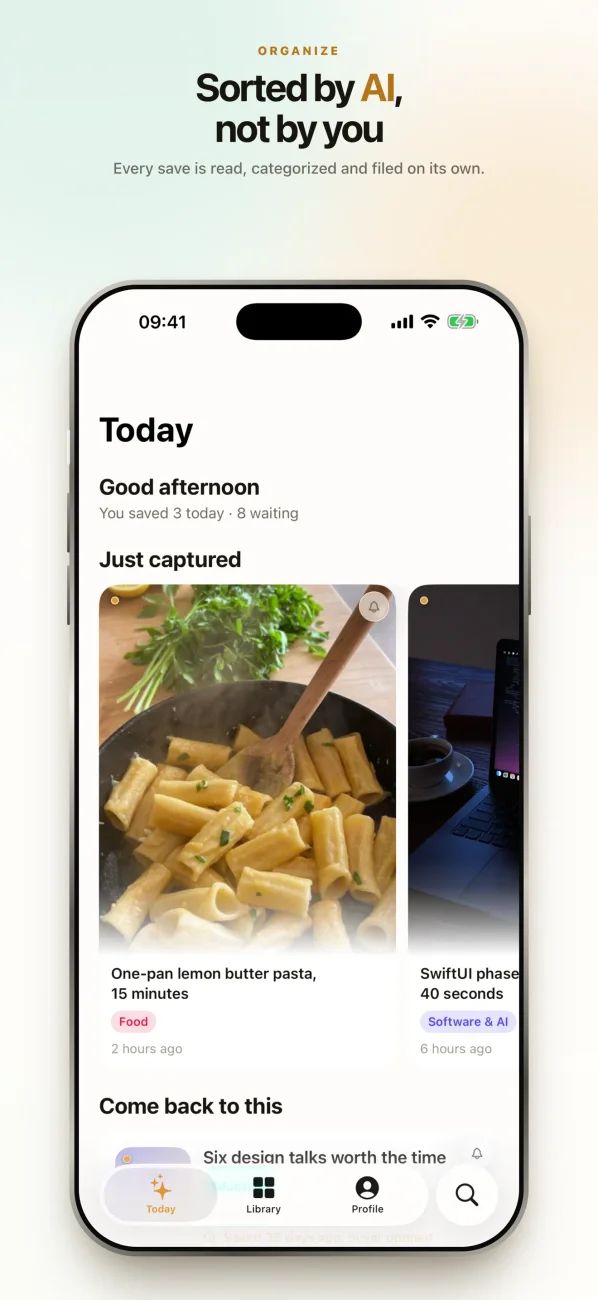
Sift is the place those saves go to stay useful. Share a post into Sift and it gets read, categorized and filed on its own — then brought back to you at the moment you'd have forgotten it.
SAVE IN TWO TAPS
Share a post from your feed straight into Sift with the share sheet. No account, no setup, no typing. Sift pulls in the caption and the thumbnail so the save is recognizable later.
SORTED WITHOUT YOU LIFTING A FINGER
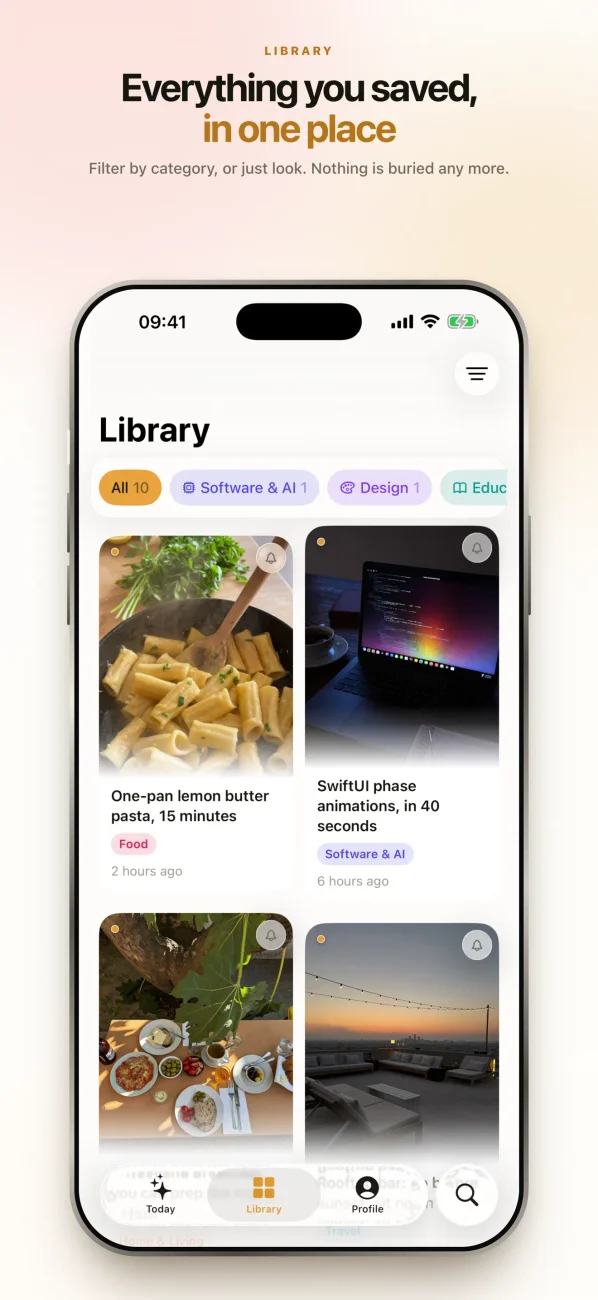
On-device AI reads each save and puts it in the right category — Food, Fitness & Health, Travel, Design, Technology — and tags it. Older devices fall back to secure cloud processing, and you're told which one is running. Got it wrong? Change the category once; the correction is remembered.
SEARCH THE WAY YOU REMEMBER THINGS
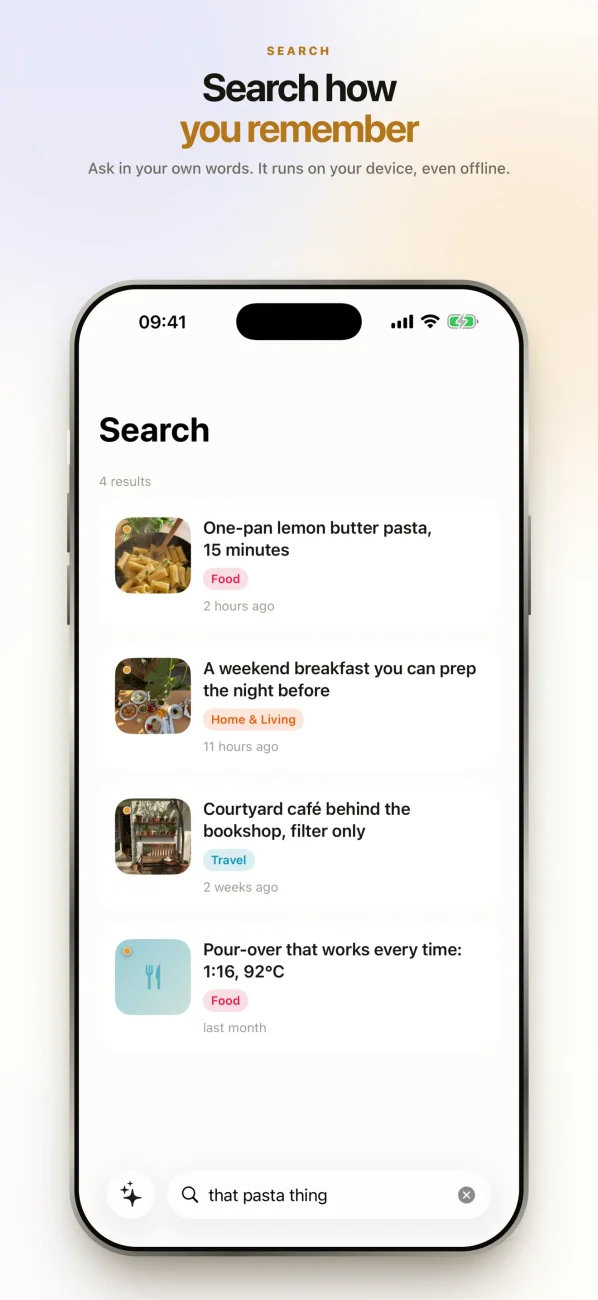
"that pasta thing", "the cafe in Kadıköy" — search by meaning, not by exact words. It runs on your device, so it works offline and nothing you type leaves your phone.
A NUDGE, NOT A NOTIFICATION PILE
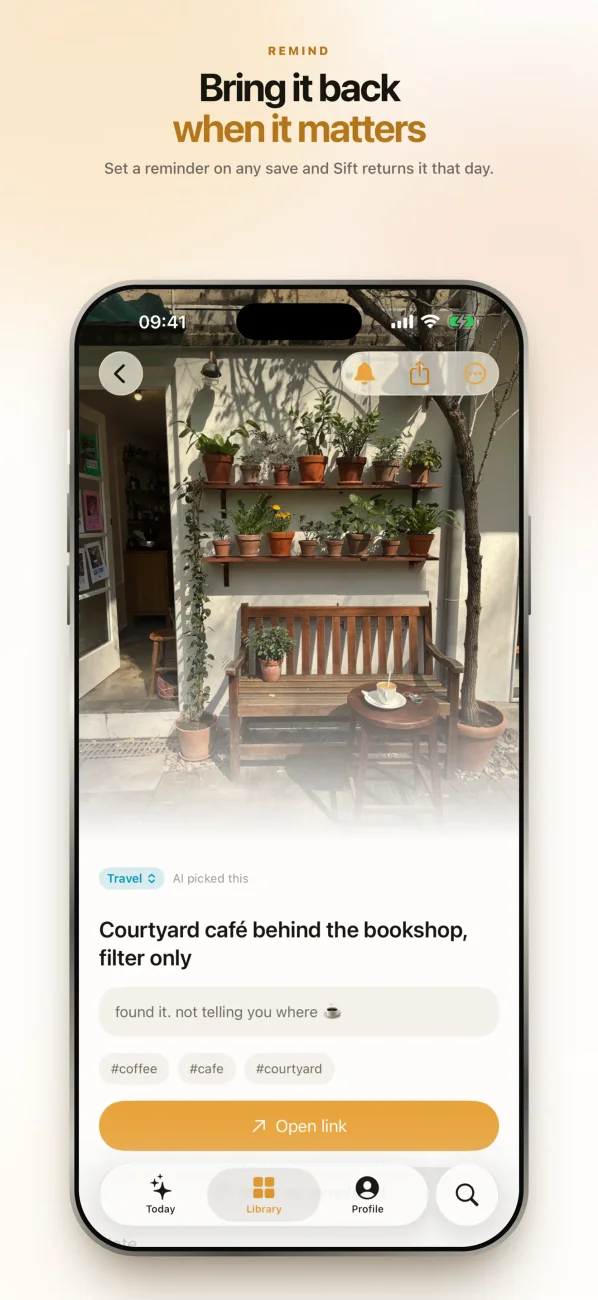
One end-of-day summary of what you saved. Set a reminder on any single item and Sift brings it back on the day it's useful.
YOURS, ON EVERY DEVICE
Start anonymously — your saves stay on your phone. Sign in with Apple or Google whenever you want backup and sync across devices. Delete your account and everything goes with it, from inside the app.
BUILT PRIVATE
Categorization is on-device by default. Nothing you save is ever used for advertising, and there's no tracking of any kind. Product analytics are anonymous and can be switched off in Profile → Privacy.
Share any link into Sift — a post, an article, a video. Instagram and X posts get the richest preview, with the caption and cover pulled in automatically.
What’s new
Version 1.1.1 · Nov 5, 2026
Now with X, and a security update.
• Share any X post into Sift and it arrives complete: text, author and cover image — X Articles and posts that share a link included.
• Sharing text that has a link in it now works too; Sift finds the link.
• The same post shared twice in different link formats is kept as one save.
• Security: updated the component that protects your synced library in transit. We recommend everyone update.
• Sift can now let you know when a new version is available.
• Fixed: some websites were wrongly labelled as X or Instagram.
App privacy
What Yasin CETIN declares on the App Store about how this app handles data.
-
Data linked to you
May be collected and linked to your identity.
- Contact info
- User content
- Identifiers
-
Data not linked to you
May be collected but is not linked to your identity.
- Identifiers
- Usage data
- Diagnostics
Privacy practices may vary, for example with the features you use or your age.
Information
- Seller
- Yasin CETIN
- Category
- Productivity
- Version
- 1.1.1
- Updated
- Nov 5, 2026
- Released
- Sep 24, 2026
- Size
- 44.5 MB
- Requires
- iOS 18.0 or later
- Age rating
- 4+
- Languages
- English, Turkish
- Copyright
- © 2026 Yasin Çetin
You might also like
-
 Save Links for Later: RevistoBookmark Posts From Any App
-
 Tasksmith - Organize Your DayQuick capture. Focused today.
-
 CoreText AI: Doc SummarizerAI document analyze in seconds
-
 Voiset: AI Daily Planner TasksCalendar, schedule & reminders
-
 Tuckii - Save Links & BookmarkRead Later, Private Organizer
-
 Social ArchiverSave what matters
-
 AI Writer: Story, Email, PoemAI Writing app: Text Generator
-
 Simple habit & Habit builderhabit tracking & habit now
-
 PaliCADLightweight, offline 3D CAD
-
 SüretakipProductivity