
siGit Code & Deploy
Software factory done right
Designed for iPhone, iPad, Mac
Free
- Age rating4+
- CategoryDeveloper Tools
- DeveloperSplitfire AB
- LanguagesEnglish
- Size37.5 MB
Links to the official App Store page
Download.org hosts no file of siGit Code & Deploy. The button opens its official App Store page, published by Splitfire AB. Listing last checked on Nov 14, 2026.
Screenshots
About
siGit Code brings Git, a code editor and an AI coding agent together in one app for iPhone and iPad.
Clone a repository, read and change its code with the agent beside you, and keep each account's repositories in its own workspace.
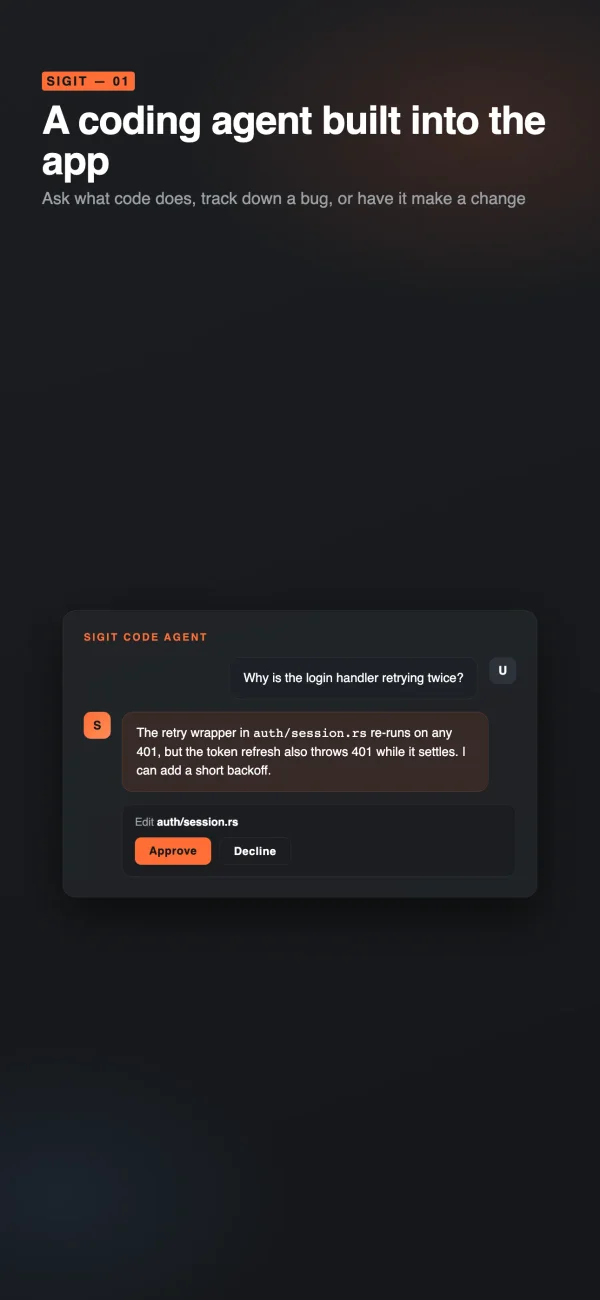
Coding agent
• Built into the app, with nothing extra to install
• Ask what code does, track down a bug, or have it make a change
• Asks for your approval before it changes anything, and stays inside the open repository
• Replies render Markdown and code blocks
• Signs in with your siGit account, or with GitHub or GitLab
Git
• Clone a public Git repository from its URL, or start a new local repository
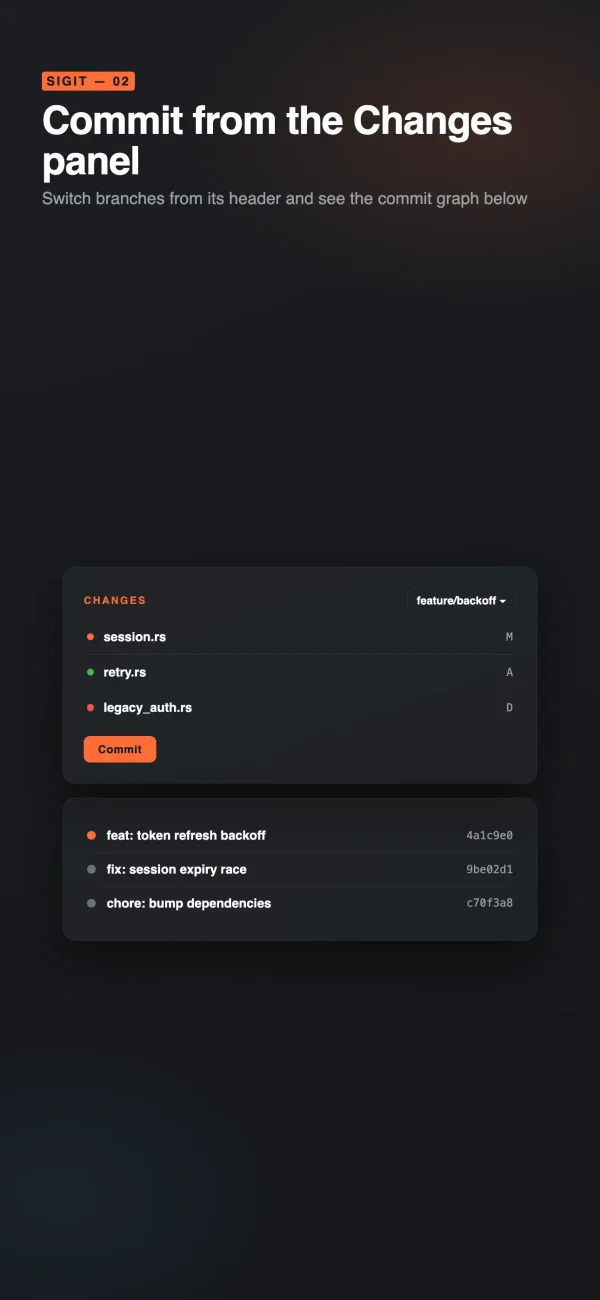
• The Changes panel shows changed files colored by git status, with the commit graph below
• Commit from the panel, and switch branches from its header
• Commits are refused during a merge or while files have conflicts
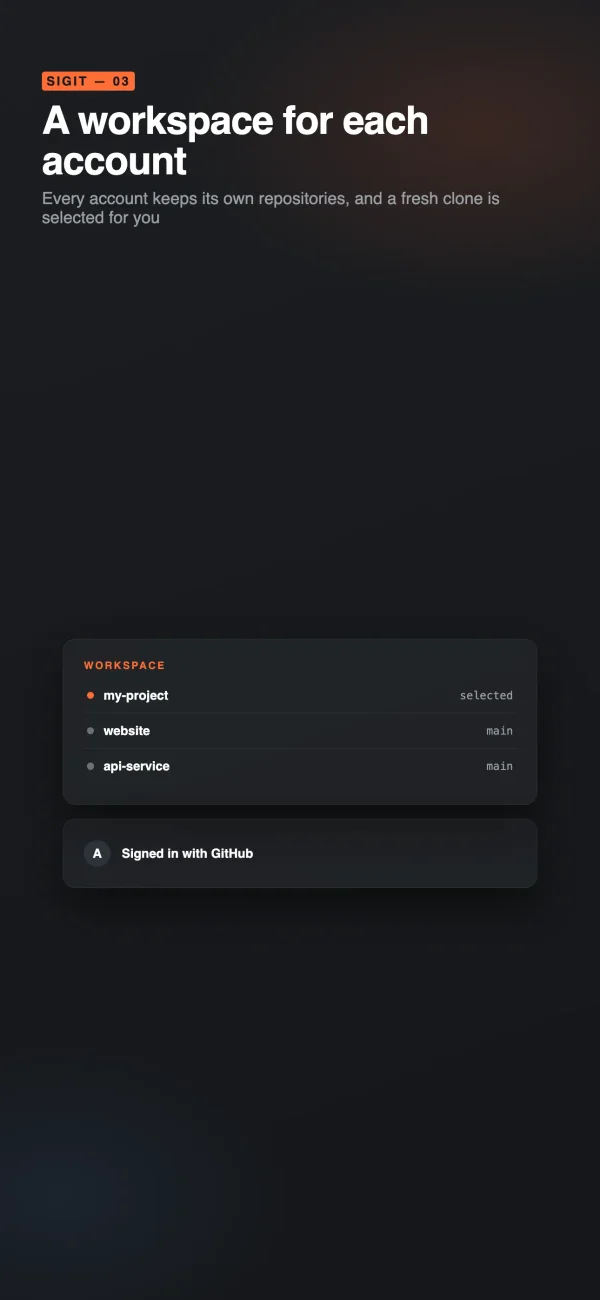
• A workspace for each account keeps its repositories together
Code editor
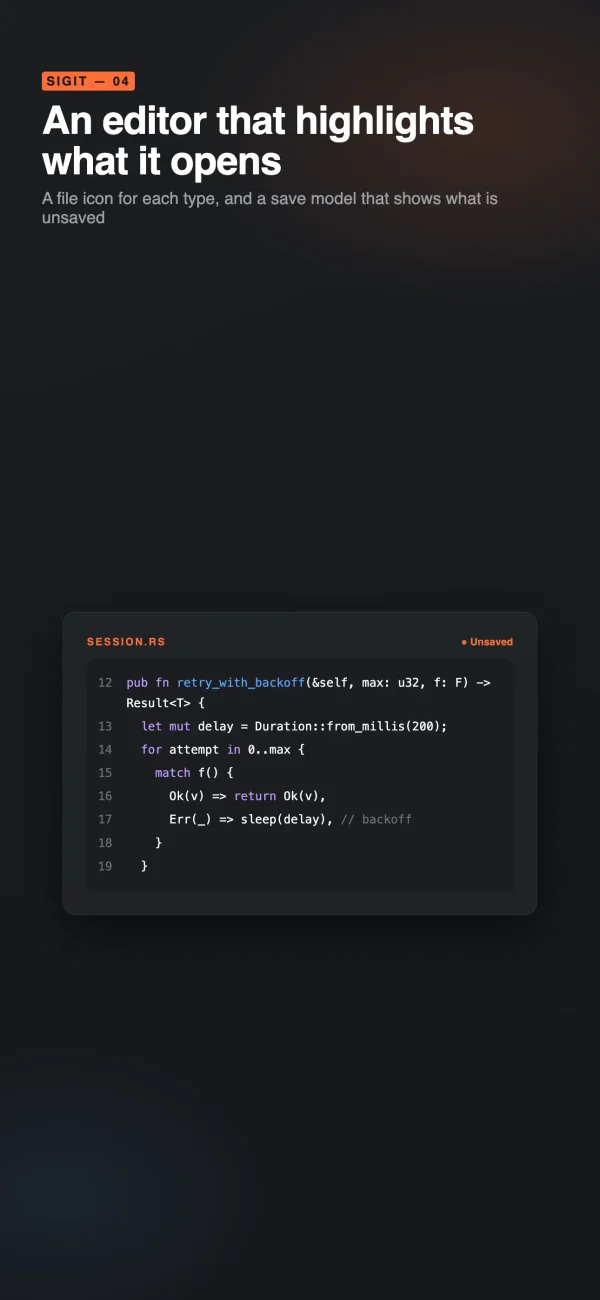
• Syntax highlighting for every language the editor can open, including Rust, Ruby, Python, TypeScript, Go, PHP, SQL, YAML and Markdown
• A file icon for each type
• File explorer and editor, with a save model that shows what is unsaved
Made by developers, for plumbers, potters and deployers.
What’s new
Version 1.4.1 · Nov 9, 2026
Cloning, pulling and pushing now work on networks that reach sigit.si only through an HTTPS proxy.
The editor takes focus once a file has loaded, so you can start typing right away, and it has a name for screen readers.
Opening a file that is already open selects its tab instead of adding another.
App privacy
What Splitfire AB declares on the App Store about how this app handles data.
-
Data not collected
The developer does not collect any data from this app.
Privacy practices may vary, for example with the features you use or your age.
Information
- Seller
- Splitfire AB
- Category
- Developer Tools
- Version
- 1.4.1
- Updated
- Nov 9, 2026
- Released
- Sep 26, 2025
- Size
- 37.5 MB
- Requires
- iOS 16.0 or later
- Age rating
- 4+
- Price
- Free
- Languages
- English
- Copyright
- © 2026 PT Sigit Mitra Bangun
You might also like
-
 GitBoostCheck Your Commit
-
 PlomGitGit version control client
-
 DangGITFull Git Client for iOS
-
 Combine - Code Editor & GitCode Editor and Git Client
-
 Code - Editor Git and TerminalIDE with Git SSH Bash and FTP
-
 ZLGithubClientClient For Github
-
 Source Files: Git Storagefor GitHub, GitLab & Gitea
-
 JDoodle: Code CompilerCompile, Execute Code Anywhere
-
 Vicoa: Claude Code & Codex IDEVibe Code Anywhere, AI Agents
-
 Git client - Working Copyfor GitHub and self-hosted