- Age rating4+
- CategoryUtilities
- DeveloperKaren Grigorian
- LanguagesEnglish
- Size11.2 MB
Links to the official App Store page
Download.org hosts no file of Sigma Counter. The button opens its official App Store page, published by Karen Grigorian. Listing last checked on Nov 18, 2026.
Screenshots
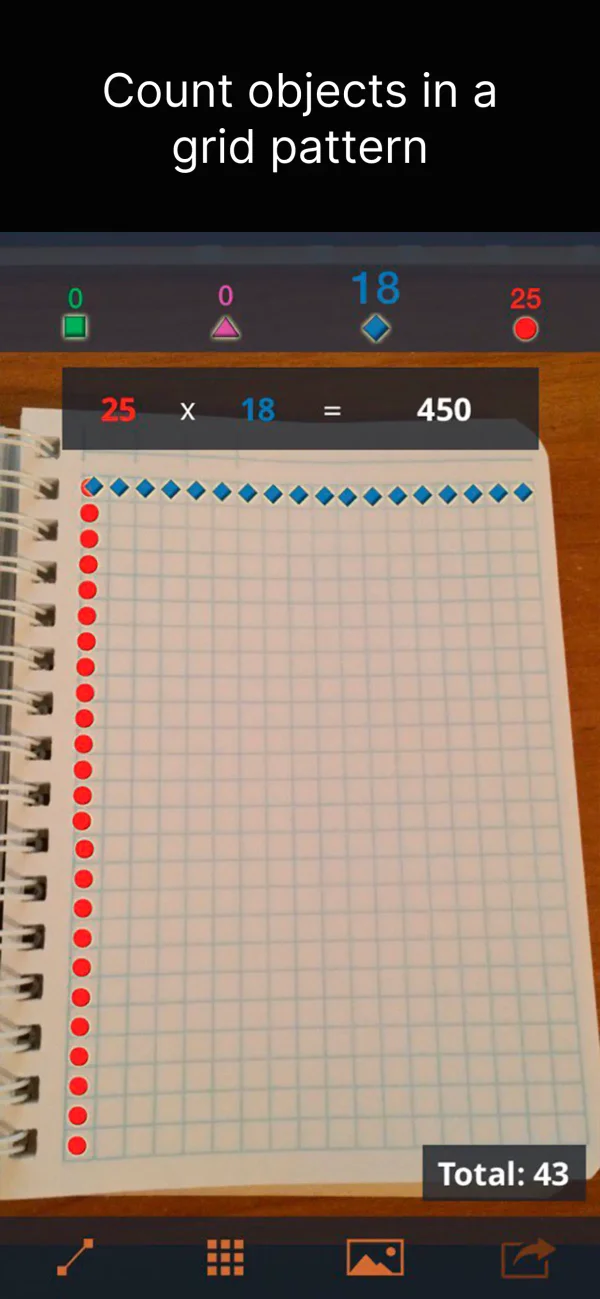
About
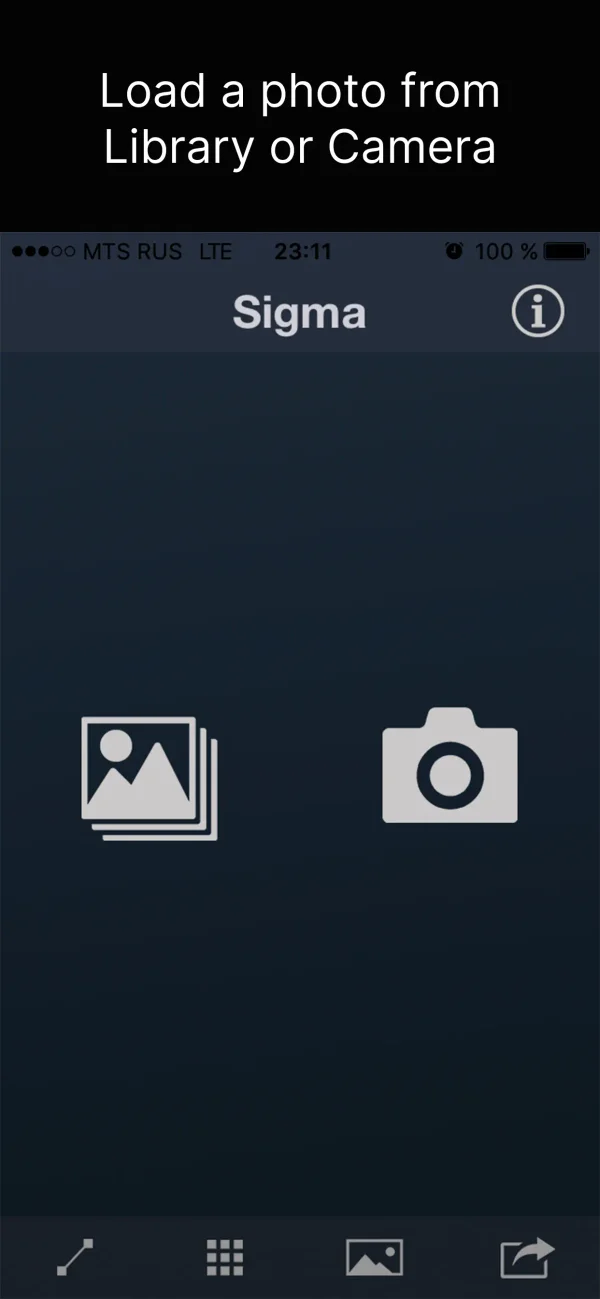
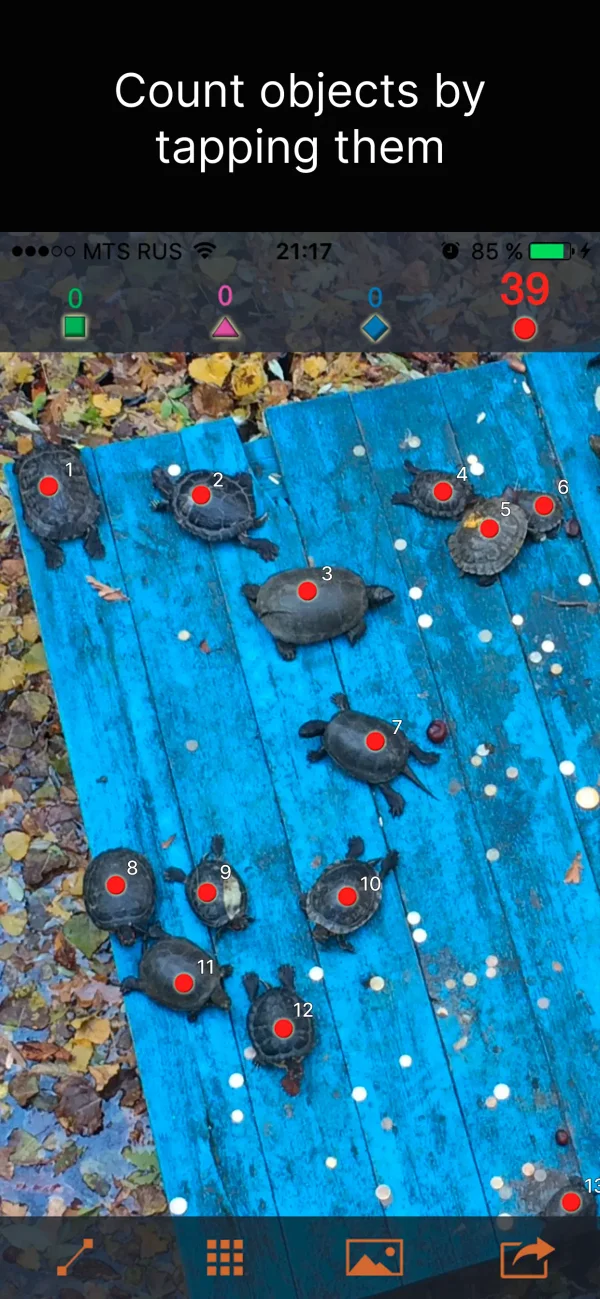
Take a new photo or pick a photo from your photo library and then count objects on it by tapping them.
Save screenshots and/or share them via email or social networks.
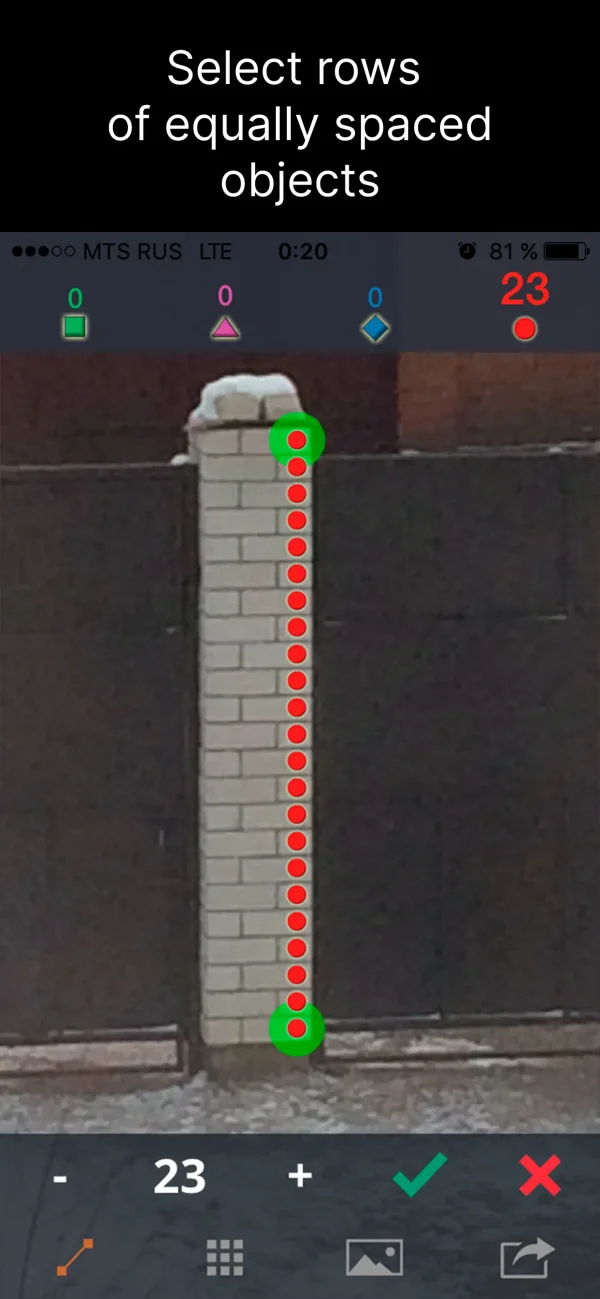
Use the Line tool when you need to mark a sequence of objects with equal distances between them (note: this doesn't work well with object viewed in perspective).
Use the Multiplication tool to count objects positioned in 'rows' and 'columns'.
What’s new
Version 1.2 · Jul 4, 2025
Fixed an issue with layout
App privacy
What Karen Grigorian declares on the App Store about how this app handles data.
-
Data not collected
The developer does not collect any data from this app.
Privacy practices may vary, for example with the features you use or your age.
Information
- Seller
- Karen Grigorian
- Category
- Utilities
- Version
- 1.2
- Updated
- Jul 4, 2025
- Released
- Dec 2, 2016
- Size
- 11.2 MB
- Requires
- iOS 9.0 or later
- Age rating
- 4+
- Price
- Free
- Languages
- English
- Copyright
- © 2016 Karen Grigorian
You might also like
-
 Zero-shot CountingZero-shot object counter
-
 Object Counting from PhotosScan pills, coins & things
-
 CountSnap - Count ObjectsCounting App - Count This That
-
 QuickCount - Object CounterCount Objects Fast by Camera
-
 CountCam: AI Object CounterPhoto count pipes, pills, logs
-
 Count Things: Photo CountingCamera scanner & counter
-
 CountThings By Cameraautomatic count
-
 AutoCount - Count This NowCount Objects from Photos
-
 SnapCount: Photo Counter AICount Objects, Coins,inventory
-
 CountThings from PhotosAutomatic Counting App