Sign Documents & Doc Scanner
Fill Document, Convert To PDF
Designed for iPhone, iPad
Free · In-app purchases
- Age rating4+
- CategoryBusiness
- DeveloperChan Tai
- LanguagesEnglish
- Size20.2 MB
Links to the official App Store page
Download.org hosts no file of Sign Documents & Doc Scanner. The button opens its official App Store page, published by Chan Tai. Listing last checked on Nov 13, 2026.
Screenshots

About
Sign Documents & Doc Scanner - Professional PDF and Signature Tool
Take control of your documents anytime, anywhere with Sign Documents & Doc Scanner.
This powerful iOS app combines essential PDF tools with industry-leading electronic signature capabilities, eliminating the need for printers, scanners, or desktop software.
Effortless Digital Signatures
Create legally-binding signatures in seconds with multiple customization options.
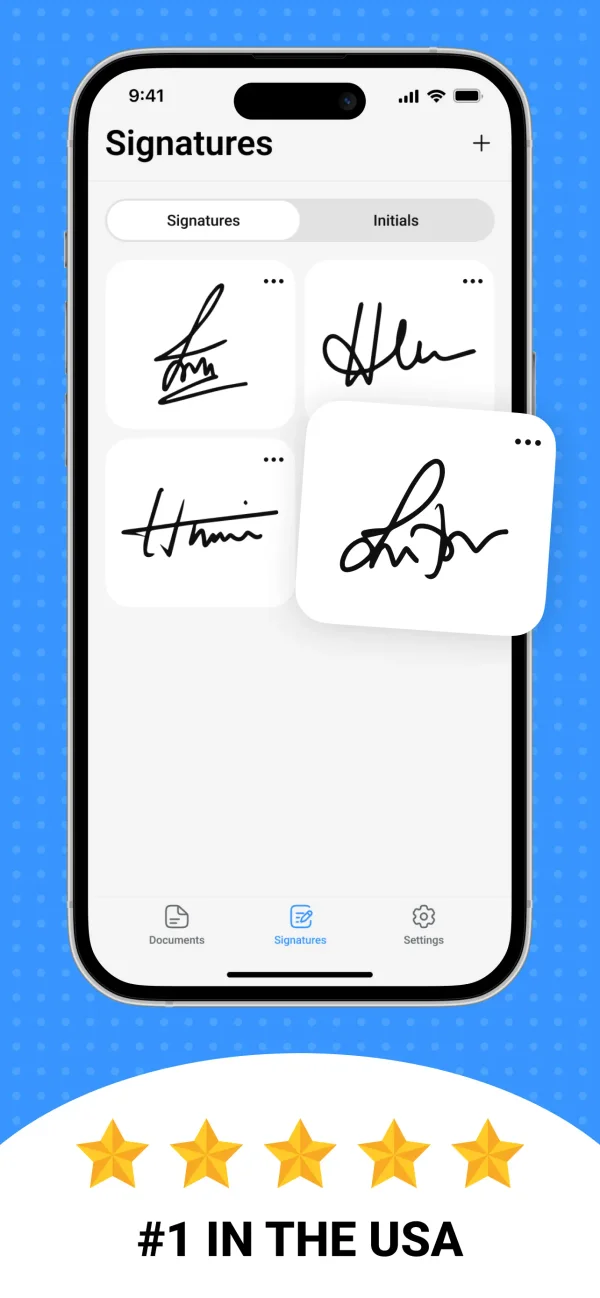
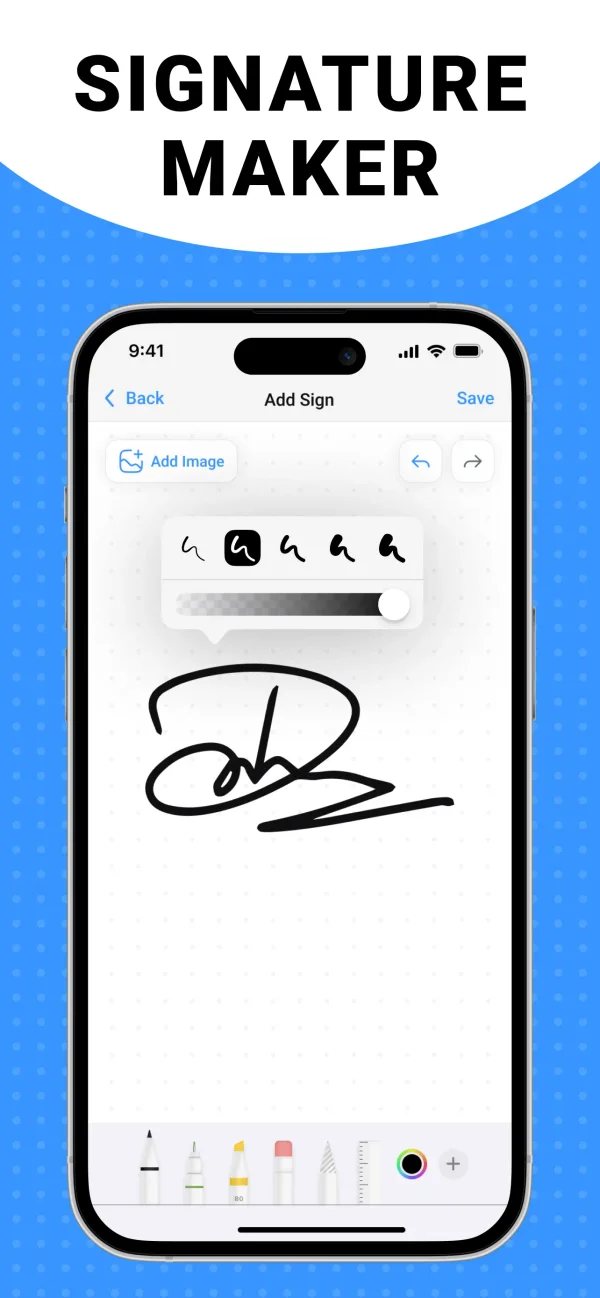
Draw your signature with your finger for a natural look, type it using professional fonts, or upload a scanned version of your handwritten signature.
Precise editing tools let you adjust size, position and transparency to perfectly match any document format.
Complete Document Management
Beyond signatures, our app provides everything you need to handle PDFs professionally:
- Advanced text editing to modify existing PDF content
- Intelligent form filling with automatic field detection
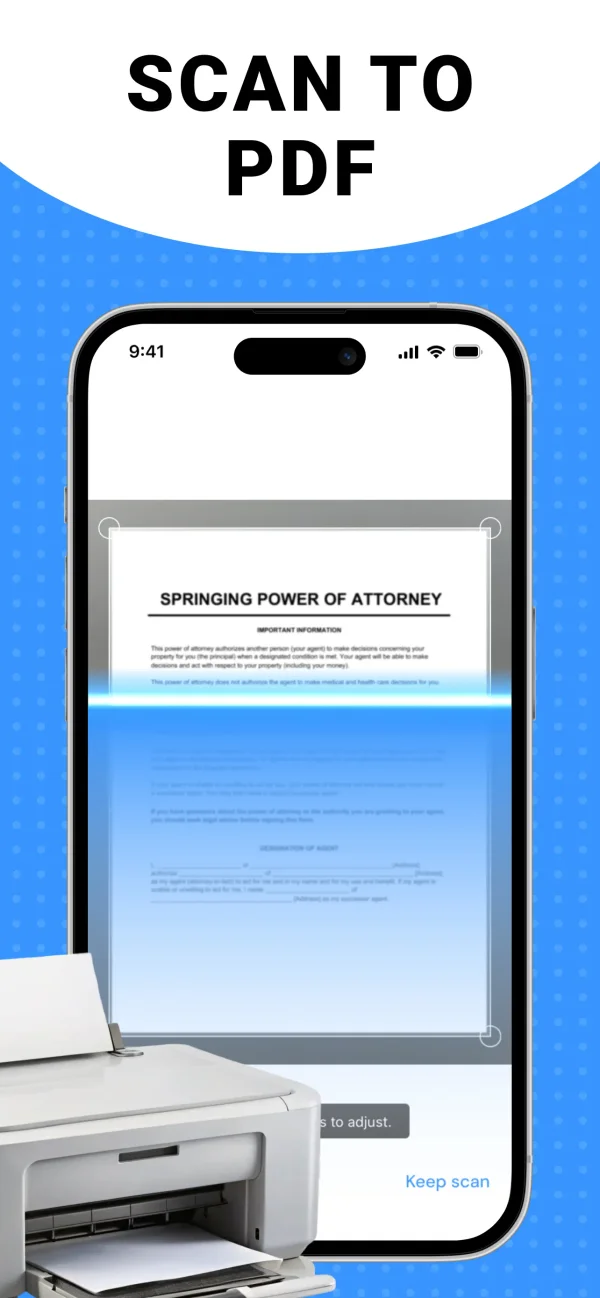
- High-quality document scanning with edge detection
- Seamless conversion between PDF and Office formats
- Easy document merging and page organization
Enterprise-Grade Security
We prioritize your document security with:
Password protection and permission controls
Secure redaction tools for sensitive information
Biometric app locking for additional privacy
This app is ideal for:
Business executives needing to sign contracts on the go.
Remote workers handling approvals and documents.
Students and educators managing academic paperwor.
Real estate agents closing deals in the field.
Any professional tired of paper-based processes.
Transform Your Workflow Today!
With Sign Documents & Doc Scanner, you'll complete document tasks in minutes that used to take hours.
Download now and experience true document freedom - sign contracts during your commute, edit proposals between meetings, or scan and send important paperwork instantly!
Professional document handling shouldn't require professional equipment. Just your iPhone or iPad and this powerful app.
Subscription Terms:
• Payment is charged to your iTunes account at purchase.
• Auto-renews unless canceled 24+ hours before the current period ends.
• Renewal fee is charged 24 hours before the period ends (price shown in advance).
• Unused free trial time is forfeited upon subscription (if applicable).
• Manage or cancel auto-renewal in Account Settings.
Paid Features:
- Unlimited Signatures - Add as many signatures as you need anytime.
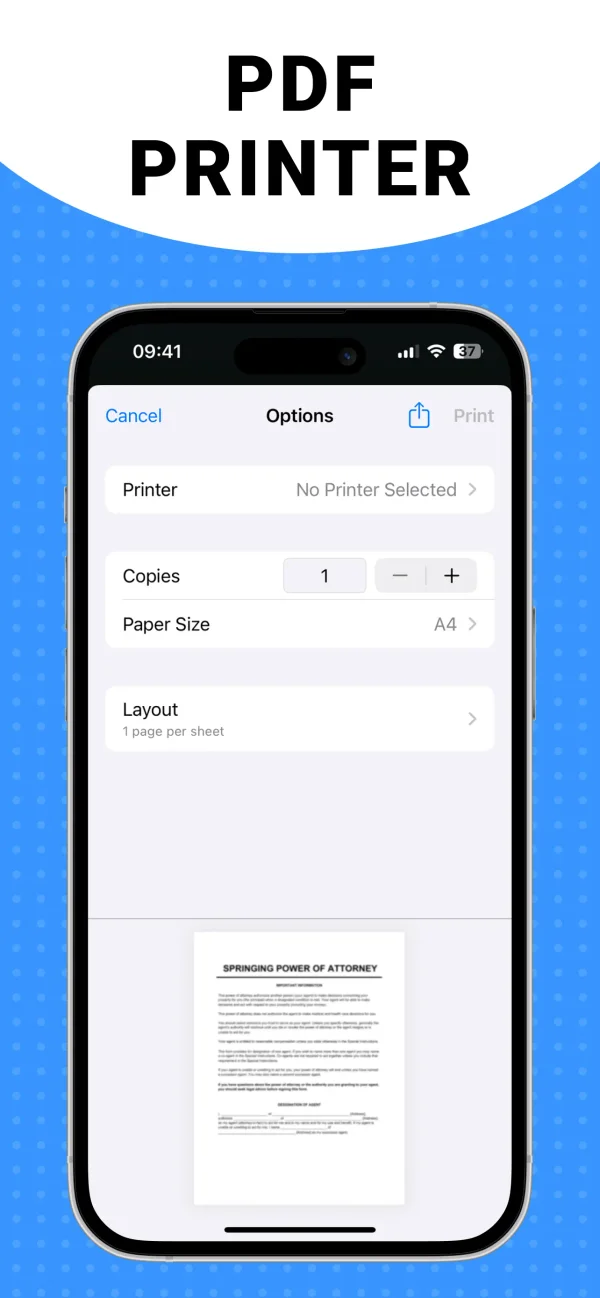
- Printing Documents - Easily print PDF documents directly from the app.
- Scan and Upload Documents - Quickly scan paper documents and instantly download them as high-quality PDF files.
Terms and Conditions - https://www.apple.com/legal/internet-services/itunes/dev/stdeula/
What’s new
Version 1.0.1 · Sep 27, 2025
Minor bugs fixed
App privacy
What Chan Tai declares on the App Store about how this app handles data.
-
Data not linked to you
May be collected but is not linked to your identity.
- Usage data
- Diagnostics
Privacy practices may vary, for example with the features you use or your age.
Information
- Seller
- Chan Tai
- Category
- Business
- Version
- 1.0.1
- Updated
- Sep 27, 2025
- Released
- Sep 24, 2025
- Size
- 20.2 MB
- Requires
- iOS 16.0 or later
- Age rating
- 4+
- Price
- Free
- In-app purchases
- Yes
- Languages
- English
- Copyright
- © Sign Documents & Doc Scanner
You might also like
-
 FAX Online - Send Free of AdsAd-Free Faxing for Phone, iPad
-
 PDF scanner app Documents scanDocument to photo converter
-
 Sign PDF Documents & Scan JPEGCreate Signature, Convert Doc
-
 Document Converter To PDF EditConvert Picture File & Photo
-
 Invoice Ready - Invoice MakerCreate Invoices and Estimates
-
 Scanner: Cam Smart Scan to PDFDocument Scanning Phone Scaner
-
 Invoice Maker: Simple GenerateContractor Estimate App Make
-
 PDF Converter: Sign, CreatorScanner documents & Editor
-
 Relax Fax: Send PDF From PhoneFaxing Docs Scan App
-
 TradeGPT: Ai Trading AssistantSmart Market Analyst Tool