
Sign Documents - SignEdge
Tap. Sign. Send
Designed for iPhone, iPod touch
Free · In-app purchases
- Age rating4+
- CategoryProductivity
- DeveloperMila Petrova
- LanguagesEnglish+ 24 more
- Size36.4 MB
Links to the official App Store page
Download.org hosts no file of Sign Documents - SignEdge. The button opens its official App Store page, published by Mila Petrova. Listing last checked on Nov 16, 2026.
Screenshots

About
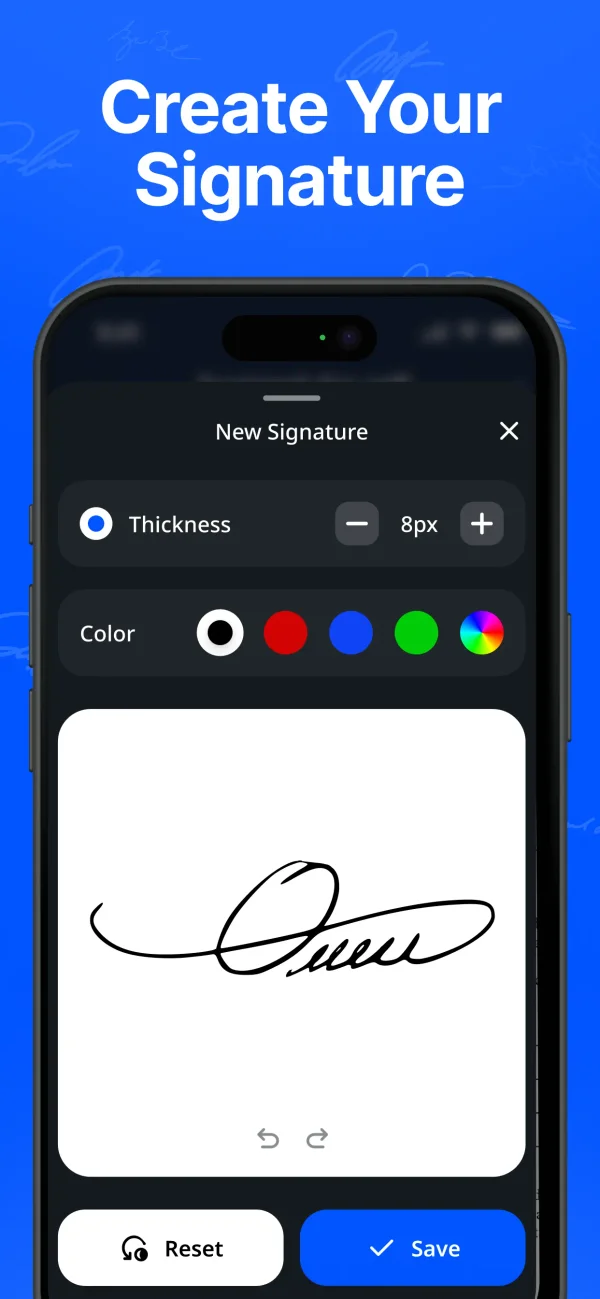
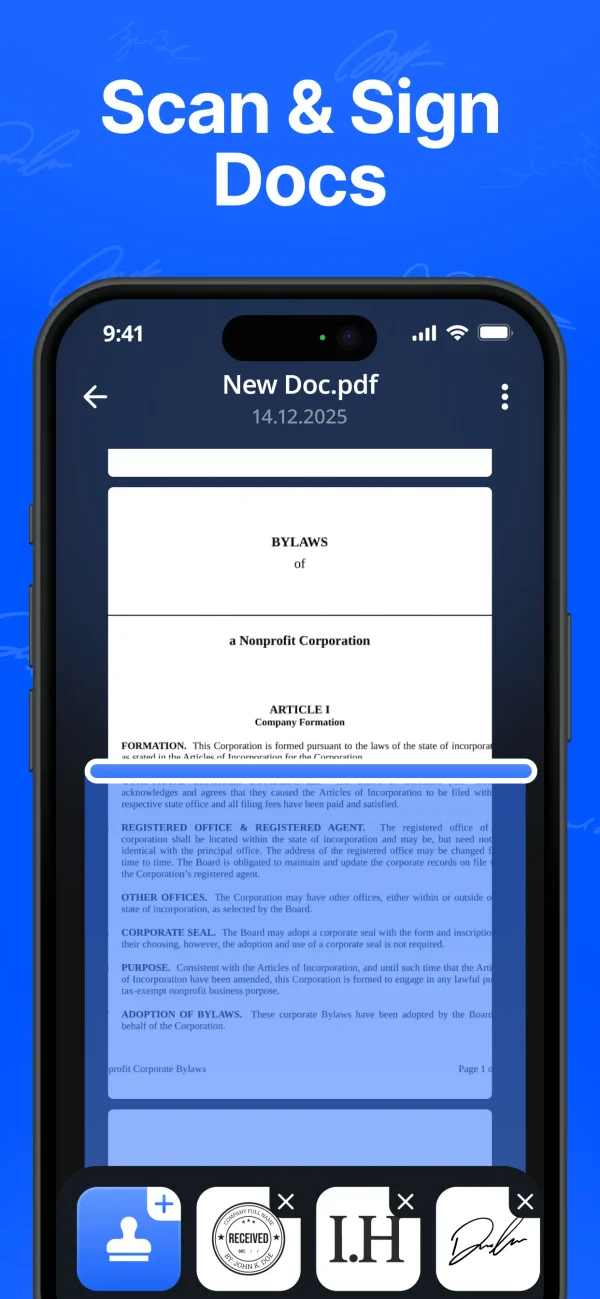
SignEdge makes it easy to sign documents on your iPhone. Scan paperwork, create your signature, add it to PDFs or documents, and send the finished file in just a few taps.
Use SignEdge to:
- Create and save your electronic signature
- Scan paper documents and forms
- Fill and sign PDFs or document files
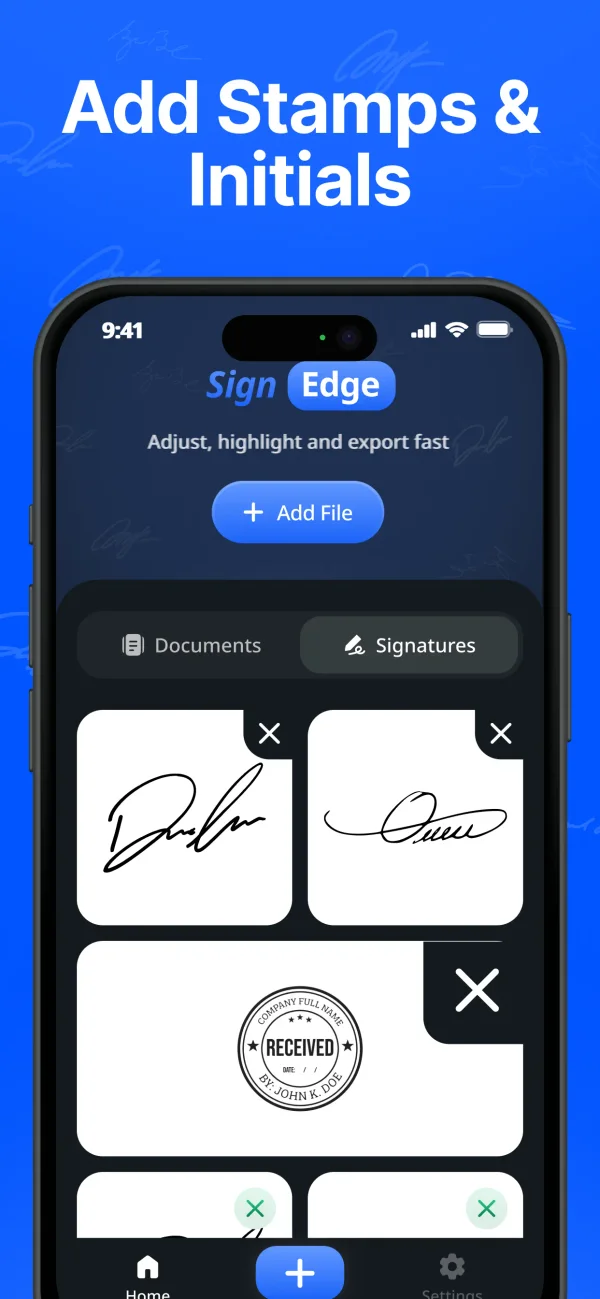
- Add signatures, initials, and stamps
- Edit, highlight, and prepare documents for sharing
- Export signed files whenever you need them
Whether you are handling work forms, agreements, receipts, school papers, or everyday documents, SignEdge helps you move from file to signed document quickly.
Privacy Policy: https://signedge.click/privacy
Terms of Use: https://signedge.click/terms
What’s new
Version 1.2.0 · Nov 13, 2026
- Added support for iPhone Duo
- Fixed known bugs
- Improved app stability
App privacy
What Mila Petrova declares on the App Store about how this app handles data.
-
Data not collected
The developer does not collect any data from this app.
Privacy practices may vary, for example with the features you use or your age.
Information
- Seller
- Mila Petrova
- Category
- Productivity
- Version
- 1.2.0
- Updated
- Nov 13, 2026
- Released
- May 25, 2026
- Size
- 36.4 MB
- Requires
- iOS 15.0 or later
- Age rating
- 4+
- Price
- Free
- In-app purchases
- Yes
- Languages
- English, Croatian, Czech, Danish, Dutch, Finnish, French, German, Greek, Hungarian, Indonesian, Italian + 13 more
- Copyright
- © 2026 (c) Olly
You might also like
-
 Document Signer App - TinySignEasy Sign & Fill PDF
-
 Sign PDF Documents: PDF SignerElectronic Signature Maker
-
 Sign documents: SwiftSignDigital Signature & PDF Sign
-
 Signature Maker - Sign PDFFill Forms, eSign Contracts
-
 Sign Documents: Signature AppeSign Docs - PDF Signing
-
 PDF Mind: Editor & ScannerSign, Convert & Fill Documents
-
 Inky: Signature CreatorSign & Fill PDF Documents
-
 PR Income TaxProductivity
-
 SignSeal - Sign & Fill PDFScan Docs, Signature Maker
-
 Sign Documents - E SignatureSign PDF & Fill Forms