
- Age rating4+
- CategoryEducation
- DeveloperSatoshi Horiguchi
- LanguagesEnglish+ 1 more
- Size4.3 MB
Links to the official App Store page
Download.org hosts no file of Sign Language Study Cards. The button opens its official App Store page, published by Satoshi Horiguchi. Listing last checked on Nov 13, 2026.
Screenshots

About
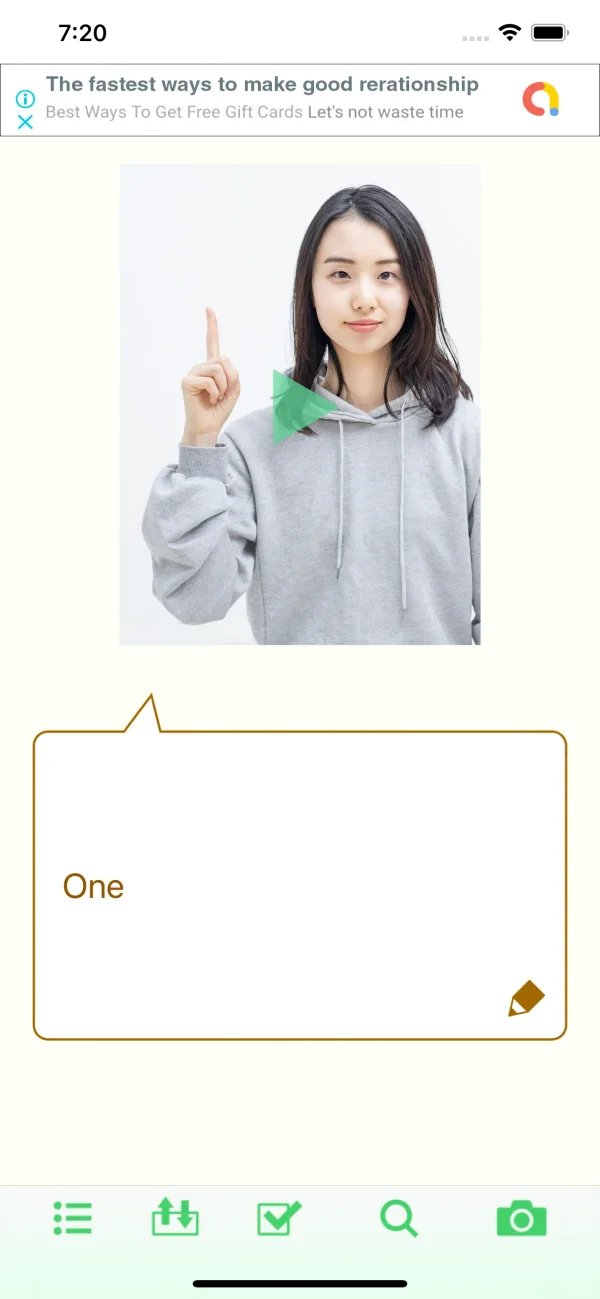
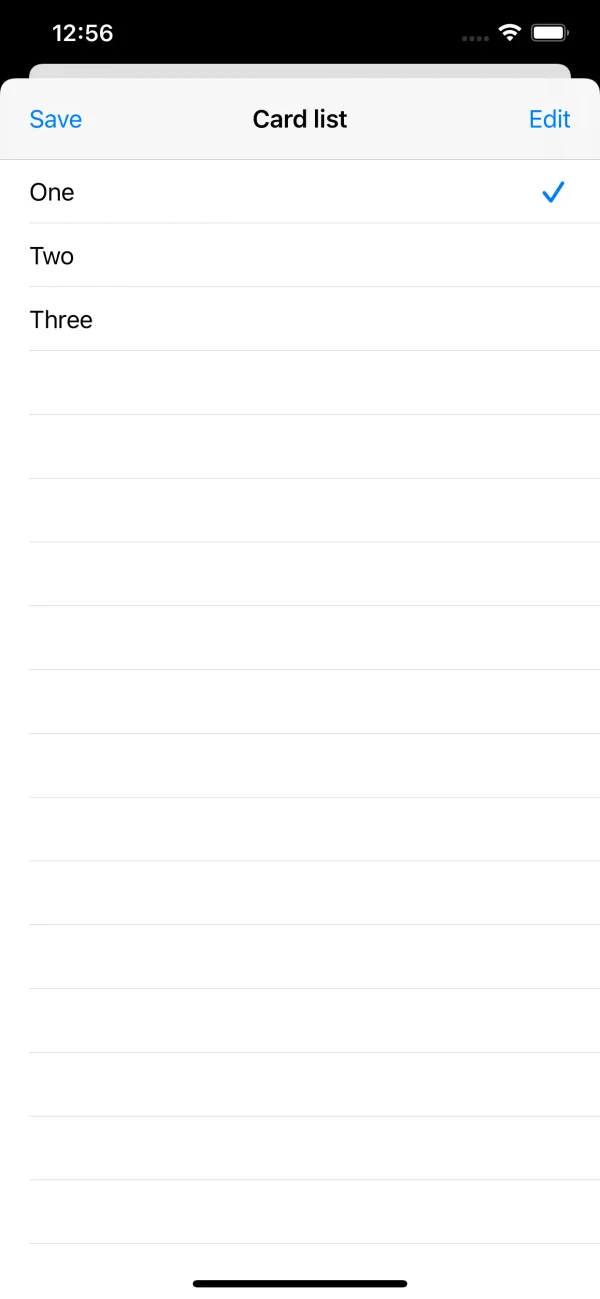
Register "meaning of sign language", "video", and "keywords that express the characteristics of movement".
Registered sign language can be searched by action keyword and video ID in addition to the same semantic search as a normal dictionary.
● Overview of how to use
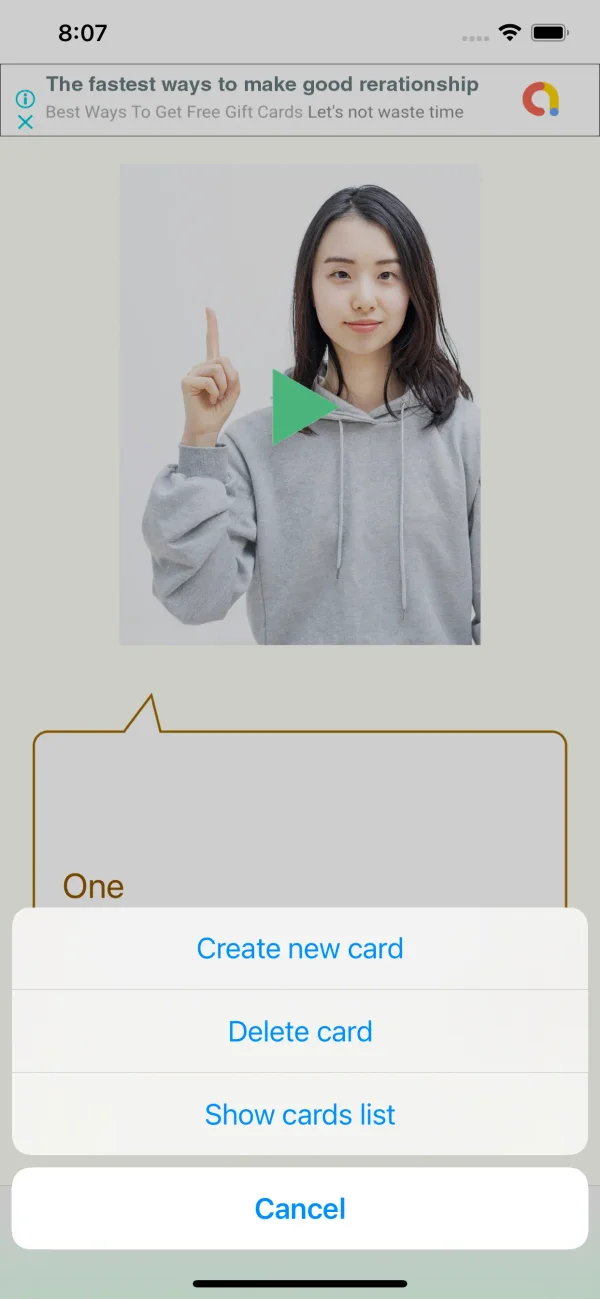
1. Create a new card
Display the menu with the button on the left end of the toolbar and select "Create new card".
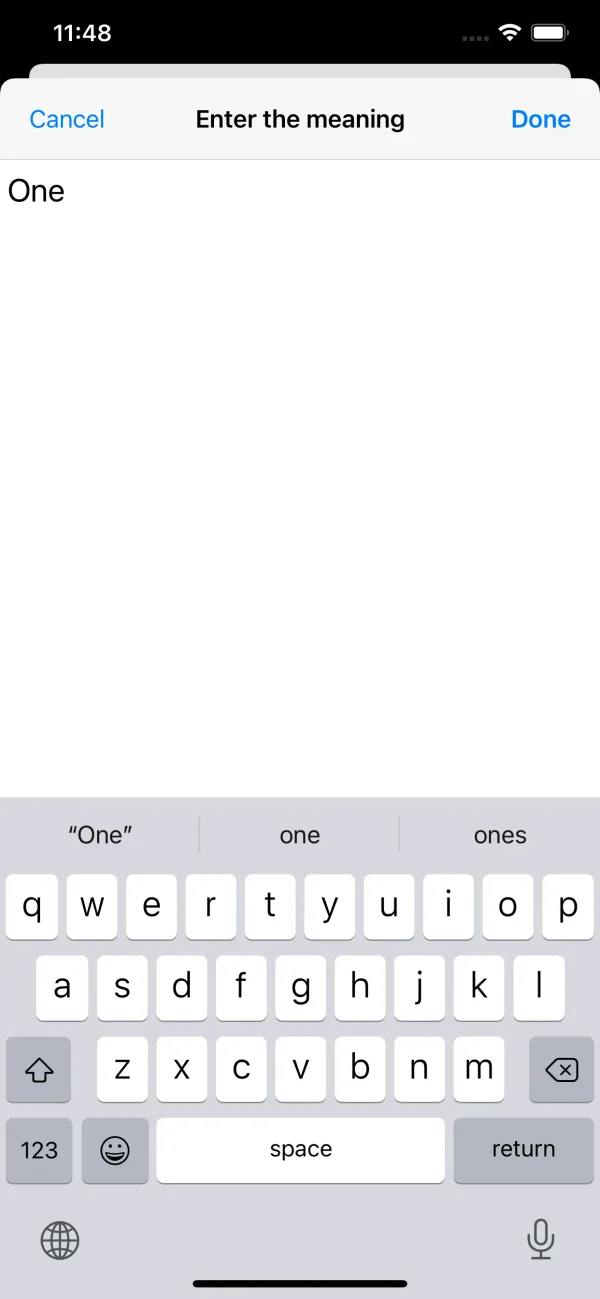
2. Enter meaning
Use the pencil icon button to display the input view and enter the meaning of sign language.
* Be sure to click the "Done" button after entering. Please note that if you close the view without pressing the "Done" button, the words you type will be deleted without being saved.
3. Select the characteristics of the action
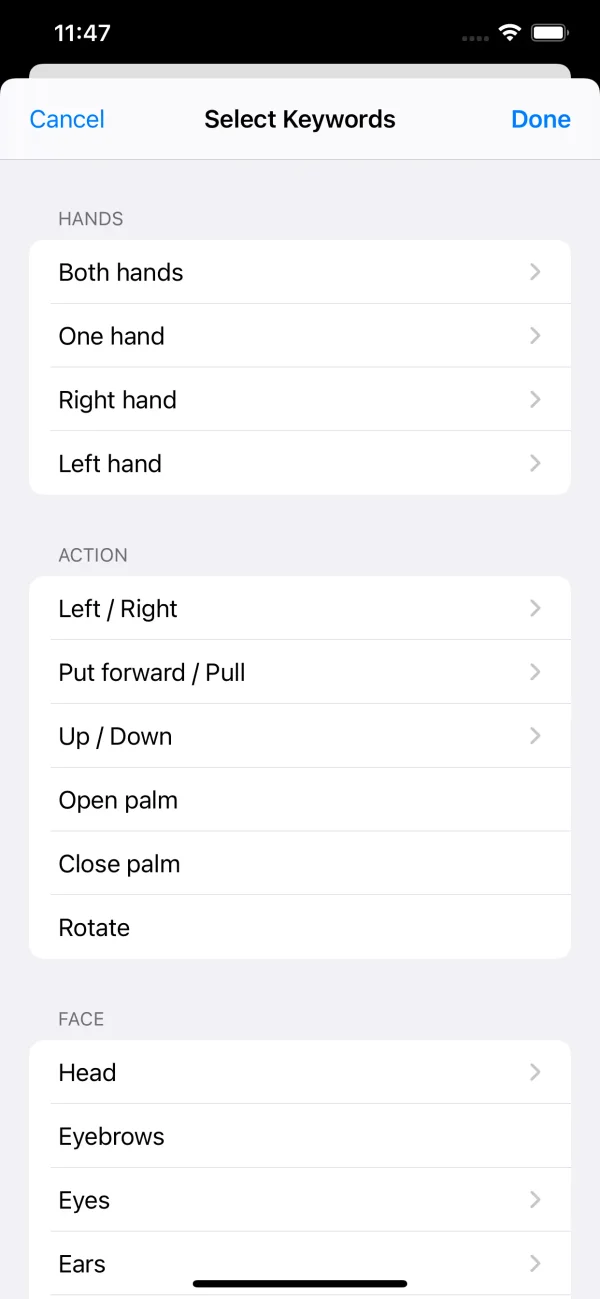
Use the button in the center of the toolbar to set a keyword that represents characteristics of action.
Keywords are selected from hands, hand movements, head, face, chest, belly, arms, etc. to set the body parts and movements to be used.
Features that are not included in the options can be set as free input keywords.
4. Register the video
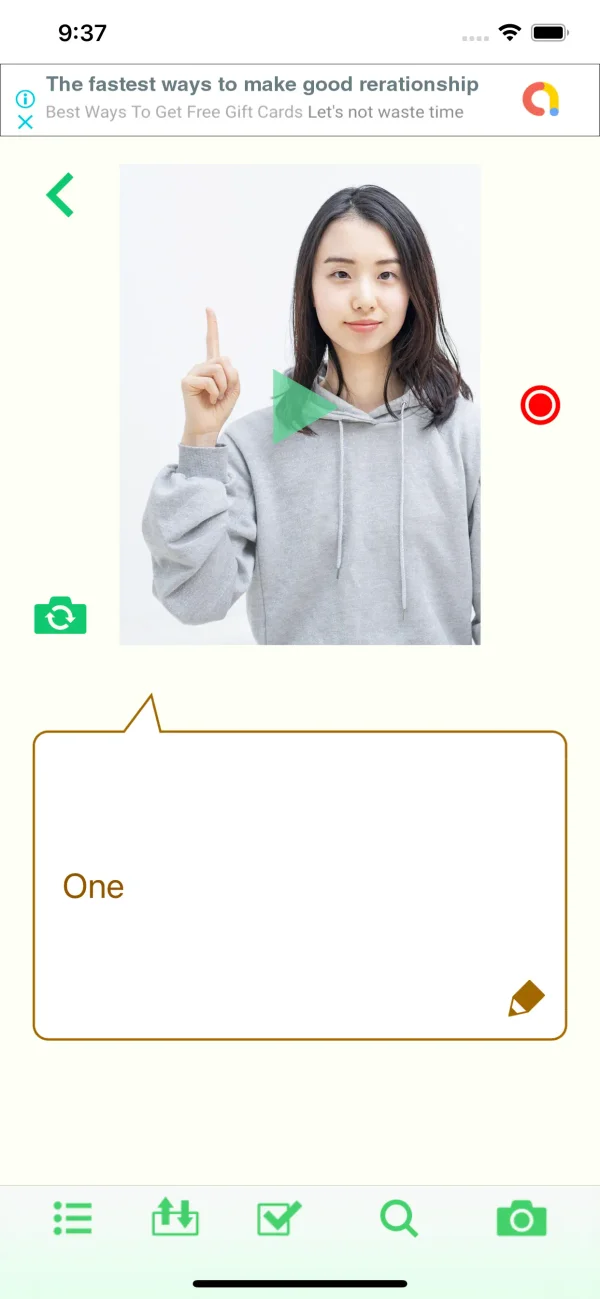
Use the buttons on the far right of the toolbar to perform various operations related to videos.
Videos can be recorded with this app.
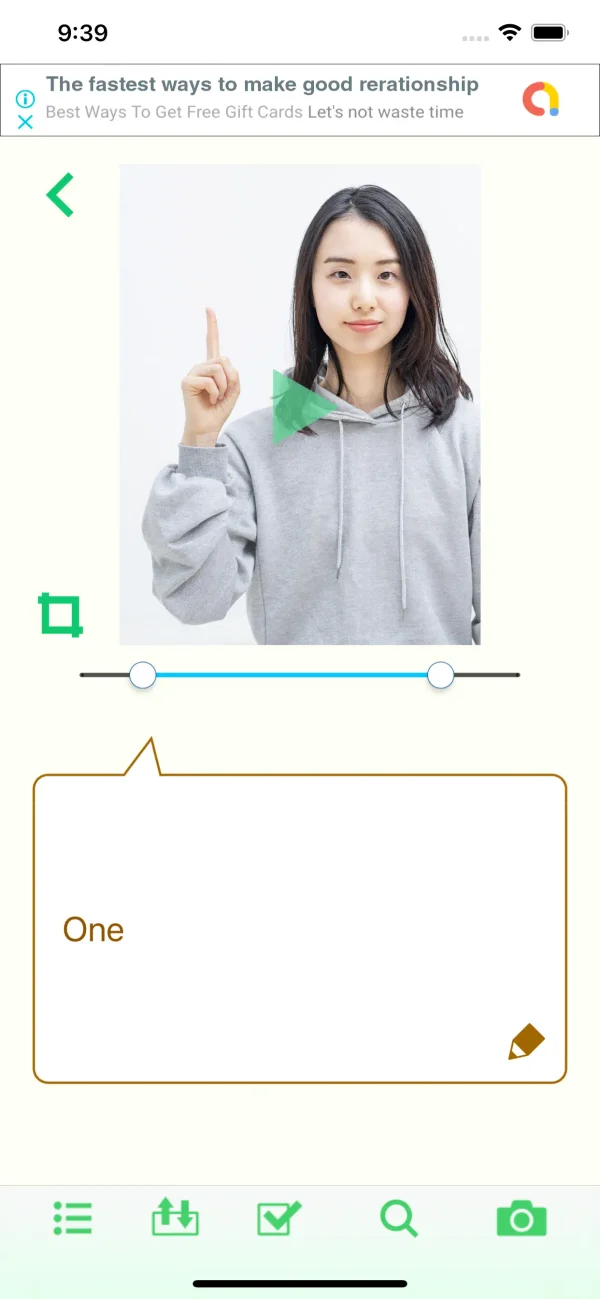
Cut out and register only the necessary part of the recorded video.
Be sure to "save" the recorded video before closing the card.
The video is saved in your iOS library.
You can also load videos recorded by another app saved in your library.
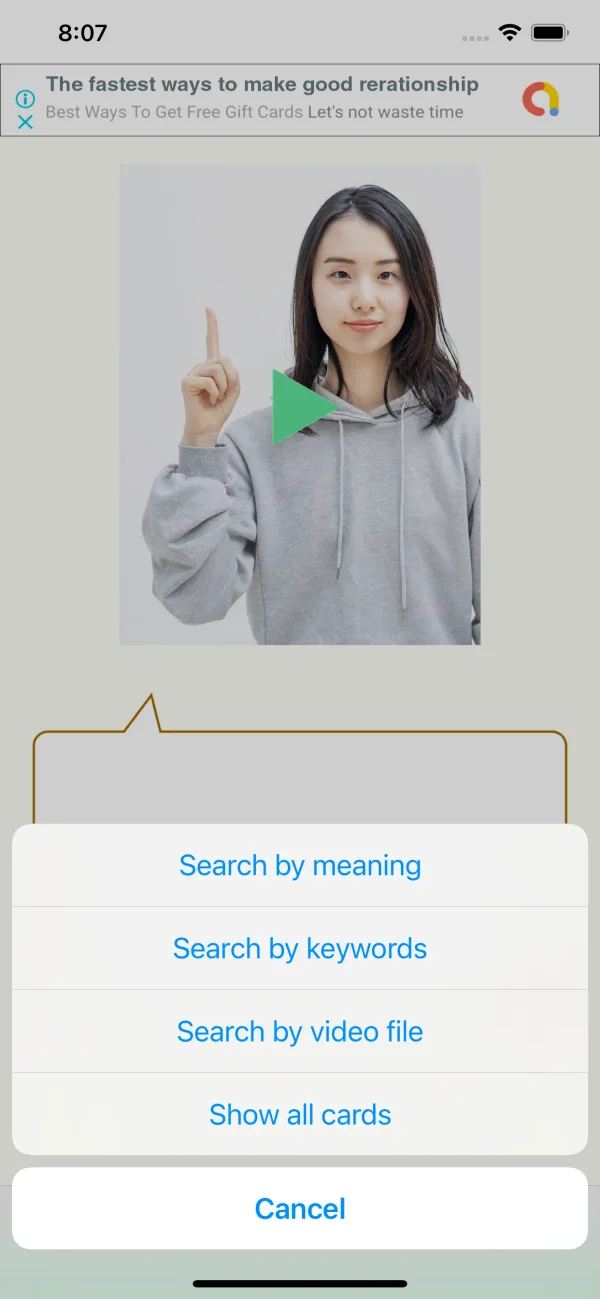
5. Search
You can search for cards by selecting the search method with the second button from the right on the toolbar.
You can search by three methods: "meaning", "features of action", and "video ID".
6. Data export / import
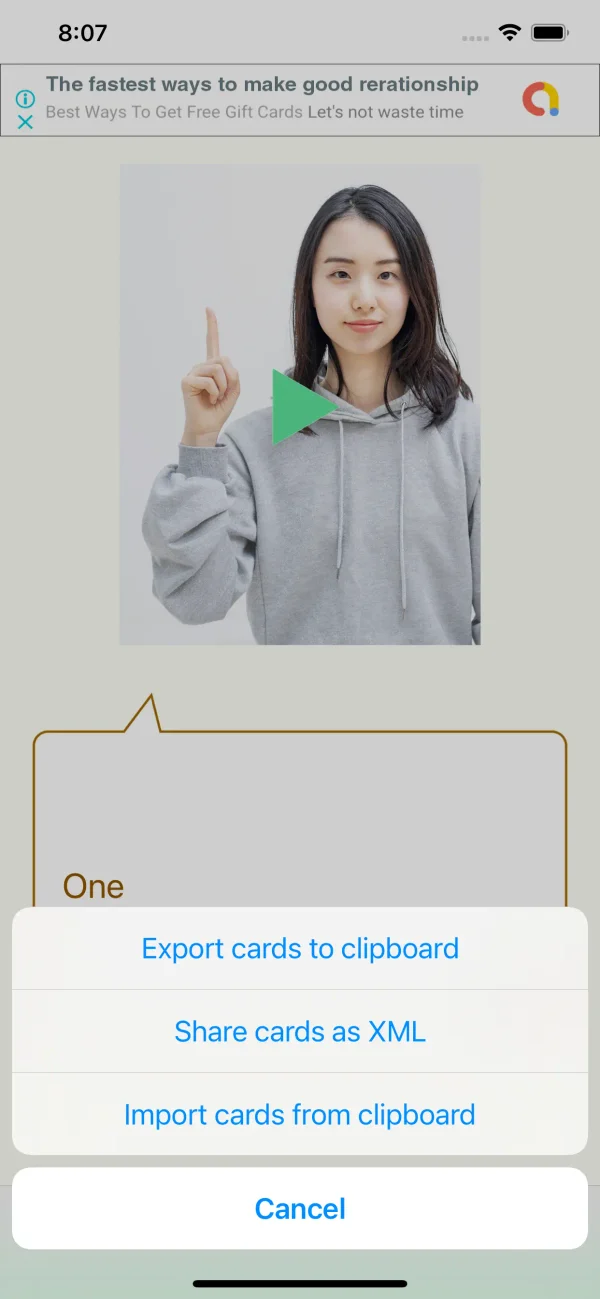
The data on the created card can be exported as text in XML format.
The second button from the left on the toolbar allows you to export to the clipboard or share it as a text file.
The saved file can be converted to card data and imported by selecting this app when opening the file.
What’s new
Version 1.0.9 · Nov 1, 2025
We have updated the app for the latest iOS version.
App privacy
What Satoshi Horiguchi declares on the App Store about how this app handles data.
-
Data used to track you
May be used to track you across apps and websites owned by other companies.
- Location
- Identifiers
- Usage data
- Diagnostics
-
Data linked to you
May be collected and linked to your identity.
- Location
- Identifiers
- Usage data
- Diagnostics
Privacy practices may vary, for example with the features you use or your age.
Information
- Seller
- Satoshi Horiguchi
- Category
- Education
- Version
- 1.0.9
- Updated
- Nov 1, 2025
- Released
- Sep 27, 2020
- Size
- 4.3 MB
- Requires
- iOS 16.0 or later
- Age rating
- 4+
- Price
- Free
- Languages
- English, Japanese
- Copyright
- © Satoshi Horiguchi
You might also like
-
 Signs and CuesASL & Cued Speech
-
 Sign Language TranscriptionLearn to write Signs
-
 Japanese Sign LanguageFinger Alphabet
-
 ISL JourneyLearn Indian Sign Language
-
 ASL Sign LanguageBSL - Sign Language, Learning
-
 International Sign LanguageI love sign language!
-
 Sign Language BibleEducation
-
 BimoX Sign LanguageLearn Malaysian Sign Language
-
 TeachMeSignMaster American Sign Language
-
 NZSL DictionaryReference