
Sign PDF & Document Scanner
Photo Signature: Draw, Capture
Designed for iPhone, iPad
Free · In-app purchases
- Age rating4+
- CategoryBusiness
- DeveloperProcessFlow, Inc.
- LanguagesEnglish+ 42 more
- Size27.4 MB
Links to the official App Store page
Download.org hosts no file of Sign PDF & Document Scanner. The button opens its official App Store page, published by ProcessFlow, Inc. Listing last checked on Nov 28, 2026.
Screenshots

About
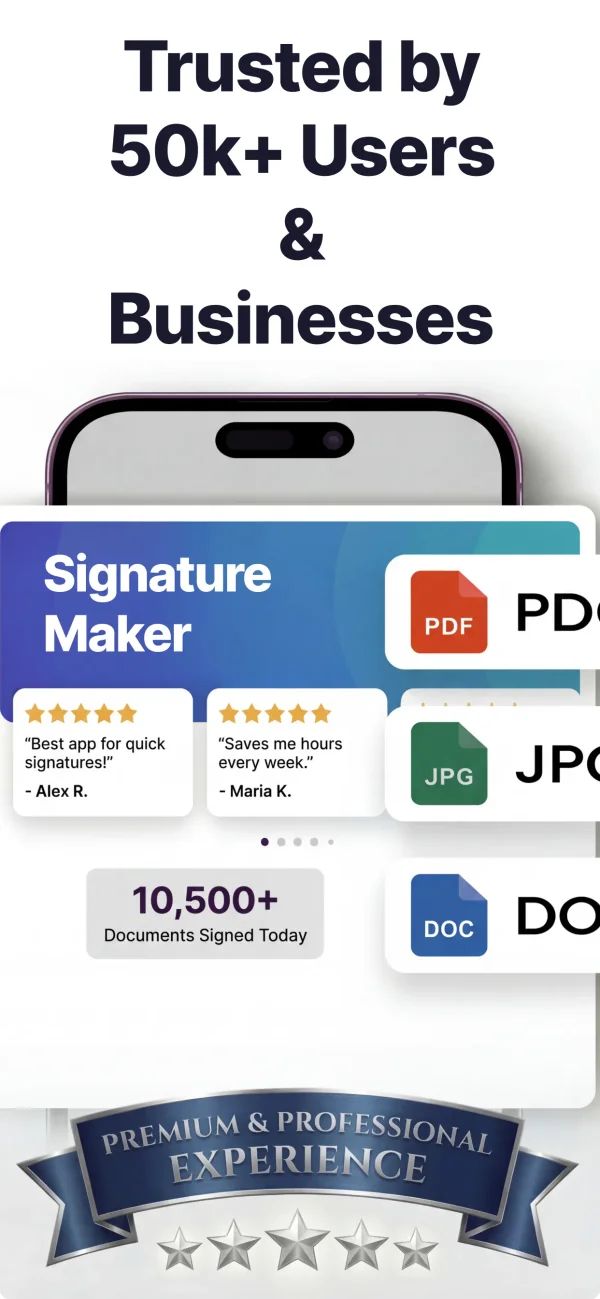
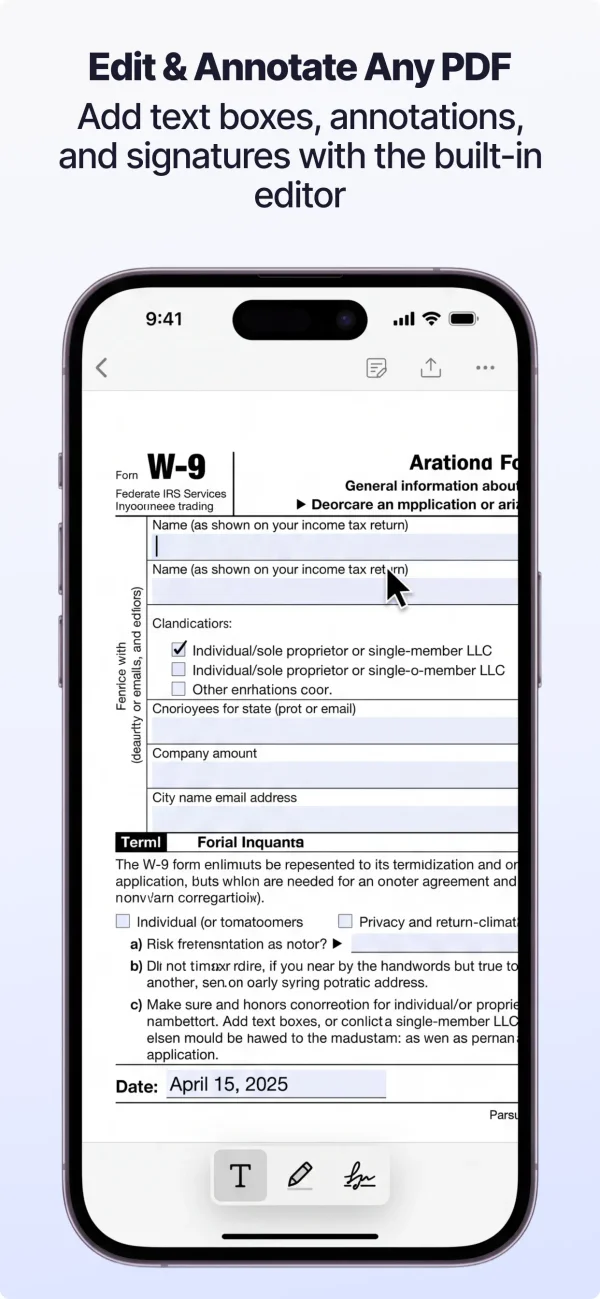
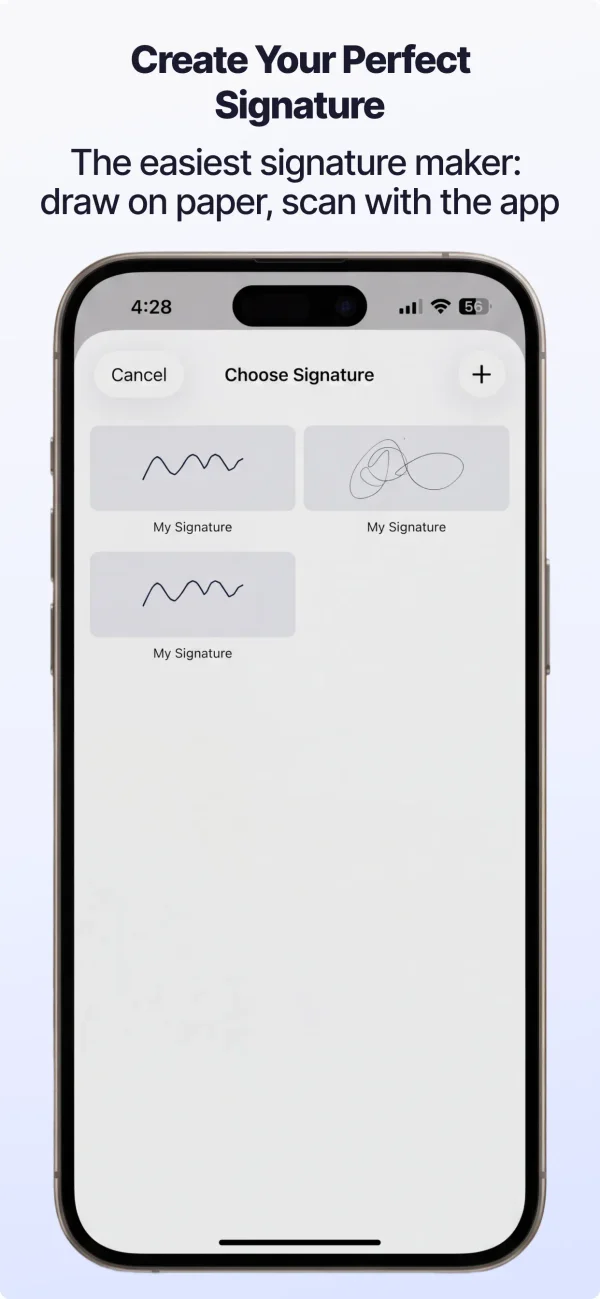
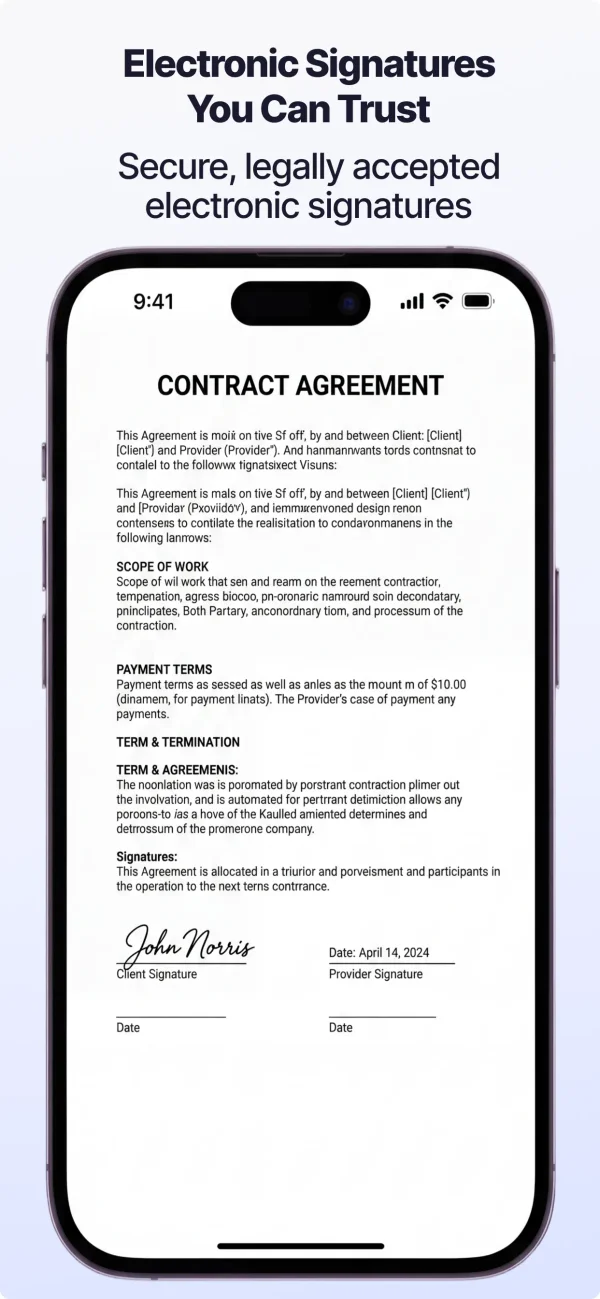
Signature Maker lets you create a professional e-signature from your handwritten signature, then use it to sign PDF documents — all on your device.
HOW IT WORKS
1. Write your signature on paper
2. Take a photo or pick from your library
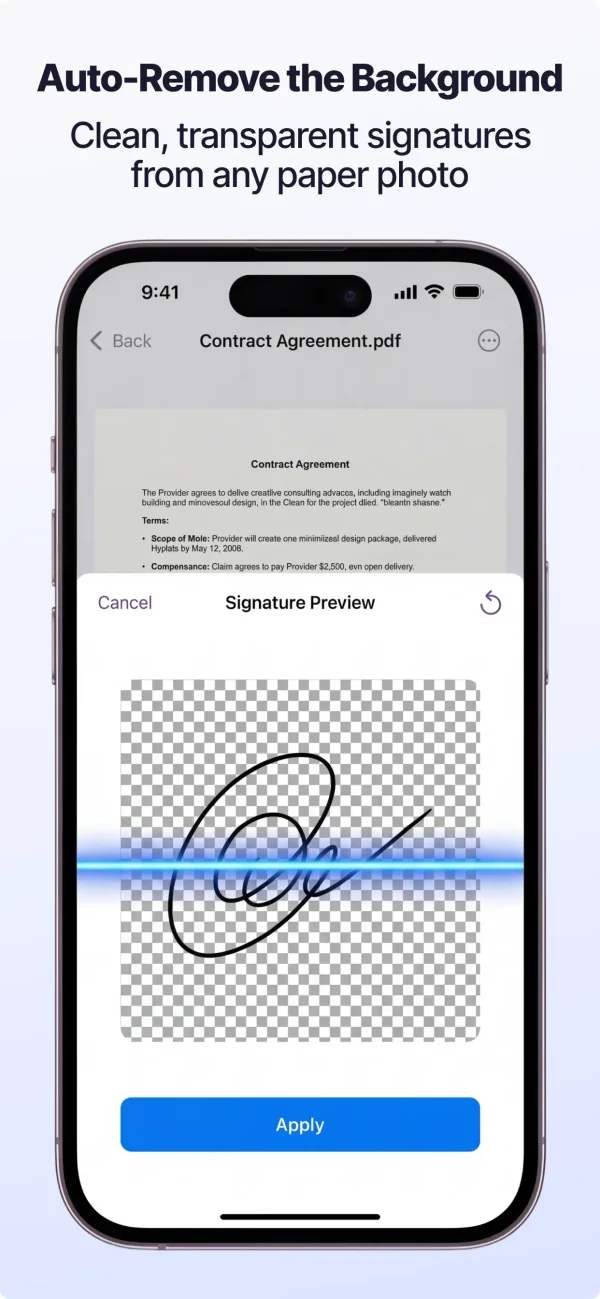
3. AI instantly removes the background
4. Place your signature on any PDF
KEY FEATURES
• Signature Scanner — Capture your real handwritten signature with your camera
• AI Background Removal — Clean, transparent signature in one tap
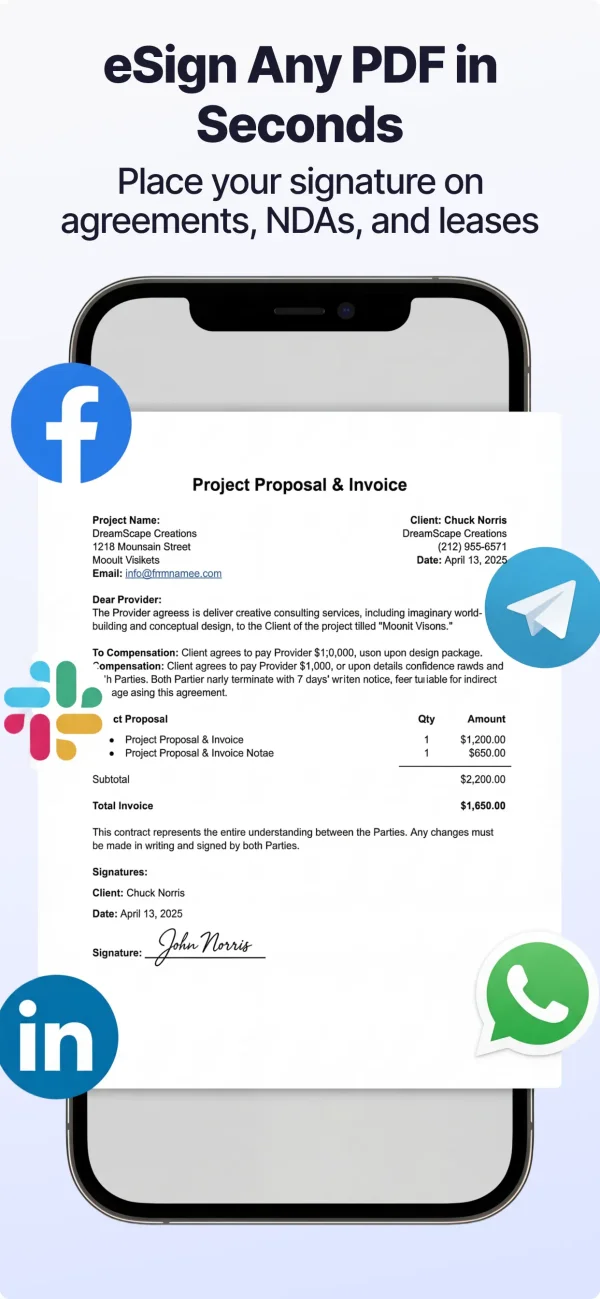
• PDF Signing — Drag & drop your signature onto any PDF
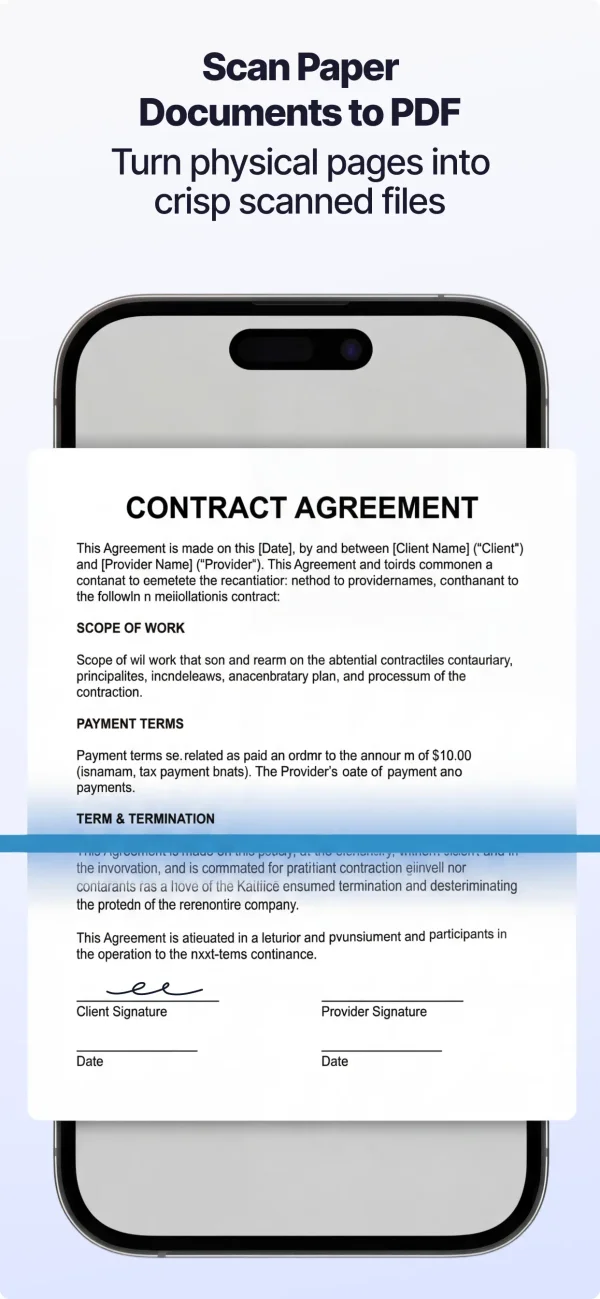
• Document Scanner — Scan physical documents with your camera
• Draw & Write — Add notes and drawings on your documents
• AI Document Review — Get a quick summary before you sign important contracts
• Smart Search — Find documents by searching for words inside them
• Folder Organization — Keep your documents organized
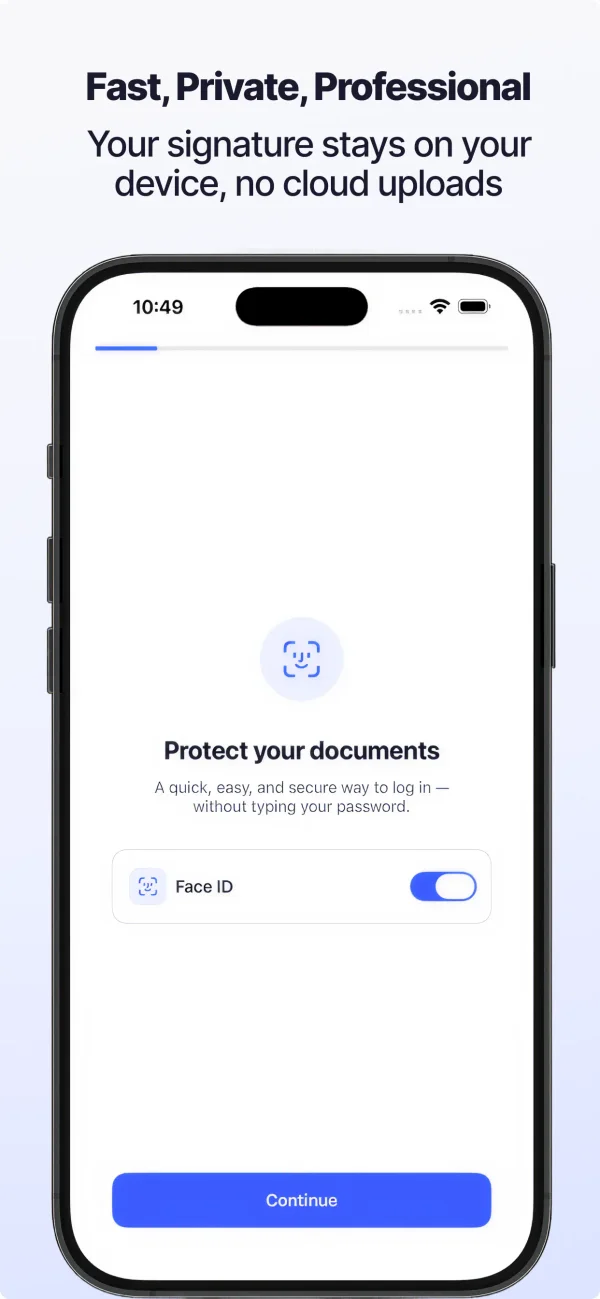
• Face ID / Touch ID — Lock your documents with your face or fingerprint
• 100% Private — No account required. Your signatures and documents never leave your phone
WHY SIGNATURE MAKER?
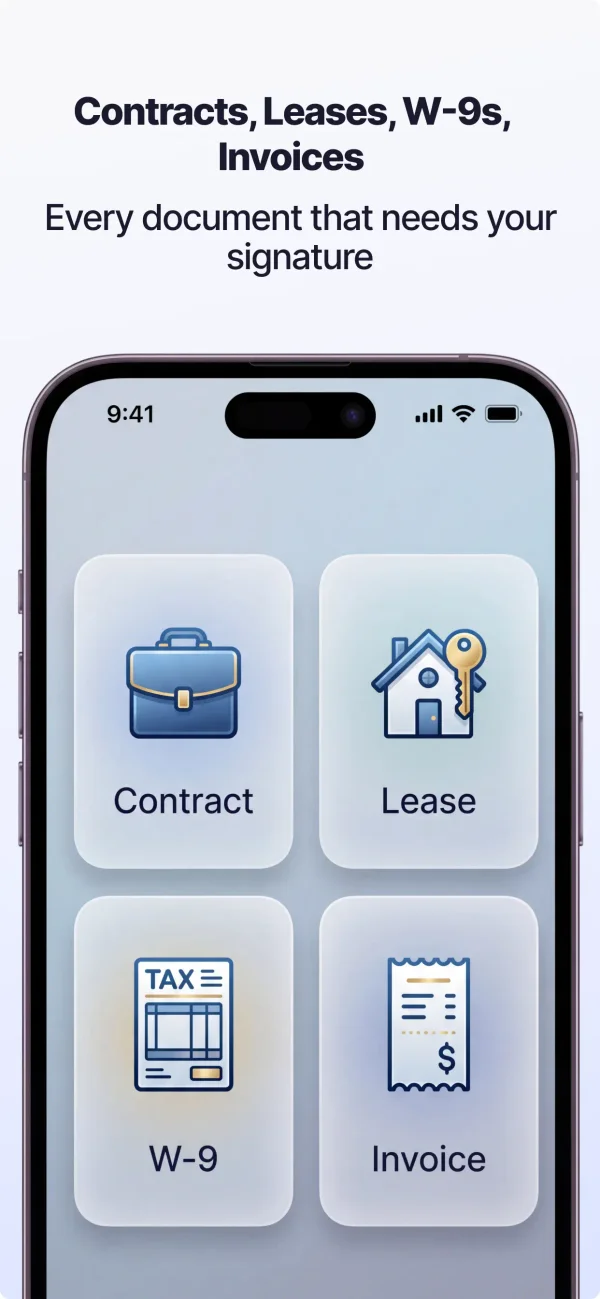
Unlike DocuSign or SignNow, Signature Maker works completely offline with no account required. Your documents stay private on your device. Perfect for signing contracts, forms, invoices, and any PDF that needs your handwritten signature.
SUBSCRIPTION
Signature Maker Pro unlocks signing, scanning, export, smart search, AI review, and drawing tools.
• Weekly: $6.99/week
• Yearly: $39.99/year
Payment will be charged to your Apple ID account at confirmation of purchase. Subscription automatically renews unless canceled at least 24 hours before the end of the current period. Your account will be charged for renewal within 24 hours prior to the end of the current period.
Terms of Use: https://www.apple.com/legal/internet-services/itunes/dev/stdeula/
Privacy Policy: https://signaturemaker.14x.app/en/privacy
What’s new
Version 1.2.3 · Apr 28, 2026
Bug fixes and performance improvements.
App privacy
What ProcessFlow, Inc. declares on the App Store about how this app handles data.
-
Data used to track you
May be used to track you across apps and websites owned by other companies.
- Identifiers
-
Data not linked to you
May be collected but is not linked to your identity.
- Purchases
- Identifiers
- Usage data
- Diagnostics
Privacy practices may vary, for example with the features you use or your age.
Information
- Seller
- ProcessFlow, Inc.
- Category
- Business
- Version
- 1.2.3
- Updated
- Apr 28, 2026
- Released
- Mar 20, 2026
- Size
- 27.4 MB
- Requires
- iOS 17.0 or later
- Age rating
- 4+
- Price
- Free
- In-app purchases
- Yes
- Languages
- English, Arabic, Bengali, Croatian, Czech, Danish, Dutch, Finnish, French, German, Greek, Gujarati + 31 more
- Copyright
- © 2026 ProcessFlow, Inc.