
Sign PDF documents
Edit and archive PDF files
Designed for iPhone, iPad, Mac, iPod touch
Free · In-app purchases
- Age rating4+
- CategoryProductivity
- DeveloperEmanuele Floris
- LanguagesEnglish+ 28 more
- Size19.0 MB
Links to the official App Store page
Download.org hosts no file of Sign PDF documents. The button opens its official App Store page, published by Emanuele Floris. Listing last checked on Nov 20, 2026.
Screenshots
About
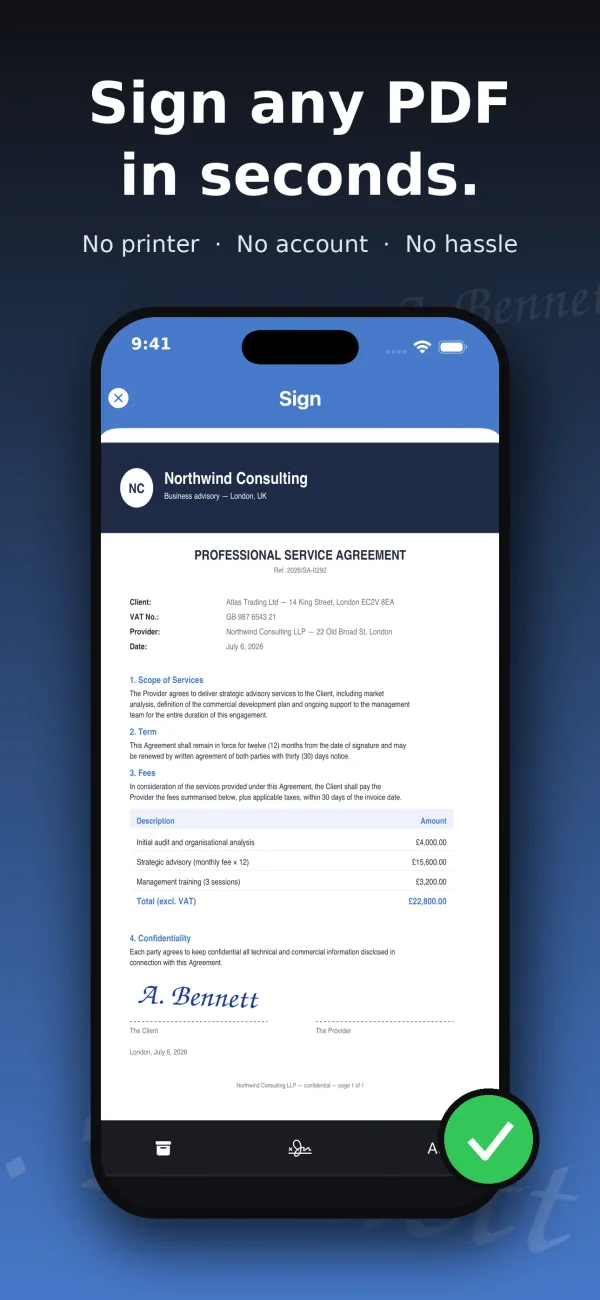
Sign any document in seconds — right from your iPhone and iPad.
Got a contract by email? Sign it and send it back in under a minute: no printer, no scanner, no stress.
SIGN IN 3 SIMPLE STEPS
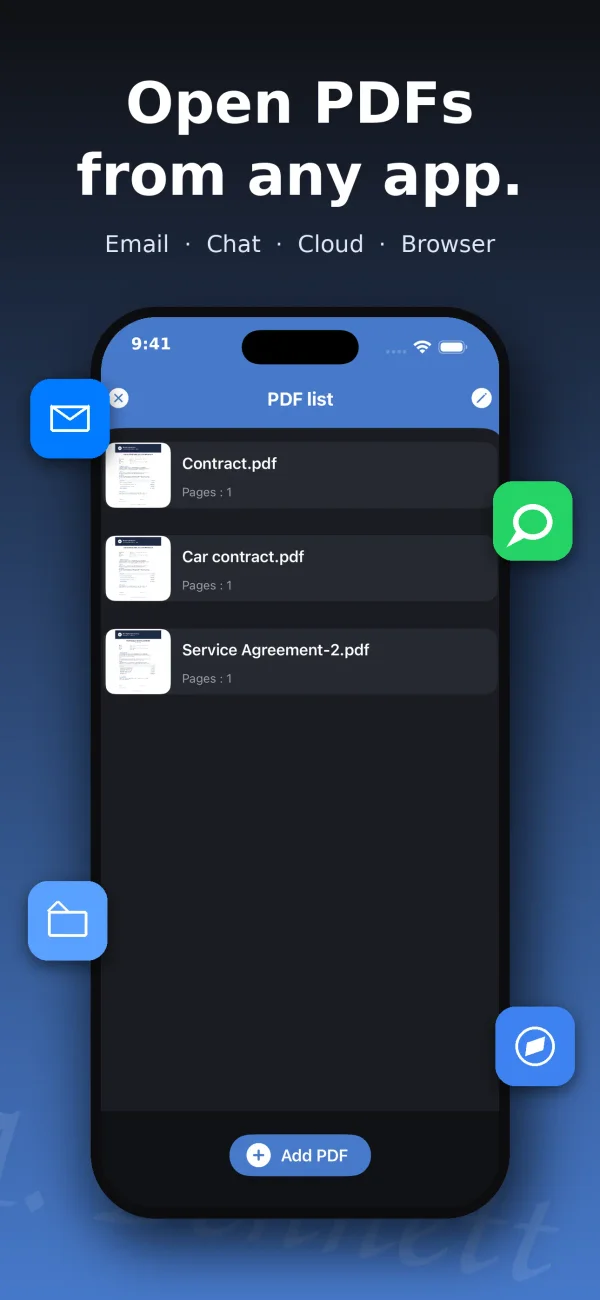
1. Import any PDF or scan a paper document with your camera
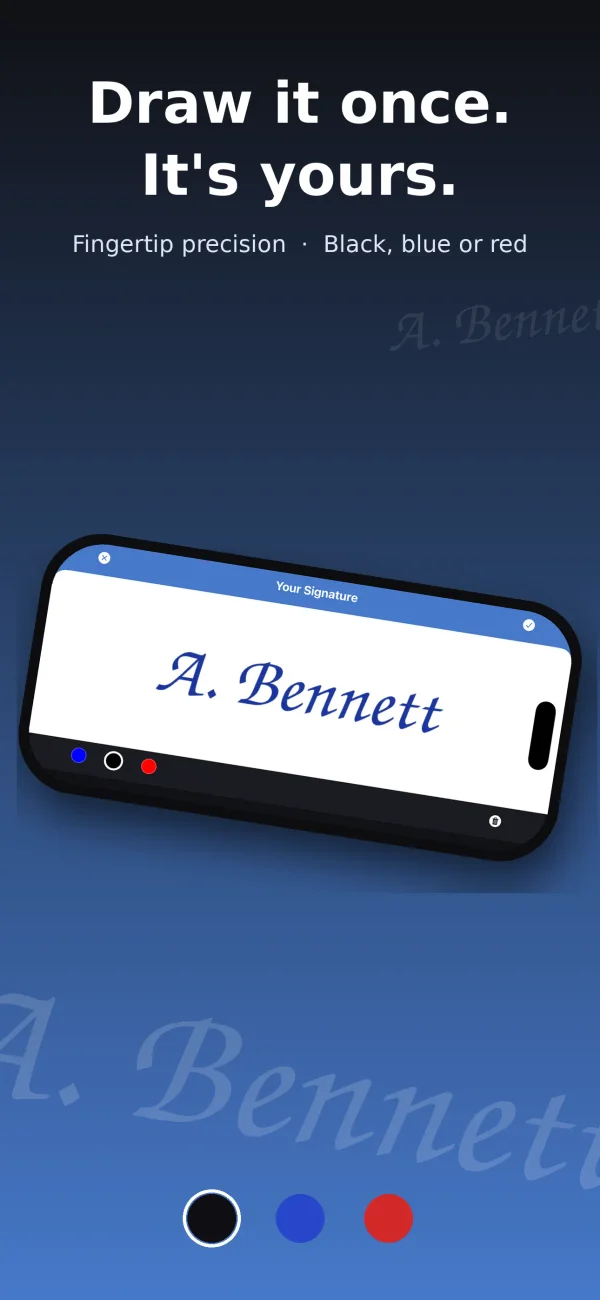
2. Draw your signature with your finger — save it once, reuse it forever
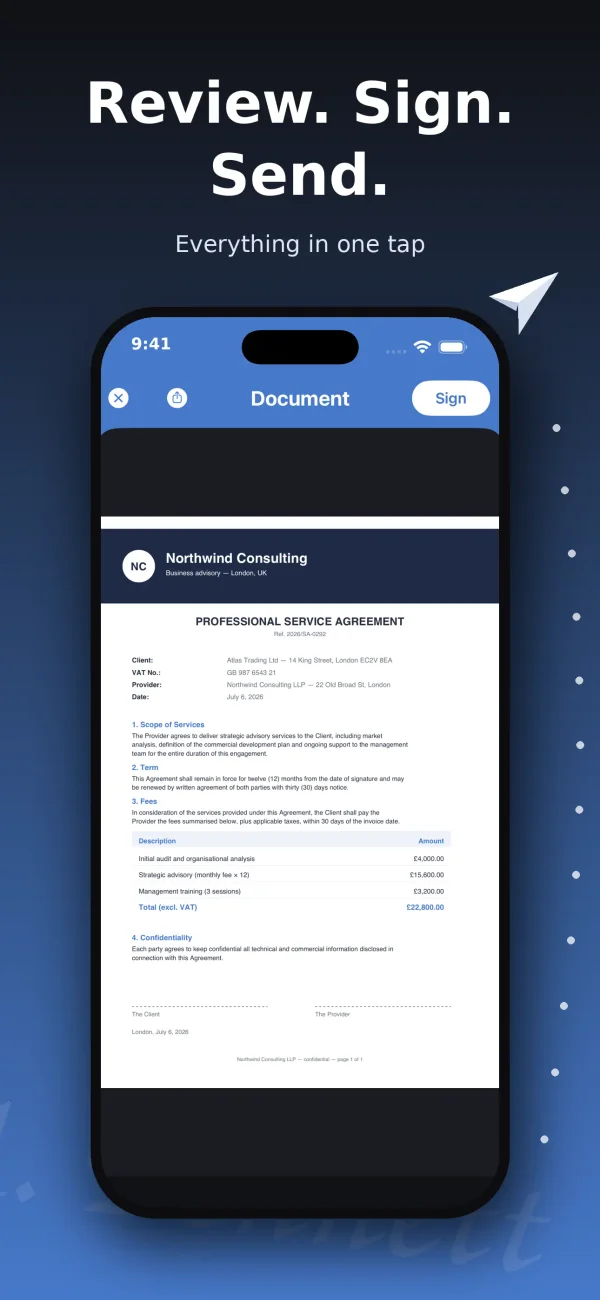
3. Place it on the document, save and share
EVERYTHING YOU NEED
• Create and save multiple signatures and your initials
• Built-in scanner: turn paper into a signable PDF
• Add text and today's date with one tap
• Fill and sign contracts, forms, quotes and leases
• Sign multi-page documents, page by page
• Your documents never leave your device: private and secure
• Works offline — no account, no registration
Perfect for freelancers, small businesses, real estate agents, HR — and anyone who hates printers.
Download Sign PDF and sign your first document in less than a minute!
Unlock all Sign PDF Pro features by choosing the plan that best fits your needs:
Auto-Renewing Subscriptions
* Monthly: Full access to all Pro features.
* Yearly: Full access with a 3-day free trial.
Subscription Details:
* Payment will be charged to your iTunes account at confirmation of purchase.
* Subscriptions automatically renew unless auto-renew is turned off at least 24 hours before the end of the current period.
* Your account will be charged for renewal within 24 hours prior to the end of the current period.
* You can manage your subscriptions and turn off auto-renewal by going to your Account Settings after purchase.
* Any unused portion of a free trial period, if offered, will be forfeited when you purchase a subscription.
One-Time Purchase
* Lifetime Access: A one-time payment for lifetime access to all Pro features of Sign PDF. No recurring fees.
Pro features include: unlimited signed documents, built-in document scanner, and an ad-free experience.
Legal Information
* Privacy Policy: https://www.freeprivacypolicy.com/privacy/view/000ea101de4e771dc9cc10e883deab0c
* Terms of Use: https://www.apple.com/legal/internet-services/itunes/dev/stdeula/
What’s new
Version 5.0 · Aug 1, 2026
• Sign multiple pages of the same PDF in one go
• New page indicator and thumbnail grid to jump straight to the right page
• Improved design and many small fixes
App privacy
What Emanuele Floris declares on the App Store about how this app handles data.
-
Data used to track you
May be used to track you across apps and websites owned by other companies.
- Location
- Identifiers
- Usage data
- Diagnostics
-
Data linked to you
May be collected and linked to your identity.
- Location
- Identifiers
- Usage data
- Diagnostics
Privacy practices may vary, for example with the features you use or your age.
Information
- Seller
- Emanuele Floris
- Category
- Productivity
- Version
- 5.0
- Updated
- Aug 1, 2026
- Released
- Jul 1, 2015
- Size
- 19.0 MB
- Requires
- iOS 15.0 or later
- Age rating
- 4+
- Price
- Free
- In-app purchases
- Yes
- Languages
- English, Arabic, Czech, Danish, Dutch, Finnish, French, German, Greek, Hebrew, Hindi, Hungarian + 17 more
- Copyright
- © Skylab Software
You might also like
-
 Sign Documents - eSign PDFScan, Edit & Share! Scanner
-
 Signeasy: Sign PDF DocumentsFill & eSign Docs, Contracts
-
 JetSign: Fill & Sign PDF DocsForm Filler, e-Signature App
-
 Signature Maker & Esign NowSign,edit and scan documents
-
 Sign Documents: SignicaYour Signature, Digitized
-
 e-signature app SIGNplyeSign verified by Adobe Reader
-
 PDF Editor Docs files scannerRead Scan & write PDF files
-
 PDFEsign.com PDF E-SignPDFEsign.com PDF E-Sign
-
 Word to PDF Converter - ReaderConvert PDF to Word,JPG to PDF
-
 SignNow: e-Signature appSign documents & PDF forms