Sign PDF Documents & Scanner
eSign Forms, Signature Maker
Designed for iPhone
In-app purchases
- Age rating4+
- CategoryBusiness
- DeveloperYan Ramanovich
- LanguagesSpanish+ 22 more
- Size29.4 MB
Links to the official App Store page
Download.org hosts no file of Sign PDF Documents & Scanner. The button opens its official App Store page, published by Yan Ramanovich. Listing last checked on Nov 22, 2026.
Screenshots
About
eSigny is an easy e-signature app that turns your iPhone into a fast tool for signing PDF documents. Import a file, scan a paper document, create your signature once, and sign contracts, forms, invoices, agreements, and other documents in seconds.
No account. No cloud upload. No server processing. Your documents and signatures stay on your device unless you choose to share them.
KEY FEATURES:
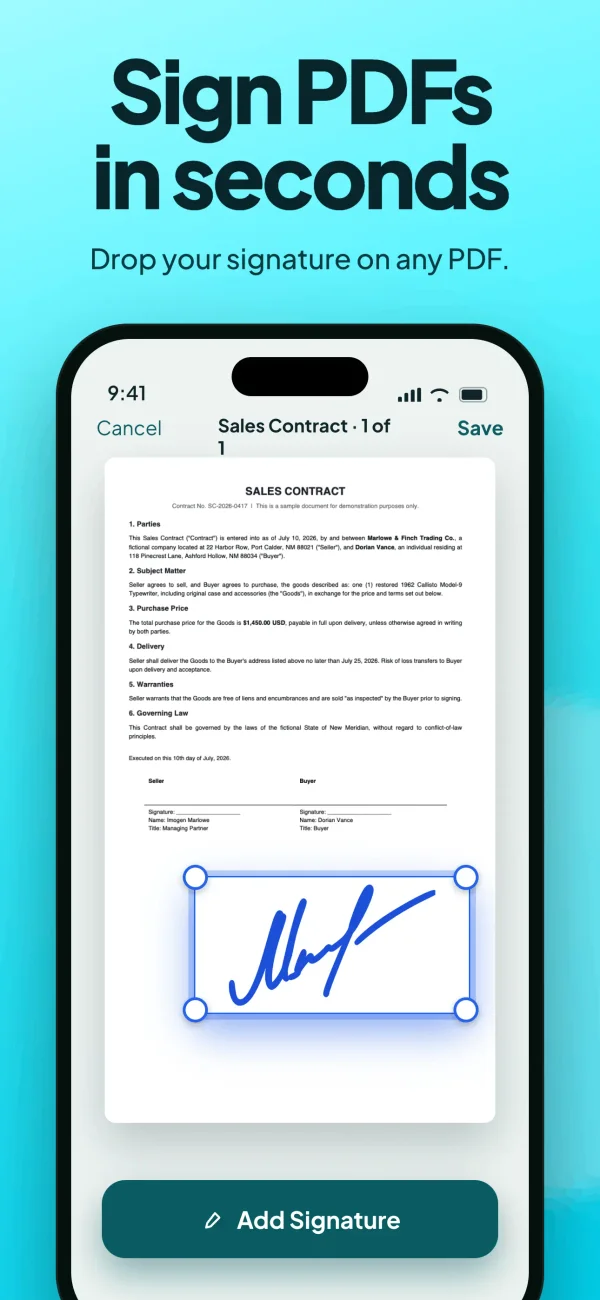
— Sign PDF documents in seconds
Open a document, tap where you want to place your signature, then move, resize, and adjust it before saving.
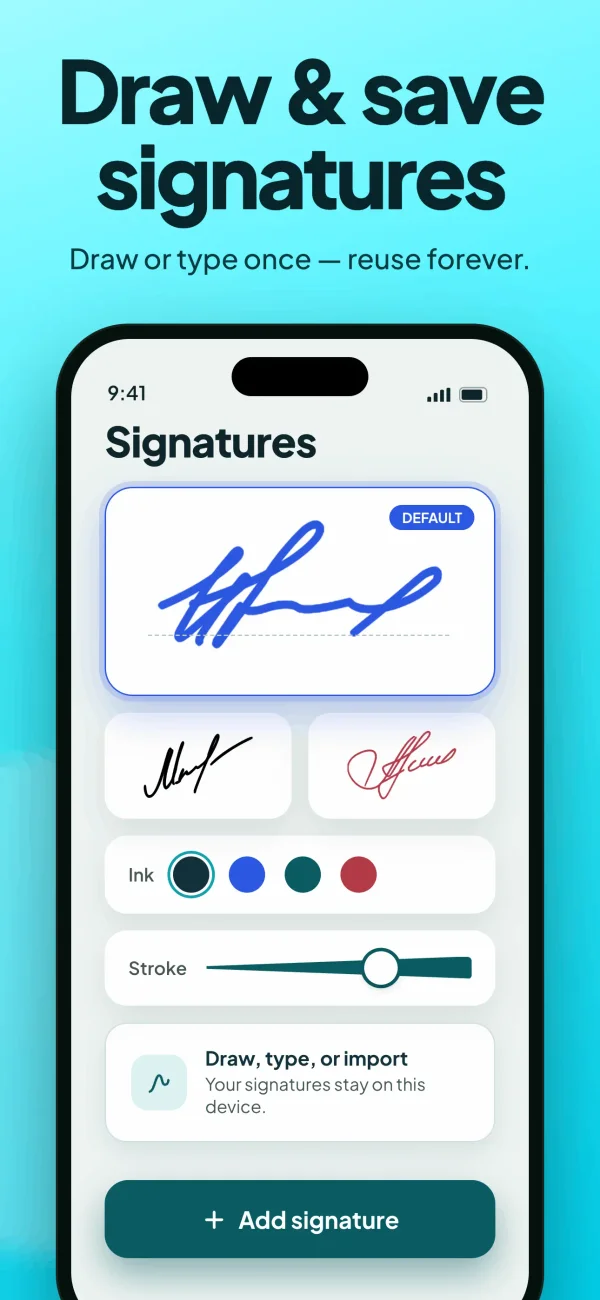
— Create and save signatures
Draw your signature with your finger, choose stroke thickness and color, save it to your signature library, and reuse it anytime.
— Multiple signatures
Keep up to 10 signatures for different needs: personal signature, initials, work signature, or other saved variants.
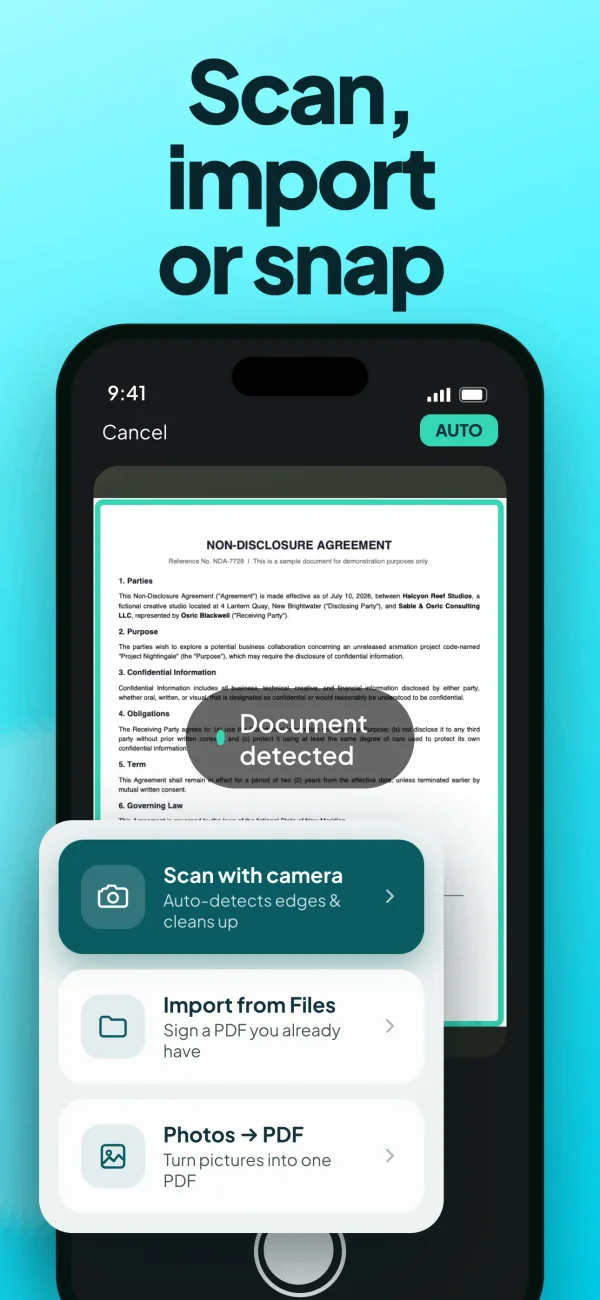
— Import, scan, and convert to PDF
Import PDF files, add photos from your gallery, or scan paper documents directly in the app. Photos are automatically converted into PDF files.
— Built-in document scanner
Scan all pages with automatic edge detection, cropping, and filters: color, black and white, or grayscale.
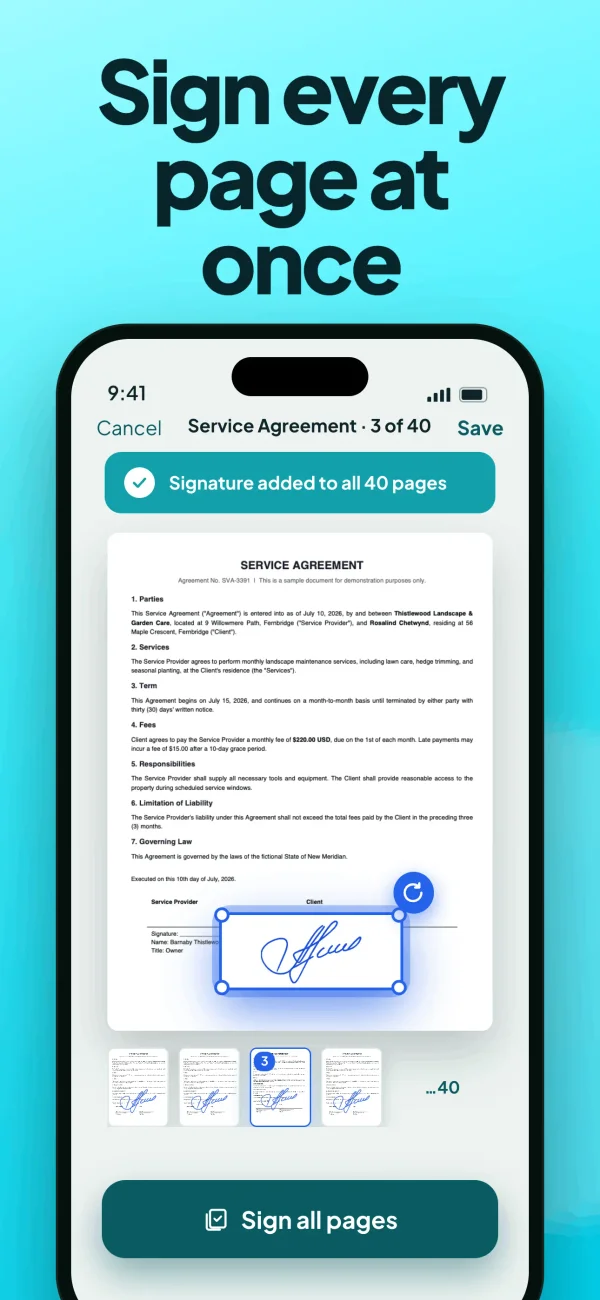
— Sign all pages at once
Add your signature to every page of a multi-page document with one tap. Perfect for long contracts, agreements, and forms.
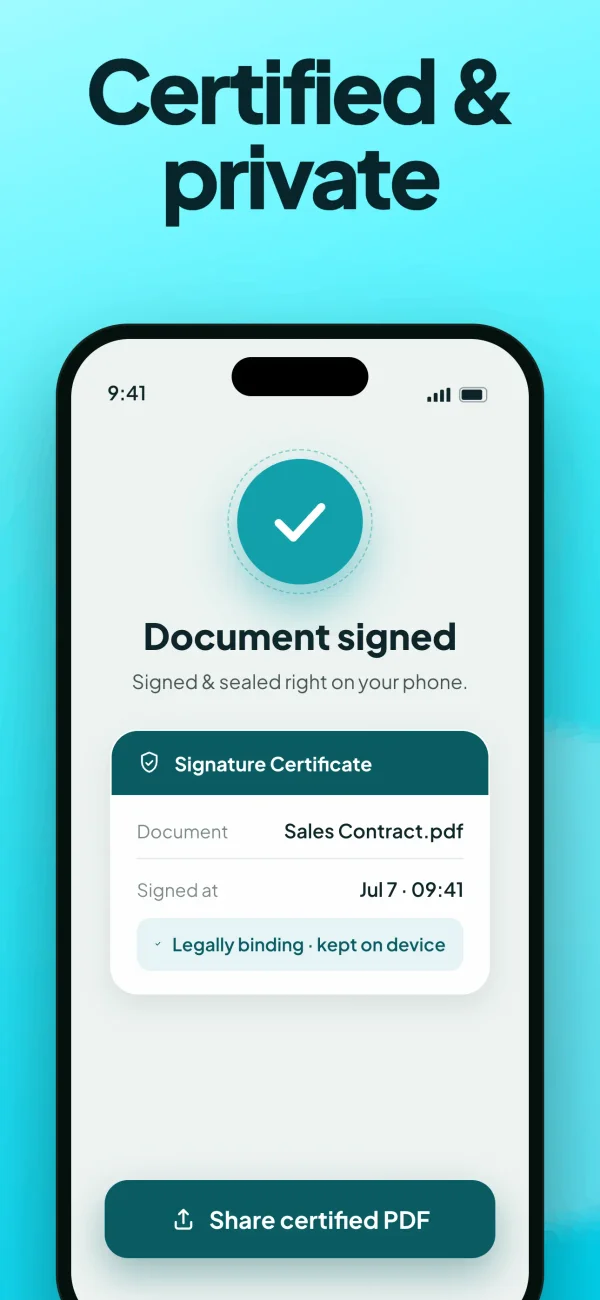
— Signing certificate
After signing, eSigny creates a certificate with the document name, date and time, and a note that the document is stored only on this iPhone.
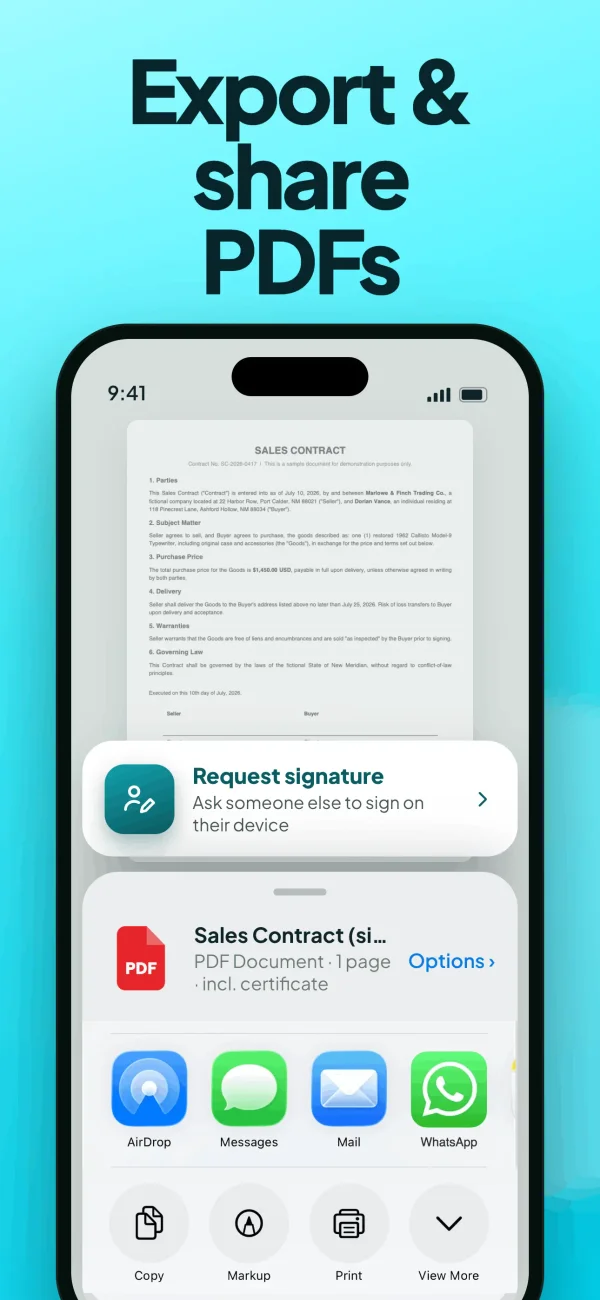
— Share finalized PDF files
Send signed documents via Mail, AirDrop, WhatsApp, Messages, or any other app. You can also save files to Files or print them.
— Request a signature
Send a document to another person when you need them to sign it.
— Privacy by default
All documents and signatures are stored locally on your device. Nothing leaves your iPhone without your action.
eSigny is useful for freelancers, small business owners, students, employees, and anyone who needs to sign documents quickly without printing or scanning.
Subscription Plans:
• 1-week subscription
• 12-month subscription
Auto-Renewal Information:
— Payment will be charged to your Apple ID account upon confirmation of purchase.
— Subscriptions renew automatically unless auto-renew is turned off at least 24 hours before the end of the current period.
— Your account will be charged for renewal within 24 hours before the end of the current period.
— You can manage or cancel your subscription in your App Store account settings after purchase.
— Any unused portion of a free trial, if offered, will be forfeited when a subscription is purchased.
Terms of Service: https://www.apple.com/legal/internet-services/itunes/dev/stdeula/
Contact: apps.yanramanovich@gmail.com
What’s new
Version 1.2.0 · Nov 22, 2026
Stamps are now in eSigny. Take a photo of a stamp, save it without the background, and use it again on your PDFs. You can also import handwritten signatures from Photos or Files.
App privacy
What Yan Ramanovich declares on the App Store about how this app handles data.
-
Data not linked to you
May be collected but is not linked to your identity.
- Usage data
- Diagnostics
Privacy practices may vary, for example with the features you use or your age.
Information
- Seller
- Yan Ramanovich
- Category
- Business
- Version
- 1.2.0
- Updated
- Nov 22, 2026
- Released
- Aug 2, 2026
- Size
- 29.4 MB
- Requires
- iOS 26.0 or later
- Age rating
- 4+
- In-app purchases
- Yes
- Languages
- Spanish, German, Czech, Simplified Chinese, Danish, Finnish, French, Hebrew, Hindi, Indonesian, English, Italian + 11 more
- Copyright
- © Yan Ramanovich
You might also like
-
 Sign Documents: Signature AppeSign Docs - PDF Signing
-
 PDF Scanner・Editor・eSign・PhotoSignature・Document Reader・JPG
-
 PDF Signature & EditorSign & Edit PDF Documents
-
 PDF Signature: Sign & FillFill & sign documents fast
-
 AI PDF: Scan, Edit & SignScan, Edit & Sign PDFs
-
 Signature AI - Sign designsCreate signatures in seconds
-
 Sign documents: SwiftSignDigital Signature & PDF Sign
-
 PDF Scanner and Editor +PDF Scan, Edit, Fill and Sign
-
 AI Signature Maker & PDF SignSign PDFs, Scan & Fill Offline
-
 Convert PDF • Scan & CompressImage, Gif, Video compressor