Sign PDF Documents - TapSign
Signature App – eSign & Scan
Designed for iPhone, iPad
Free · In-app purchases
- Age rating4+
- CategoryBusiness
- DeveloperALLEN DEV LLC
- LanguagesEnglish
- Size66.7 MB
Links to the official App Store page
Download.org hosts no file of Sign PDF Documents - TapSign. The button opens its official App Store page, published by ALLEN DEV LLC. Listing last checked on Nov 16, 2026.
Screenshots
About
Sign PDF documents, send them for signature, scan paper documents and verify completed signatures — all from one simple app.
TapSign makes electronic signatures simple. Create your signature once, add it to documents in seconds, request signatures from others, track progress and keep your completed documents organized.
1. SIGN PDF DOCUMENTS
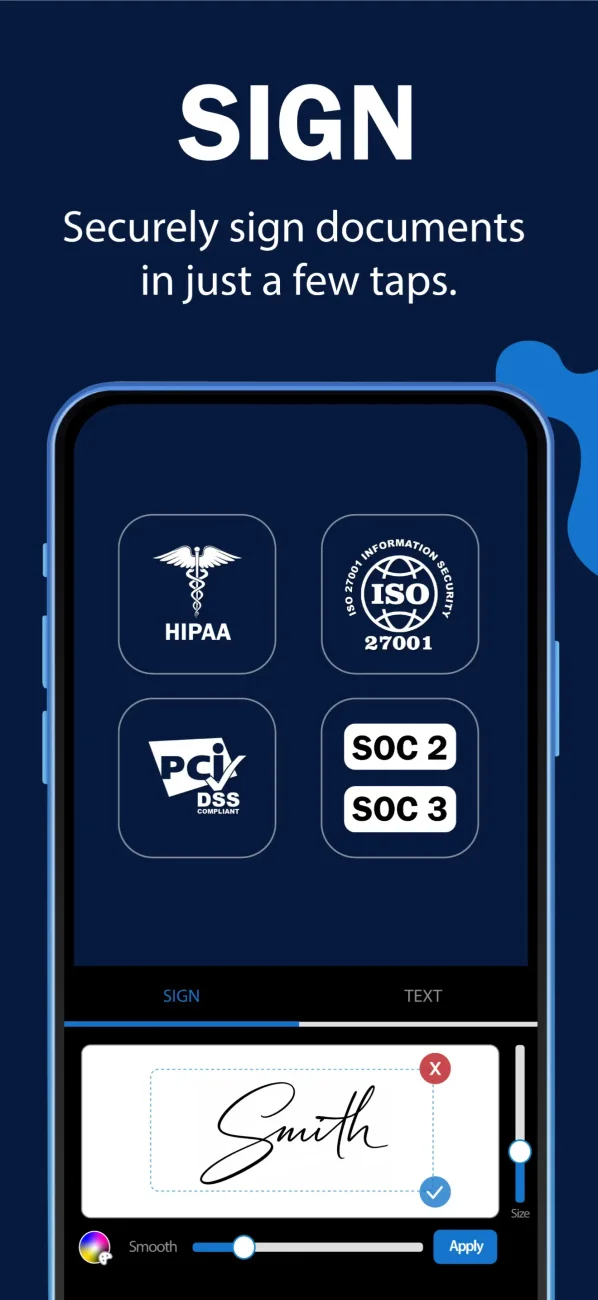
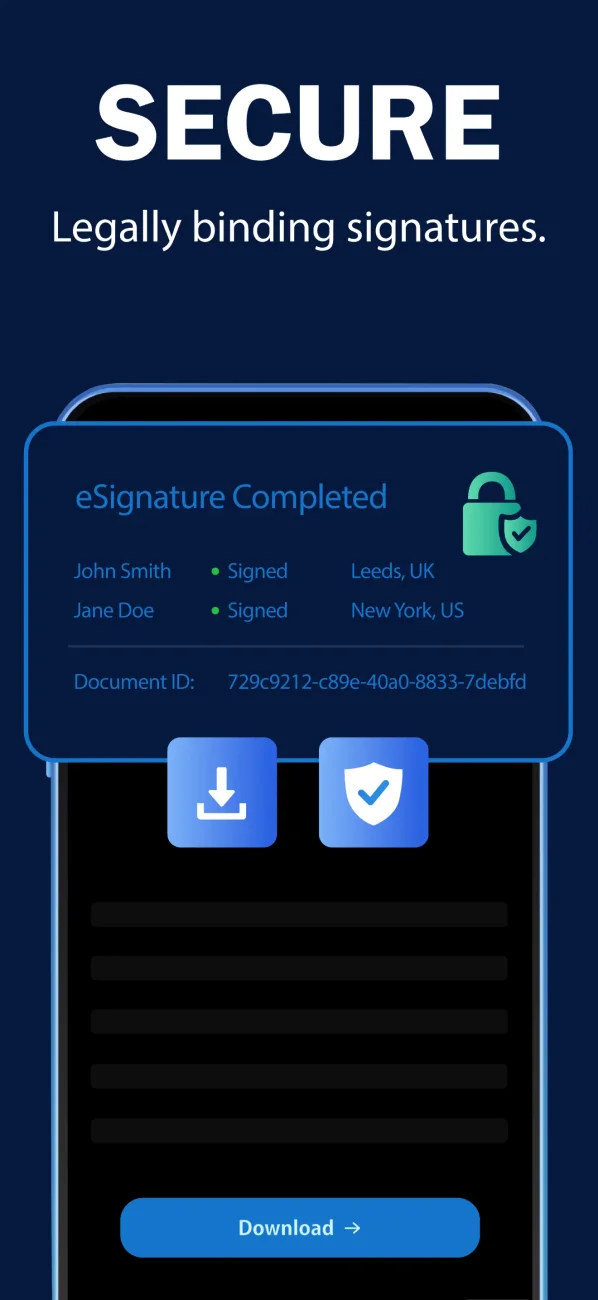
Open a PDF and add your signature, initials, date, text or checkboxes exactly where you need them. Resize, reposition and reuse your saved signature whenever you need it.
2. SIGNATURE MAKER
Create a handwritten electronic signature directly on your iPhone or iPad. Save your signature and initials for quick reuse across your documents.
3. SEND FOR SIGNATURE
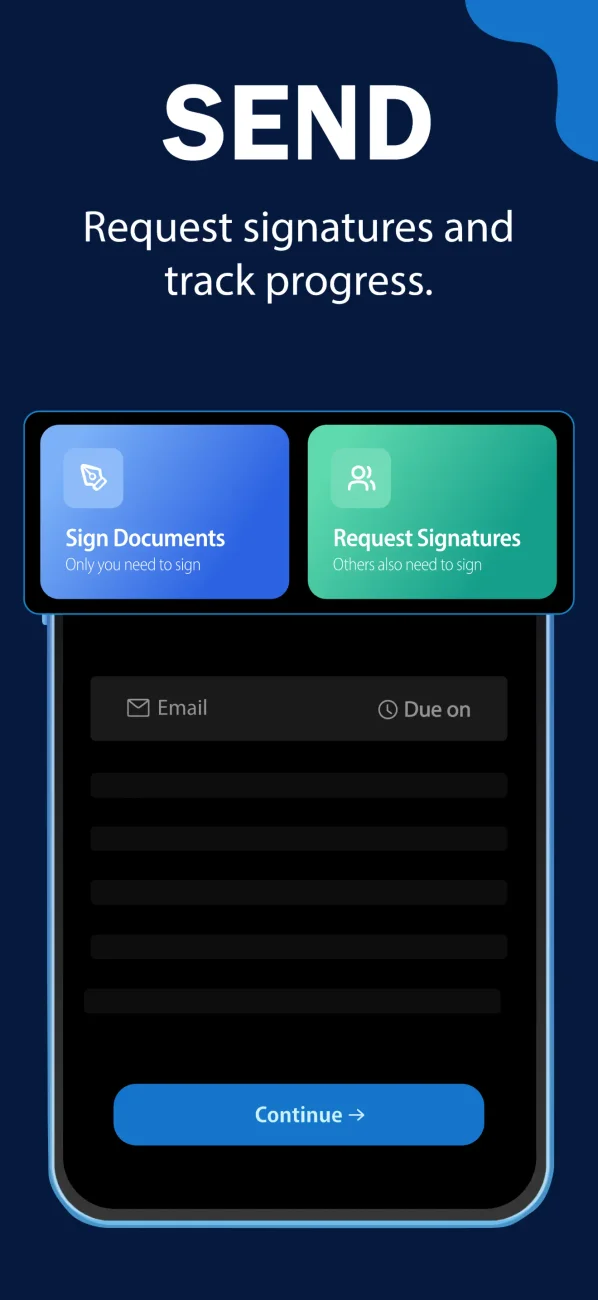
Send contracts, agreements and forms to clients, tenants, colleagues or other recipients for signing. Track the signing process in realtime and see when documents are completed.
4. SCAN & SIGN
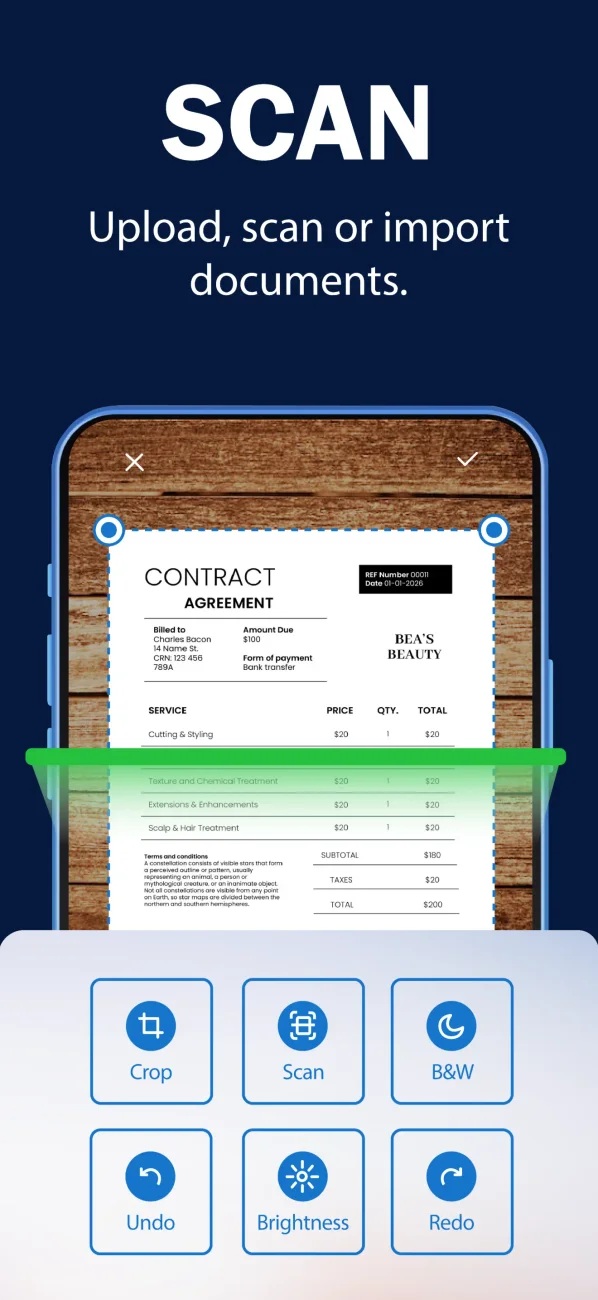
Use your iPhone camera to turn paper documents into digital files. Capture, clean up and sign documents wherever you are.
5. AUDIT TRAIL
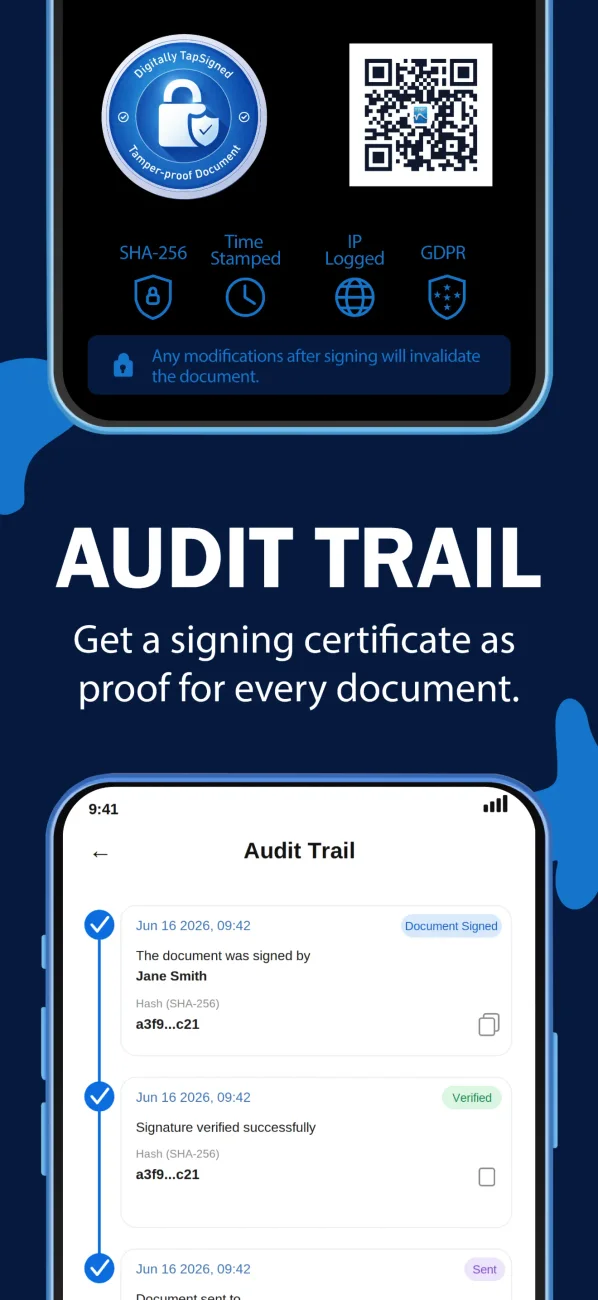
Keep a record of important signing activity with a timestamped audit trail associated with your completed documents.
6. VERIFY SIGNED DOCUMENTS
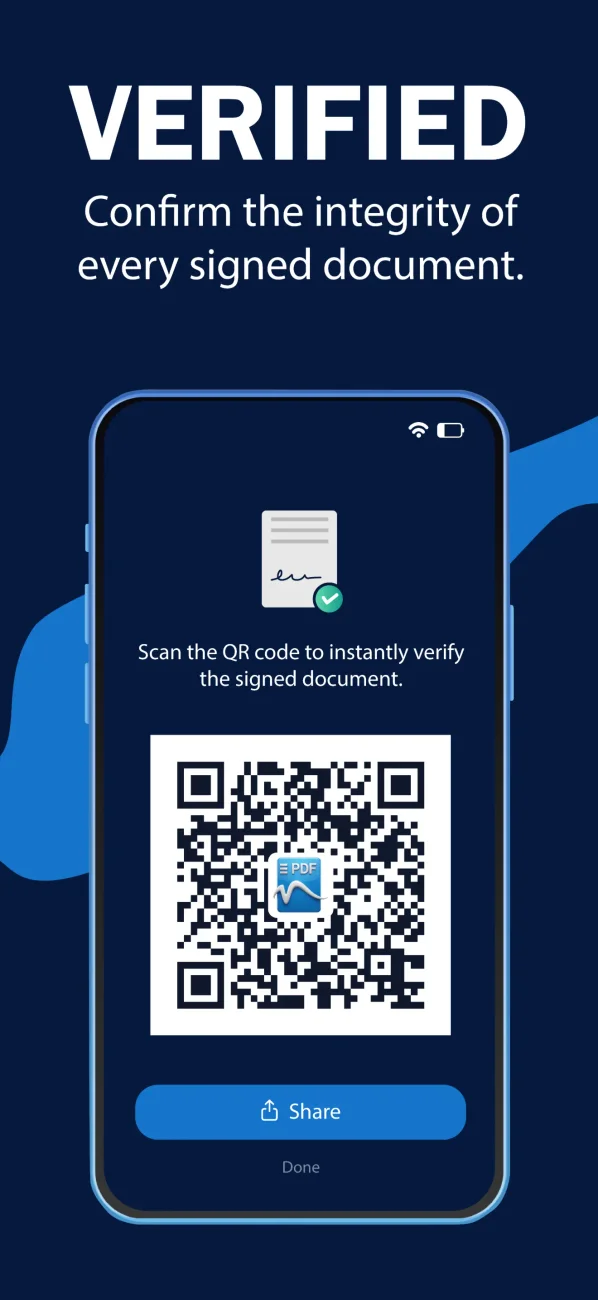
Scan the unique QR code to check the details of a signed document and confirm its verification status.
7. TEMPLATES
Save frequently used documents and agreements so you can reuse them without starting from scratch.
8. SECURE DOCUMENT MANAGEMENT
Keep your documents, signatures and signing records organized in one place, with security features designed to help protect your information.
BUILT FOR
• Freelancers and consultants signing contracts
• Small businesses collecting signatures
• Landlords and property managers handling agreements
• Professionals sending forms and documents
• Anyone who wants to replace printing and scanning with digital signing
Sign documents wherever business takes you — from your iPhone or iPad.
Payment is charged to your Apple ID at purchase confirmation. Subscriptions renew automatically unless auto-renew is turned off at least 24 hours before the end of the current period. You can manage or cancel your subscription in your Apple ID account settings after purchase.
Terms of Use (EULA): https://www.apple.com/legal/internet-services/itunes/dev/stdeula/
Privacy Policy: https://tapsign.app/web/privacy
What’s new
Version 1.0.8 · Nov 6, 2026
We regularly update TapSign to make signing documents faster and more reliable.
What’s new:
• Snappier performance across large PDFs and templates
• Improved folder organization and document recovery
• Custom logo branding now available for email header assets and more
• Sleek dark appearance across all in-app menus, sheets, and popups
• Streak Rewards: Maintain a 4-week streak to spin for Free Lifetime Access
• Bug fixes and stability enhancements throughout the app
App privacy
What ALLEN DEV LLC declares on the App Store about how this app handles data.
-
Data linked to you
May be collected and linked to your identity.
- Purchases
- Location
- Contact info
- User content
- Identifiers
- Usage data
- Diagnostics
Privacy practices may vary, for example with the features you use or your age.
Information
- Seller
- ALLEN DEV LLC
- Category
- Business
- Version
- 1.0.8
- Updated
- Nov 6, 2026
- Released
- Jul 21, 2026
- Size
- 66.7 MB
- Requires
- iOS 16.6 or later
- Age rating
- 4+
- Price
- Free
- In-app purchases
- Yes
- Languages
- English
- Copyright
- © 2026 AllenDev LLC. TapSign - All rights reserved.
You might also like
-
 SignDenBusiness
-
 Digicard Digital Business CardBusiness
-
 Document Signer App - TinySignEasy Sign & Fill PDF
-
 WGProductions Woodgrain StudioCustomer app for clients
-
 FormFill: Fill & Sign PDFFillable forms, offline signer
-
 Ai resume builder : TemplateCover Letter Creator: Template
-
 E Sign PDF: Document SignerScan, Sign & Fill Documents
-
 Check In Guest Book AppBusiness
-
 Sign. Just sign and sealSign & seal PDFs and photos
-
 WaFd Treasury TokenSecurity made simple.