Signed Base Converter
Decimal, hex, signed & float
Designed for iPhone, iPad
Free · In-app purchases
- Age rating4+
- CategoryUtilities
- Developer洋 刘
- LanguagesEnglish+ 1 more
- Size10.4 MB
Links to the official App Store page
Download.org hosts no file of Signed Base Converter. The button opens its official App Store page, published by 洋 刘. Listing last checked on Nov 20, 2026.
Screenshots


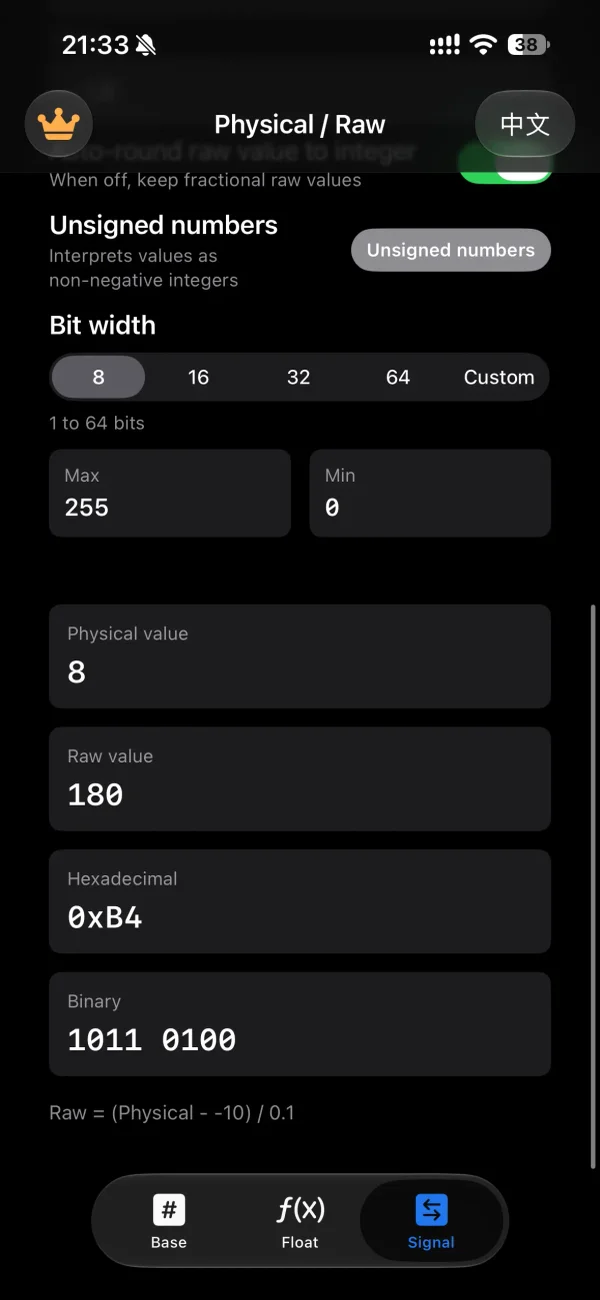
About
Signed Base Converter is a clean and focused tool for everyday number base conversion.
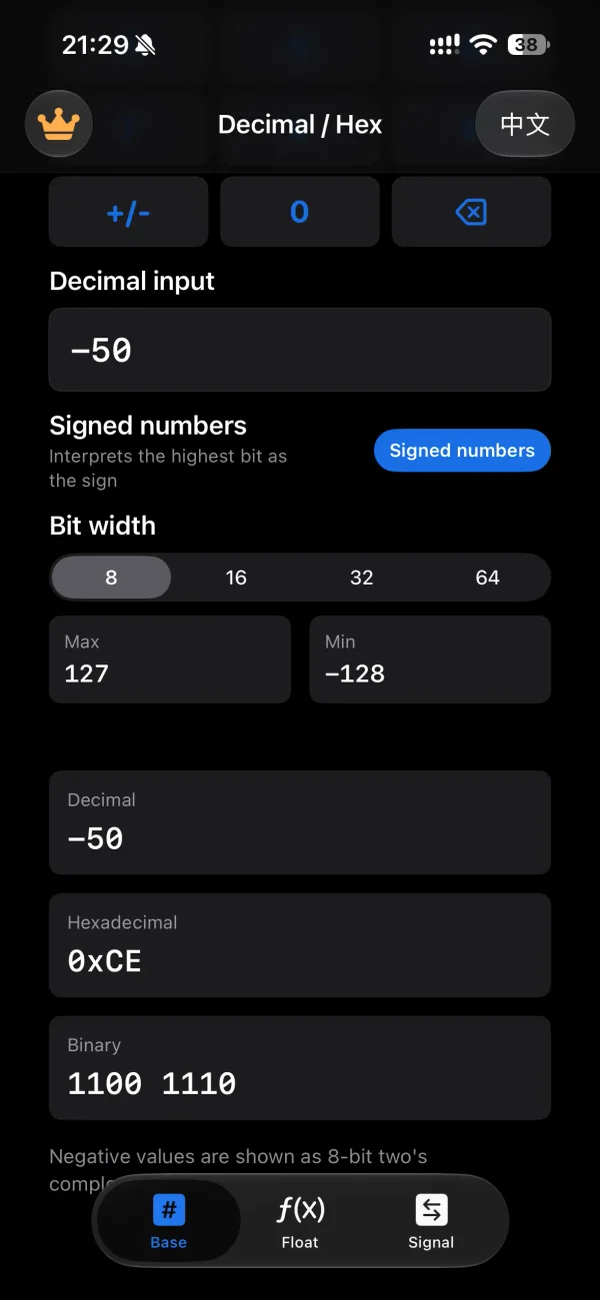
Switch between decimal-to-hexadecimal and hexadecimal-to-decimal conversion, and the input automatically changes to match the selected direction. The app also shows the corresponding binary representation so you can inspect the actual bit pattern at a glance.
Signed Base Converter supports both signed and unsigned interpretation, with selectable 8, 16, 32, and 64-bit widths. When you change the bit width or number mode, the app displays the current minimum and maximum values, making it easier to understand valid ranges, two's-complement values, and overflow limits.
Key features:
Decimal to hexadecimal conversion
Hexadecimal to decimal conversion
Binary output shown at the same time
Signed and unsigned number modes
8, 16, 32, and 64-bit width options
Minimum and maximum value display for the current mode
Automatic input conversion when switching direction
Chinese and English interface support
Signed Base Converter is useful for computer science learning, software development, embedded debugging, data inspection, and daily numeric format conversion.
What’s new
Version 1.3 · Oct 9, 2026
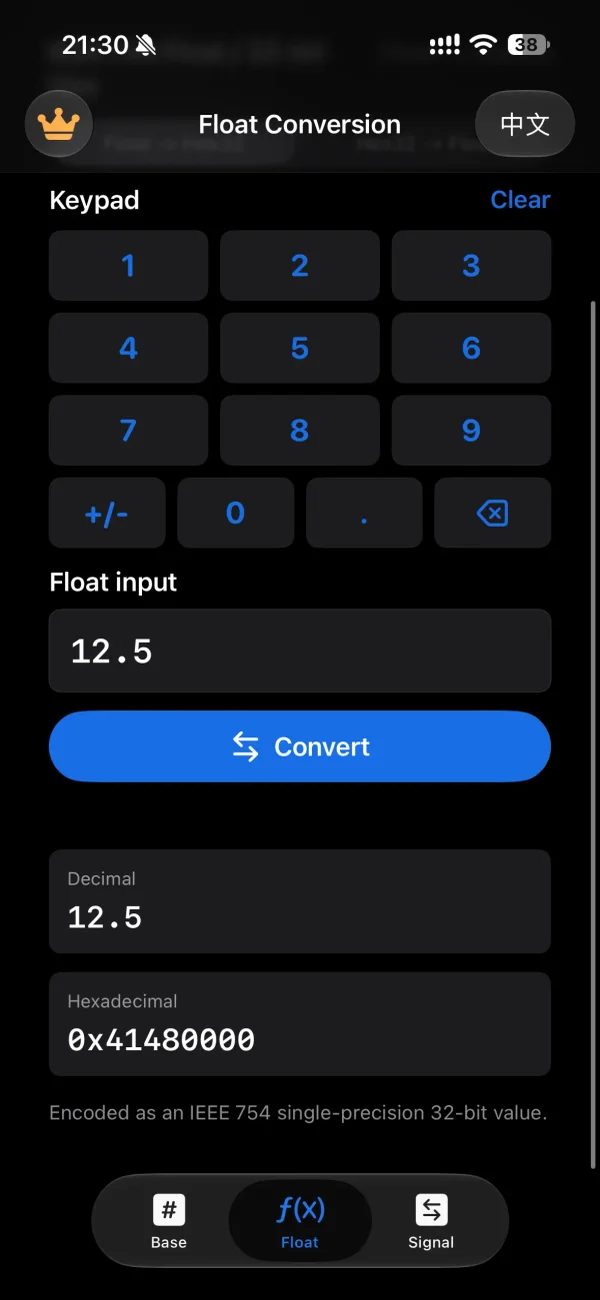
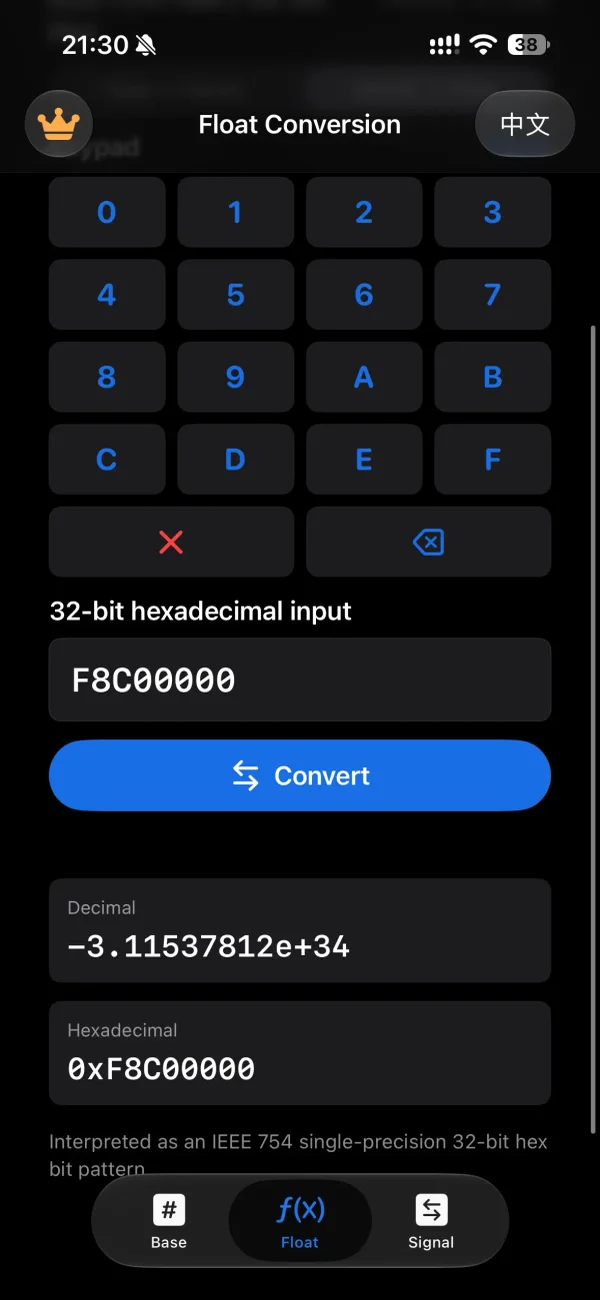
This update improves real-world CAN calibration and signal decoding workflows:
- Added a new Physical/Raw conversion page with Resolution and Offset parameters
- Added bottom-tab navigation for Base, Float, and Physical conversions
- Physical-to-raw conversion now allows fractional raw values by default (no forced integer)
- Added an optional toggle to auto-round raw values to integers when needed
- Ongoing UX and localization improvements
App privacy
What 洋 刘 declares on the App Store about how this app handles data.
-
Data used to track you
May be used to track you across apps and websites owned by other companies.
- Contact info
- Usage data
-
Data linked to you
May be collected and linked to your identity.
- Contact info
- Usage data
Privacy practices may vary, for example with the features you use or your age.
Information
- Seller
- 洋 刘
- Category
- Utilities
- Version
- 1.3
- Updated
- Oct 9, 2026
- Released
- Jun 15, 2026
- Size
- 10.4 MB
- Requires
- iOS 17.0 or later
- Age rating
- 4+
- Price
- Free
- In-app purchases
- Yes
- Languages
- English, Simplified Chinese
- Copyright
- © YangLiu 2026
You might also like
-
 Calculator - AI Smart CalcNo Ads & Voice & Science
-
 单位换算器-单位转换器Utilities
-
 PLC Tools PlusPLC Ethernet/IP device utility
-
 Max CalcCalculator, unit converter
-
 Bit Scope - ConverterBit calculator for developers
-
 极速单位换算Utilities
-
 进制转换-程序员进制换算计算助手Utilities
-
 仪表宝典Utilities
-
 时间戳转换工具 - 时间戳与日期互转Utilities
-
 芯片查询-芯片信息助手Utilities