- Age rating4+
- CategoryUtilities
- DeveloperBicoastal AI, LLC
- LanguagesEnglish+ 4 more
- Size5.6 MB
Links to the official App Store page
Download.org hosts no file of SilentSlide. The button opens its official App Store page, published by Bicoastal AI, LLC. Listing last checked on Nov 17, 2026.
Screenshots
About
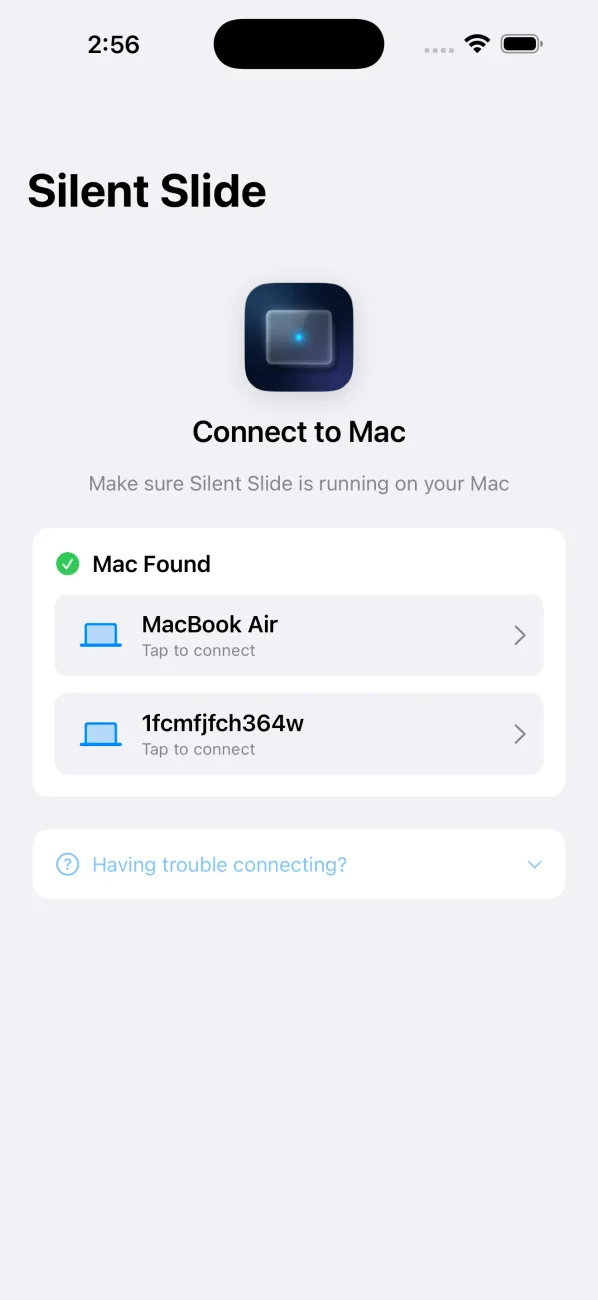
REQUIRES MAC APP — Silent Slide connects your Apple Watch to your Mac through your iPhone. Download Silent Slide on your Mac from the Mac App Store to complete setup.
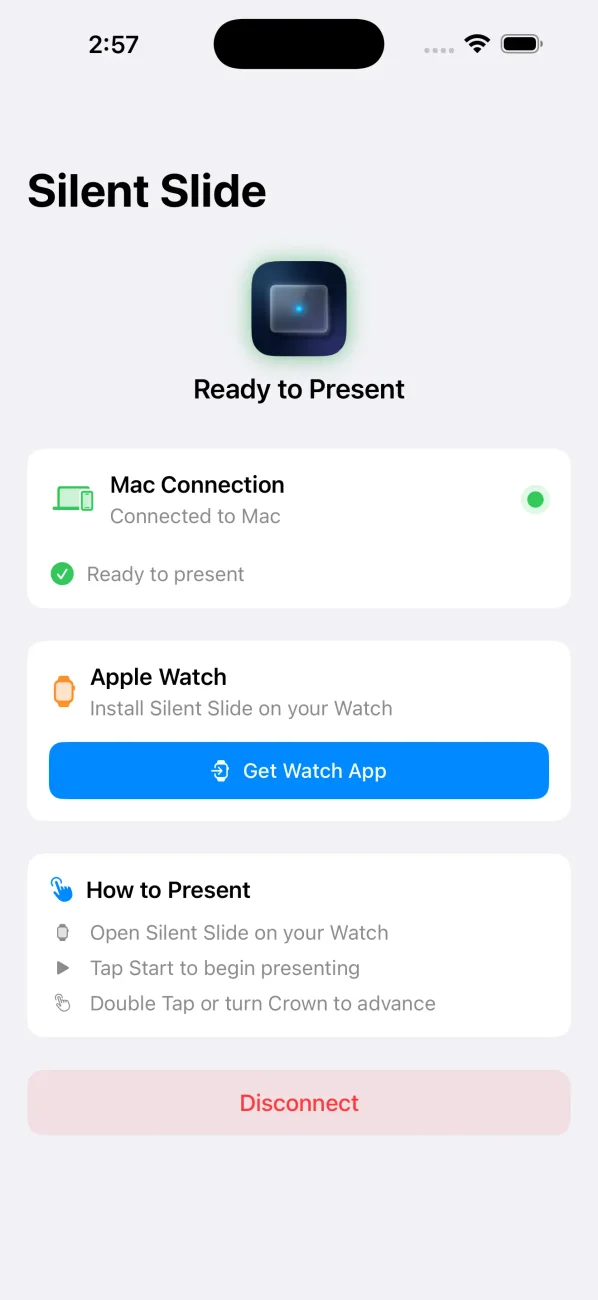
Silent Slide turns your Apple Watch into a discreet presentation remote. Control your slides with simple double tap finger to thumb gestures—no clicker needed.
HOW IT WORKS
Your Apple Watch detects gestures and sends commands through your iPhone to your Mac. Double-tap to advance, scroll the Digital Crown to navigate, and feel each slide change with subtle haptic feedback.
FEATURES
• Gesture Control – Double-tap or use the Digital Crown to advance slides
• Haptic Feedback – Feel confirmation on your wrist for each slide change
• Instant Pairing – Connects to your Mac automatically over local network
• Works Offline – No internet required during presentations
• Discreet – Keep your hands free and your audience focused
SUPPORTED APPS
Works with Keynote, PowerPoint, Google Slides, and any app that uses arrow keys.
REQUIREMENTS
• Apple Watch with watchOS 10 or later
• iPhone with iOS 17 or later
• Mac running Silent Slide (free companion app)
We're actively improving Silent Slide and welcome your feedback at contact@silentslide.app
Privacy Policy: https://silentslide.app/privacy
Terms of Use: https://silentslide.app/terms
What’s new
Version 2.2 · Jun 25, 2026
Bug Fixes.
App privacy
What Bicoastal AI, LLC declares on the App Store about how this app handles data.
-
Data not collected
The developer does not collect any data from this app.
Privacy practices may vary, for example with the features you use or your age.
Information
- Seller
- Bicoastal AI, LLC
- Category
- Utilities
- Version
- 2.2
- Updated
- Jun 25, 2026
- Released
- Jan 7, 2026
- Size
- 5.6 MB
- Requires
- iOS 17.6 or later
- Age rating
- 4+
- Price
- Free
- Languages
- English, French, German, Japanese, Spanish
- Copyright
- © 2026 Bicoastal AI, LLC
You might also like
-
 Caster's ToolEvents at a glance!
-
 LucidARSee the world differently
-
 Real iniReal-Scale 3D & Booth Preview
-
 Therblig — Time StudyUtilities
-
 Parking Lot ReminderUtilities
-
 Counter : Count EverythingCustomizable & quick counters
-
 Layout ToolQuote layout and style editor
-
 TFT BLE AntiLostUtilities
-
 SlideLinkSlideLink app
-
 TracesmapOpenStreetMap GPS App