SILVER: Black & White Camera
Monochrome film, photo journal
Designed for iPhone, iPad, iPod touch
Free · In-app purchases
- Age rating4+
- CategoryPhoto & Video
- DeveloperSushil Kumar
- LanguagesEnglish
- Size38.0 MB
Links to the official App Store page
Download.org hosts no file of SILVER: Black & White Camera. The button opens its official App Store page, published by Sushil Kumar. Listing last checked on Nov 25, 2026.
Screenshots


About
SILVER is a black-and-white film camera with no subscription. All six films are free, framed photos are free to save and share, and SILVER Pro is a one-time purchase.
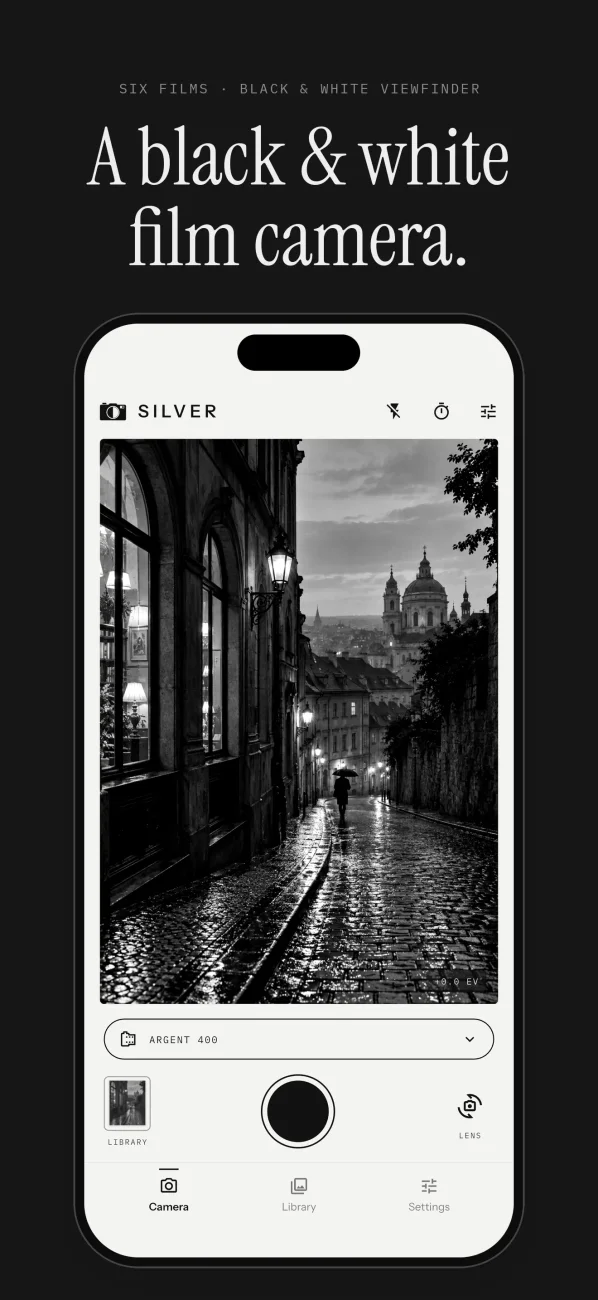
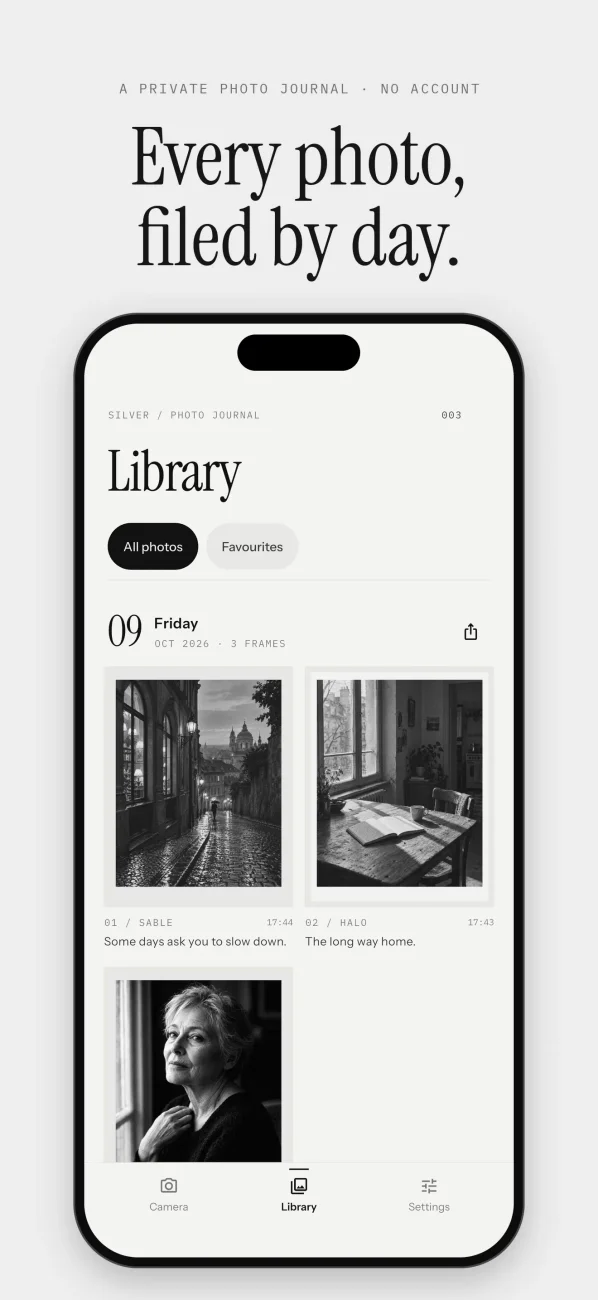
Shoot from the Lock Screen, Control Center or the Action button. Each photo develops on screen, and SILVER files it in a private journal with the date, an optional place and your caption.
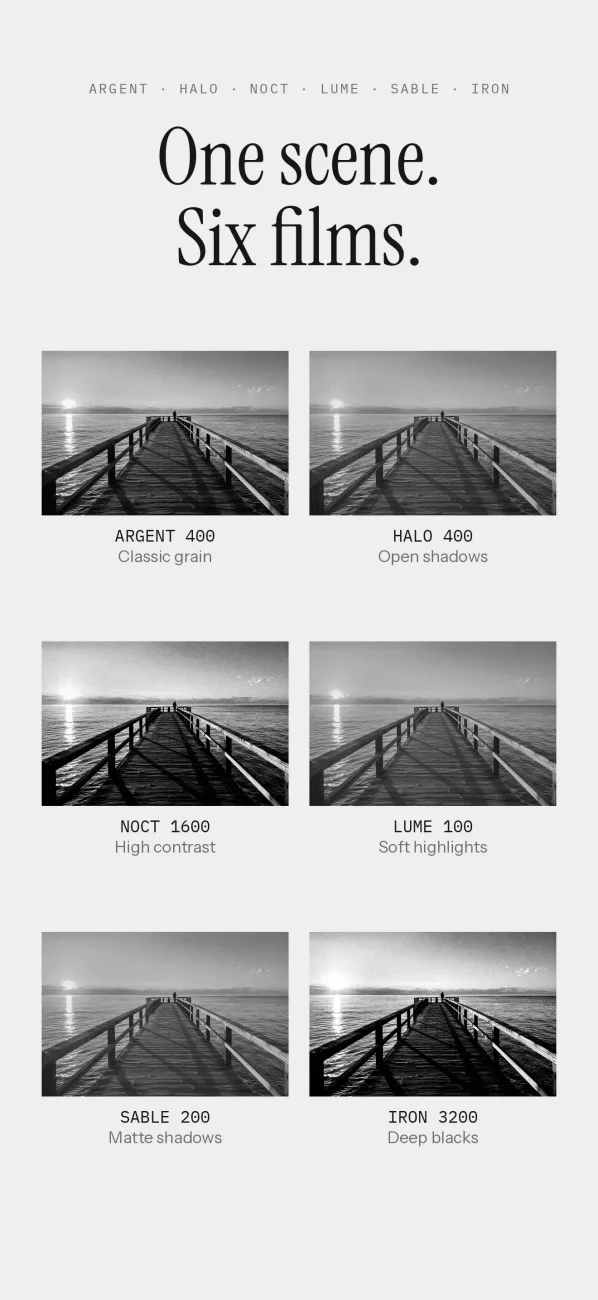
SIX FILMS, ALL FREE
• ARGENT 400: classic grain
• HALO 400: open shadows
• NOCT 1600: high contrast
• LUME 100: soft highlights
• SABLE 200: matte shadows
• IRON 3200: deep blacks
Adjust grain and borders, tap to focus and set exposure, and switch lenses or turn to the front camera. Flash, zoom, a grid and a 3 or 10 second timer are built in. The viewfinder is already black and white before you press the shutter.
FORMATS, FILTERS AND ROLLS
Choose a format in the Film picker: full frame, 3:2, square 6×6, 6×7 or the wide XPan panorama. SILVER keeps the whole negative, so you can change the format after the shot. Add a yellow, orange, red or green contrast filter. Load a roll of 24 or 36 frames: the photos stay hidden until the roll develops, right away or the next morning. Turn on the date imprint for a small gray dot-matrix date in the corner.
ALWAYS WITHIN REACH
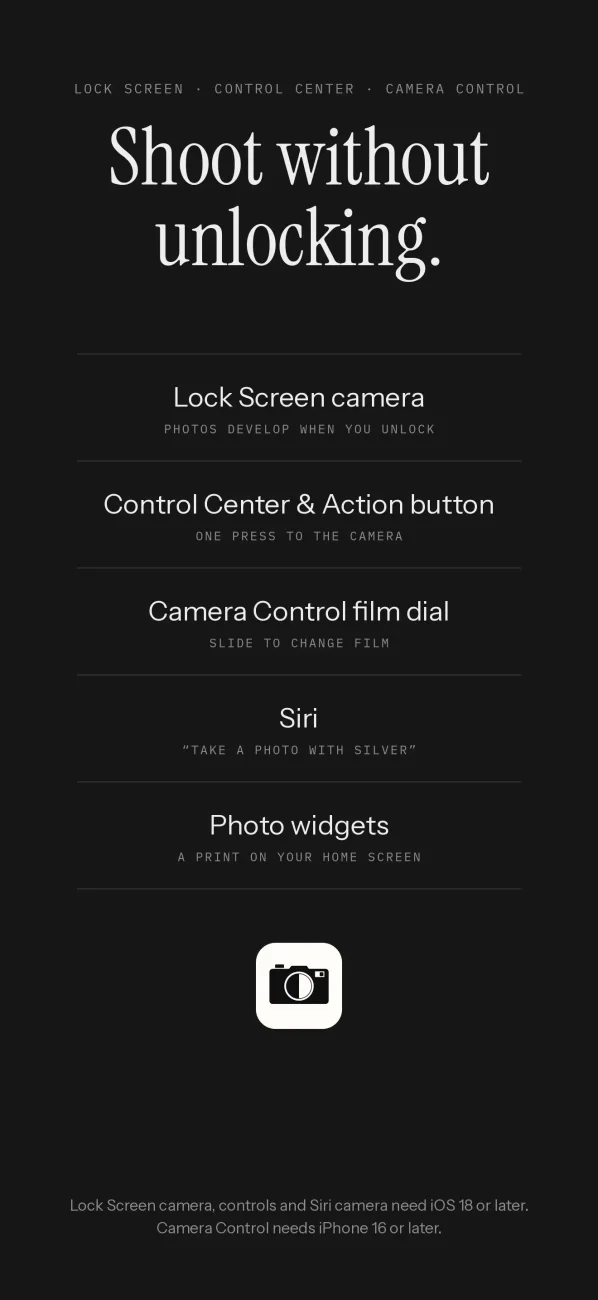
• Lock Screen camera: shoot without unlocking. Photos develop the next time you open SILVER.
• Control Center and Action button controls.
• Camera Control on iPhone 16 and later: slide to change film, press to shoot.
• Siri: "Take a photo with SILVER."
• Photo widgets for the Home Screen and a camera widget for the Lock Screen.
The Lock Screen camera, the controls and the Siri camera need iOS 18 or later; widgets need iOS 17.
A JOURNAL OF YOUR DAYS
Photos are grouped by day. Add a caption, a mood or a place, mark favorites, and look back whenever you like. Develop any photo again in the Darkroom on another film, paper grade or grain. A deleted photo waits in Recently Deleted for 30 days.
SAVE AND SHARE
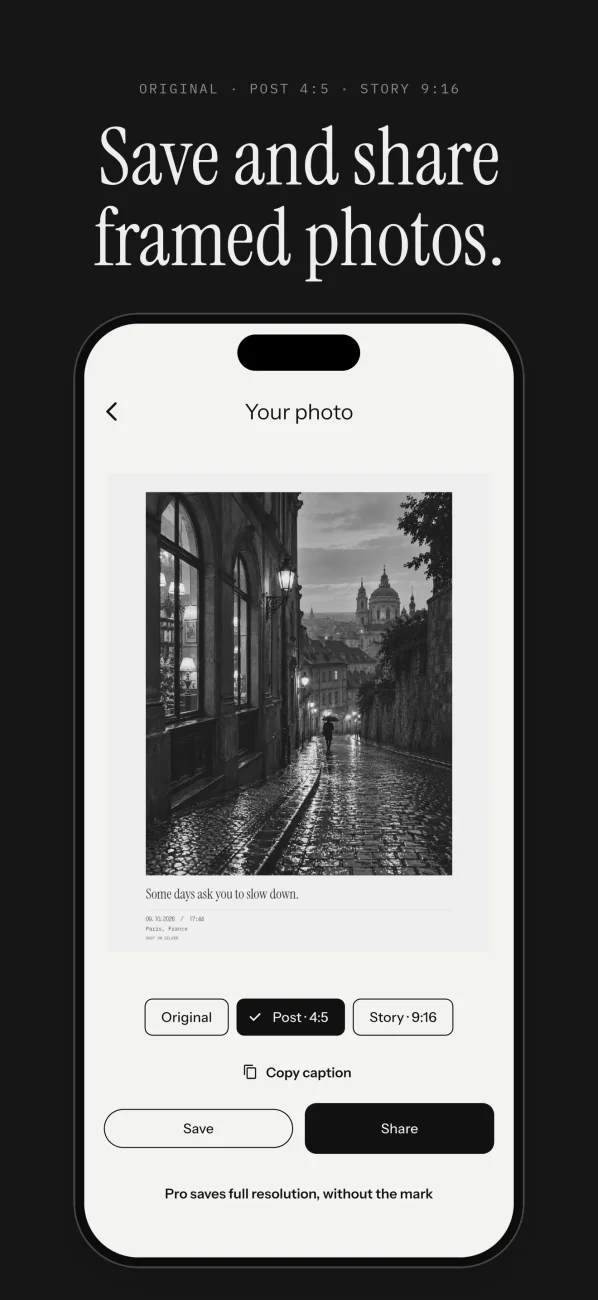
Frame a photo as Original, Post (4:5) or Story (9:16), with your caption, date and place. Framed photos are free to save and share, at a smaller size and with a small "Shot on SILVER" mark.
SILVER PRO
Pro is a one-time purchase. It saves every photo at full resolution, lets you remove the mark, and adds double exposures and contact sheets of a day or a roll. With Pro you can also import photos from your library and develop them on any film, without giving SILVER access to your library, and save each new photo to Photos automatically. Future updates are included. Restore your purchase with the same Apple Account.
PRIVACY
No SILVER account and no ads. Your photos, notes and places stay on your device unless you save or share them. SILVER sends anonymous usage data, such as which features get used, and never your photos, notes, places or anything you type. Turn it off in Settings; in the EEA, the UK and Switzerland it stays off until you allow it. Capture and the journal work offline.
Your Library is stored only inside SILVER. It stays out of device backups unless you turn on Settings › Photos.
What’s new
Version 1.7.8 · Nov 24, 2026
Keep shooting while photos develop. The camera is ready again right after each shot, new photos rest in a small stack in the corner of the viewfinder, and the preview pages through them as they finish.
App privacy
What Sushil Kumar declares on the App Store about how this app handles data.
-
Data linked to you
May be collected and linked to your identity.
- Contact info
- User content
- Diagnostics
-
Data not linked to you
May be collected but is not linked to your identity.
- Purchases
- Location
- Identifiers
- Usage data
Privacy practices may vary, for example with the features you use or your age.
Information
- Seller
- Sushil Kumar
- Category
- Photo & Video
- Version
- 1.7.8
- Updated
- Nov 24, 2026
- Released
- Sep 24, 2026
- Size
- 38.0 MB
- Requires
- iOS 15.0 or later
- Age rating
- 4+
- Price
- Free
- In-app purchases
- Yes
- Languages
- English
- Copyright
- © 2026 Sushil Kumar
You might also like
-
 MonoVibe Black & White CameraFine Art Editor, Grain & Tone
-
 MONO — Black and White CameraLight. Shadow. Nothing else.
-
 Awaking: Match Color & LightPhoto Editor, Filters & Masks
-
 M50Photo & Video
-
 MetrochromeFilm emulsions & darkroom
-
 memories - Mono CameraBlack and White Film Camera
-
 Helio Black&White Film CameraAuthentic Film Grain & Styles
-
 Silver Halide: Film CameraFilm Emulation & Photo Editor
-
 Simple Black And White CameraBinary Image Conversion
-
 Edit AI - AI Photo EditorEdit Photos With Words