- Age rating4+
- CategoryUtilities
- Developer凯 邢
- LanguagesJapanese+ 2 more
- Size5.8 MB
Links to the official App Store page
Download.org hosts no file of Simmerdial. The button opens its official App Store page, published by 凯 邢. Listing last checked on Nov 12, 2026.
Screenshots

About
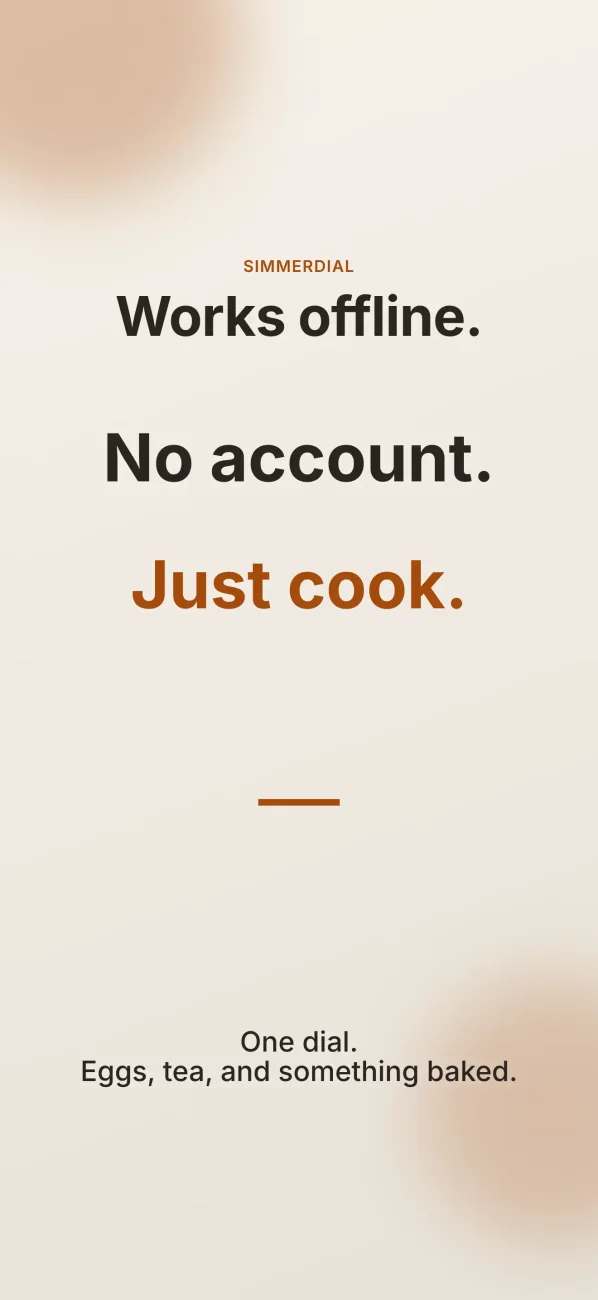
Simmerdial brings a familiar kitchen timer to your iPhone.
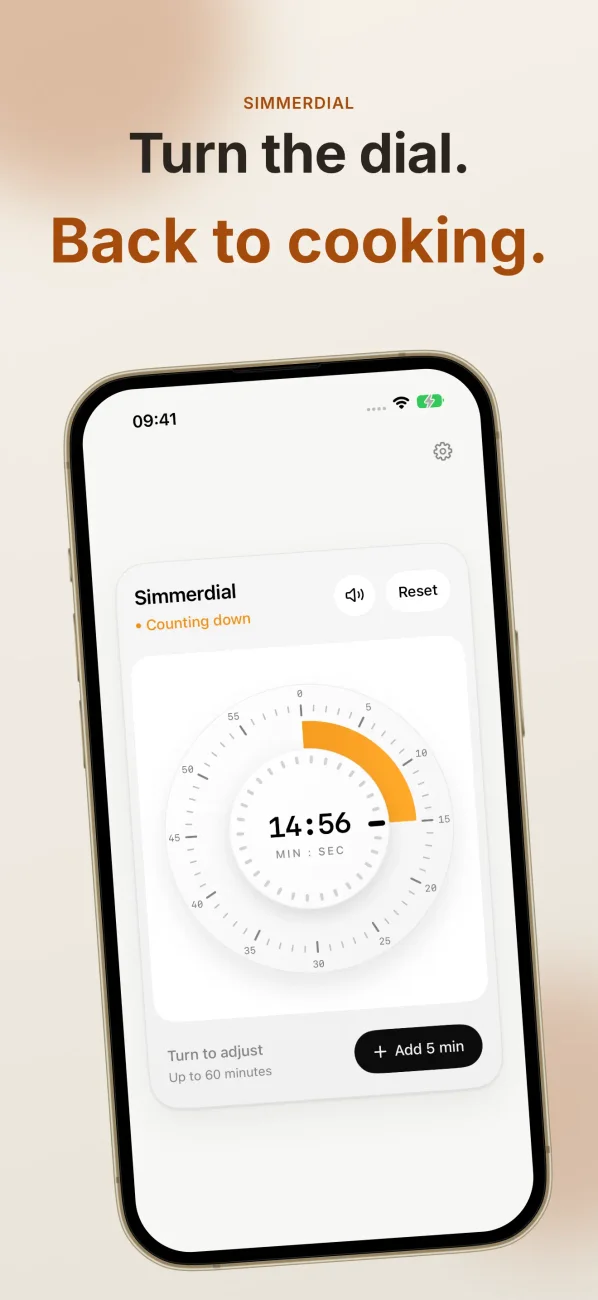
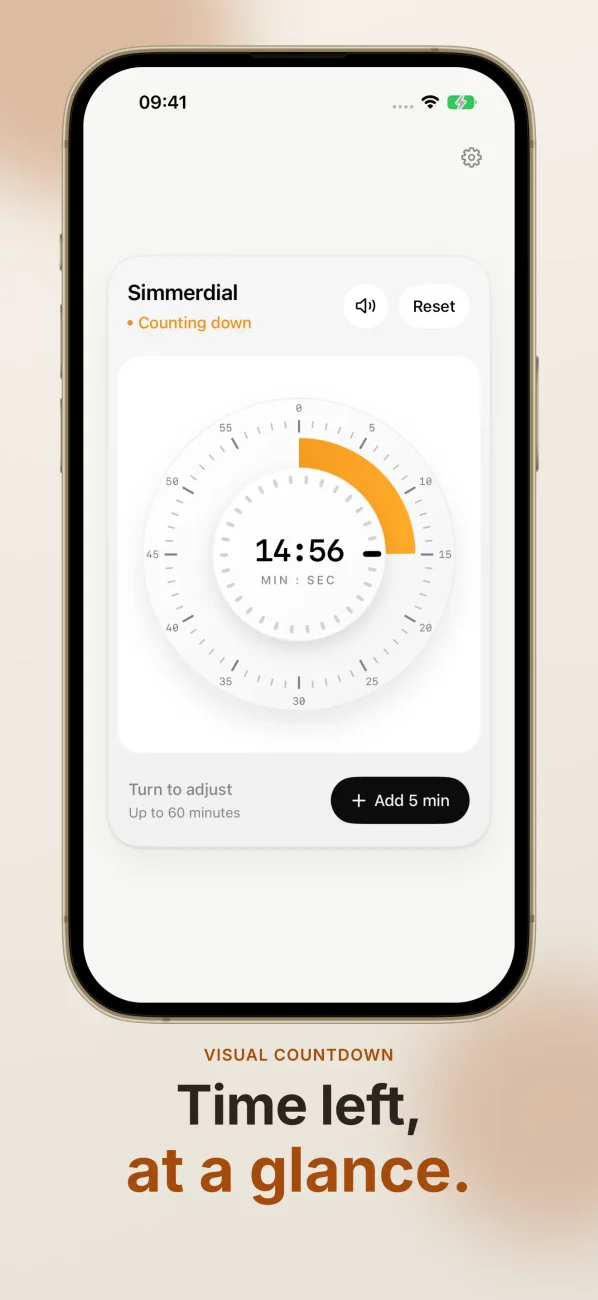
Turn the dial clockwise to set a time. Release to start. From eggs and tea to baking, set your timer and get back to the task at hand.
A short illustrated guide walks you through the basics on first launch.
TURN TO SET
Choose up to 60 minutes in 15-second steps. Mechanical clicks and haptic feedback make each turn feel familiar. Mute the dial sound whenever you like.
SEE WHAT IS LEFT
The orange ring shows time remaining at a glance. Adjust the dial while the timer runs, tap to add five minutes, or reset to start over.
HEAR WHEN IT IS READY
Allow system alerts and, once the alarm is scheduled, it can ring when your iPhone is locked or the app is closed. Check the live countdown on your Lock Screen or in the Dynamic Island on supported iPhones.
MAKE IT YOURS
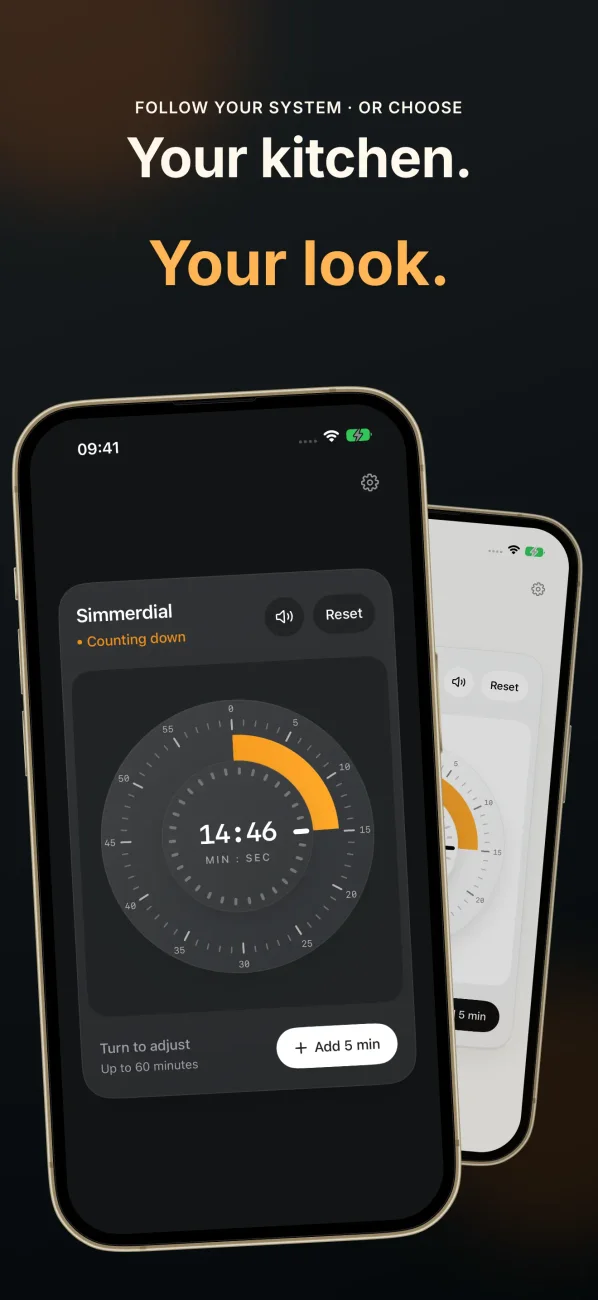
Choose light, dark, or your system appearance. Open iOS Settings from the app menu to change the app language. Available in English, Simplified Chinese, and Japanese.
KEEP IT SIMPLE
No account, ads, or tracking SDKs. Timer state, sound settings, and appearance preferences stay on your device. Timing works offline. VoiceOver lets you adjust the time, and Reduce Motion is supported.
For iPhone with iOS 26 or later. System alerts require permission. If permission is off or an alarm cannot be scheduled, keep the app open to hear the alert. Dynamic Island features require a supported iPhone.
What’s new
Version 1.1.1 · Oct 24, 2026
• A roomier timer layout for iPhone Duo and landscape use, with a large countdown beside the dial.
• Tap the time to set minutes and seconds precisely, see when your timer will finish, and repeat your last duration.
• Undo an accidental reset within five seconds.
• Open straight to the timer; the illustrated guide is available in Settings.
• Improved text readability and timer reliability when the system clock changes.
App privacy
What 凯 邢 declares on the App Store about how this app handles data.
-
Data not collected
The developer does not collect any data from this app.
Privacy practices may vary, for example with the features you use or your age.
Information
- Seller
- 凯 邢
- Category
- Utilities
- Version
- 1.1.1
- Updated
- Oct 24, 2026
- Released
- Sep 15, 2026
- Size
- 5.8 MB
- Requires
- iOS 26.0 or later
- Age rating
- 4+
- Languages
- Japanese, Simplified Chinese, English
- Copyright
- © 2026 Kai Xing
You might also like
-
 Sonara: Decibel & Noise MeterSound Level, dB & SPL Analyzer
-
 House RadarFind things in your house
-
 Paperlock: Document VaultPrivate, encrypted, offline.
-
 FixCalc: Material CalculatorPaint, Tile & Flooring Costs
-
 Countdown Widgets: CountPalReminders, Day Counter & Timer
-
 WingKitCreate, Organize & Remember
-
 RushCountdownAccurate PiP Countdown
-
 Spoken AlarmAlarms that speak to you!
-
 CartSnap: Local Grocery ScanGrocery Budget & Cart Total
-
 Shiguang Live: Wallpaper MakerVideo to Live Photo Converter